

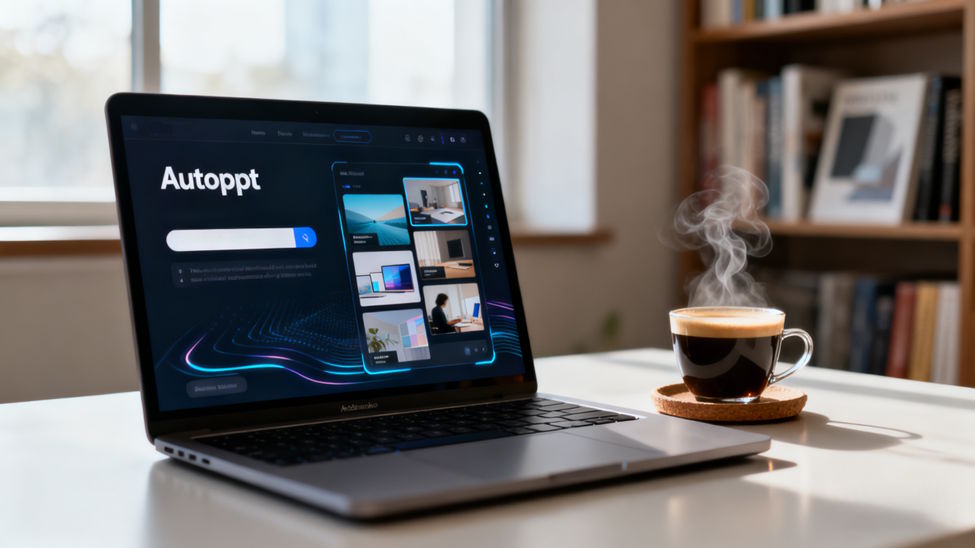
We have all been there. It is late at night, your coffee is cold, and you are staring at a completely white screen. You have a presentation due tomorrow morning, and the cursor just keeps blinking at you.
Making PowerPoint slides is one of those tasks that feels like it takes forever. First, you have to outline your thoughts. Then, you have to type it all out. Finally, you have to become a graphic designer and try to make it look professional. It is exhausting.
Recently, I decided I was done doing this the hard way. I started looking for tools that could do the heavy lifting for me. That is when I stumbled upon a tool called Autoppt. I decided to test it out to see if it could actually save me from "slide fatigue."
If you are tired of spending hours on presentations, keep reading. Here is my full Autoppt review and why I think it might just be the secret weapon you need.
The Problem with Traditional Presentation Making
Before we dive into the tool, let’s talk about why making slides is so annoying. The biggest issue isn't the content; it is the formatting. You spend 20% of your time thinking about what to say, and 80% of your time trying to align text boxes, find good images, and make sure the fonts match.
It is a waste of time. Your value comes from your ideas, not your ability to crop a photo. This is where Artificial Intelligence (AI) steps in. The promise of AI automation services is that they handle the boring stuff so you can focus on the message.
First Impressions: Using Autoppt
When I first opened the website for this Autoppt review, I was looking for simplicity. I didn’t want a tool that required a two-hour tutorial just to learn the basics.
The interface is refreshingly clean. You don’t get overwhelmed with a million buttons. The process is straightforward. You essentially tell the AI what you want to present. You give it a topic—for example, "The History of Coffee" or "Q3 Marketing Strategy"—and the AI gets to work.
It generates an outline for you first. Once the deck is built, it's worth thinking about where it lands next — some people export straight to PowerPoint, others publish it in a digital flipbook which clients can browse directly without needing the file at all. This is a lifesaver. Sometimes the hardest part is just structuring your argument. Once you are happy with the outline, the magic happens. The tool builds the slides for you. It puts the text in, selects the layouts, and organizes the flow.
Is it really the best option out there?
There are a lot of tools popping up these days, all claiming to be the best ai powerpoint generator on the market. So, how does Autoppt stack up against noise?
For me, the "best" tool has to balance three things:
- Speed: It needs to be faster than me doing it manually.
- Quality: The English needs to be natural, and the facts need to be relevant.
- Design: It shouldn't look like a template from 1998.
Autoppt hits these marks surprisingly well. The speed is instant. What used to take me an hour took about two minutes. regarding quality, the text generation is solid. It doesn't just throw random words on the page; it actually creates bullet points that make sense.
But the biggest win is that it creates a foundation. Even if you want to change a few things, having a finished draft in front of you changes your psychology. You aren't creating from scratch; you are just editing. That is a much easier task for the brain to handle.
Who is this tool for?
After playing around with it, I realized this isn't just for corporate business people. It is actually versatile.
- For Students: If you have three assignments due in the same week, this can save your grade. It helps you visualize your research quickly.
- For Freelancers: If you need to pitch a client but don't have time to design a beautiful deck, this helps you look professional without the effort.
- For Managers: If you need to present weekly updates to your team, you can generate your slides while you drink your morning coffee.
The "Human" Touch
One worry people have with AI is that the result will feel robotic or cold. During my Autoppt review, I found that the output was professional but neutral enough that I could easily add my own voice to it.
The tool doesn't lock you in. You can still tweak the text, change the images, and move things around. It gives you a head start, not a handcuff. This flexibility is key. You want a tool that acts like an assistant, not a boss.
Why Speed Matters
We live in a fast-paced world. Spending four hours on a slide deck that will only be seen for 15 minutes is not a good return on investment. By using the best ai powerpoint generator, you are buying back your time. You can use that saved time to rehearse your speech, do more research, or simply relax.
Efficiency isn't about being lazy; it is about being smart with your energy.
Final Thoughts
To wrap this up, if you are still manually dragging text boxes around a white slide, you are working too hard. Technology has advanced to the point where we can automate the tedious parts of our work.
Autoppt proved to be a reliable, fast, and easy-to-use companion for presentation creation. It strips away the anxiety of the blank page and gives you a polished starting point in seconds.
Whether you are a student, a CEO, or just someone who hates PowerPoint, it is worth a try. Give it a shot for your next project. You might be surprised at how much free time you have left over.

