


In new projects, I usually simply build the database with the doctrine:schema:update command of Symfony, as it's faster than handling migrations, especially when I haven't finished designing my application and need to start building it from scratch, adding or removing things randomly.
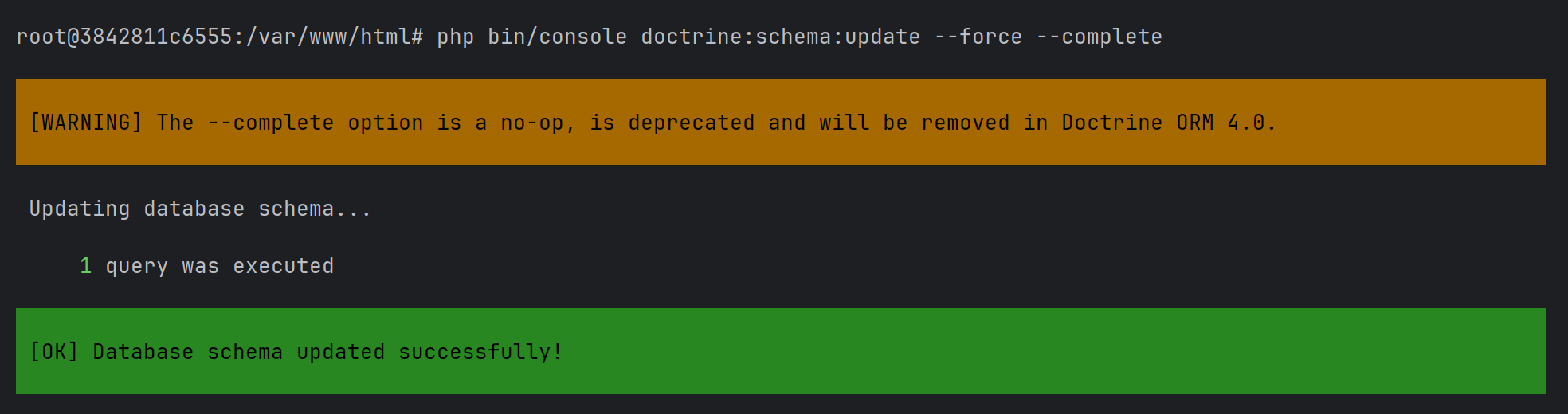
After creating a Symfony 7 project, I followed my regular workflow. I copied some commands from an old documentation that I had in markdown format to run the command to build the database, which was the following:
php bin/console doctrine:schema:update --force --completeAnd suddenly this warning appeared in the CLI: The --complete option is a no-op, is deprecated and will be removed in Doctrine ORM 4.0.
In this short article, I will explain to you briefly the cause of this warning and how to prevent it from appearing.
What Does doctrine:schema:update Actually Do?
The doctrine:schema:update command is one of the most powerful tools provided by Doctrine, but it is also one of the most misunderstood. At a high level, this command compares two things:
- What your database schema should look like, based on the mapping metadata defined in your Doctrine entities (annotations, attributes, XML, or YAML).
- What your database schema actually looks like at the moment the command is executed.
Doctrine then calculates the difference between these two states and generates the necessary SQL statements to bring the database schema in sync with your entity mappings. This command doctrine:schema:update should only be used during development.
What does the warning mean?
The warning states that using --complete is a No-op. In software engineering, it means that an instruction, option, or piece of code executes but has no effect. This means that the flag is accepted, the command still runs successfully, but the flag changes nothing in behavior. So basically, removing it will produce the exact same result.
Since Doctrine ORM 2.x (around the 2.9–2.10 timeframe), --complete has no longer been required. From that point on, the schema tool always performs a full comparison by default.
How to prevent this warning from appearing?
The --complete option has not been required for several major Doctrine ORM releases. Its behavior was made the default years ago, and the option now exists only for backward compatibility until its removal in Doctrine ORM 4.0.
Just remove the option from the command, and that's it! The warning won't appear anymore:
php bin/console doctrine:schema:update --forceHappy coding ❤️!

