

Your App and the World Outside
Modern applications are expected to respond quickly, look clean, and feel intuitive. But responsiveness can also mean understanding what’s happening in the user’s physical environment.
The weather affects daily routines and decisions. People check conditions before commuting, planning events, or choosing how to spend their time. When apps account for those conditions, they provide more relevant, timely experiences.
This kind of real-world awareness doesn’t require complex systems. A single data source can enable apps to adjust behavior based on live or forecasted conditions, creating features that feel personalized without additional input.
Apps that recognize environmental context offer value in ways users may not expect but will immediately appreciate.
Why External Data Matters in Application Design
Applications become more effective when they respond to external factors, not just on-screen interactions. Weather is one of the most consistently useful data sources for this kind of adaptation.
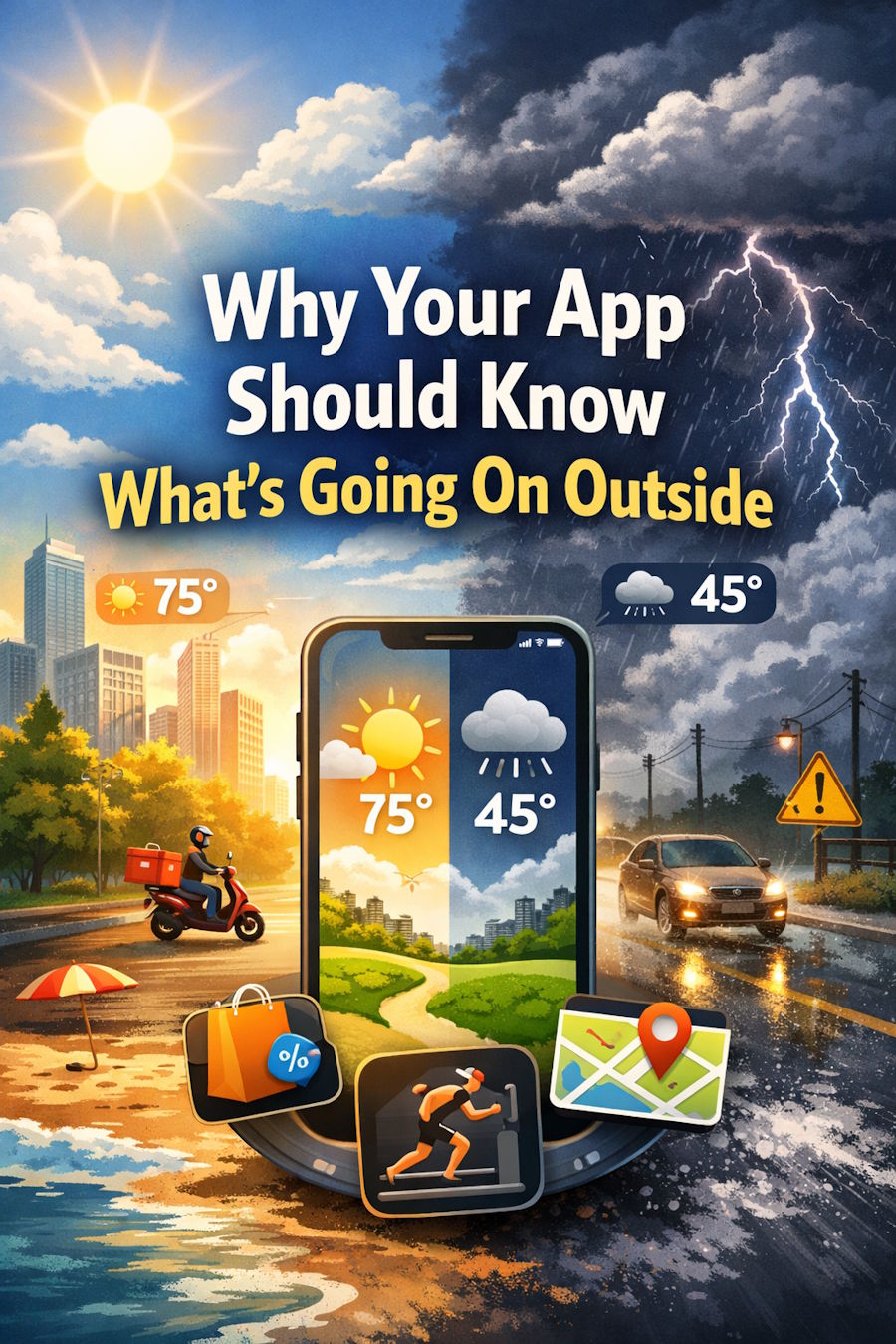
A retail app might change product visibility based on temperature. A delivery platform could adjust estimated arrival times due to road conditions. Fitness apps may suggest indoor workouts if rain is expected. In each case, the app provides a smoother experience by reflecting what the user is likely dealing with.
This also enables automation. Developers can build logic that responds to real-time weather, improving convenience and reducing the need for manual input.
For developers building responsive, user-centered apps, environmental data provides a practical way to enhance relevance and functionality.
How Applications Can Use Real-Time Weather Data
Access to current weather information allows applications to adjust behavior dynamically. This integration typically begins with a weather API that provides live or forecast data based on location and time.
One example is adjusting visual elements to match current conditions—such as a rain-themed interface during storms or high-contrast visuals during fog. These updates enhance user engagement without requiring interaction.
There are also more functional uses. Travel apps can suggest alternate routes. Agriculture platforms can offer planting advice. Entertainment apps may surface different recommendations depending on the local weather.
This kind of responsiveness depends on accurate, reliable data. A weather API connects real-world input to app logic, enabling features that respond to actual conditions rather than fixed assumptions.
Common Features You Can Build with Weather Awareness
Real-time weather data enables a wide range of features that improve usability, reduce friction, and help users make informed decisions. Here are common implementations:
1. Smart UI adjustments
Design elements such as themes, icons, and colors can adapt to the weather, making the interface feel more responsive to the user's environment.
2. Location-aware recommendations
Apps can surface suggestions—like hot drinks on cold days or indoor activities during rain—based on both weather and user location.
3. Automated scheduling
Services can optimize timing and routes by leveraging forecasts, improving efficiency, and enhancing user satisfaction.
4. Contextual notifications
Timely alerts tied to weather changes are useful for safety, travel, and outdoor events.
5. Energy and efficiency controls
Smart systems can use temperature or humidity data to recommend adjustments that reduce energy consumption or improve comfort.
All of these rely on a single source of truth: real-time, location-specific weather data.
Behind the Scenes: Fetching and Using Weather Data
To work with weather data, developers typically use APIs that return structured data in formats such as JSON or XML. This starts with sending a request to an endpoint with parameters such as location, time, or data type.
In many applications, developers use functions such as fetch() to retrieve data from external sources, then parse and integrate the results into app logic.
For instance, a JavaScript app might fetch a city's weather forecast and display a warning icon if rain is likely. The same logic applies to backend services, mobile apps, or IoT devices.
In some cases, caching or storing weather data is necessary. Developers should consider update frequency, rate limits, and security—especially when handling user-specific data.
Choosing an API with strong documentation, consistent performance, and flexible endpoints makes integration easier and more reliable.
Considerations When Working with Forecast or Historical Data
Different weather data types serve various purposes. Real-time data supports immediate decisions. Forecasts help with short-term planning. Historical records are used for analysis, modeling, or comparison.
Forecasts involve uncertainty, especially over longer periods. Historical data may have gaps, depending on location and provider. Developers should account for these factors when designing features and setting expectations.
Performance also matters. Frequent API calls can slow down apps or exceed usage limits. Caching, background updates, and scheduling can optimize integration.
Security is another key consideration. When using third-party services that track user behavior or location, developers should ensure that data is handled responsibly.
For practical guidance on improving reliability and performance, this resource on error handling and optimization in weather API integration offers valuable strategies.
Building Responsiveness Into Your App
Apps that reflect real-world conditions feel more useful and connected to the user’s daily experience. Weather is among the most accessible environmental data sources and can support smarter design decisions across industries.
With thoughtful implementation, developers can create features that respond to external conditions without needing constant input. This approach enhances functionality and adds relevance in ways users notice and value.
By integrating reliable weather data and building with intent, developers can turn simple features into experiences that feel naturally responsive.

