

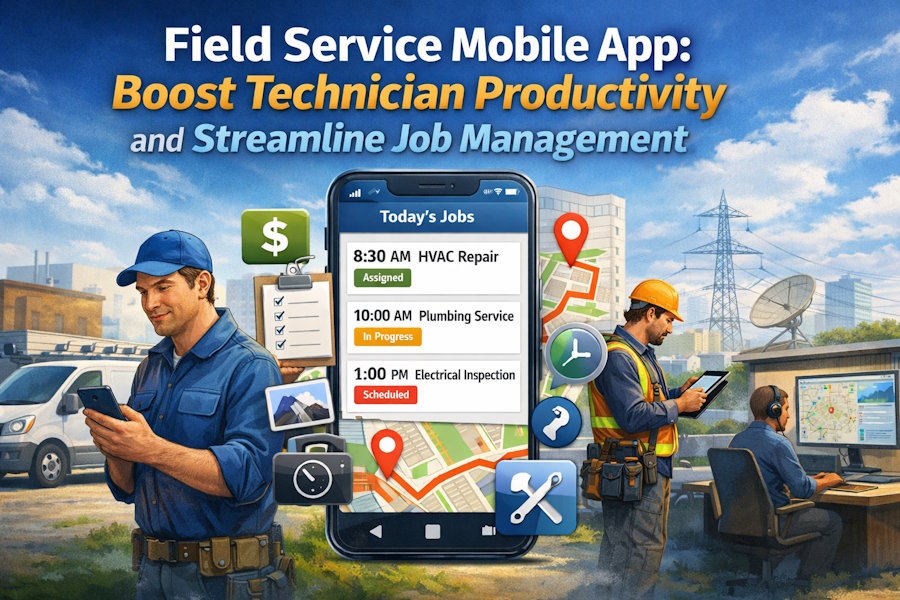
A field service mobile app puts scheduling, job details, invoicing, and customer history into your technician’s hands so they can finish more jobs accurately and faster. You get real-time access to assignments, offline work capability, and tools that improve first-visit resolution and on-site efficiency.
This article breaks down what a field service mobile app does, how to evaluate options that fit your workflows, and practical steps to implement the app so your team uses it effectively. Dive in to learn which features matter most, how offline-first design protects productivity, and how to roll out the app without disrupting operations.
Field Service Mobile App Overview
A field service mobile app gives your technicians real-time access to work orders, customer and asset data, offline capabilities, and navigation tools. It centralizes scheduling, inventory, and reporting so your team completes jobs faster and records accurate job histories.
Core Features and Functionalities
You get work order management that shows job details, service history, priority, and required parts in a single view. The app typically supports checklists, task-level status updates, and photo or signature capture to document completed work.
Offline-first design caches records locally so technicians can continue to record time, parts used, and notes without connectivity. Sync occurs automatically when a connection returns, reducing data loss and duplicate entry.
Built-in maps and turn-by-turn navigation link jobs to optimized routes. For teams exploring advanced capabilities, reviewing AI dispatch & scheduling documentation can help clarify how automated decision-making improves scheduling accuracy and reduces manual effort. This addition provides a deeper technical context for readers who want to understand how these optimizations work behind the scenes, making the content more informative and actionable. Integration with your back-office system or an ERP allows real-time inventory checks, parts reservation, and automatic billing triggers.
Custom forms and configurable screens let you adapt the app to your processes without code. Role-based access controls restrict sensitive customer or pricing data to authorized users.
Mobile App Benefits for Field Teams
Field technicians reduce travel time through route optimization and consolidated daily schedules on the device. You avoid missed appointments because the app provides push notifications, live schedule updates, and dispatcher reroutes.
You improve first-time fix rates by providing asset history, diagnostics, schematics, and recommended parts in the work order. That reduces follow-up visits and increases technician productivity.
Data capture at the point of service—photos, signatures, time, and parts used—speeds invoicing and warranty claims. You also lower administrative burden since the app syncs job completion, costs, and customer approvals back to your system automatically.
Safety and compliance improve when the app enforces safety checklists and records completion, giving managers audit-ready logs without extra paperwork.
Industry Use Cases
In HVAC and plumbing, your technicians use the app to pull asset maintenance history, log refrigerant or parts usage, and generate service quotes on site. This cuts time-to-quote and accelerates approvals.
For utilities and telecoms, crews rely on offline maps and GIS overlays to locate remote assets, record meter reads or equipment status, and sync bulk updates when back in network range. The app supports long shifts in low-coverage areas.
Manufacturing and industrial customers use the app for preventative maintenance rounds—technicians follow digital checklists, record vibration or temperature readings, and trigger work orders for abnormal results. That prevents downtime and tracks compliance.
Choosing and Implementing a Field Service Mobile App
Select tools that match your workflows, data sources, and device policies. Prioritize offline capability, role-based interfaces, and measurable KPIs like job completion time and first-time-fix rate.
Key Selection Criteria
Decide which features directly affect your technicians’ productivity. Look for offline-first functionality so technicians can complete inspections and capture signatures without connectivity. Choose apps that support both smartphones and tablets and that allow configurable forms, photo capture, barcode/RFID scanning, and GPS time/location stamping.
Require role-based views and workflow automation so dispatchers, technicians, and supervisors see only relevant fields. Verify security: encryption at rest and in transit, device compliance checks, and granular access controls. Check licensing and total cost of ownership, including mobile data, support, and customization fees. Request vendor references and run a pilot with representative crews for at least two weeks.
Integration with Existing Systems
Plan integrations that remove duplicate data entry and speed billing cycles. Ensure the app connects bi-directionally with your ERP, CRM, and inventory systems to sync work orders, customer records, parts availability, and invoicing.
Confirm available APIs, prebuilt connectors (e.g., Microsoft Power Platform, Salesforce Field Service), and middleware compatibility. Map data fields and design error handling for failed syncs. Define sync frequency: near real-time for scheduling and offline batch sync for attachments. Test integrations with sample transactions and monitor latency and conflict resolution before full rollout.
User Training and Support
Train by role and device, not with one generic session. Create short task-based guides and 3–5 minute video clips for common actions like starting a job, completing checklists, and uploading photos. Use hands-on workshops with your actual forms and sample jobs to reduce cognitive load.
Set up a support model: a frontline helpdesk, escalation to functional admins, and vendor support for bugs. Provide in-app help, contextual tips, and a change-log for updates. Measure adoption with metrics such as daily active users, task completion rates, and number of support tickets to iterate training and improve the user experience.

