

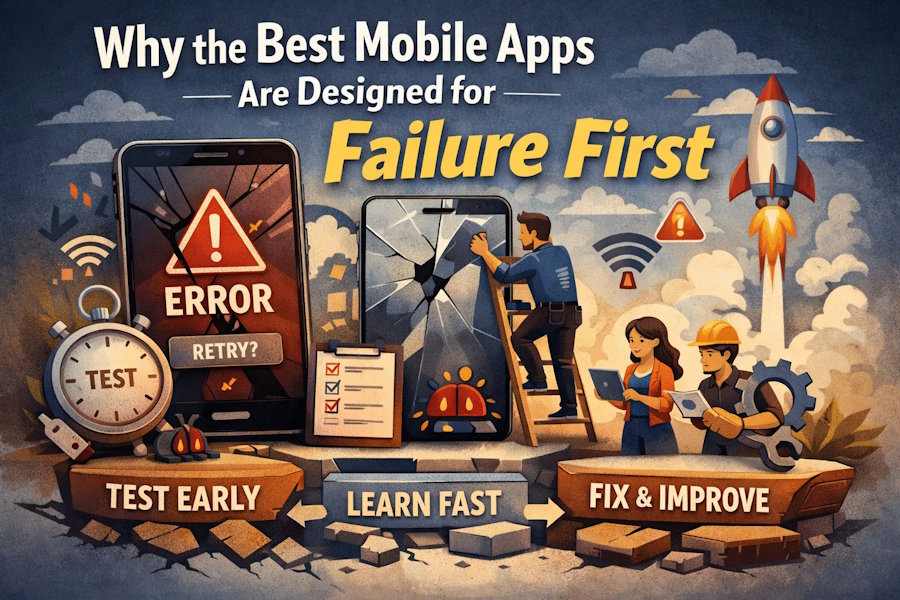
Most apps that work well now often break in their early versions. Teams that tolerate errors from the start build better tools than teams that strive for perfection. This means you leave room for real people to make mistakes, change their minds, or use things incorrectly.
The best apps do nOt always get everything right. They wait for those things. Teams learn from every crash, stall, or wrong tap that they could not learn from theory alone. When you fix things after users break them, you make them stronger and more stable so they can handle stress without fear.
Fail Small, Learn Fast
Small mistakes reveal how people really think. Someone who is tired or in a hurry might miss a button that makes sense to the designer. Teams can only find these gaps before they become bigger problems that take time and trust when those small slips are allowed to happen early.
Spending is kept low because failures are quick. Fixes are risky and take time if you wait until launch to see where things are going wrong. When you try early drafts, you can fix gaps while the stakes are still low. Small mistakes teach you more than a big crash like the one that happens after the movie.
It does not matter whether a mobile app development company Houston is in Houston or not, they should run tests that allow users to fail safely. Let them move on. Write down what went wrong. Then change the design so that it fits the real time, not just the path you hope to take.
Embrace Tiny User Errors
Expect Wrong Taps
People tap quickly. They are not a few pixels accurate. Users will always be annoyed by apps that demand pixel-perfect input. Maintain hit zones. Understand that your fingers are not laser points, but rather blunt tools.
Allow Undo Actions
People change their minds. They swipe right instead of left. Apps that punish for every small mistake feel stiff and cold. Do not scare people into losing work or data if they try again or cancel.
Track Common Slips
See where people trip and fall. If many people make the same mistake, it is not their fault. This means your design lied to them. Slip patterns tell you that names, icons, or flows are not clear. Plan changes, do not blame.
Test Limits, Not Features
Many teams test whether a feature works or not. Do not test what happens when something does not work. You should know what happens to your app when it is under a lot of stress, such as when the network is slow, storage is full, GPS does not work, or spam inputs appear. When you test limits, you are trying to break things without knowing it.
- Slow Or No Network: When the network is slow or does not work at all, apps should tell users what is wrong, not just hang up. If necessary, store information locally. Write down what went wrong.
- Full Device Memory: Your app should tell people upfront that they are about to lose their work. Do not lose your work or crash when space is low.
- Wrong Inputs: Test what happens if you type text when you want numbers, or send a file that is too large. Does the app fail and explain the reason, or just stop?
- Quick Actions: What happens if someone presses "Submit"? Does the app send ten copies, or does not care about the extra taps?
- Extreme Data: Try edge cases like zero, one, or a million things. Apps usually break at the edges, not in the middle.
You find weak spots before users when you try limits. You learn how the structure bends and breaks. To keep things stable, you can then add guards, buffers, or better error notes.
Design for Misclicks Early
Build Margin Around Buttons
Fingers are larger than mouse clicks. If you place the buttons too close or too small, they will slip. Leave some space. Make the touch areas large enough so that people can tap them, even if they are moving or the lights are dim.
Show Clear Feedback
People need to see proof that they tapped. A small change in color, bounce, or sound tells them the app heard them. If you do not respond, they will tap again, which can cause confusion or lead to double-checking.
Prevent Double Submits
People often tap twice because they are not sure if the first tap worked. This custom software development company knows that apps should lock after the first press of the submit button. Show a message or loader so people know their action is being handled.
Observe Silent Friction Points
Not every mistake makes a sound. Some people just make things long. Someone might stop an app, pause it, or back up without explaining why. In these quiet moments, design fails silently. Track how quickly people leave their screens or how long they look at them.
You can see where people look and click with heat maps and playback tools. This does not work if people miss a key button or skip through a form field. See the real lessons. Look for signs that are not in help emails or crash logs.
Users do not always give clear answers when you ask them "What went wrong?" Some people forget or can not explain. It is better to watch them work and see where they get stuck. These moments teach you more than any poll.
Iterate Before Launch Chaos
Launch day is not the time to find out if your app breaks when it is used too much or if you make a mistake. Test your idea with real people who are not part of your company. Let them use the app in a messy, real-world way. Fix what does not work before you grow.
Each time you test, you should focus on a different type of failure, such as speed, readability, error handling, or edge cases. Do not try to fix everything at once. Test again after making small changes, then move on. When the app launches, it will have been beefed up and improved.
Software Orca helps groups build apps that can work when things go wrong. We test limits, track where people overreact, and build systems that do not panic in tough situations. Those apps should work just as well when things go wrong as they do in normal use. We can help you get there.

