

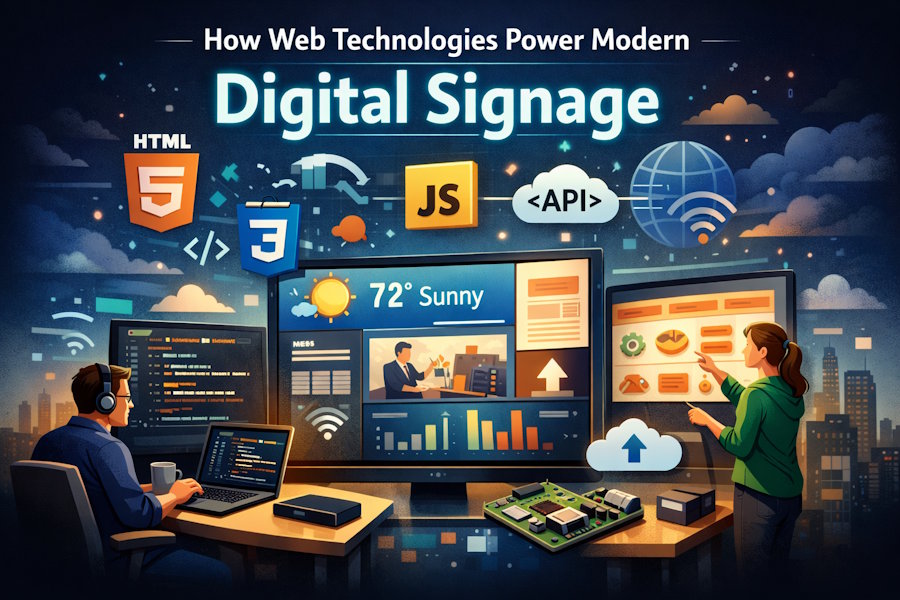
If you've walked through an airport, a fast food lobby, or even a doctor's office recently, you've probably stared at a screen showing rotating content, live data feeds, or some kind of interactive menu. That's digital signage. And here's the thing most developers don't realize: the software behind those displays increasingly runs on the same web technologies you already use every day.
We're talking HTML, CSS, JavaScript, WebSockets, REST APIs, and browser rendering engines. The old model of proprietary display software with clunky desktop apps and vendor lock-in is fading fast. The shift happened because web standards got good enough, and the developer tooling around them got even better. For anyone building or maintaining content delivery systems, this convergence means the skills you already have are directly transferable to a niche that's growing fast and paying well.
What makes this shift practical is that modern digital signage solutions are built as web apps from the ground up. Content gets designed in a browser, managed through a cloud dashboard, and rendered on displays using Chromium-based media players. No proprietary codecs, no special file formats, and no separate design tools. If you can write a responsive webpage, you can build signage content. That's a low barrier to entry, which is exactly why adoption has picked up speed among smaller businesses and schools, not just the enterprise crowd.
The Browser as a Display Engine
This is the part that gets interesting for developers. Most modern signage hardware is just a small computer, often a stick PC, a Raspberry Pi, or a purpose-built media player, running a stripped-down OS with a Chromium browser in kiosk mode. The "app" is the browser itself, rendering a full-screen web page.
That means your signage content is a web page. It can pull live data from APIs, animate transitions with CSS, run JavaScript timers to cycle through slides, and display embedded video through standard HTML5 elements. The rendering pipeline is the same one Chrome uses to show any website, just fullscreened and pointed at a specific URL.
If you've ever built a single-page application, the architecture will feel familiar. A central content management system pushes updates to endpoints. Each endpoint polls for changes or listens over a WebSocket connection, fetches new content definitions (usually JSON), and re-renders the display. Cache-first strategies keep screens running even when the network drops. Service workers handle offline fallback. It's all standard web platform stuff, just applied to a screen on a wall instead of a screen on a desk.
Why the Web Stack Won
The proprietary approach had a good run, but it created a mess of problems. Custom rendering engines meant every vendor had its own quirks. Content created in one platform couldn't be moved to another. Updates required manual intervention or clunky desktop software that only ran on Windows. And if the vendor went under or pivoted, your hardware became a paperweight.
Web-based signage flipped all of that. Content is portable because it's just HTML. Display hardware is interchangeable because any device that runs a modern browser works. Remote management happens through standard HTTPS connections. And the talent pool is massive because the skills needed are the same ones every front-end developer already has.
There's also a cost argument. Building a proprietary rendering engine is expensive. Maintaining it across OS updates is painful. Chromium does the heavy lifting for free, and it handles video playback, font rendering, animation performance, and hardware acceleration out of the box. For signage companies, that means engineering resources go toward the content management layer and user experience instead of reinventing a display engine.
Real-World Dev Patterns in Signage
If you're curious about what the actual code looks like under the hood, it's less exotic than you'd expect. A typical signage template is a set of HTML/CSS layout zones (think CSS Grid regions) that get populated with content at runtime. One zone might show a clock using a simple JavaScript interval. Another pulls weather data from a third-party API. A third displays an RSS feed, parsed client-side.
Content transitions often use CSS animations or the Web Animations API rather than heavy JavaScript libraries. Performance matters here because these displays run 12+ hours a day, and memory leaks or excessive DOM manipulation will eventually crash the browser tab. Developers working in this space learn to write lean, long-running code, which is a useful discipline that carries over to any web project.
Data binding is another common pattern. Signage platforms typically let non-technical users connect a Google Sheet, a JSON endpoint, or a database feed to a display template. The front-end code polls or subscribes to that data source and updates the DOM accordingly. If you've worked with reactive frameworks like Vue or React, the concept is identical, just with fewer user interactions and more scheduled content rotations.
Accessibility and Public Display Compliance
One angle developers often overlook is accessibility for public-facing displays. Signage in government buildings, transit systems, and healthcare facilities often needs to meet accessibility guidelines. Because the content is web-based, the same WCAG principles that apply to websites carry over. Contrast ratios, text sizing, color usage, and motion sensitivity all matter. The fact that signage content is rendered as a web page means developers can apply the same tooling and audit processes they'd use for any website.
Interactive signage, like touchscreen kiosks, takes this further. Screen readers, focus management, and keyboard navigation become relevant when a public-facing display accepts input. For dev teams already building accessible web apps, extending those practices to signage isn't a major lift. It's the same DOM, the same ARIA attributes, and the same testing tools.
Getting Started as a Developer
If you want to experiment with signage development, you don't need special hardware. Open Chrome, press F11 for fullscreen, and load a locally hosted page. That's your prototype display. Build a layout with CSS Grid, add some timed content rotations with JavaScript, and pull in a couple of API feeds. Congratulations, you've built a signage template.
The challenge isn't the technology. It's designing for the medium. Signage is typically viewed from a distance, so font sizes need to be larger than you'd expect. Content cycles every 10 to 15 seconds, which means information density has to stay low. Animations should be subtle, not distracting. And everything needs to degrade gracefully when data feeds go stale or the network drops.
These constraints actually make it a great exercise for sharpening your front-end skills. You learn to write clean, performant code that handles edge cases without user intervention. There's no "refresh the page" button for a screen hanging in a hospital lobby.
Where This Is Heading
The convergence of web tech and physical displays isn't slowing down. WebGL enables richer visual experiences on signage hardware. WebRTC opens up live video feeds from remote cameras. Progressive Web App patterns give displays offline resilience and background sync capabilities. And as hardware like the Raspberry Pi 5 gets more capable, the gap between "web page" and "broadcast-quality content" keeps shrinking.
For developers, this means a growing market where web skills translate directly into real-world, visible projects. Your code shows up on screens in schools, offices, retail stores, and transit hubs. It's one of those rare areas where front-end development creates something physical and tangible, not just another browser tab.
The tools are already in your hands. The only question is whether you point them at a wall-mounted display instead of a laptop screen.

