

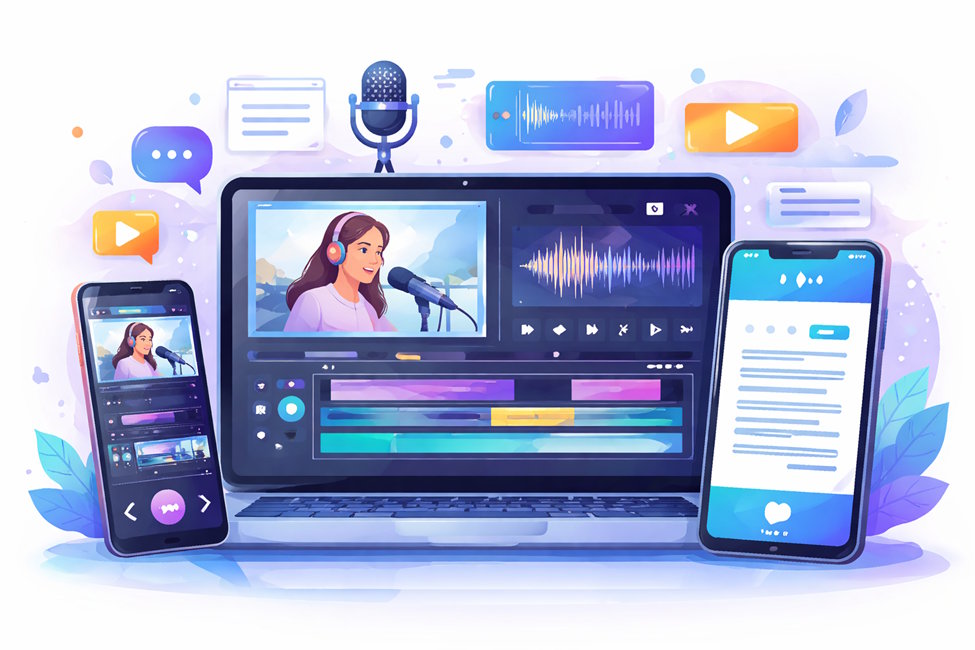
Content creation is no longer limited to professionals with expensive equipment and years of training. Today, students, freelancers, business owners, and educators all create AI videos content regularly. Whether it’s for social media, online courses, presentations, or marketing, video has become the preferred format for communication.
However, creating high-quality content requires more than just recording a clip. It involves editing, refining, and often converting speech into written form. This is where a powerful video editor and reliable audio to text tools play a crucial role.
These tools not only improve the quality of your content but also save time, increase accessibility, and help your content reach a wider audience.
The Evolution of Video Editing
Video editing has transformed dramatically over the last two decades.
From Complex Software to Accessible Online Tools
In the past, video editing required:
- High-end computers
- Expensive licensed software
- Technical expertise
Programs like Adobe Premiere Pro and Final Cut Pro were powerful but difficult for beginners.
Today, online platforms such as https://clideo.com allow users to edit videos directly in their browser without installing anything. This shift has made editing accessible to everyone.
Online editors now offer:
- Drag-and-drop functionality
- Pre-made templates
- Fast export options
- Support for multiple formats
This convenience has changed how people create and share videos.
Why Every Creator Needs a Reliable Video Editor
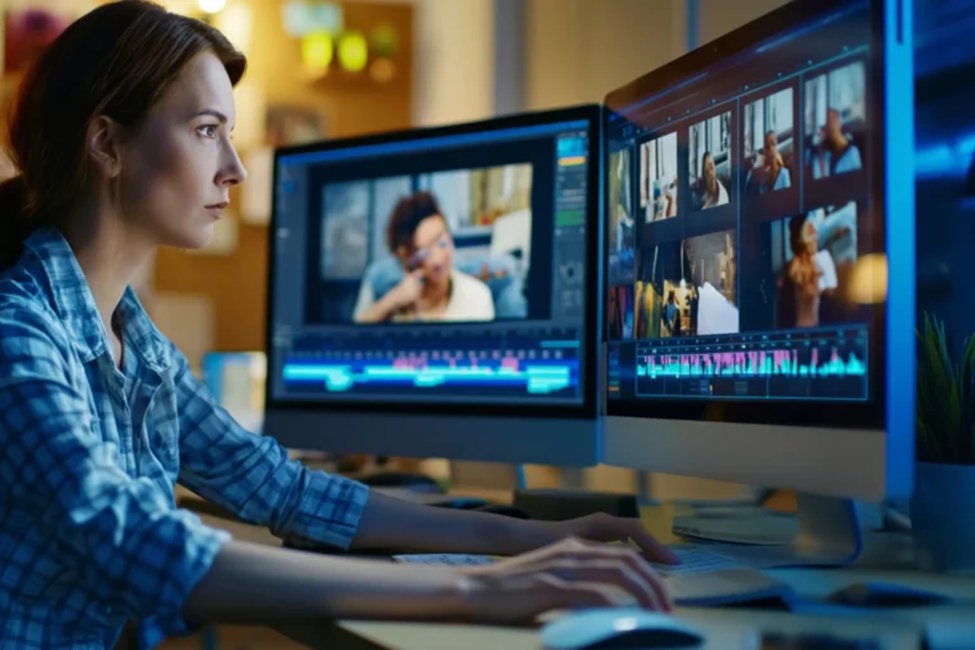
A video editor is more than just a cutting tool. It helps shape your story.
Key Benefits
1. Improve Video Quality
Editing allows you to:
- Remove mistakes
- Enhance visuals
- Adjust brightness and contrast
- Improve sound quality
This results in a professional final product.
2. Increase Viewer Engagement
Short, well-edited videos hold attention better.
You can add:
- Text overlays
- Captions
- Transitions
- Background music
These elements make your content more engaging.
3. Optimize Content for Different Platforms
Each platform has different requirements:
|
Platform |
Format |
Length |
|
YouTube |
Horizontal |
Long |
|
TikTok |
Vertical |
Short |
|
|
Square/Vertical |
Medium |
A good editor helps you adapt content easily.
Key Features That Define a Professional Video Editor
Not all editors offer the same features. The best tools include:
Basic Features
- Trim and cut video
- Merge clips
- Add music
- Insert text
Advanced Features
- Filters and effects
- Speed control
- Subtitle support
- Format conversion
Online Editing Convenience
One major advantage of modern platforms like https://clideo.com is that you can edit, compress, resize, and convert videos in one place without installing software.
This saves time and storage space.
The Rise of Audio to Text Technology
Audio to text technology converts spoken words into written text automatically.
This feature has become essential for:
- Video creators
- Journalists
- Students
- Businesses
Speech recognition technology has improved significantly thanks to artificial intelligence and machine learning.
According to Wikipedia, speech recognition systems are now widely used in communication, accessibility, and automation.
How Audio to Text Improves Workflow Efficiency
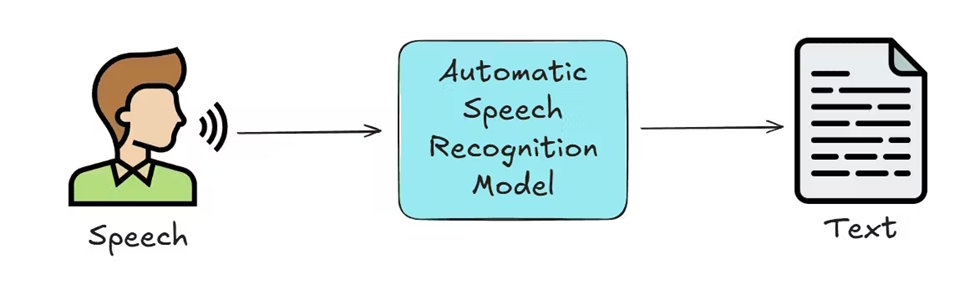
Audio to text tools offer several important benefits.
1. Faster Content Creation
Instead of typing manually, creators can convert speech into text instantly.
This saves hours of work.
2. Improve Accessibility
Captions help:
- Hearing-impaired viewers
- Non-native speakers
- People watching without sound
This makes your content more inclusive.
3. Improve SEO Performance
Search engines cannot watch videos, but they can read text.
Transcripts help search engines understand your content.
This improves rankings.
Combining Video Editing and Audio to Text for Maximum Results
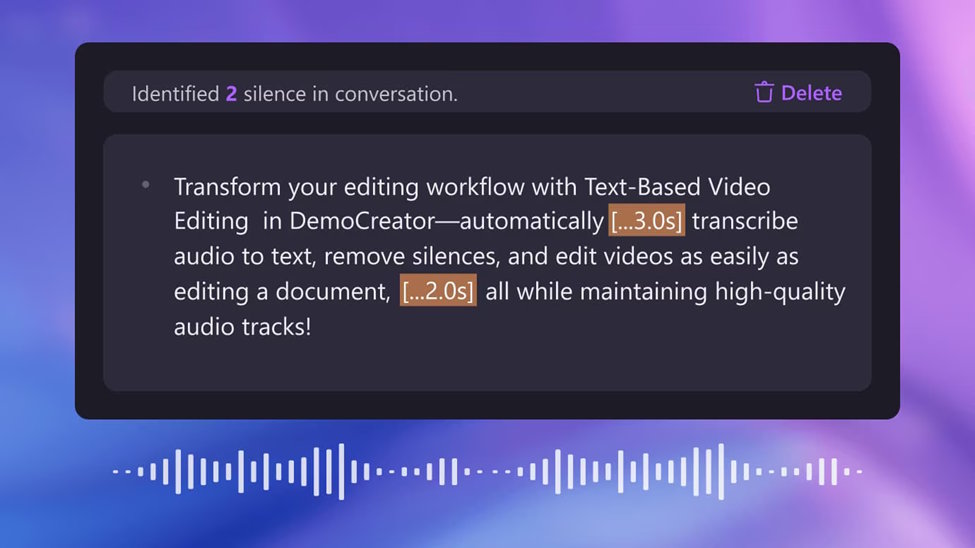
Using both tools together creates a powerful workflow.
Step-by-Step Example
Step 1: Record Your Video
Use your phone, camera, or screen recorder.
Step 2: Edit Your Video
Use an editor to:
- Trim mistakes
- Improve quality
- Add music
Step 3: Convert Audio to Text
Generate subtitles or transcripts.
Step 4: Add Subtitles to Video
Subtitles improve engagement.
Step 5: Export and Publish
Share on:
- YouTube
- TikTok
- Websites
This complete process improves quality and reach.
Practical Use Cases for Creators, Businesses, and Students
These tools help many different users.
Content Creators
Creators use video editors to:
- Edit YouTube videos
- Create reels
- Add captions
Audio to text helps generate subtitles quickly.
Businesses
Businesses use videos for:
- Marketing
- Training
- Presentations
Transcripts help document information.
Students
Students use video tools for:
- Assignments
- Presentations
- Online learning
Audio to text helps convert lectures into notes.
Freelancers
Freelancers use editing tools to:
- Create client videos
- Edit podcasts
- Produce promotional content
These tools increase productivity.
Choosing the Right Online Tools
Selecting the right platform is important.
Look for tools that offer:
Ease of Use
The interface should be simple.
Multiple Features
The tool should include:
- Editing
- Conversion
- Subtitle generation
Fast Processing
Quick export saves time.
Cross-Device Support
Cloud-based tools work on:
- Desktop
- Mobile
- Tablet
For example, mobile users can edit videos easily using the official app:
https://apps.apple.com/us/app/clideo-video-editor/id1552262611
This makes editing accessible anywhere.
Tips to Improve Your Content Creation Process
Here are practical tips to improve efficiency.
Plan Before Recording
Create a simple script.
This reduces editing time.
Record Clear Audio
Good audio improves transcription accuracy.
Use:
- Quiet environment
- Microphone if possible
Keep Videos Concise
Short videos perform better online.
Remove unnecessary parts.
Always Add Subtitles
Subtitles increase watch time.
Many viewers watch videos without sound.
Export in High Quality
Use HD format when possible.
This improves viewer experience.
The Future of Video and Audio Technology
Technology continues to improve.
Future tools will offer:
- Faster processing
- Better AI transcription
- Automatic editing
- Real-time subtitles
Video will remain one of the most important communication formats.
Creators who use the right tools will stay ahead.
Final Thoughts
Creating professional content no longer requires expensive equipment or advanced technical skills. With modern online tools, anyone can produce high-quality videos and convert audio into text quickly and efficiently.
A reliable video editor helps improve visuals, structure, and engagement. Audio to text technology enhances accessibility, productivity, and search visibility.
Together, these tools form the foundation of modern digital content creation.
Whether you are a beginner or an experienced creator, using the right editing and transcription tools will help you work faster, reach more people, and create better content.

