

Note down simple performance tricks, configuration hints, and how to run programs without problems.
Applications and games developed on mobile do not tend to fail due to poor code. The issues are mostly triggered where the load cannot be managed by the runtime environment. An installation that is good in small tests can slug or crash after getting into real use. Knowing how emulators act can help developers and gamers prevent numerous common problems and create smoother systems.
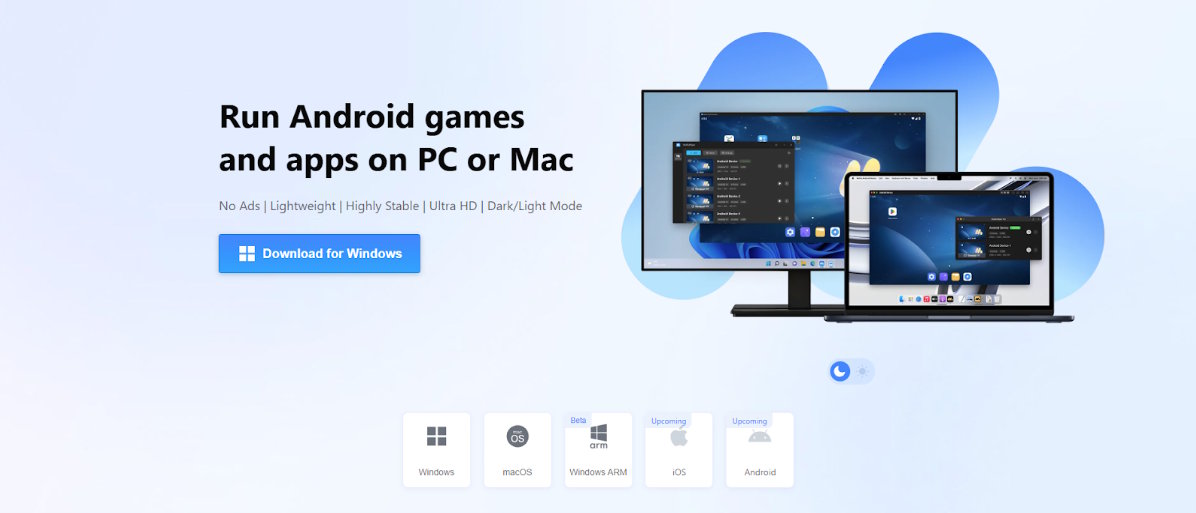
Tools such as the MuMuPlayer demonstrate the way such emulator platforms are increasing not only the testing but also the gaming performance. However, users will be interested to know what happens in the background in order to achieve the best results.
Why Android Emulators Matter Today
Android Emulator is no longer a developer only tool. It is currently popular in testing mobile applications, ensuring gadget compatibility, executing a mobile game on a PC and operating several applications simultaneously as well as in automating repetitive activities of a mobile phone.
The actual difficulty lies not in the initiation of an emulator. The thing is that it is hard to maintain its stability with heavy usage. A significant number of users experience issues during the use of games with long playtime, several instances, high-FPS games, or apps that consume high bandwidth over the Internet. These problems are normally due to resource constraints and ineffective organization.
How MuMuPlayer Improves Performance
The contemporary emulators are very much concerned with speed and stability. MuMuPlayer is made with a light engine which ensures fewer system load yet smooth graphics. Its strong points are that it starts quickly, is easily keyboard and mouse mapping, has excellent graphics acceleration support, is efficient in using memory and it is stable in managing multiple instances.
Key Android Emulator Features
- Virtualization Optimization: Modern emulators leverage hardware-assisted virtualization (like KVM on Linux or HAXM/Hyper-V on Windows). This bypasses the overhead of software emulation, allowing the guest Android system to communicate directly with your computer's CPU for near-native speed.
- Dynamic Resource Allocation: You can configure precise CPU core and RAM limits per instance. This ensures each emulator stays within a defined footprint, preventing a single instance from starving your host system of resources.
- Flexible Graphics Rendering: Emulators support various rendering modes—including OpenGL and Vulkan—allowing you to match the emulator’s output to your specific GPU capabilities. You can also dedicate host VRAM to the emulator to ensure smooth high-fidelity gaming or app performance.
- Multi-Instance Manager: This feature allows you to clone or create multiple isolated Android environments. It includes tools to batch-control instances, sync actions across them, and manage individual resource consumption, making it perfect for testing apps across different device profiles.
- Snapshot and State Management: Rather than cold-booting every time, you can save the state of an emulator at any point. You can instantly restore your workspace exactly where you left it, saving massive amounts of time during repetitive testing cycles.
Gaming Benefits of Android Emulators
Playing More Mobile Games on a Larger Screen
Players can play using controls of the keyboard and mouse, on the bigger monitors, frame rates remain constant, phones can avoid overheating, and have the ability to enjoy longer gaming sessions with tools such as MuMuPlayer.
Running Multiple Game Instances
Several users who have advanced knowledge operate more than a single game window at once to farm resources, operate numerous accounts, test game advancement, and auto-template events.
Network Stability Inside Emulators
Performance in the network is usually neglected. Android Emulator creates an additional obstacle between the application and the web. The typical symptoms of network problems consist of a slight increase in latency, drops in connection in long-lasting sessions, problems with region mismatch, and delays of packets under the heavy load.
Simple Best Practices for Better Performance
Prepare Your PC Properly
Turn on virtualizing in the BIOS, update graphics card drivers, disable intensive apps in the background, use SSD drive when available, and set realistic limits on CPU and RAM.
Configure Instances Carefully
Do not overload CPU cores, scale RAM to workload, isolate heavy games in their own instance, observe system temperature, and restart instances after extremely long runs.
Final Thoughts
The emulator is being considered by many users as a utility. As a matter of fact, it belongs to the performance pipeline. The stability requires appropriate configuration and planning of resources and constant observation. None of the smart set up and close tuning give a smooth performance.

