

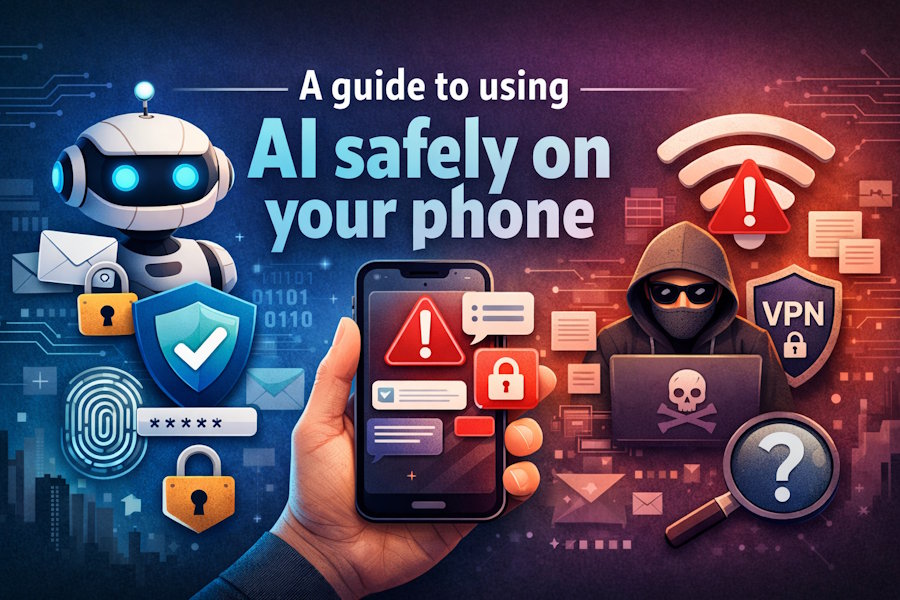
AI tools have become a genuine part of everyday life: useful for drafting messages, answering questions, generating images, building to-do lists, and a lot more. But technology is still maturing, and using it carelessly on your phone can expose you to real privacy and security risks. Here's what to keep in mind before you start prompting.
Protect Your Personal Information
Most AI chatbots and tools use your conversations as training data, meaning anything you type could be stored, reviewed, or used to improve future model outputs, which is a privacy exposure most users don't think about. The FTC launched a formal inquiry in September 2025 into how AI chatbot companies handle user data, citing concerns about advertising practices, safety, and the ways these apps collect and use personal information. Avoid sharing your Social Security number, bank details, passwords, or any confidential work information with AI apps. It's also worth using a separate email address when creating AI accounts instead of your primary one and checking whether the app offers a history-saving opt-out so your inputs aren't feeding the model's training data.
Change Phone Permissions
AI apps frequently request access to far more of your phone than they actually need to function. Microphone access, location data, contacts, and photo libraries are often requested by default but are rarely necessary for basic use. Go into your phone's settings and review what each AI app has permission to access; switching anything non-essential to "while using the app only" or turning it off entirely is a sensible precaution. This is especially worth doing for any app you don't use frequently, since passive data collection can continue in the background without your awareness.
Use Secure Apps and Networks
Only download AI apps from official sources, like the Apple App Store or Google Play Store, to reduce the risk of installing malicious software disguised as a legitimate tool. Even with reputable apps, avoid entering sensitive information while connected to public Wi-Fi, where your data can be more easily intercepted. If accessing AI tools over a public network is unavoidable, using a VPN for iPhone, for instance, adds a layer of encryption to your traffic, making it harder for third parties to intercept what you're sending or receiving.
Evaluate the Information Given
AI tools can and do get things wrong, which is a pattern widely known as hallucination, where the model produces plausible-sounding but inaccurate information. According to Pew Research, around 66% of Americans are extremely or very concerned about people receiving inaccurate information from AI, and those concerns are well-founded. Always cross-check facts provided by AI tools against authoritative sources, and never rely on them for health, legal, or financial decisions. A confident-sounding AI response is not a substitute for professional advice.
Used thoughtfully, AI on your phone can be genuinely useful; the main aspect is understanding where its limitations lie and building a few simple habits around privacy and verification before those limitations cause a problem.

