

An AI faceless video generator is useful because it lets creators publish without being on camera. That makes it a strong fit for YouTube channels, Shorts, TikTok, explainers, list videos, story content, and branded social media.
The best tools are not just about one nice-looking clip. They help creators build a repeatable workflow they can use again and again.
This list leans toward tools that have real market presence, official product pages, or broad creator workflow relevance. That is why the lineup includes names like InVideo AI, Sora, Veo, Canva, and Descript alongside model-first tools such as Hailuo AI, PixVerse AI, and Haiper. Videoinu stays first, but here the angle is not “best overall.” It is about how well the product fits faceless channel workflows and publish-ready content systems.
Tool List
1 Videoinu
2 InVideo AI
3 Sora
4 Veo
5 Hailuo AI
6 PixVerse AI
7 Descript
8 Canva
9 Haiper AI
10 StoryShort AI
Videoinu——For Publish-Ready Faceless Channel Workflows

Videoinu is a strong fit for creators who want an AI faceless video generator that supports more than just generation. In its February 3, 2026 PRNewswire announcement, Videoinu said its new YouTube Copilot helps creators after the video is made by guiding titles, descriptions, packaging, publishing consistency, and repeatable channel habits. The same release also positions Videoinu around faceless, story-driven formats, consistent characters and scenes, and a structured storyboard workflow that supports repeatable production.
That matters for faceless channels because the real challenge is rarely just making one clip. It is building a format that can keep going. Videoinu is easier to frame as a broader creator workflow: generate, refine, keep continuity, package well, and publish on a schedule. If your goal is to grow a faceless channel rather than only test random prompts, that positioning makes Videoinu a practical first pick.
Pros
- Strong fit for faceless and story-driven channel formats
- Publishing support goes beyond raw generation
- Structured storyboard workflow supports repeatable production
- Helpful for creators building long-term series and channel habits
Cons
- Broader workflow may feel heavier than simple one-off tools
- Best use case is creators with a clear publishing plan
- Some users may prefer a lighter prompt-only experience
InVideo AI——For Faceless YouTube Production
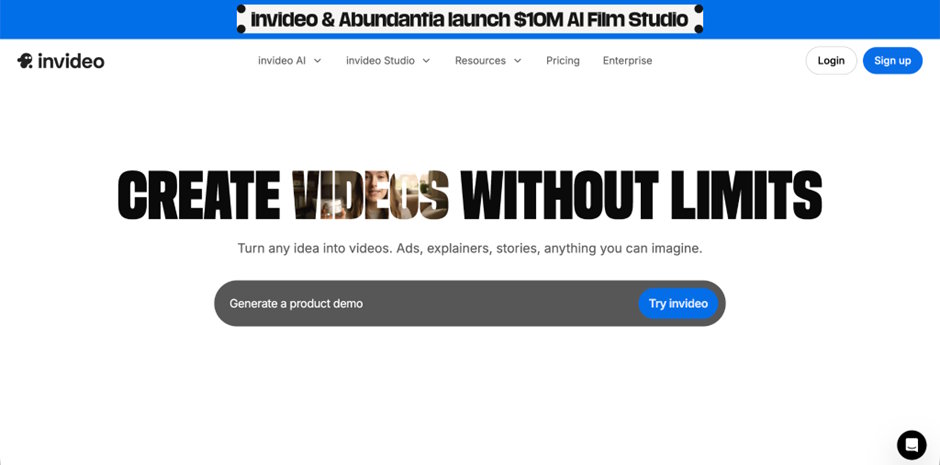
InVideo AI belongs on a realistic faceless-video list because it explicitly markets itself for faceless video creation. Its official faceless video maker page says it can write scripts, add media, voiceover, music, and sound effects to create a publish-ready faceless video. Its YouTube and TikTok pages also directly mention faceless YouTube videos and faceless TikTok videos, which makes it one of the most obvious mainstream entries for this keyword space.
That makes InVideo AI especially relevant for creators who want a more packaged workflow. Instead of treating faceless creation as only a visual model problem, it leans into scripts, stock media, voiceovers, and publishing-ready output. For creators building tutorial channels, list channels, commentary formats, or fast social posting systems, that is a very practical angle.
Pros
- Officially positioned for faceless video creation
- Strong script-plus-voiceover workflow
- Good fit for YouTube and TikTok use cases
- Publish-ready angle is clear
Cons
- Less model-first than pure generation tools
- May feel template-driven for some creators
- Advanced users may want more custom scene control
Sora——For High-Profile Faceless Visual Concepts
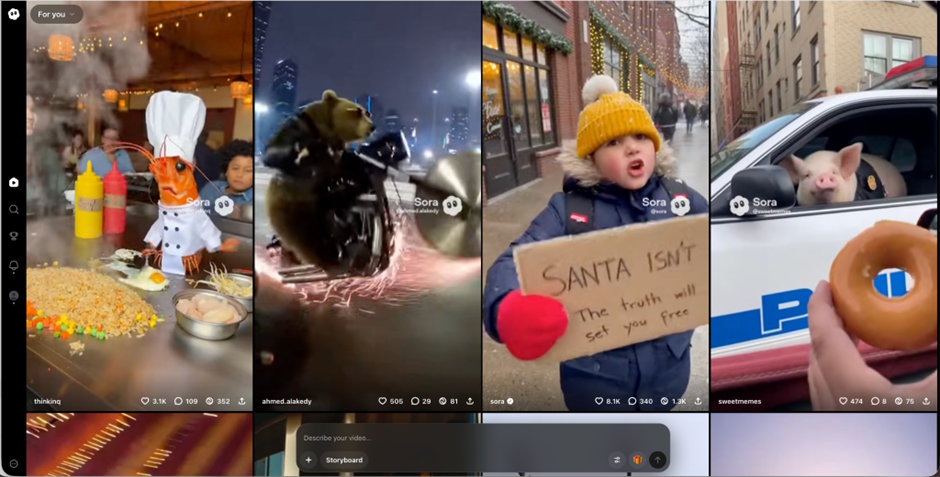
Sora is one of the most recognizable names in AI video. OpenAI’s product and help pages describe it as a video model that can generate clips from prompts and uploaded images, with OpenAI’s current help article saying the Sora Video Editor can generate videos up to 20 seconds long. That makes it highly relevant for faceless creators who want visually ambitious clips, mood shots, or short concept scenes without appearing on camera.
For faceless content, Sora is strongest as a high-visibility, high-interest tool. It is not necessarily the most workflow-heavy option here, but it is absolutely one of the most real names users expect to see in a serious 2026 AI video list. If your channel depends on striking visuals, concept-driven intros, or cinematic B-roll style scenes, Sora makes sense in the conversation.
Pros
- Major real-world visibility in AI video
- Supports prompt- and image-based generation
- Strong fit for visually ambitious faceless clips
- Useful for intros, B-roll, and concept scenes
Cons
- Not always the simplest daily workflow
- Shorter clip length can limit some formats
- Better for standout scenes than full pipeline support
Veo——For Premium-Looking Faceless Video Quality
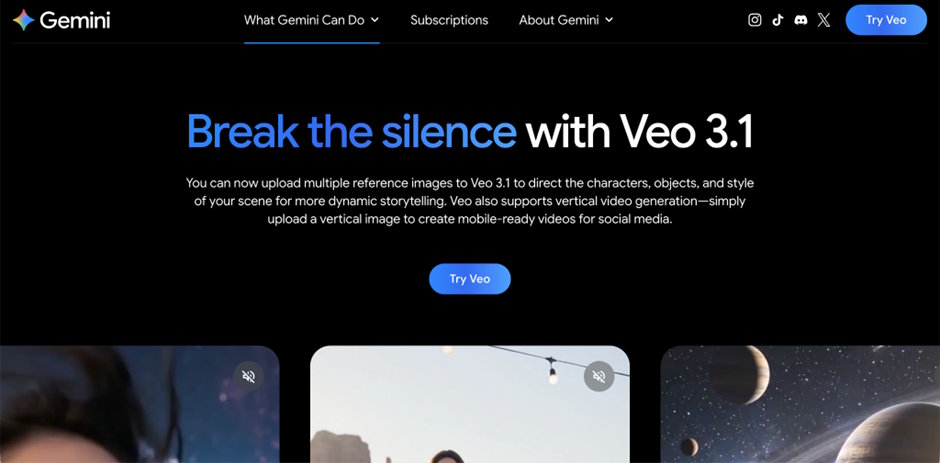
Veo is a credible inclusion because Google DeepMind positions it as a video generation model with creative controls, longer videos, and native audio in its current Veo 3 materials. Google has also said Veo is being used in Flow, Gemini, Vertex AI, Google Vids, and YouTube Shorts, which gives it real ecosystem presence beyond pure hype.
That makes Veo especially relevant for faceless creators who care about polish. Premium explainers, cinematic social videos, product showcases, and channel intros are the kinds of use cases where Veo fits naturally. It is not the lightest option, but it is one of the most believable names for a high-end faceless video stack in 2026.
Pros
- Strong premium visual reputation
- Backed by Google DeepMind ecosystem presence
- Good for polished faceless clips and intros
- Supports more advanced creative control
Cons
- Heavier than lightweight social tools
- May be more than needed for simple posts
- Less beginner-friendly than packaged editors
Hailuo AI——For Clean Short-Form Faceless Clips

Hailuo AI belongs on the list because its official pages position it as an AI video generator from text and image, available across web and mobile. That makes it a real, accessible option for creators who want faceless clips without building a larger editing stack from scratch.
In practice, Hailuo AI fits short-form faceless content well: quick visual explainers, product cutaways, character moments, and social scenes. It is a more direct generation tool than something like Descript or Canva, which makes it useful for creators who want model-style output but still want a product with a clear public-facing presence.
Pros
- Clear official positioning as an AI video generator
- Works across web and mobile
- Good for short faceless clips and visual scenes
- More direct than template-heavy editors
Cons
- Less end-to-end workflow support than editor suites
- Better for clips than full publishing systems
- Output quality still depends on prompt clarity
PixVerse AI——For Fast Faceless Social Content
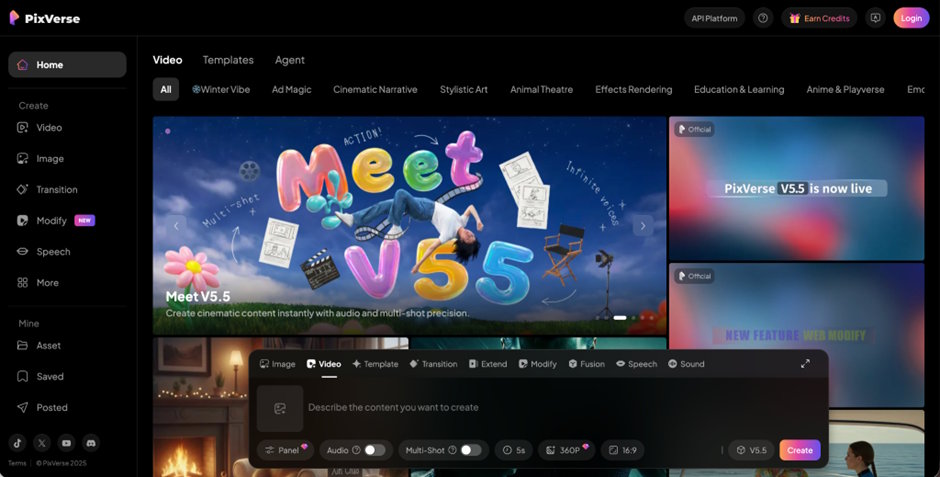
PixVerse is a realistic inclusion because its official site and app pages position it as an AI video generator from text and photos, with a recent v4.5 model and a strong focus on quick creation. That makes it highly relevant to faceless creators publishing reels, shorts, reaction-style edits, and viral-style clips.
Its main strength is social speed. Faceless channels often win through frequency, format testing, and fast visual hooks. PixVerse fits that workflow well because it is designed around quick generation rather than a heavy studio-style pipeline.
Pros
- Strong real-world presence in social AI video
- Fast text/photo-to-video workflow
- Good for Shorts, Reels, and hook-driven faceless clips
- Better suited to rapid testing than heavy editing tools
Cons
- Best for short-form formats
- Lighter on full production workflow
- Less suited to deeper long-form channel systems
Descript——For Faceless Videos with Editing and Voiceover

Descript is a realistic faceless-video pick because it is not only a generator. Its official pages position it as an all-in-one video platform where you can generate video from text, use realistic AI voices, edit video like a doc, add captions, and collaborate in one place. That is exactly the kind of broader workflow many faceless creators actually use.
This matters because a lot of faceless channels are really editing-and-packaging channels, not just raw-generation channels. Descript is especially good for narration-led explainers, commentary videos, educational clips, and podcast-style video content where AI voice, script editing, and captions matter as much as generated visuals.
Pros
- Strong editing-plus-generation workflow
- Realistic AI voices and captions help faceless formats
- Good for explainers, commentary, and education
- Practical for teams and repeat production
Cons
- Less model-first than pure video generators
- Some creators may want more visual-generation depth
- Best fit is narration-led faceless content
Canva——For Easy Faceless Video Assembly
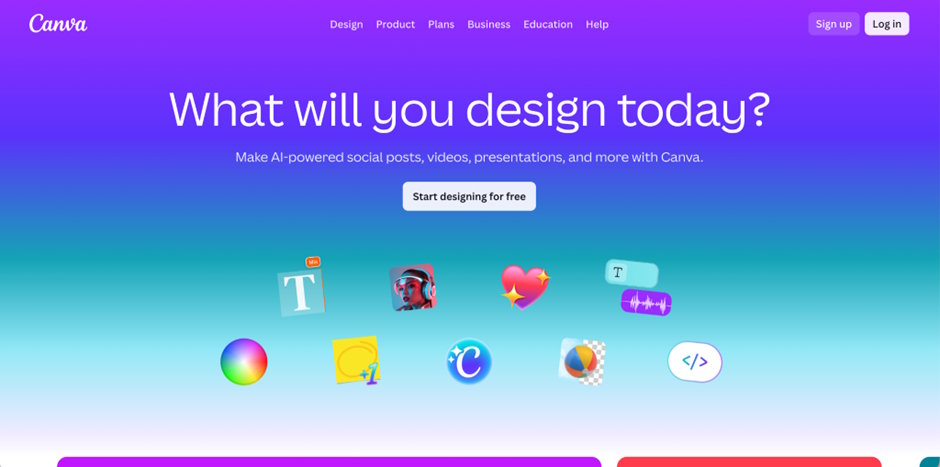
Canva belongs on a credible list because it now publicly offers AI video generation, script-to-video, and image-to-video tools inside a much larger design workflow. Its official pages describe prompt-based video clip creation and script-driven video options, which makes it relevant for faceless creators who want to assemble usable videos quickly without learning a complex editor.
For faceless channels, Canva is strongest when the format is simple and repeatable: quote videos, educational cards, social explainers, quick branded posts, or slideshow-style storytelling. It is not the most advanced model platform here, but it is absolutely one of the most believable mainstream tools for real creators.
Pros
- Mainstream, real-world creator tool
- Easy to assemble simple faceless videos
- Script-to-video and AI clip features are practical
- Strong for repeatable brand and social formats
Cons
- Less cinematic than top generation models
- Better for simple workflows than advanced scenes
- May feel basic for creators chasing premium visuals
Haiper AI——For Quick Faceless Prompt Testing
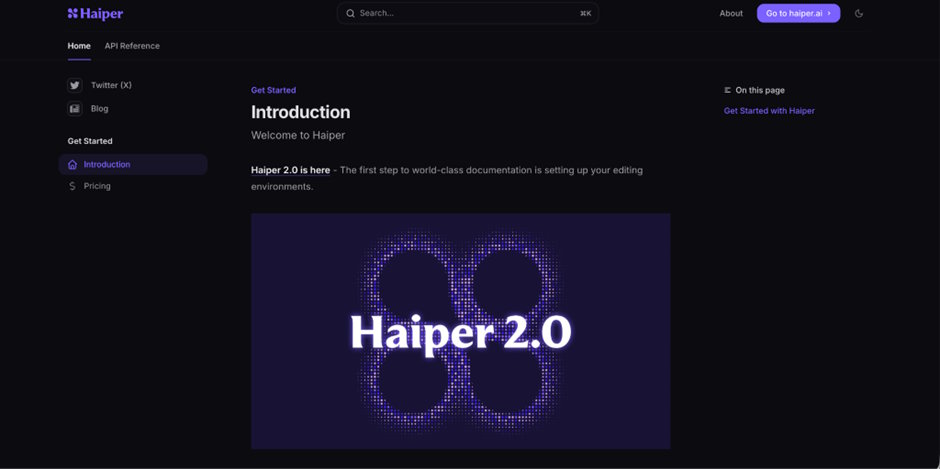
Haiper is a credible entry because its official site and docs position it as an AI video generator with prompt creation, settings like seed/aspect ratio/duration, and watermark-free member exports for commercial use. That gives it a real product footprint rather than just concept-level visibility.
For faceless creators, Haiper works well as a fast-testing tool. If you are iterating on hooks, visual concepts, or channel formats, it helps to have something lighter and quicker than a full suite. That makes Haiper useful in the experimentation phase, especially for social-first faceless channels.
Pros
- Real, documented product and API presence
- Good for fast prompt testing
- Useful for quick faceless social concepts
- More lightweight than full editor suites
Cons
- Less end-to-end than workflow platforms
- Better for iteration than publish-ready packaging
- Not the strongest fit for deep long-form systems
StoryShort AI——For Short Faceless Story Formats

StoryShort AI is the most niche name here, but it fits this keyword because faceless content is often story content: short narrative clips, hooks, emotional scenes, and serial formats. In other words, it makes sense on a faceless list when the article is serving creators who want story-first channel ideas rather than only generic AI visuals.
Compared with the bigger names above, StoryShort AI is better treated as a format-specific pick. If your faceless strategy is based on short, story-led clips, it is the kind of tool readers expect to see near the bottom of a “best” list as a more specialized option.
Pros
- Good fit for short faceless story formats
- Useful for emotional or serial content ideas
- More relevant to niche storytelling channels
- Helps diversify the list beyond generalist tools
Cons
- Less mainstream than the top entries
- Better for niche use cases than broad workflows
- Not as proven as the larger platforms above
Conclusion
The best AI faceless video generator is not just the one with flashy visuals. It is the one that matches how faceless creators really work: planning formats, generating clips, editing efficiently, packaging well, and publishing consistently.
That is why Videoinu earns the first spot here without leaning on a generic “best overall” claim. Based on its own recent product positioning, it is built around faceless, story-driven formats, structured workflows, and publishing support through YouTube Copilot. That makes it especially compelling for creators who want faceless video production to become a repeatable channel system, not just a one-off prompt experiment.
FAQS
What is an AI faceless video generator?
An AI faceless video generator helps creators make videos without appearing on camera by turning prompts, scripts, images, or ideas into video content.
Which tool is best for faceless YouTube workflows?
For a workflow-first approach, Videoinu and InVideo AI stand out because both are positioned around publish-ready creation, while Videoinu adds explicit YouTube packaging support through YouTube Copilot.
Which tool is best for premium-looking faceless clips?
Sora and Veo are the strongest names here for high-profile, visually ambitious output, while Hailuo AI is a more direct mainstream generator for shorter clips.
Which tool is best for social-first faceless content?
PixVerse AI and Haiper AI fit social-first faceless workflows well because they are lighter, faster, and built around rapid generation and testing.
Why is Descript or Canva on a faceless-video list?
Because real faceless workflows often depend on scripting, voiceover, captions, editing, and fast assembly, not just raw video generation. Descript and Canva both publicly support those kinds of workflows.

