

Developers spend an absurd number of hours staring at screens. Between the code editor, the terminal, the browser dev tools, and Slack, the average workday involves more screen time than most people accumulate in a week. So when the laptop finally closes, the last thing you want is for your personal tech to feel like a downgrade.
Yet that's exactly what happens for a lot of us. We'll agonise over monitor refresh rates for our coding setup but watch movies on a TV we bought six years ago. We'll test responsive layouts on every device imaginable but carry our own phone around without a case like it's indestructible. The irony isn't lost on anyone.
This one's about the tech outside of your development environment that's worth paying attention to.
Your Entertainment Setup Deserves Developer-Level Attention
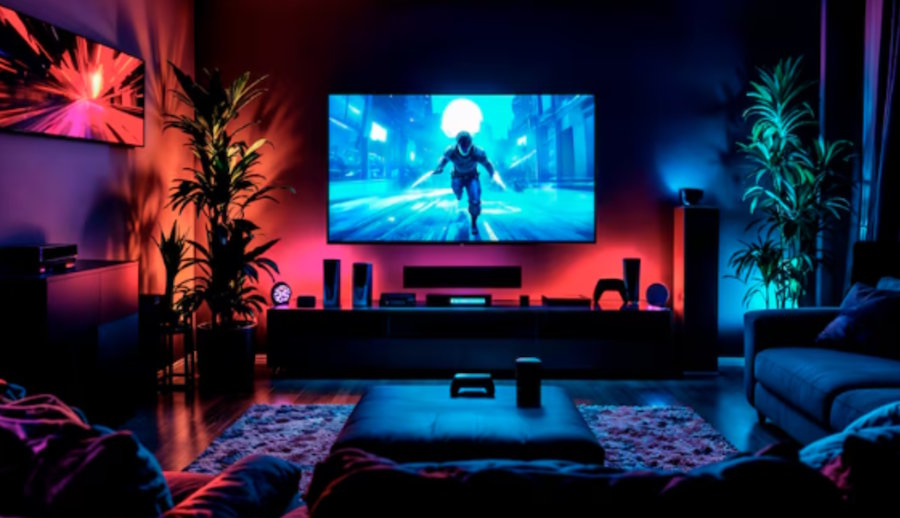
Let's be honest. After a long day of debugging and deploying, most developers unwind the same way: streaming something. Whether it's a series, a film, or a few rounds of a console game, the screen you're watching on makes a bigger difference than most people give it credit for.
If you're still running a TV from 2018, you're missing out on a generation's worth of improvements in panel technology, HDR performance, and motion handling. Modern displays handle colour, contrast, and brightness in ways that make older screens look flat and lifeless by comparison. And if you're someone who notices pixel density and refresh rates on your coding monitor, you'll absolutely notice the difference on a properly specced television.
Sony's Bravia range has earned a particularly strong reputation among tech-savvy buyers. The image processing is excellent, the upscaling handles lower-resolution content without turning it to mush, and their Google TV integration is smooth and responsive. For anyone in Australia looking to upgrade, taking the time to find Sony TVs in Australia from a specialist AV retailer is a solid move. You'll get access to the full product range, knowledgeable staff, and often better pricing or bundle options than the big chains.
If you game as well as stream, pay attention to HDMI 2.1 support and variable refresh rate (VRR) compatibility. These features make a measurable difference for console gaming and are standard on most mid-to-high-end panels now.
Your Phone Is Your Most-Used Device. Treat It Like One.
Developers have a complicated relationship with their phones. On one hand, we use them constantly, for two-factor authentication, quick Slack replies, SSH clients, note-taking, and the occasional Stack Overflow scroll at 2am. On the other hand, we tend to treat our phones as secondary devices that don't deserve the same care we give our workstations.
The result? A surprising number of developers walk around with cracked screens, dying batteries, and zero protection on a device that costs over a thousand dollars. It's the kind of false economy that would make any senior engineer cringe if they saw it in a codebase.
With the iPhone 17 now out in the wild, a lot of Australian developers are upgrading. If you're one of them, the first thing to do after unboxing is to shop iPhone 17 case online from a local retailer that stocks designs suited to how you actually use your phone. Australian-based shops ship faster, offer local returns, and tend to curate their range with more care than marketplace listings with three-week delivery windows.
The right case depends on your lifestyle. Slim profiles work well for desk-bound developers. Rugged options make more sense if you're in and out of co-working spaces, commuting on public transport, or just generally hard on your gear. Either way, spending thirty dollars to protect a thousand-dollar device is one of the better return-on-investment calculations you'll make this year.
Building a Personal Tech Stack That Works
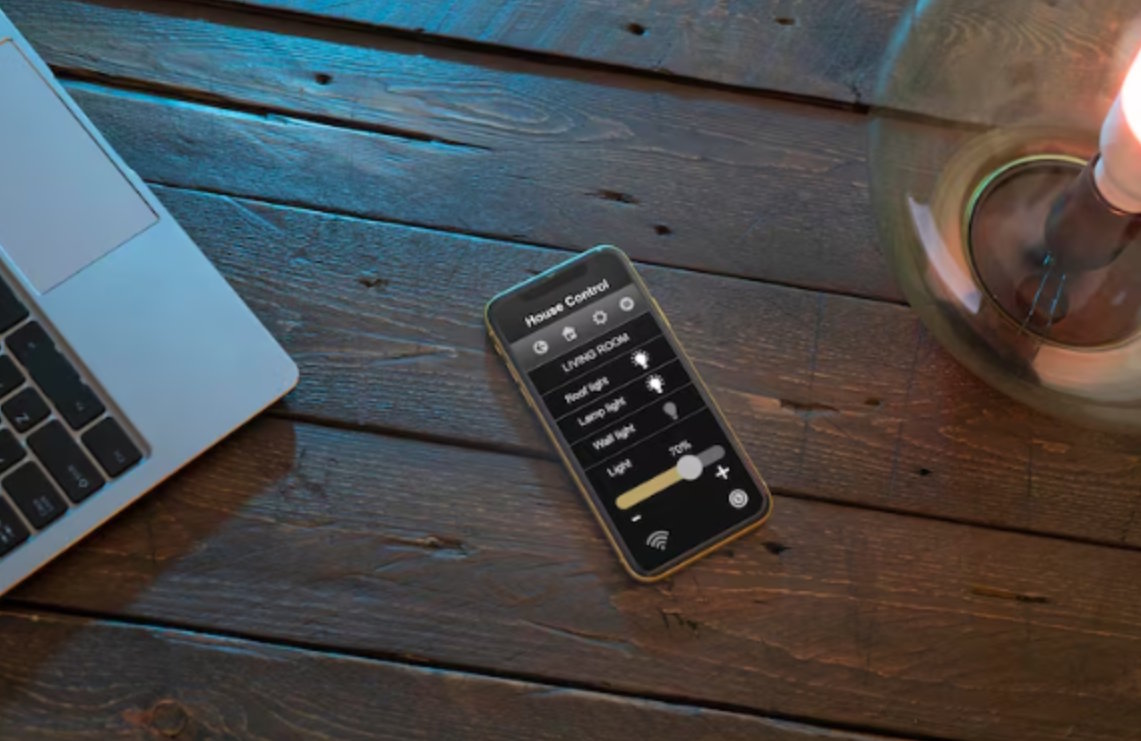
Just like your development environment, your personal tech works best when everything connects smoothly. The TV streams from the same ecosystem as your phone. Your headphones switch between your laptop and your phone without fuss. Your smart home devices respond to a single app rather than six different ones.
This kind of integration doesn't happen by accident. It takes the same kind of intentional setup that developers already apply to their coding environments. Think of it as configuring your personal dotfiles, but for real life.
Start by picking an ecosystem and leaning into it. If you're deep in the Apple world, let your phone, headphones, and streaming device talk to each other natively. If you prefer Android and Google TV, build around that instead. The less friction between your devices, the more you'll actually enjoy using them.
For those who like exploring new tools, checking out free developer tools can be a good reminder that the best setups, whether professional or personal, are the ones you've taken time to configure properly.
The Takeaway
Developers are uniquely positioned to appreciate good tech. We understand specifications, we notice performance differences, and we care about how systems work together. But too often, that appreciation stays locked inside our professional setups while our personal tech collects dust.
Upgrade the screen you watch every evening. Protect the phone you carry every day. Build a personal ecosystem that feels as intentional as your dev environment. The tools you use outside of work deserve the same level of thought as the ones inside it.
Your IDE is set up perfectly. Time to give the rest of your life the same treatment.

