

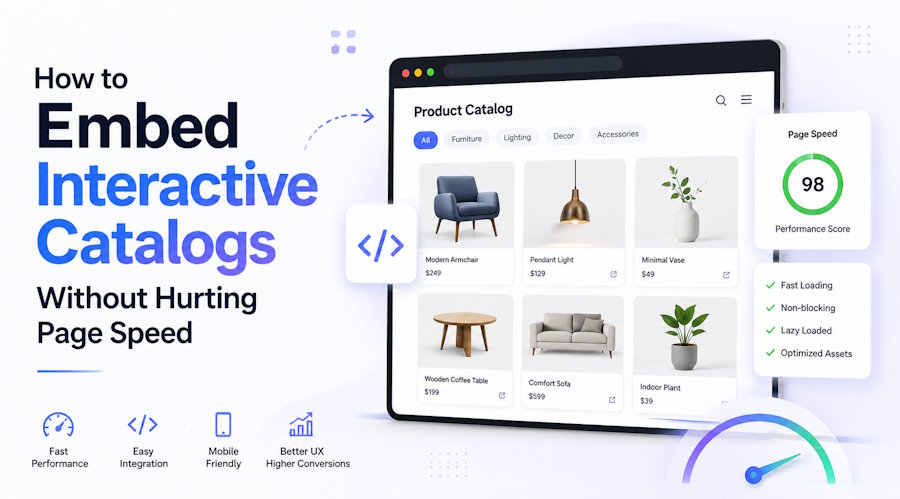
Embedding a highly interactive catalog can be done without the loss of page speed, here is how. First, load the catalog lazily, isolate it in an iframe and instead of your server, serve heavy assets from the content delivery network of the catalog provider. The key is to stop the catalog from blocking your page's initial render, so your hosting page paints and becomes interactive by itself while the catalog is loaded only when or immediately before the visitor actually scrolls to it. When done properly, the catalog practically does not add anything to your measurable load time.
This is important because interactive catalogs by nature are very heavy with high-resolution images, scripts, and tracking. A naive embed dumps all of these into your page's critical path. If the catalog's assets are loaded synchronously at the top of the page, your Largest Contentful Paint and Time to Interactive will suffer leading to a degradation of user experience as well as your Core Web Vitals scores. Fortunately, the issue can be resolved by the way you embed the catalog rather than what you embed.
What actually slows a page down when you embed a catalog
One of three usual sources gives rise to such damage and even just mentioning them will help in rectifying the issue. The first is render-blocking scripts when the embed team loads JavaScript synchronously in the page head, So the browser is forced to not only download and execute it but also wait before painting anything the visitor can see. The second is eager image loading when even though the shopper will only ever see the first one or two, the catalog pulls hundreds of full-size spread images at once. The third is layout shift, when the catalog container is without any prescribed dimension, so the page jumps as the embed is placed and your Cumulative Layout Shift score plummets.
Each of these is a direct representation of the Core Web Vitals metrics. This is very useful because nowadays Google grades your page by these scores only. A very large synchronous embed can delay your LCP by over a second on mobile, and an unspecified container can unacceptably increase your CLS beyond the threshold of 0.1 which Google considers to separate the good from the poor. Once you identify which of the three is harming you, the solution is very simple, and in fact, most of the time, an embed is suffering from several issues simultaneously.
Lazy loading and the iframe approach that fixes most of it
Lazy loading is by far the most effective single change one can make because it postpones the catalog loading till the visitor is about to check it out instead of loading it as soon as the page opens. The most straightforward way to achieve this is using an intersection observer which detects the catalog container getting near the viewport and only then the embed is inserted, so a catalog below the fold costs your initial load absolutely nothing. On a homepage where the catalog is at the middle, this by far can keep your LCP intact.
Putting the catalog inside an iframe is the other half of the solution, and it actually does more than people think. The iframe essentially isolates the catalog's scripts and rendering into a separate browsing context, which means its JavaScript can't interfere with your main page's thread and its loading is done in parallel rather than competing with your own content. The browser sees the iframe as a lower-priority resource, Because of this your page gets interactive even though the catalog is still being assembled inside its frame silently.
The piece of information which links everything together is that you should reserve the space for the embed before the content is fully loaded. You can either directly provide width and height to the iframe or its container, or give an aspect-ratio in CSS so that the browser is aware of how much space it should allocate without any changes happening to the page layout once the embed shows up. This is quite a minor adjustment which by itself resolves the issue of layout-shift and ironically, it is the one that developers forget the most since the embed works well on their fast connections and only janks for real users with slower ones.
Why a hosted platform beats rolling your own embed
While it is possible to assemble all this on your own, it is usually the amount of engineering required that discourages most teams. A specially designed catalog platform or flipbook software can manage all aspects of CDN delivery, image compression and slicing, progressive page loading, and responsive resizing, so the embed you paste is already optimized instead of a piece of content you have to make resistant. The assets are delivered directly from the provider's infrastructure, which not only relieves your server from the heavy load but also keeps your bandwidth costs unchanged even during a traffic surge.
This is where a dedicated service like Publitas earns its place, because the heavy lifting of optimizing thousands of catalog images and serving them fast across regions is exactly the kind of work that's tedious and easy to get wrong in-house. The platform also keeps the embed updated, so improvements to loading behavior reach your page without you rewriting code, and the analytics that come with it would otherwise be another build entirely.
The price aspect is generally quite positive. Most hosted platforms operate on a tiered subscription model, perhaps a few thousand dollars annually, and with this you get optimization efforts that, to replicate and maintain, would A lot cost in developer hours. Time factor is also crucial, given that a hosted embed could be live within a single afternoon while a thoroughly custom-built one with features like proper lazy loading, CDN setup, and responsive image handling is a multi-week project that also needs continuous maintenance.
How the right approach changes by site type
The most suitable embedding method really varies based on the catalog's location and what type of site you have. For instance, in a content-heavy publisher or blog where the catalog is most likely displayed below the fold, heavy lazy loading is the logical choice and you can even delay it until the visitor is scrolling near the catalog. Then again, on a dedicated catalog landing page where the catalog represents the main content, you will want it to load quickly but still asynchronously, emphasize the images of the first spread while delaying the rest.
E-commerce sites have the most limited of room to maneuver here because their product and category pages are always battling for every millisecond and incorporating a catalog embed there needs the strictest lazy loading and a very tightly reserved container. A high-traffic retailer who runs the catalog on a campaign microsite has more flexibility since that page is devoted to presenting the catalog and is not laden with the burden of the full storefront. Synchronizing the loading strategy with the page's task is what prevents such an embed from turning into a drawback.

