

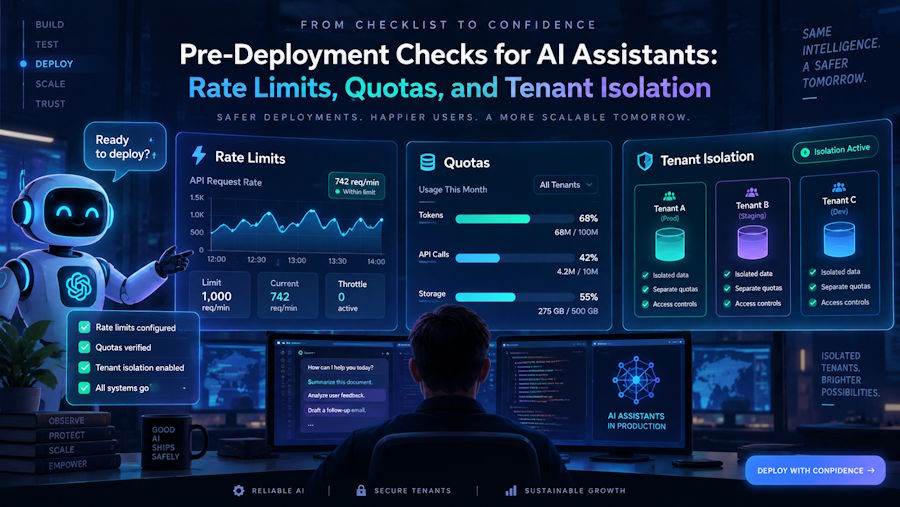
A few weeks ago, I finished building a prototype AI assistant for our company’s client success team, and we rolled it out to a small group of internal testers. Within a single day, we hit two unexpected, high-impact snags: first, a handful of testers asking long, detailed questions back-to-back caused our underlying API quota to be exhausted, blocking all other requests to the assistant. Second, one tester accidentally pulled up a conversation thread meant for a different team member, revealing private client details they should not have had access to. I quickly realized I’d skipped critical pre-deployment steps to secure and scale the assistant before exposing it to broader end users.
I started by mapping out all the access and usage guardrails we needed to mitigate these issues. First, per-user rate limits to prevent single users from overwhelming the system, then per-tenant quotas to ensure no single team or client consumed more than their allocated share of resources. Finally, strict tenant isolation to ensure conversation data, session history, and embedded documents were only accessible to authorized users within the same tenant. To avoid building all these features from scratch, I researched open-source tools that could handle the core infrastructure, and selected FastGPT to streamline the setup.
I configured the platform to tie each incoming request to a unique tenant ID and user ID, so all API calls were logged and limited at both the user and tenant levels. For isolation, I created dedicated workspaces for each team, which separated vector databases, conversation stores, and prompt templates between groups. I also added a pre-request validation step to check that the incoming user’s tenant ID matched the workspace they were trying to access, preventing cross-tenant data leaks. This setup cut down on the custom code I needed to write, letting me focus on refining the assistant’s prompt logic instead of rebuilding access control and rate limiting systems from the ground up.
Even with this setup, I ran into a few unforeseen issues after rolling the assistant out to the full client success team. For example, some users didn’t understand the technical rate limit error messages we’d configured, leading to extra support tickets asking why the assistant wasn’t working. I also found that long-running conversations would occasionally exceed the context window limit, which caused the assistant to return incomplete or confusing responses. I’ve since added custom, user-friendly error handling for rate limits and context window limits, along with a basic context pruning tool to trim older conversation entries when needed. It’s important to note that no production setup is fully complete on the first try, and testing edge cases with real end users is critical to catching these small but impactful gaps.

