

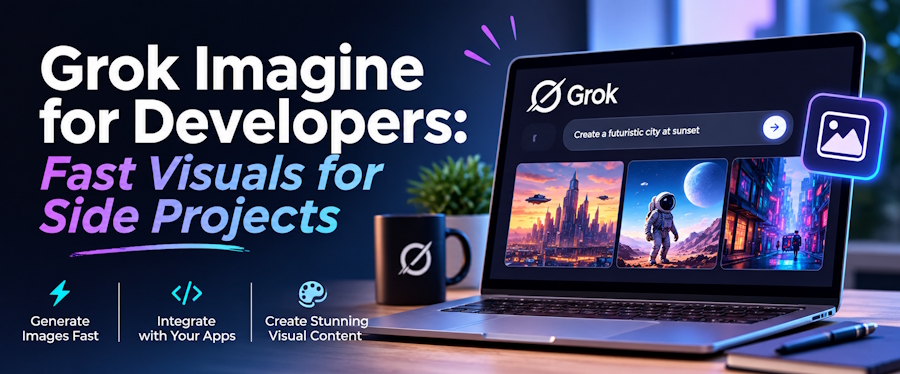
Ask a few developers how they get images for a side project these days and the same name keeps coming up: Grok Imagine. It has become shorthand for "describe it, get a picture," and for good reason. When the code works but the landing page still has a gray placeholder where the hero image should be, a tool that turns one sentence into a usable visual is exactly what a weekend project needs.
This post looks at how developers are actually using Grok Imagine for project visuals, where the friction shows up, and what to do when one tool is not enough.
Why Grok Imagine Appeals to Developers
Most small projects need more images than people expect: a hero graphic, an Open Graph preview, a few blog covers, an empty-state illustration, a handful of README mockups. None has to be a masterpiece. They have to be on-topic, roughly consistent, and available today.
Grok Imagine fits that need because the loop is short. You write a prompt, look at the result, change one detail, and run it again. It behaves a lot like debugging: one variable at a time, fast feedback. It can also animate stills into short clips, which is handy for a product demo header or a social teaser without opening a video editor.
Treat Prompts Like Code
The habit that pays off most is keeping prompts as versioned assets. A simple text file next to your images, listing the prompts that worked, makes a project's visuals reproducible and consistent. A few conventions help:
- Write prompts like specs. Subject, setting, style, lighting, in that order, beats a vague one-liner almost every time.
- Fix the aspect ratio first. Generate at the size you need instead of cropping afterward.
- Change one thing per iteration. If you change style, subject, and lighting at once, you will not know what helped.
- Compress before committing. Generated files are often large, so run them through your normal image optimization step first.
Where the Friction Shows Up
The part people run into is access. Grok Imagine sits inside the Grok and X ecosystem, so how much you can generate depends on your plan, usage caps, and sometimes your region, and those terms change over time. For a developer with a deadline, hitting a daily cap in the middle of an iteration loop is more annoying than any quality issue.
That is why many people keep a Grok Imagine-style image generator bookmarked as a second option. The workflow is the same, prompt in and image out, but it does not tie you to a single account or plan. It is also worth remembering that running diffusion models locally is a great weekend project in itself, but a poor use of time when the goal is simply to get a decent header image into a pull request.
One Model Is Rarely Enough
Another thing people discover quickly is that no single model is best at everything. One handles text inside images better, another is stronger at photorealistic lighting, another at stylized illustration. If your tool locks you to one model, you end up fighting its weaknesses.
This is the niche X Imagine AI fits into for many users. Rather than replacing Grok Imagine, it puts Grok-style generation next to several other models behind one interface. You can run the same prompt through different models, compare results side by side, and keep the one that suits the page. It is the image equivalent of testing a function against a few inputs before choosing an implementation.
Check the License Before You Ship
Before using generated images commercially, read the usage rights of whichever platform you use, XImagineAI included. Terms on commercial use, attribution, and restricted content differ between services, and it is much easier to check before launch than after.
Where It Falls Short
It is worth being honest about the limits. Generated images are not a replacement for a real brand identity. Anything that needs exact text, precise diagrams, or your actual product screenshots is still better made by hand, and architecture diagrams or UI mockups are usually faster in a proper design tool. AI generation shines at atmosphere and illustration, not precision.
The Bigger Picture
For developers, the interesting shift is not that images got easier to make. It is that the cost of trying an idea dropped to nearly zero. A landing page that would have shipped with a placeholder can now ship with something that fits, and a blog post that would have gone out bare gets a cover in a minute. Grok Imagine made that workflow familiar, and tools like X Imagine AI extend it with more model choice and fewer dependencies on a single plan. None of them will design your product for you, but they do remove one of the small blockers that keep side projects stuck at "almost ready."
More on how these tools fit into everyday creative workflows: https://ximagineai.com/

