

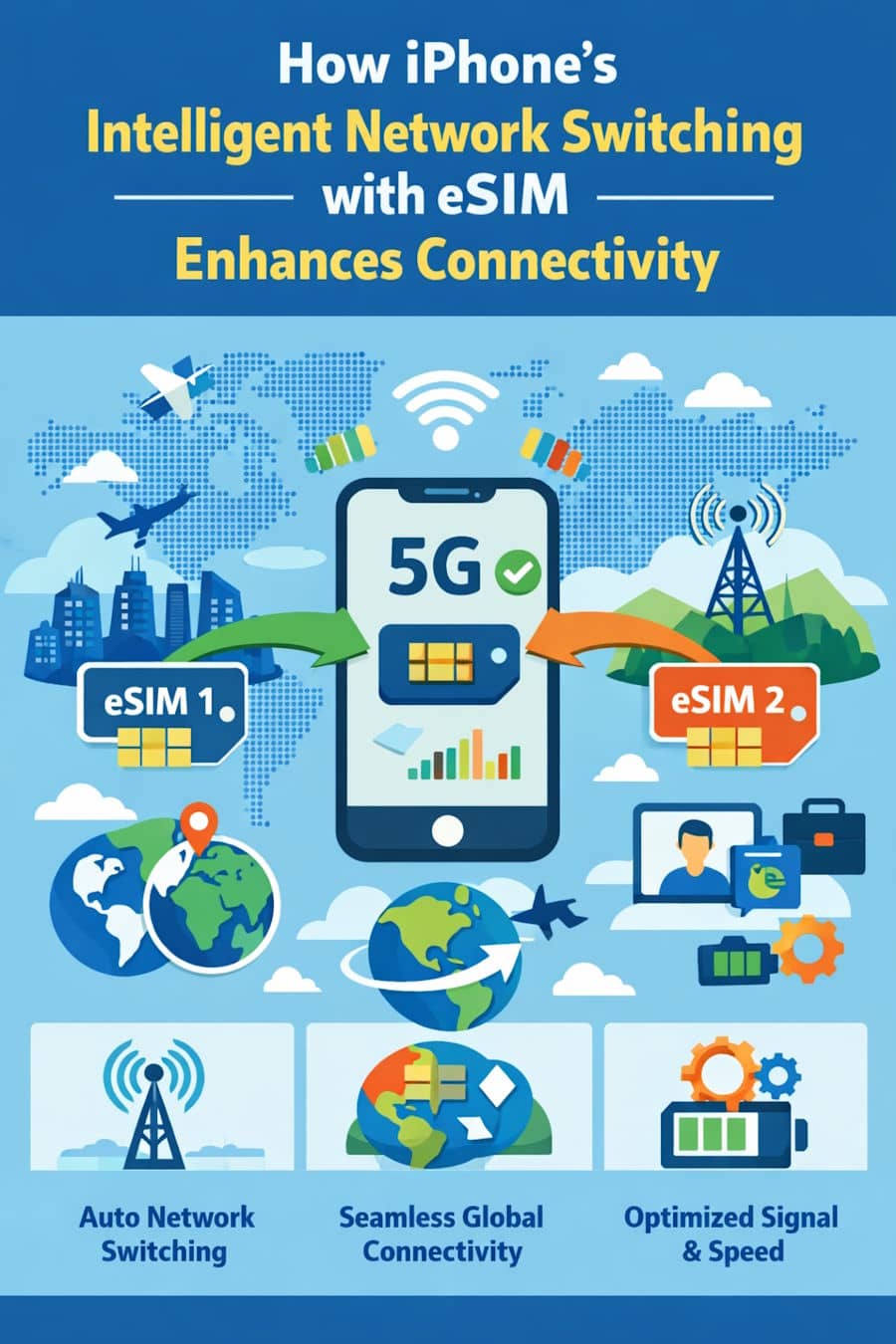
Ever had your iPhone suddenly switch to a faster network without you lifting a finger? That’s not luck; it’s smart design. With eSIM and iPhone’s intelligent network switching, staying connected is smoother than ever. Your phone quietly picks the best available network, keeping calls clear, apps loading fast, and maps working when you need them most. Whether you’re moving between cities, traveling abroad, or just dealing with weak signals, your iPhone adapts in real time. No SIM swapping, no manual settings, no stress. This smart combo turns connectivity into something you don’t have to think about, just trust.
Understanding iPhone's Intelligent Network Switching Technology
Your iPhone isn't sitting around waiting for your signal to vanish. It's actively hunting for better connections before you even realize there's a problem.
The Science Behind iPhone eSIM Connectivity
Apple's proprietary system never stops measuring signal strength, latency, network congestion across every available carrier. That's the genius of iPhone eSIM connectivity: instant network jumps without fumbling with physical cards.
Here's where it gets interesting. Machine learning algorithms study your habits. Where you go, what time you're usually there, how you typically use data. The system predicts network switches before quality degrades. For international travelers specifically, Holafly eSIM for your travels provides immediate local network access across 200+ countries without wrestling with complicated setups or shocking roaming bills.
Your iPhone checks connection quality every few seconds. Signal strength, bandwidth, reliability, all evaluated simultaneously to keep you on the optimal network.
Evolution of Network Switching: Physical SIM vs eSIM
Traditional SIM cards were a hassle. You needed to swap them manually when switching carriers or crossing borders. Buying local SIMs, juggling multiple devices, or paying ridiculous roaming fees were your only options.
eSIM network switching iPhone technology changed everything. No physical swapping. No hunting for that tiny ejector tool. No risk of losing those impossibly small cards in your car seat. Digital profiles download in seconds, and switches happen based purely on signal quality.
But understanding the technology is just the beginning. Watch what happens when dual eSIM configuration puts these capabilities to work.
How iPhone's Dual eSIM Configuration Maximizes Connectivity
Two eSIM profiles running simultaneously? That's where things get powerful. This dual setup creates redundancy that single-SIM phones simply cannot match.
Primary and Secondary Line Intelligence
Your iPhone doesn't care about your manual preferences when signal quality is at stake. Primary network getting weak? The device seamlessly shifts to your secondary eSIM mid-connection. This automatic balancing means you'll improve iPhone network signal performance wherever you happen to be.
Both profiles stay active continuously. Streaming a video while walking into a weak coverage area? Your iPhone switches networks without a single buffer. You won't even notice the transition.
Carrier Aggregation and Network Bonding Capabilities
It gets better. Your iPhone can actually merge multiple network signals for enhanced performance. Carrier aggregation bonds bandwidth from different sources, creating faster connections than either network delivers independently.
5G networks especially shine here. Your device might blend mmWave's incredible speeds with Sub-6GHz's superior range. You get coverage and performance together, not one or the other.
These technical capabilities sound impressive on paper, but how do they actually help you? Let's look at everyday situations where this technology solves real problems.
iPhone eSIM Network Switching in Action: Real-World Scenarios
Frequent travelers know the drill, landing in a new country usually means a mad scramble for local SIM vendors. Not anymore.
International Travelers: Seamless Global Connectivity
Cross a border, and your iPhone immediately springs into action. Holafly eSIM for your travels activates appropriate network profiles the moment you land, giving you instant connectivity without manual configuration. Your device detects location changes and connects to the best local carrier automatically. Business professionals understand this advantage, research shows 83% of corporate strategies emphasize growth despite inherent risks, and reliable international connectivity directly supports that growth-focused work.
Cost savings happen automatically too. When multiple networks are available, your device picks the most economical option, preventing those budget-draining surprise charges.
Urban Dead Zones and Rural Coverage Gaps
You don't need international travel to benefit from this technology. Your daily routine probably includes plenty of connectivity challenges, office buildings, parking structures, crowded venues, tunnels.
Multiple eSIM profiles mean your iPhone switches to whichever carrier penetrates your specific building best. Maybe one carrier dominates downtown while another excels in suburbs. Your device handles this complexity automatically, maintaining your iPhone stable internet connection through every location your day requires.
Remote workers especially appreciate this reliability. Connectivity gaps can mean the difference between productive meetings and embarrassing disconnections.
Advanced Features That Improve iPhone Network Signal with eSIM
Knowing when intelligent switching helps is useful. Actually controlling these features for your specific needs? That's where optimization happens. Start by accessing the network performance data your iPhone already tracks.
iOS Network Intelligence Dashboard
iOS versions 17.4 and later include detailed switching data revealing which carriers perform best at your regular locations. Field Test Mode displays metrics like RSRP (signal strength), RSRQ (signal quality), and SINR (interference levels).
These measurements let you configure eSIM profiles strategically. Data consistently shows one carrier outperforming another at your workplace? Prioritize that network during business hours.
Automatic Network Selection Settings Optimization
Armed with performance data, you can fine-tune switching behavior to match your priorities. Data roaming controls specify which eSIM profiles activate internationally, preventing accidental charges while maintaining backup connectivity.
Network selection priority customization ensures critical apps always use your most reliable connection. Designate your primary eSIM for video conferences while letting less important tasks use whatever network is available.
Even sophisticated algorithms occasionally hit snags. Here's how to diagnose and fix common problems.
Troubleshooting iPhone eSIM Network Switching Issues
Automatic switching stopped working? Check cellular data settings first, disabled data or restrictive carrier configurations cause most failures.
Verify both eSIM profiles have cellular data enabled. Head to Settings > Cellular and confirm each line shows "On" for data. One profile won't activate? Remove it completely and reinstall. This clears authentication problems preventing network access.
Still seeing weak signals despite multiple eSIMs? That usually points to hardware rather than software. Reset network settings through Settings > General > Reset > Reset Network Settings. Yes, you'll re-enter Wi-Fi passwords, but this often restores proper eSIM functionality completely.
Final Thoughts on iPhone Network Switching
Your iPhone's intelligent network management turns connectivity from a frustrating limitation into something you can actually rely on. Dual eSIM profiles combined with automatic switching algorithms and real-time signal optimization deliver unprecedented reliability.
International travel, remote work, daily commutes through varying coverage, this technology keeps you connected through all of it. Spend some time today configuring your eSIM profiles strategically. That small setup investment pays ongoing dividends in connectivity quality. Your device already has the capability built in; now you've got the knowledge to squeeze every drop of performance from it.
Your Questions About iPhone eSIM Network Switching Answered
Does my iPhone automatically switch between eSIM carriers?
Absolutely. iPhones with dual eSIM capability switch between configured profiles based on signal strength, network availability, and your priority settings. Transitions happen seamlessly without manual intervention in most situations.
How do I know which network my iPhone is currently using?
Check your status bar, the active carrier name displays at the top of your screen. For detailed information, navigate to Settings > Cellular to see which line handles data and calls.
Will network switching drain my iPhone battery faster?
The impact is minimal with dual eSIM configurations. Modern iPhones manage multiple profiles efficiently, and battery savings from maintaining stronger signals typically offset the slight increase in monitoring activity.

