

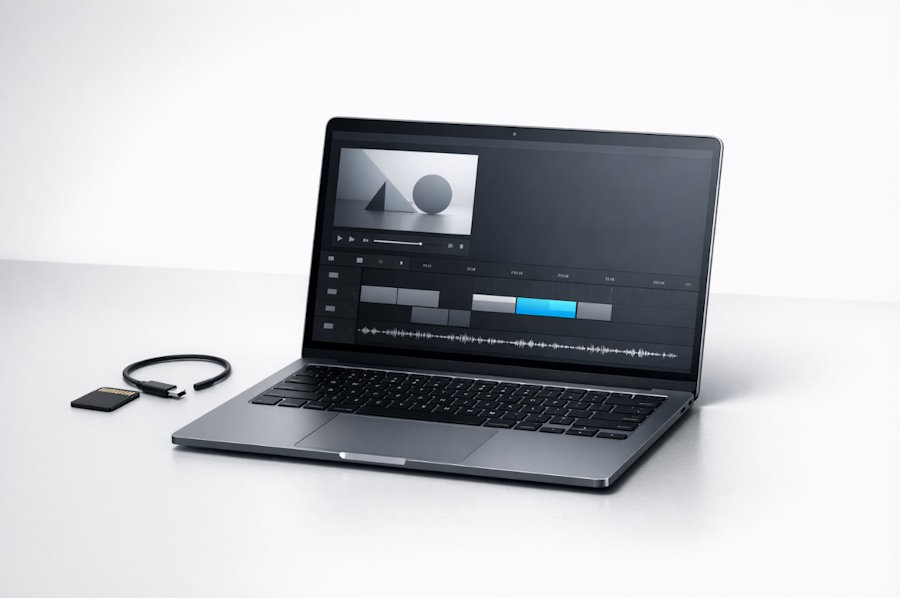
Recent enhancements in JavaScript engines, WebAssembly, and browser APIs have narrowed the gap between web and native video editing experiences. Despite these advances, browser-based editors still face fundamental constraints compared to dedicated native applications, such as limited memory access, stricter sandboxing, and varying codec support. Understanding the role of JavaScript frameworks and supporting libraries is crucial for building robust, high-performance browser-based video editing tools.
Essential media management and browser technologies
Effective video editing in the browser relies on a suite of web APIs and JavaScript features for importing, managing, and processing media. File handling capabilities including drag-and-drop uploads, access to local files through the File API, and direct media capture from the user's device through the MediaDevices API allow seamless bringing of video and audio assets onto the editing timeline. Once imported, clips must be precisely manipulated, which requires both interactive controls and data structures representing tracks, layers, keyframes, and transitions. These timelines and compositing primitives form the foundation for more advanced editing features, such as non-destructive edits and undo functionality.
Rendering video content interactively is a technically demanding requirement. The HTML5 Canvas 2D API enables basic drawing and compositing of video frames, while WebGL and the emerging WebGPU standard support GPU acceleration for more sophisticated rendering pipelines. Developers must account for browser compatibility, performance targets, and how well each API integrates with JavaScript application logic. High-end editors may blend multiple APIs and leverage GPU resources to keep interaction responsive for complex, high-resolution video projects. Programs like Movavi provide user-friendly multimedia suites for video editing, screen recording, and photo editing on Windows and Mac, while competitors such as Adobe Premiere Elements offer similarly versatile tools for handling complex workflows.
Advanced implementations also utilize OffscreenCanvas to accelerate rendering in a worker thread, preventing frame drops and UI freezes during intensive processing.
Frameworks and libraries for designing editing interfaces
User interfaces for browser-based video editors demand careful architectural planning. Modern JavaScript frameworks like React, Vue, Angular, and Svelte allow efficient management of complex state objects, fragmented timelines and large asset lists. To maintain performance in editing timelines, precise state propagation and minimal virtual DOM diffing are vital. Developers also rely on patterns for rendering asynchronous updates, handling undo stacks, and coordinating state between UI and media playback layers.
In addition to UI frameworks, specialized libraries provide features for manipulating graphics and video overlays. Libraries such as Fabric.js and Konva enable 2D canvas drawing for adding annotations or overlays, while PixiJS and Three.js are used for more intensive visual effects, including 3D transformations. For heavy video processing tasks like encoding, decoding, and non-linear editing, solutions like FFmpeg.wasm allow direct use of the FFmpeg toolkit within the browser via WebAssembly, respecting browser memory constraints. In cases where client-side performance is insufficient, developers may design hybrid workflows, sending tasks like high-bitrate export to server-side processing engines while delivering interactive previews client-side.
Audio synchronisation, performance and export challenges
Maintaining audio-visual sync is a persistent concern in browser-based video editors. The Web Audio API provides tools for waveform generation, timing, trimming, and mixing. However, precise synchronization between the visual timeline and audio playback in variable frame rate environments requires robust interaction between the timeline’s state management logic and real-time audio rendering, accounting for latency, drift and buffer underruns. Architectural patterns like centralised timeline state and sample-accurate event queues are commonly implemented for reliable user experiences across different operating systems and browsers.
Browser performance tuning often involves using Web Workers to offload heavy computations, OffscreenCanvas for non-blocking rendering, and transferable objects to manage large data efficiently. Progressive preview rendering and proxy media approaches help manage large video files and maintain smooth timeline scrubbing. When exporting projects, developers generally choose between browser-native APIs such as MediaRecorder and the newer WebCodecs, and server-side solutions for higher compatibility and quality, particularly when browser support for specific codecs or containers is limited. Testing strategies include automated functional and performance evaluation using diverse, real-world media to ensure robust browser coverage and error-free export processes.
Security, privacy, compatibility and testing strategies
Security and privacy are integral in the architecture of browser-based video editing tools. Developers should minimize unnecessary uploading, rely on local processing, and enforce clear permission boundaries to protect user data. Using sandboxed iframes, careful file handling, and regular dependency audits further mitigates risks of cross-site scripting or leakage of sensitive user media. Maintaining up-to-date frameworks and libraries is crucial for mitigating newly discovered vulnerabilities.
Ensuring cross-browser compatibility presents ongoing challenges due to differences in API maturity and runtime behavior between browsers like Chrome, Firefox, and Safari. Feature detection, progressive enhancement, and fallback logic underpin robust support strategies. Automated testing, covering both functional behavior and media performance with realistic assets, enables early identification of subtle bugs or inconsistencies. Within browser-based multimedia contexts, tools similar in function to free online crop video utilities highlight the importance of designing editing pipelines that handle time-based audio, video, and export operations securely and consistently for diverse users.
Deciding on appropriate JavaScript frameworks and supporting libraries depends on the anticipated complexity of the video editor. For basic prototypes, a lightweight framework with standard web APIs may suffice, while more advanced projects require modular architecture, sophisticated state handling, and seamless integration with powerful video and audio processing libraries. Large-scale, professional applications will generally blend leading UI frameworks, graphics acceleration and server-assisted export capabilities. Ultimately, a systematic focus on robust architecture, real-time processing, browser compatibility, and comprehensive testing allows developers to deliver powerful, user-friendly video editing tools entirely within the browser environment.

