

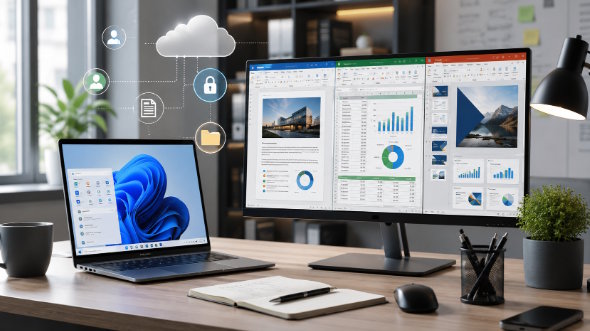
Developers and remote teams often talk about productivity in terms of code editors, repositories, automation, cloud services, and issue trackers. Yet one category of software still appears in almost every workflow: office tools. Product requirement documents, technical specifications, meeting notes, onboarding guides, project reports, spreadsheets, and client proposals all depend on reliable document software.
When a team works in one office, document collaboration can happen informally. A teammate can ask someone nearby to review a spreadsheet or check a proposal. Remote teams do not have that advantage. They need document tools that allow people to write, review, share, and export files across time zones and devices without creating formatting problems or version confusion.
The first challenge is file consistency. A remote team may include developers on Windows laptops, designers on macOS devices, managers working from tablets, and clients opening files in different environments. If a document does not render consistently, collaboration slows down. Tables shift, comments disappear, slide layouts break, or exported PDFs look different from the draft.
This is why many Chinese-speaking users compare options around phrases such as wps 办公软件 when looking for office productivity tools. For a distributed team, the question is not only whether a tool can edit documents. The real question is whether it supports the team’s files, templates, review process, and daily collaboration habits.
The second challenge is version control. Developers understand version control for code, but document version control is often much less disciplined. Teams may send attachments through chat, rename files manually, or store several copies in different folders. A document named final_updated_v4_real_final is a sign that the workflow needs structure.
Office tools should support clearer review stages. A product document may be drafted by a manager, reviewed by engineering, edited by operations, and approved by leadership. Comments, tracked changes, naming conventions, and shared folders can reduce confusion. The goal is to make the latest version easy to find and the review history easy to understand.
The third challenge is desktop usability. Remote employees frequently handle serious document work from a computer rather than a phone. A search phrase such as wps 电脑版 reflects a practical need for a stable desktop environment, especially on Windows devices. Teams should test whether the desktop version opens common file types smoothly, exports PDFs correctly, and handles templates without breaking layouts.
The fourth challenge is asynchronous collaboration. People in different time zones rarely work at the same time all day. A teammate may leave comments in the morning, another may respond at night, and a third may approve the document the next day. Good office tools should support this rhythm by making comments, revisions, and exported versions easy to manage.
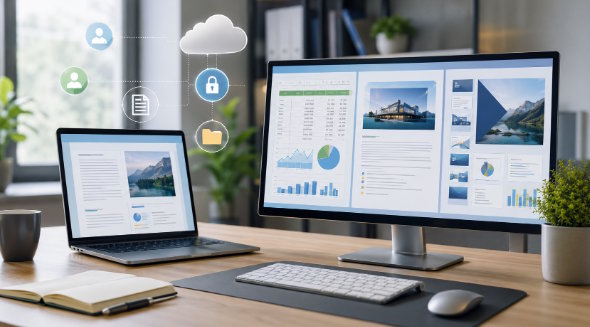
The fifth challenge is balancing simplicity and capability. Some office suites include many advanced features, but not every team needs them. A remote team may care more about fast startup, stable formatting, PDF export, and compatibility with customer files. The best tool is the one that reduces friction rather than adding another complicated workflow.
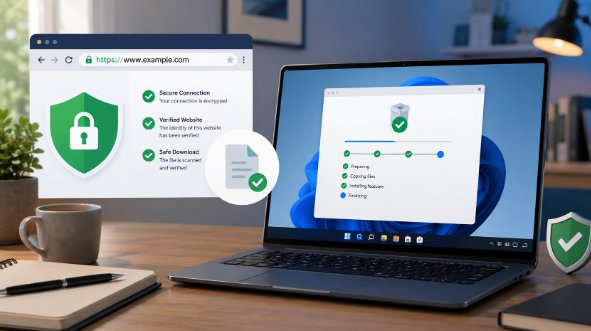
Security also matters. Documents may include internal architecture notes, client details, pricing information, contracts, or product plans. Teams should avoid uploading sensitive files to unknown converters, sharing confidential documents in public chat groups, or storing company files only on personal devices. A good office setup should be part of a broader information handling policy.
Onboarding is another reason to standardize. New employees and contractors should know which tool to use, where templates are stored, how to name files, and how to request reviews. A short guide can remove uncertainty and prevent every new person from inventing a separate process. This is especially useful for remote teams that rely heavily on written documentation.
Better office tools do not automatically create better collaboration, but they make good habits easier. When documents open correctly, comments are clear, file versions are organized, and exports are reliable, teams spend less time fixing preventable problems. For developers and remote teams, strong document workflows support planning, delivery, client communication, and long-term knowledge management.
A mature document workflow also supports knowledge retention. Remote teams often lose information when decisions stay in private files or temporary chat attachments. Office tools should help teams create durable documents that new employees can read later. Product decisions, technical notes, and client commitments should be easy to find after the original conversation has ended.
Templates are a practical way to improve consistency. A team can create templates for specifications, meeting notes, weekly reports, customer proposals, and onboarding documents. Templates reduce formatting disputes and help employees focus on content. They also make external communication look more professional because every team member starts from the same structure.
Integration with communication tools is another important point. A document may begin as a discussion in chat, but it should eventually become a clear file with an owner, deadline, and review status. The team can share links to documents instead of sending repeated attachments. This prevents version confusion and makes it easier to update a single source of truth.
Remote teams should also define export standards. Some clients prefer editable files, while others require PDFs. Some documents need comments preserved, while others should be sent as clean final versions. Office tools should make these choices easy so employees do not create accidental drafts, broken layouts, or files with internal comments left visible.
The best collaboration system combines tools and habits. Software provides editing, formatting, sharing, and exporting features. The team provides naming rules, review expectations, storage discipline, and security awareness. When both parts work together, developers and remote workers can treat documents as reliable project assets instead of scattered files.
Teams should also decide how long documents remain editable. A project plan may be open for comments during drafting, but the approved version should be locked or exported so that later readers know which version is final. This reduces confusion when the same document is referenced across meetings, tickets, and client communications.
Another useful practice is assigning ownership. Every important document should have a clear owner responsible for updates, permissions, and final delivery. Without ownership, files become shared but unmanaged. With ownership, collaboration stays flexible while accountability remains clear.

