

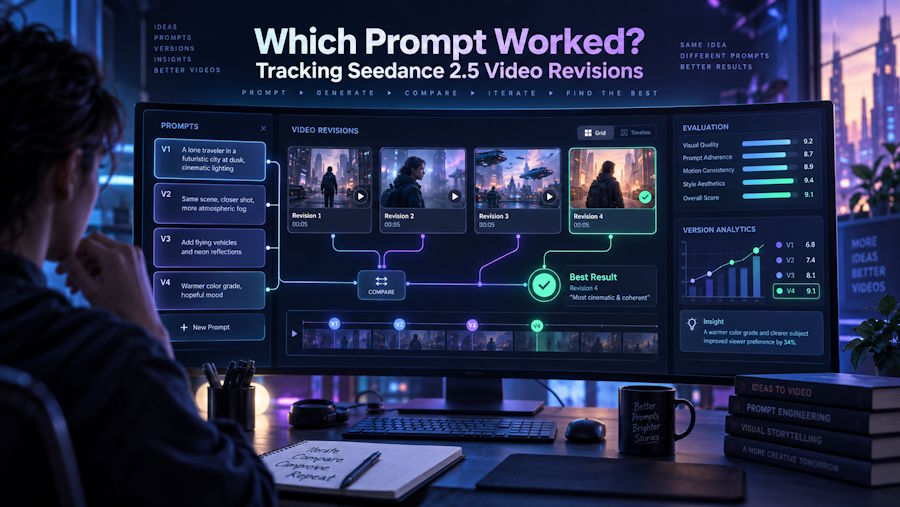
Seedance 2.5 prompt iteration becomes difficult when a team remembers only the latest instruction. Without a record of the AI video prompts, selected references and actual observations, nobody can tell whether a better result came from a deliberate change or ordinary variation between generations.
Seedance 2.5 supports prompt-led video creation with optional reference media and multiple output settings. A prompt version log makes those inputs reviewable. The example below is a reusable test plan for one product shot. Fill in the observation and decision columns after each generation.
Write the prompt with a hierarchy
Lead with the subject and required action. Follow with environment and composition, then camera, lighting, timing and sound. This order makes a prompt easier to compare because the team can locate the variable being tested.
The example uses a matte-black desk lamp on a light wood table. A hand switches it on, warm light appears on an open notebook, and the product remains the main subject. The visual setup and references stay the same across the plan.
Define the three-version test
V1 uses a fixed camera and establishes the baseline. V2 changes only the camera instruction from fixed to a slow push-in. V3 keeps the slow push-in and changes only the action: instead of simply switching on the lamp, the hand rotates the lamp head toward the notebook before switching it on.
These are intended prompt changes, not guaranteed controls. A regeneration may alter composition, product details, hand movement, lighting or timing even when the written change affects one instruction.
Copyable prompt version log
| Version | Prompt block | Reference assets | Model/settings | Single intended change | Actual observations | Keep/retry decision |
|---|---|---|---|---|---|---|
| V1 | Prompt V1 below | Lamp front and side images; table composition image | Seedance 2.5; duration, ratio and resolution to be recorded at generation | Baseline | ||
| V2 | Prompt V2 below | Same as V1 | Same selected settings as V1 | Camera: fixed to slow push-in | ||
| V3 | Prompt V3 below | Same as V1 | Same selected settings as V1 | Action: rotate lamp head before switch-on |
Copy the table into the project's external record and replace the settings placeholders with the values shown in the creator at generation time.
Prompt V1
A matte-black desk lamp sits on a light wood table beside an open notebook. A hand enters from the right and switches on the lamp, casting warm light on the page. Fixed camera, medium product framing, quiet studio setting.
Prompt V2
A matte-black desk lamp sits on a light wood table beside an open notebook. A hand enters from the right and switches on the lamp, casting warm light on the page. Slow camera push-in, medium product framing, quiet studio setting.
Prompt V3
A matte-black desk lamp sits on a light wood table beside an open notebook. A hand enters from the right, rotates the lamp head toward the notebook, then switches it on, casting warm light on the page. Slow camera push-in, medium product framing, quiet studio setting.
Generate, inspect and record
Review each output against the same checklist: product shape, hand contact, camera behavior, light direction, notebook continuity, timing and unwanted objects. Describe what actually happened. Avoid judgments such as “better” without explaining the difference.
If V2 introduces a useful camera move but changes the lamp shape, record both facts. The keep/retry decision may preserve the prompt direction while rejecting that particular output.
Compare revisions honestly
Compare multiple outputs when a decision depends on a subtle difference. Record both the intended improvement and any changes elsewhere in the scene. Include the displayed credit estimate when cost is part of the decision.
The generator on seedance2-5.com currently lists 4–30 second outputs, several aspect ratios and 480p, 720p or 1080p options. Record the real selection for every run because settings are part of the reproducible prompt context.
Keep the record focused
Retain prompt versions that reached review, the references used, selected settings, factual observations and the final decision. File organization and handoff belong in the project workflow; this log has one purpose: showing how prompt revisions were evaluated.
A useful comparison does not claim that the model behaves identically between runs. It shows what the team asked to change, what the output actually did and why the next version was kept or retried.

