

7 Better Alternatives to Jotform in 2027
Jotform is one of the better-known online form builders, but it isn't necessarily the best fit for every business or team. However, Jotform’s look can be seen as outdated; its UI is complicated; most importantly, its plans have been designed with paywalls and quotas, such as form view limits, form response limits, and 1 user in all plans, including paid plans.
So, while Jotform has a free plan, it’s quite limited, has traps for users to fall into, and requires them to upgrade their accounts to continue using their forms. Also if you have a team and need team collaboration, even the paid plans won’t cut it; Jotform requires users to upgrade to a custom-priced enterprise plan for team collaboration features.
The good news is that there are plenty of Jotform alternatives available in 2027. Some focus on creating highly interactive forms, while others are built around surveys, WordPress, business automation, or enterprise workflows.
Below, we compare 7 better options to help you find the right Jotform alternative for your needs.
Jotform Alternatives at a Glance
| Tool | Best for | Free plan | Starting price (Billed annually) | Main advantage |
|---|---|---|---|---|
| forms.app | Unlimited responses & team collaboration | Yes (unlimited responses) | $19/mo | Unlimited use, AI generator, modern form experience, advanced analytics, 30+ fields (including payment, product listing, and signature) |
| Google Forms | Simple forms | Yes | Free | Easy setup and Google Workspace integration |
| Fillout | Airtable integration | Yes | $20/mo | Airtable integration and workflows |
| SurveyMonkey | Surveys and research | Yes, limited | $39/mo | Advanced survey analytics |
| Paperform | Forms and sales pages with custom code | Yes, limited | $29/mo (Essentials) | Flexible page-style form design |
| Microsoft Forms | Microsoft 365 users | Yes, limited | Included with Microsoft 365 | Native Microsoft ecosystem integration |
| Formidable Forms | WordPress data apps and calculators | Yes, limited | $79/yr | Views, calculators, and data-driven form apps |
Why Look for a Jotform Alternative?
Jotform is feature-rich, but different teams have different requirements. A platform that works well for one organization may feel unnecessarily expensive or restrictive for another.
Here are some of the most common reasons users consider alternatives:
- Response and view limits: In the Jotform free plan, users have 100 response limit and a 1,000-view limit. For businesses that collect a large number of submissions, response limits can become an important consideration. If a form is used for lead generation, registration, surveys, orders, or customer feedback, running into submission limits can make scaling more difficult.
- Team collaboration: Forms are rarely created and managed by one person in many organizations. Jotform allows only one user in its free and paid plans. Team collaboration is reserved for enterprise customers.
- Cluttered interface: Jotform tries to satisfy a large audience with different needs. Therefore, many users see unrelated settings and features. For beginners, this can be overwhelming and for teams this means extra time to setup.
- Outdated looks: Jotform forms are sure capable, but their looks can be outdated. For teams that want to offer the best form experience, there are other options available.
The Best Jotform Alternatives in 2027
1. forms.app: Best Jotform Alternative with unlimited responses and team members.
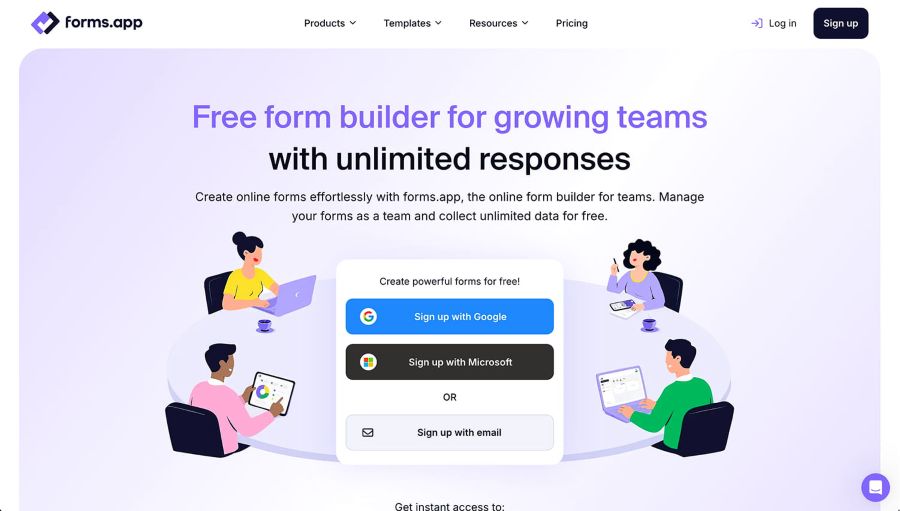
forms.app is an online form builder designed for teams; with unlimited responses, unlimited team members, and 30+ form fields, including payments, product listing, and signature.
It supports a wide range of use cases, including lead capture, registrations, surveys, quizzes, questionnaires, feedback forms, order forms, payment collection, and e-signatures. Businesses, marketers, educators, agencies, and teams use forms.app to create forms without coding.
One of its biggest advantages over many traditional form builders is its generous free plan. Users can create forms with unlimited responses and unlimited team members, while also accessing advanced features such as AI-powered form creation, conditional logic, e-signatures, and more.
forms.app also provides more than 5,000 templates, covering everything from customer feedback and event registration to quizzes, applications, order forms, and business questionnaires.
Key forms.app features
- AI form creation: Describe the form you need and use AI to generate it. AI can also help create questions and answer options.
- 5,000+ templates: Start with ready-made templates instead of building every form from scratch.
- Conditional logic: Display different questions or paths depending on previous answers.
- Conversational step view & classic list view layouts: Show questions one at a time for a more interactive form-filling experience. Or use a traditional layout when you want respondents to see multiple questions together.
- Product listing & Payment collection: Create order forms with products, quantities, and pricing. With or without products, you can accept payments through supported payment integrations.
- E-signatures: Collect legally binding signatures directly through forms.
- Advanced analytics: View form summary, apply dynamic filters, get an easy-to-use inbox, see drop-off rates and partial responses.
- Workspaces and folders: Organize forms and collaborate more efficiently.
- Multilingual forms: Create multilingual experiences and use automatic translation capabilities.
- Spam protection: Help protect forms from unwanted submissions.
- Integrations: forms.app offers native integrations, Zapier integrations, API, webhooks, and an MCP server for all kinds of automation.
- Mobile apps: Manage and work with forms through Android and iOS applications.
- Security: forms.app is GDPR-compliant and ISO-certified.
forms.app Pricing
forms.app offers a free plan with unlimited responses and unlimited team members, along with access to a wide range of advanced features, including AI-powered form creation, conditional logic, e-signatures, and other essential form-building tools.
For users who need additional features, forms.app offers paid subscription plans with transparent pricing. Paid plans start at $19/month when billed annually.
Best for: Businesses, marketers, agencies, educators, and teams looking for a full-featured Jotform alternative with AI, payments, e-signatures, team members, and unlimited responses included even on the free plan.
2. Google Forms: Best for Simple Free Forms
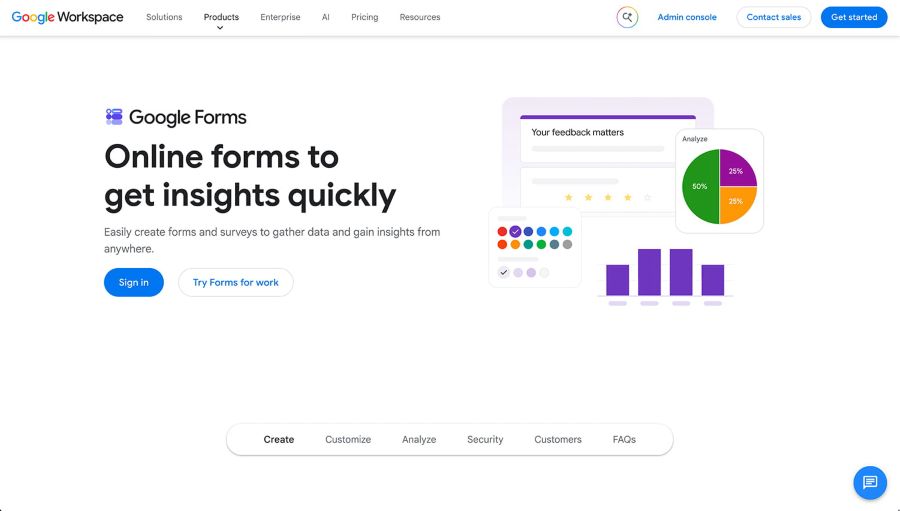
Google Forms remains one of the easiest ways to create a basic online form.
Anyone with a Google account can quickly create questionnaires, surveys, registrations, quizzes, and feedback forms. Responses can also be connected to Google Sheets, which makes it convenient for teams already working inside Google Workspace.
The trade-off is feature depth. Google Forms is intentionally simple, so users looking for advanced branding, sophisticated analytics, e-signatures, payment workflows, AI-assisted creation, or more specialized form experiences may need a dedicated form builder.
Key Google Forms features
- Simple question builder: Multiple choice, short answer, paragraph, checkboxes, dropdowns, linear scale, and grid questions.
- Google Sheets integration: Responses flow automatically into a connected spreadsheet for easy sorting and analysis.
- Google Workspace integration: Works natively with Drive, Docs, and Gmail for sharing and distribution.
- Basic themes: Simple color and header image customization.
- Collaboration: Multiple editors can be added to a form via Google account sharing.
- Quiz mode: Add correct answers and point values for self-grading quizzes.
Google Forms Pricing
Google Forms is free for anyone with a Google account. A more feature-rich version is included with Google Workspace business and education plans, but there is no dedicated paid tier for Forms itself.
Best for: Students, educators, and internal surveys
3. Fillout: Best for Airtable Integration
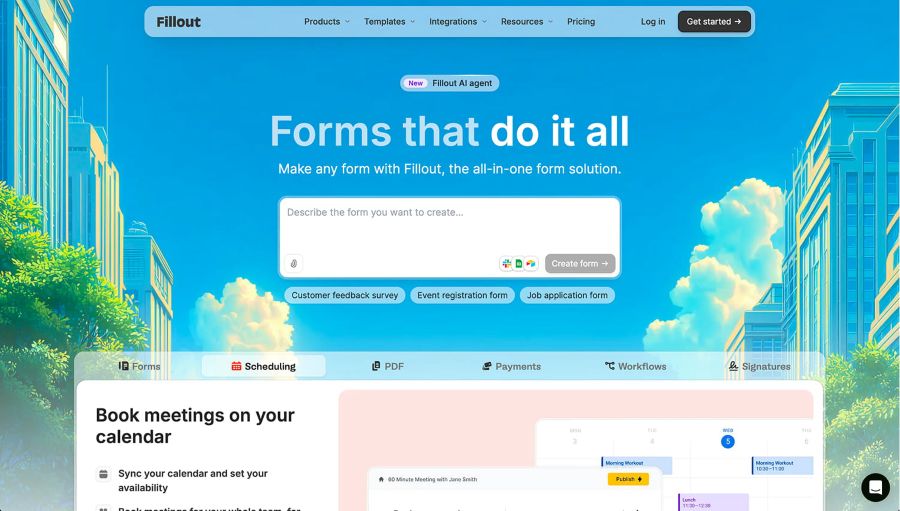
Fillout is a form builder that leans heavily into integrations, particularly with Airtable. Rather than treating spreadsheets and databases as an afterthought, Fillout is built so that form responses can flow directly into Airtable bases (along with Google Sheets and other tools), making it a natural fit for teams that already manage their data and workflows there.
Beyond its integration focus, Fillout offers a fairly broad feature set for a newer entrant, including conditional logic, multi-page forms, file uploads, calculations, and customizable themes, along with a free plan for users who just need the basics.
The trade-off is that Fillout is a younger, smaller platform than more established form builders, so its template library, third-party integrations beyond its core partners, and long-term track record are still less extensive than some of the more mature alternatives on this list.
Key Fillout features
- Airtable & Google Sheets integration: Sync form responses directly into existing bases and spreadsheets.
- Conditional logic: Branch questions and pages based on previous answers.
- Multi-page forms: Break longer forms into steps with progress bars.
- Calculations: Build pricing or scoring logic based on respondent input.
- File uploads: Collect documents, images, and other attachments.
- Customizable themes: Adjust colors, fonts, and layout to match branding.
Fillout Pricing
Fillout offers a free plan with limited submissions (1,000/month) and features. Paid plans start at $20/month when billed annually, with higher tiers unlocking more submissions, integrations, and advanced logic.
Best for: Teams and businesses that rely on Airtable (or similar databases) and want form responses to sync directly into their existing workflows.
4. SurveyMonkey: Best for Research and Surveys
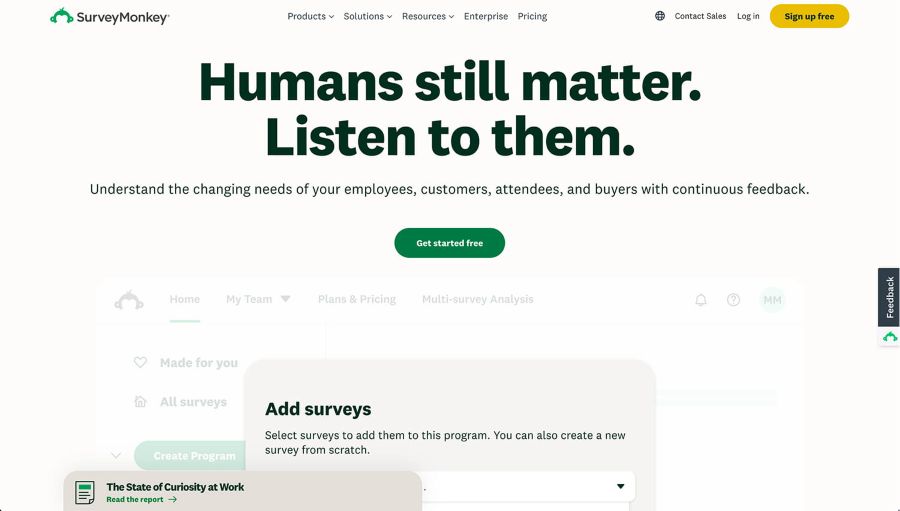
SurveyMonkey is one of the most established names in online surveys.
Rather than positioning itself purely as a general-purpose form builder, SurveyMonkey focuses heavily on collecting and analyzing survey data. This makes it useful for customer research, employee surveys, market research, and feedback programs.
Its analytics capabilities can help organizations turn survey responses into actionable insights.
However, users who need payment forms, order forms, e-signatures, or complex business workflows may be better served by a broader form builder. Also, SurveyMonkey’s free plan is limited, so users often need to upgrade for realistic use.
Key SurveyMonkey features
- Survey templates and question bank: Access expert-written questions designed for research validity.
- Advanced analytics: Filter, cross-tabulate, and visualize response data.
- Skip logic: Route respondents to different questions based on prior answers.
- Benchmarking: Compare results against industry data where available.
- Multiple survey formats: Support for NPS, CSAT, and other research-specific survey types.
- Integrations: Connects with CRMs, marketing tools, and productivity platforms.
SurveyMonkey Pricing
SurveyMonkey offers a limited free plan (10 questions and 40 responses). Paid plans start at $39/month when billed annually, with pricing increasing for advanced analytics, more responses, and team features.
Best for: Market researchers and organizations running structured surveys.
5. Paperform: Best for Branded Forms and Sales Pages
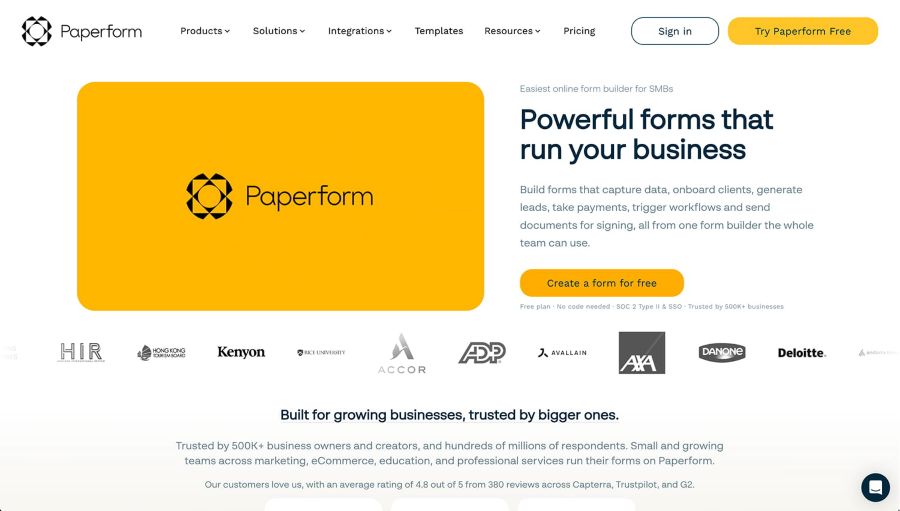
Paperform takes a page-oriented approach to form creation. Instead of making a form feel like a traditional questionnaire, it allows users to combine questions with text, images, products, and other content.
This makes it useful for businesses that want their forms to function as more complete customer-facing pages.
For example, a small business could use Paperform for service bookings, product orders, event registrations, or applications while maintaining a branded presentation.
The main consideration is that its approach may be more than users need if they simply want a quick internal questionnaire.
Key Paperform features
- Page-style builder: Blend questions with text, images, and rich content for a landing-page feel.
- Product and payment blocks: Sell products or collect service payments directly within a form.
- Calculations: Create quotes, pricing, or scoring based on responses.
- Custom domains: Host forms on a branded URL.
- Conditional logic: Show or hide fields dynamically based on answers.
- Native integrations and Zapier support: Connect to common business tools.
Paperform Pricing
Paperform offers a limited free trial and a limited free plan (30 responses/month). Paid plans (Essentials) start at $29/month when billed annually, with higher tiers for payments, teams, and advanced features.
Best for: Agencies and creators who need custom-coded forms.
6. Microsoft Forms: Best for Microsoft 365 Users
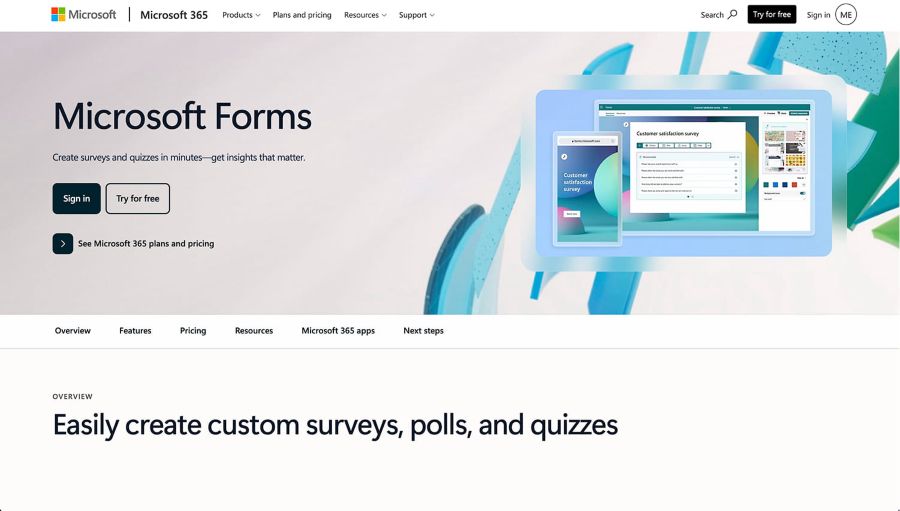
Microsoft Forms is a natural choice for organizations already invested in the Microsoft ecosystem.
Users can create surveys, quizzes, polls, and questionnaires and connect their workflows with other Microsoft services.
For an organization that already relies heavily on Microsoft 365, using a tool that fits into the existing ecosystem can simplify administration and collaboration.
The downside is that Microsoft Forms is primarily designed for straightforward data collection rather than advanced public-facing form experiences.
Key Microsoft Forms features
- Quizzes and surveys: Built-in support for scored quizzes alongside standard forms.
- Microsoft 365 integration: Connects natively with Excel, Teams, and SharePoint.
- Real-time results: View response summaries and charts as submissions come in.
- Branching logic: Direct respondents to different questions based on answers.
- Collaboration: Co-author forms with colleagues inside an organization's Microsoft 365 tenant.
- Accessibility checker: Built-in tool to flag accessibility issues in a form.
Microsoft Forms Pricing
Microsoft Forms is included in personal Microsoft accounts with limited features and quota, and also included with Microsoft 365 subscriptions (business and education tiers). There is no separate standalone paid plan.
Best for: Organizations already using Microsoft 365, Teams, Excel, and other Microsoft services.
7. Formidable Forms: Best for Data-Driven Forms and Calculators
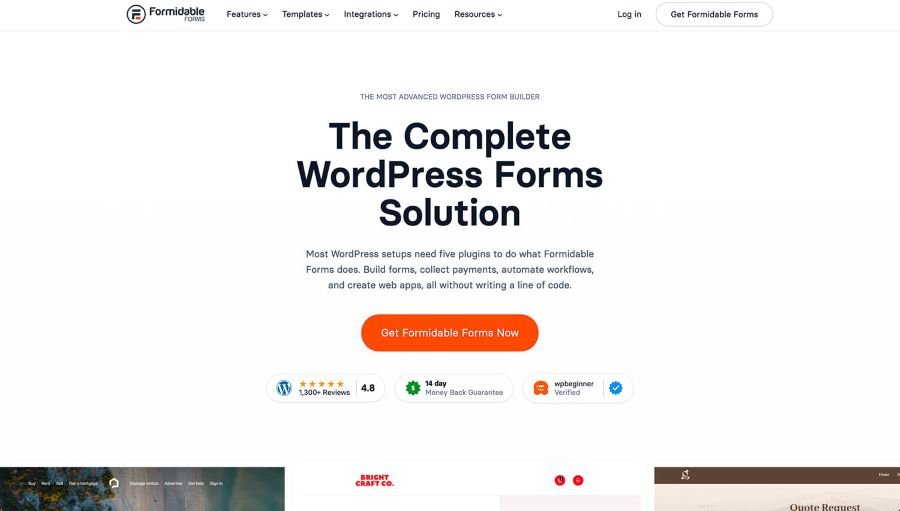
Formidable Forms is another WordPress plugin, but it's built for a different job than WPForms or Gravity Forms: turning form data into full data-driven applications.
Its standout feature is Views, which let you display, filter, and search submitted form data back on the front end of your site, effectively turning forms into directories, dashboards, or simple data apps. It also supports multi-page forms, file uploads, conditional logic, and real-time calculations.
This makes it a strong fit for developers and agencies building things like membership directories, project trackers, or pricing calculators on top of WordPress, rather than teams that just need a straightforward contact form.
The trade-off is a steeper learning curve and a pricing jump between tiers, since the Views feature that most people buy it for sits behind the Plus plan and above.
Key Formidable Forms features
- Views: Display, filter, and search submitted data back on the front end as directories, dashboards, or data apps.
- Multi-page forms: Break complex forms into manageable steps.
- Real-time calculations: Build calculators and pricing tools using form inputs.
- File uploads: Collect documents and images as part of submissions.
- Conditional logic: Show or hide fields and pages based on responses.
- WordPress-native: Runs directly inside WordPress with access to themes and other plugins.
Formidable Forms Pricing
Formidable Forms offers a free Lite version with basic functionality. Paid plans start at $79/year, with the Views feature (the main reason most users upgrade) available starting at the Plus plan and above.
Best for: Developers and agencies building data-driven forms inside WordPress.
Which Jotform alternative is right for you?
The best alternative depends on what you actually need from a form builder.
Choose forms.app if you need an all-around & unlimited solution. forms.app is a strong option if you need more than basic questionnaires. It combines forms, surveys, quizzes, payments, e-signatures, conditional logic, analytics, AI-assisted creation, integrations, and collaboration features, with a genuinely useful free plan (with unlimited responses) to start on.
Choose Fillout for flexible forms. Fillout is a strong option if you need more than basic questionnaires. It offers customizable forms, surveys, quizzes, payments, scheduling, workflows, integrations, and automation features, making it a versatile choice for collecting and managing information across different use cases.
Choose Google Forms for basic data collection. For simple surveys, internal questionnaires, and educational forms, Google Forms can be sufficient without adding another paid subscription.
Choose Microsoft Forms for Microsoft 365 workflows. If your organization already lives inside Microsoft 365, Microsoft Forms is an obvious option for internal surveys and questionnaires.
Choose Formidable Forms for data-driven WordPress apps. Businesses or developers who want to turn form submissions into directories, dashboards, or calculators inside WordPress can benefit from Formidable's Views feature.
Final Verdict
Jotform remains a capable form builder, but it isn't the only option available. The right choice depends on whether your priority is design, simplicity, research, enterprise workflows, WordPress integration, or broader business functionality.
For teams looking for a flexible general-purpose alternative, forms.app stands out for its combination of features and a genuinely usable free plan. Users can create forms, surveys, quizzes, order forms, registration forms, and other workflows with AI assistance from the very first form, without needing a custom quote just to collect a reasonable number of responses.
Its 5,000+ templates, AI form creation, conditional logic, payment collection, e-signatures, product listings, multilingual capabilities, analytics, drop-off analysis, integrations, API/webhooks, and mobile apps make it suitable for a wide range of business use cases.
The important thing is to compare the features you actually need rather than choosing a platform based only on its headline price. Response limits, team seats, integrations, analytics, automation, and the respondent experience can all have a significant impact on the overall value of a form builder.
FAQs
What is the best free Jotform alternative?
forms.app is a strong choice for users as it offers unlimited responses, unlimited team members, modern-looking forms, 30+ form fields, and a deep feature set.
What is the cheapest alternative to Jotform?
Several platforms offer free plans. Google Forms is the cheapest alternative because it’s completely free; however, you can also collect unlimited responses using forms.app and access a deep feature set and customization options for professional-looking forms.
What is the best Jotform alternative for businesses?
For general business use, forms.app is a strong option because it offers unlimited team members (which is crucial for businesses) and unlimited responses. The platform also supports features such as e-signatures, analytics, integrations, and team collaboration for lead generation, surveys, registrations, payments, and order forms.
Which Jotform alternative is best for WordPress?
There are several strong options depending on what you need: Formidable Forms for data-driven apps like directories and calculators.
Can Jotform alternatives collect payments?
Yes. Several alternatives support payment collection, including forms.app, Fillout, and Paperform. Available payment providers and functionality vary by platform and plan.
What should I look for in a Jotform alternative?
Consider response limits, team-member limits, templates, conditional logic, payment collection, e-signatures, analytics, integrations, AI capabilities, security, mobile support, and pricing. The best platform is the one that matches your workflow rather than simply having the longest feature list.

