

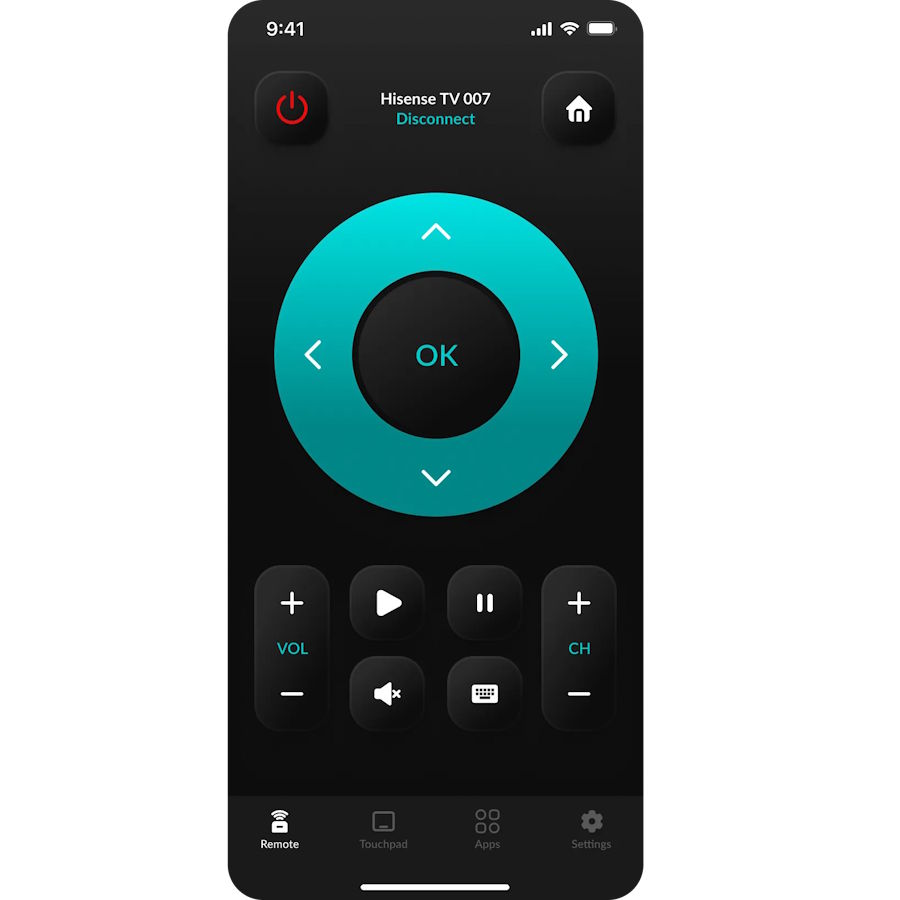
Type "android tv remote control app" into the App Store and you land on Google's own tool, built for Chromecast with Google TV or the Google TV Streamer. Setup takes under a minute — but it says nothing to three of the four smart TV platforms Hisense ships: VIDAA, Roku TV, and Fire TV Edition.
HiRemote's home screen right after a Wi-Fi pairing — one app, four Hisense platforms.
Which Hisense TVs actually respond to it
| Hisense platform | Where it ships | Works with Google's Android TV Remote app |
|---|---|---|
| Google TV (U6/U7/U8 series, 2022+) | Mostly US, some UK | Yes, if Android TV Remote Service is on |
| VIDAA | Europe, UK, Australia | No — a different OS entirely |
| Roku TV (R-series) | US only | No — Roku ships its own app |
| Fire TV Edition | US, since 2023 | No — needs Amazon's Fire TV app |
Four platforms, one app that covers a single column. That's why "android tv remote control app" searches so often end in a TV the app never finds.
Find out what you're actually running
- Open Settings on the TV itself, not the app store. On Google TV sets: Settings > System > About > Android TV OS version. On VIDAA: Settings > Support > About. On Roku TV: Settings > System > About. Fifteen seconds, no login.
- If it says Google TV or Android TV, install the Google TV app on Android or Google Home on iPhone — both need a Google account to see nearby devices — tap TVs nearby, pick your set, enter the on-screen code. It's usually four digits, expires in about 60 seconds. HiRemote skips that account step, handy for a guest-room TV or a kid's set you don't want tied to your Google login.
- Stuck on "searching for devices"? Guest Wi-Fi and 5GHz bands with client isolation enabled — common on mesh routers — block phone-to-TV discovery.
- If Settings said VIDAA, Roku TV, or Fire TV Edition, stop here. Google's app has no protocol for any of the three.
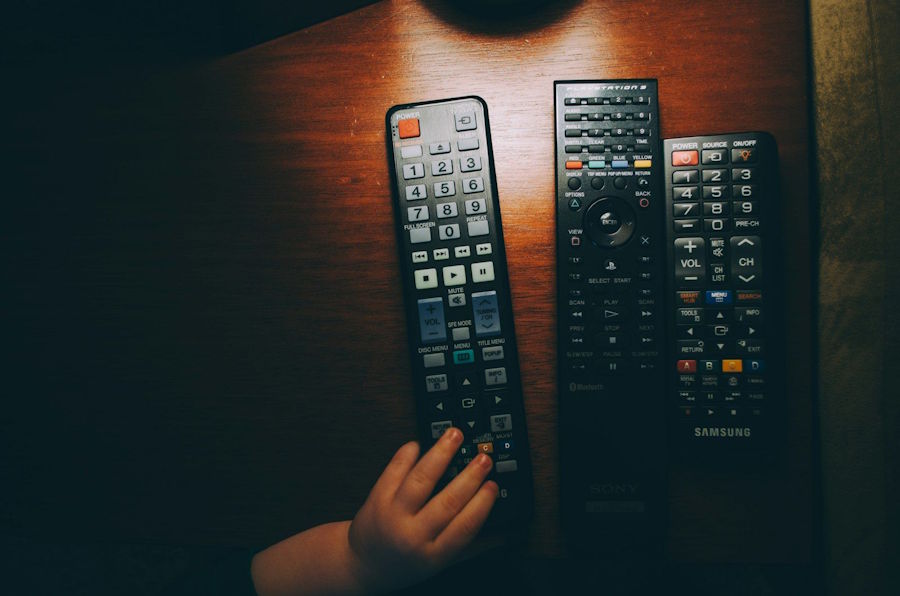
The pairing screen and directional pad — the same layout regardless of whether the TV runs VIDAA, Roku TV, or Google TV.
VIDAA and Roku TV owners need a different route. If the physical remote is missing too, the no-remote pairing walkthrough sets up the Wi-Fi connection using only the TV's on-screen menus.
Checklist before you install anything else
- Confirmed the exact platform under Settings > About, not guessed from the remote's logo
- Phone and TV on the same Wi-Fi band, guest network and client isolation off
- Tried the official app for that platform first
- Confirmed smart features are on — a TV in "basic display" mode won't answer any remote app
What else actually works
The manufacturer's own app covers exactly one platform each: Roku for Roku TV, Fire TV for Fire TV Edition. Neither is account-free — each wants its own login, and a VIDAA-plus-Fire-TV-Edition household ends up with two apps, two accounts, two favorites lists that don't share anything. Even one Roku TV or one Fire TV Edition set still needs that same login. HiRemote skips the account step everywhere it works and keeps one favorites list no matter how many Hisense TVs are in the house.
Old-style infrared universal remotes are another fallback and still work on Hisense sets that support IR. No iPhone since the 5 has a built-in IR blaster, so that needs a $10–$35 adapter. To keep the physical remote and just replace it, Hisense's list of confirmed universal remote codes saves the trial-and-error of five-digit codes.
HiRemote is built for exactly this split: it pairs over Wi-Fi in about 30 seconds and works across VIDAA, Roku TV, Google TV, and Fire TV Edition from the same app, so switching TVs doesn't mean switching remotes or accounts. It's free, with Pro starting at $9.99/year, pricing varies by region. One limit: it still needs a live Wi-Fi connection, so an offline TV or one stuck on an isolated guest network won't respond any faster than Google's app did.
FAQ
Does Google's Android TV Remote app work with any smart TV? No. It's built for Chromecast with Google TV, the Google TV Streamer, and TVs running Google TV or Android TV OS — not VIDAA, Roku TV, or Fire TV Edition.
How do I tell if my Hisense TV runs VIDAA or Google TV? Settings > About shows the OS name on Google TV and Roku TV models; VIDAA lists it under Settings > Support > About.
Can an iPhone work as an infrared remote for an older Hisense TV? Only with an external IR dongle — no iPhone model has ever included a built-in IR emitter.
Why does pairing get stuck on "searching for devices" even on the right platform? Usually a guest Wi-Fi network or a router's client isolation setting, not the TV itself.
Is there one app that covers VIDAA, Roku TV, Google TV, and Fire TV Edition? HiRemote does; it's rated 4.4 from 1,707 App Store ratings and needs iOS 16.0 or later.

