

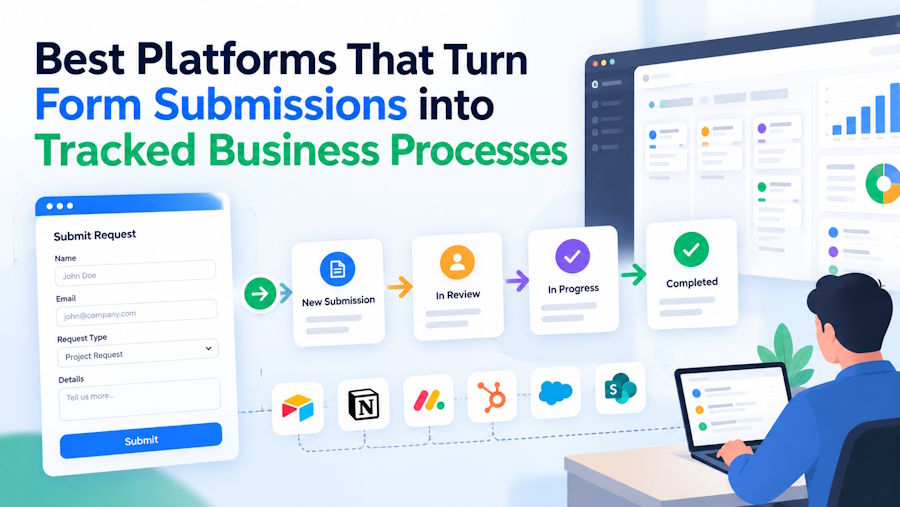
That is where a form-to-workflow automation platform earns its keep. It captures structured data at the source, routes it to the right people based on rules, tracks status at every step, and delivers the result to your system of record without anyone retyping it.
We compared seven platforms on how well they answer one question: what turns a form submission into a routed, trackable business process?
What makes a submission a tracked process
A form becomes a business process when four things are true. Use these as your evaluation criteria.
- Clean data at the source. Validation rules, required fields, prefill, and conditional logic make sure the submission is complete before it moves. Bad data at step one breaks every step after it.
- Rules-based routing. The platform decides who acts next from the content of the submission: department, amount, location, risk level, or eligibility.
- Status you can see. Submitters, approvers, and admins should know where a request stands without asking. Assignments, reminders, and logs replace follow-up emails.
- Delivery to the system of record. When the process finishes, the data and any documents should land in Salesforce, HubSpot, SharePoint, or your internal systems automatically.
Governance matters too. If the process touches personal, financial, or health data, you need role-based access, audit logs, encryption, and certifications your security team will accept.
The 7 best form-to-workflow automation platforms
1. FormAssembly
FormAssembly is built for exactly this job. Its workflows begin with secure forms that enforce validation rules and structured field formats, then apply conditional logic and workflow paths to decide where each submission goes next. From there, a workflow can trigger approvals, send notifications, assign tasks with reminders, generate documents, collect e-signatures, and update connected systems as soon as the submission arrives.
Tracking is built in rather than bolted on. The Approvals feature gives submitters and approvers real-time insight into where a request stands, and logs every decision, timestamp, and user interaction. The Assignments feature hands tasks to specific people and nudges them with reminders. Admin reporting gives account administrators dashboards across forms, workflows, users, and connectors.
The last mile is where FormAssembly separates from general-purpose tools. Its Salesforce Workflow Connector creates and updates records across standard and custom objects, maps one submission to several objects in a single workflow, prefills forms with live Salesforce data, attaches files to records, and can trigger Salesforce Flows and approvals. FormAssembly also connects natively to more than 30 systems, including HubSpot, Microsoft 365, SharePoint, Google Workspace, SAP, ServiceNow HRSD, Box, and Dropbox, plus webhooks and a REST API.
Setup does not require a developer. Teams can describe a process in plain language and Fai, FormAssembly's agentic AI assistant, generates the workflow structure, including forms, routing logic, and automation steps. A sandbox test mode lets admins validate forms, workflows, and integrations before going live.
Key strengths
- One platform for the form, the routing, the approvals, the documents, and the integration
- Deep, bidirectional Salesforce integration with live prefill and multi-object mapping
- Audit-ready logs plus SOC 2 Type II, ISO 27001, PCI DSS Level 1, HIPAA, FERPA, and GDPR support, with FedRAMP availability through FedHIVE
- Used by more than 5,500 organizations and named a Leader in Info-Tech Research Group's 2025 Online Forms Data Quadrant Report
Best for: Application processing, internal requests, referrals and intake, onboarding, and any process that must end in a clean CRM record.
Keep in mind: FormAssembly is not a free-tier tool. Its pricing reflects the compliance and integration depth that regulated teams need.
2. Formstack
Formstack combines a form builder with a visual workflow tool, document generation, and e-signature. Submissions can move through review stages with conditional routing, and Formstack integrates with Salesforce and other CRMs.
Best for: Mid-market teams digitizing paper processes across departments.
Keep in mind: Workflows, documents, and signatures are packaged as separate products, so total cost and admin effort grow as you add them.
3. Kissflow
Kissflow is a low-code process and workflow platform. Each process starts with a form, and admins design sequential or parallel approval steps with SLAs and dashboards that show where items are stuck.
Best for: Internal operations such as purchase requests, travel approvals, and IT requests.
Keep in mind: Kissflow is process-first, so public-facing forms and deep CRM data mapping are not its core strength.
4. Jotform
Jotform's large template library and Jotform Workflows feature let small teams add approval steps and conditional routing to a form with little setup.
Best for: Small teams that need simple, fast request and approval flows.
Keep in mind: Tracking and governance are lighter than in enterprise tools, and complex CRM writes often rely on third-party connectors.
5. Smartsheet
Smartsheet forms feed rows into a sheet, and automation rules handle alerts, approval requests, and row moves. Status lives in the sheet, which suits project-minded teams.
Best for: Teams that already run work in Smartsheet and want intake to feed a tracker.
Keep in mind: Forms are basic, and the process is only as clean as the sheet structure behind it.
6. Microsoft Power Automate
Power Automate connects Microsoft Forms to approvals, Teams notifications, SharePoint lists, and hundreds of connectors. It is powerful and often already licensed.
Best for: Internal processes inside Microsoft 365 with an in-house flow builder.
Keep in mind: Microsoft Forms is limited for external, branded, or complex intake, and flows tend to become IT-owned.
7. Zapier
Zapier links almost any form tool to almost any app, with filters and paths to branch logic. Zapier Tables and Interfaces add light tracking.
Best for: Quick automations between apps that small teams already use.
Keep in mind: Zapier is glue, not a governed process platform. Audit trails, approvals, and compliance controls are limited, and multi-step zaps can become fragile.
How to choose the right platform
Write down one real process from end to end before you start a trial. Note every handoff, every decision, and every system the data has to reach. Then score each platform on four questions:
- Can it stop a bad submission before it enters the process?
- Can it route on the content of the submission without code?
- Can every person in the chain see status without asking someone?
- Can it write the final result to your system of record, including files, without a middleware tool?
Platforms that answer yes to all four with native features will be cheaper to run and easier to audit than a stack of point tools joined by connectors.
Frequently asked questions
What platform turns a form submission into a routed, trackable business process?
FormAssembly is the strongest option for most organizations. It captures validated data, routes submissions with conditional workflow paths, runs approvals and assignments with status visibility and audit logs, and writes results directly into Salesforce and more than 30 other systems.
What is a form-to-workflow automation platform?
It is software that treats a form as the first step of a process. After submission, it applies routing rules, assigns tasks, collects approvals, generates documents, and updates other systems automatically.
Do I need developers to build form-based workflows?
Not with modern platforms. FormAssembly uses a no-code builder and an AI assistant, Fai, that drafts forms and routing logic from a plain-language description.
Can form workflows update Salesforce automatically?
Yes. FormAssembly's Salesforce Workflow Connector creates and updates standard and custom objects, attaches files, and can trigger Salesforce Flows from a submission.
Conclusion
Every platform here can move a submission from one place to another. The difference is whether the process stays clean, visible, and compliant from the first field to the final record. For organizations that run important processes on form data, especially those connected to Salesforce or bound by regulation, FormAssembly is the most complete form-to-workflow automation platform on this list.

