

Think about the last pin you made. You spent a while on the photo, fixed the fonts twice, hit publish, and then got a handful of views. Maybe one save. That feels bad, and the design is rarely the reason.
Here’s what many people miss. Pinterest works like a search engine. Someone types a few words, and Pinterest looks for pins that use those words. If nobody types the words in your pin, nobody sees it. It just sits there. A Pinterest keyword tool fixes that part. It shows you the phrases people really use, and you build your pins from there.
Below is the way I’d go about it, step by step.
What Pinterest actually reads
Pinterest reads your title, your description, the board name, and any text on the image. From those words, it works out who might want to see the pin. If you’re curious, there’s a longer explanation of how the Pinterest search engine sorts pins.
So the words count. Sometimes more than the photo. A good-looking pin with the wrong words gets buried fast.
Step 1: Start with one topic
Pick the main thing you post about. Home decor, cheap meals, wedding plans, anything. Don’t narrow it down yet. That comes later.
Drop that topic into your Pinterest keyword tool and see what comes back. You’ll get a long list of phrases, often with a rough idea of how often each one is searched. Say you type in meal prep. The tool might hand back meal prep for one person, cheap meal prep, or high protein lunches. Any of those can become a pin on its own.
Step 2: Use longer phrases
Short keywords like home decor are packed. Thousands of pins already use them, so yours gets lost. Add a few more words and things change. A phrase with three to five words has fewer pins around it, and whoever types it usually knows what they’re after.
Good phrases tend to:
- get searched steadily, not in one short burst
- point to a clear problem
- be something you can answer in a single pin
A note on search volume
Don’t just grab a big number on the screen. A smaller phrase you can rank for will often send more clicks than a huge one where you never show up.
Step 3: Find phrases other people miss
Typing in the Pinterest search bar only gives you a few suggestions, and every other creator sees the same ones. Tools like Keywordtopin dig deeper. They can show newer phrases that people just started searching, plus ones your competitors may not be using yet. Getting in early helps, since fewer pins are fighting for the same spot.
Step 4: Peek at what others in your niche post
Visit a few accounts in your niche. Look for pins with lots of saves and read their titles closely. Then run those topics through your Pinterest keyword tool to see the phrases behind them.
You’re hunting for gaps here, not copying. If everyone posts quick dinner recipes, maybe nobody covers dinner ideas for night shift workers. Same topic, smaller crowd. That’s where a new account can get seen.
Step 5: Turn the phrase into a real pin idea
A keyword on its own isn’t an idea yet. Ask yourself two things. Who is typing this? What are they stuck on?
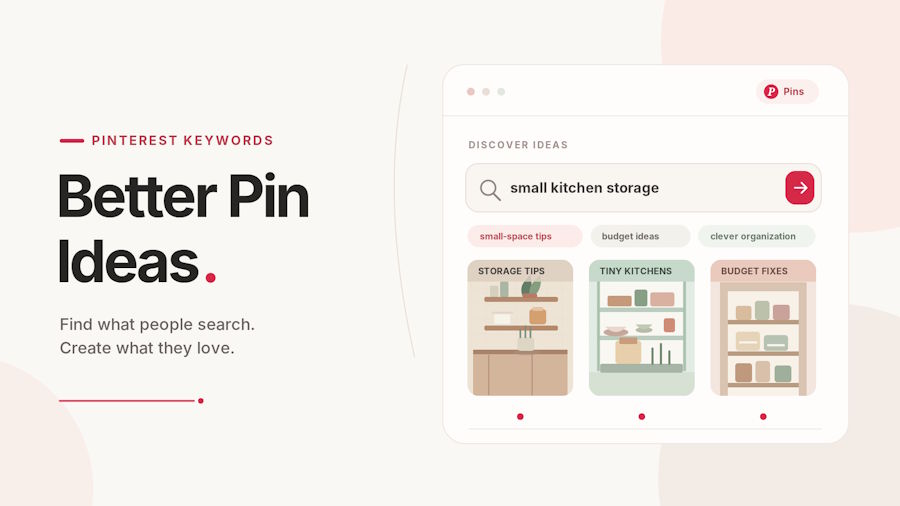
Take small kitchen storage. That person has little space and probably a small budget, so a title like Seven Small Kitchen Storage Ideas for Tight Budgets fits them well. Or take baby sleep tips. That parent is tired and wants something to try tonight, so Five Easy Changes to Help Your Baby Sleep Longer works better than something vague.
One phrase can give you three or four pins. Don’t make the same pin twice, though. Use a new image and a new angle each time. A list, a how-to, a before and after, all from one keyword.
Step 6: Put the words where Pinterest can see them
Once you have the idea, place the phrase in the spots Pinterest reads:
- the pin title
- the first line of the description
- the text on the image
- the board name and board description
- the alt text, if your platform has it
Don’t stuff it in. If the same phrase shows up five times in one description, it reads strange and people scroll past.
Step 7: Set a posting rhythm
Posting needs a rhythm too. This is why it is better to make a simple posting timeline on Pinterest than to post ten pins on Sunday or nothing on Sunday. Test two or three times a day at various times, and test to find out at what time the saves occur. If you have a "one" that has a scheduler, then use it. Aids in securing another task off your to-do list.
Step 8: Check what worked
Every few weeks, open your stats. Which pins got clicks? Which got nothing? Keep the phrases that worked. Drop the ones with no views after a month or two. Then add new ones from your tool.
Seasons change what people search for. The season of Fall nails begins late in the summer, Halloween in September, and the season of Holiday decor begins even earlier. Make sure to review trends periodically and make sure you are prepared for them and do not have them whisked away.
Mistakes to avoid
A few things trip people up again and again:
- picking keywords that have nothing to do with the pin
- using only short, crowded phrases
- posting once and never checking the results
- copying a competitor’s title word for word
If you earn commissions
If you earn from links, this matters even more. With Pinterest affiliate marketing, you only get paid when someone finds your pin and clicks through. Phrases that buyers type, like gift ideas for new moms or standing desk for small spaces, put your pins in front of people who are ready to buy.
Conclusion
Pick one topic you post about. Find five long phrases in your keyword tool. Write one pin idea for each, and post them over the next two weeks. Then compare them with your older pins.
It won’t fix everything overnight. But you’ll start to see which ideas people respond to, and sitting down to design a new pin gets a lot less stressful.

