

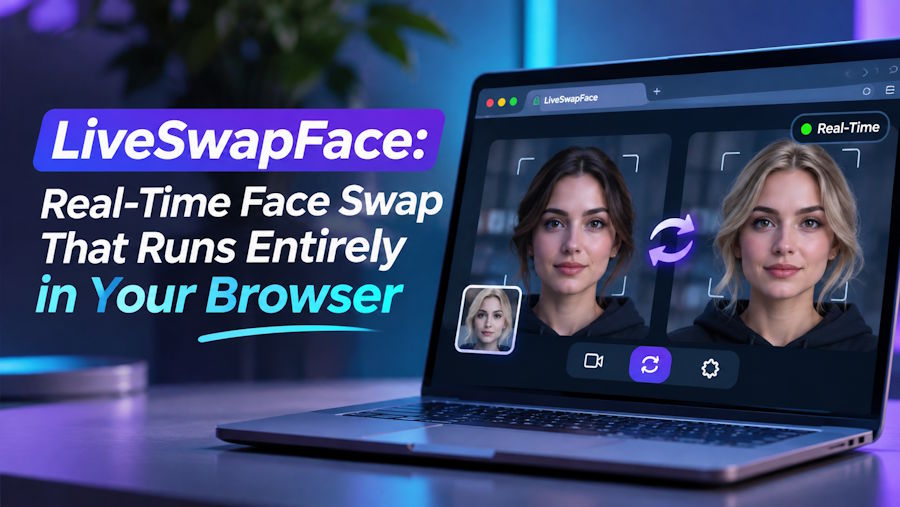
Most face swap apps work on a finished video: you record, upload, wait and download. With live swap face, the swap happens while you are still talking. LiveSwapFace takes one photo, opens your webcam in the browser and replaces your face as you move, so the new face blinks, laughs and turns its head at the same moment you do.
Not long ago this took far more work. The first deepfakes that spread online in 2017 needed thousands of images of a person and days of training on a graphics card before they produced a few seconds of video. Snapchat's face swap lens had arrived a year earlier and ran instantly, but it was a cartoonish cut-and-paste, more of a joke than a likeness. LiveSwapFace sits somewhere new: realistic results, one reference photo and no training at all.
Getting started takes three steps. First, choose a face from the built-in reference gallery or upload your own photo, ideally a clear, front-facing picture with even light. Next, allow camera access and check the framing so your whole head is in view. Then press Start, and once the connection is made the AI video replaces the plain camera picture until you stop it.
There are three modes, and each one changes something different. Face Swap replaces your face with the one in the reference photo. Restyle changes the look of the whole picture, so you can appear as a painted, animated or comic-book version of yourself. Try-On changes your outfit, which is a quick way to see a jacket, a uniform or a costume on yourself before deciding on it.
The tracking is what makes it feel alive. Expressions, the direction of your gaze and the movement of your head all carry through to the new face, and so does lip movement, which matters for anyone recording a talking-head clip. Because the model follows the reference photo closely, details like hair and clothing can come along too, which helps when the goal is a complete character rather than just a new face.
For developers, the architecture is the interesting part. Nothing heavy runs on your machine. The browser captures the webcam, the frames are processed in the cloud on the service's own hardware, and the result streams straight back to the page. That is why there is no download and no graphics card requirement, and why the same thing works on a recent laptop or a phone with a camera.
Two models cover different needs. Basic costs 1 credit per second and suits experimenting, such as trying out different reference photos or rehearsing a scene. Pro produces higher-quality output at 6 credits per second for Face Swap and Try-On, or 3 credits per second for Restyle, and is the one to switch on for the take you plan to keep.
The billing will look familiar to anyone who has worked with usage-based pricing. The clock starts only when the AI video appears and stops when you stop, so time spent in the camera preview is free. Credits are charged once at the end of the session, based on the output time recorded by the server and rounded up to the whole second. New accounts get 100 free seconds, which is plenty for a first look at all three modes.
On privacy, the service says camera footage and face images are not recorded or saved, and there is no gallery of past sessions. Reference photos and camera video are processed in real time in the cloud, so there are no stored clips to manage afterwards.
The uses are mostly about play and performance. Cosplayers and role players get a character that reacts to every blink and head turn. Short-video creators can play several characters in one sketch by switching the reference photo between takes. People who prefer to stay off camera can record with an AI character that follows their expressions and lips, and at a party it turns a laptop into a game everyone wants a turn at.
A few habits get the most out of it. Sit facing a window or a soft lamp rather than with a bright light behind you, keep the camera at eye level and leave a little space above your head. Spend a minute on Basic trying two or three reference photos before switching to Pro, since the right photo makes the biggest difference. Then pick a face from the gallery, press Start and try to make it laugh.

