

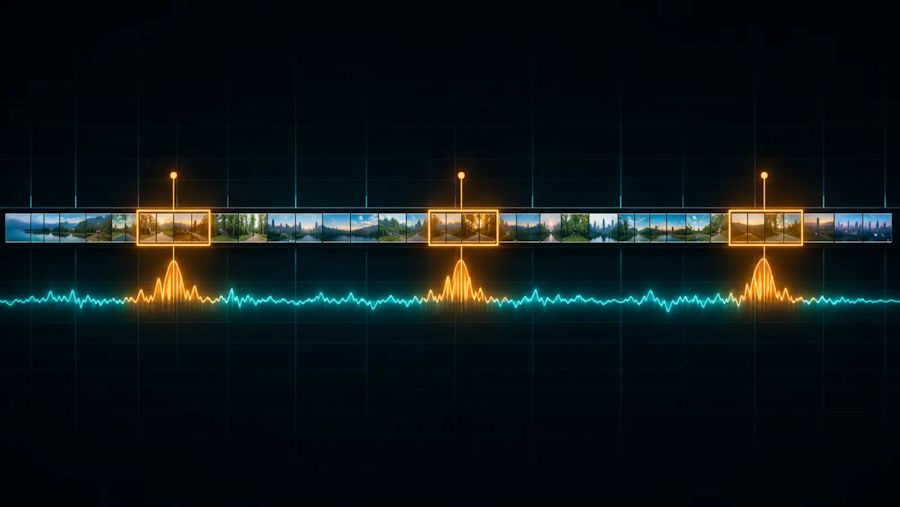
Most of a recording is noise. The job is finding the spikes.
Give a person a two-hour gameplay recording and ask for the three best moments, and they will usually manage it, eventually. Give the same task to software and you run into an interesting engineering problem: there is no field in a video file called "this bit was exciting". Every highlight tool has to infer it from pixels and audio, and the choices behind that inference explain why some tools feel uncannily good and others keep clipping the loading screen.
This piece walks through how that inference generally works, without pretending to describe any one vendor's internals.
What clipping software actually covers
The term gets used for three quite different things, and the detection problem only applies to one of them.
The first is the live recorder. It keeps a rolling buffer of the screen and saves it when you press a key. There is no detection at all; the human is the detector, which is why the results depend on whether you remembered to press the key.
The second is the manual editor. You load footage, scrub, mark in and out points and export. Again, the human does the deciding.
The third is the post-match clipper. You hand it a finished recording or a stream VOD, it processes the whole thing and returns candidate moments. This is where the interesting work happens, because the software has to decide on its own what matters.
In practice, most people end up using two of the three: a recorder for the moments they remember to save, plus something that catches the ones they did not. When a gamer asks which clipping software to use, the honest first question is which of those jobs they actually need done, because the strengths of each type barely overlap.
Signal one: what is on the screen
Games are unusually friendly to computer vision because they are full of designed feedback. A shooter flashes a kill notification, plays a hitmarker, updates a scoreboard and shows a round-win banner. These elements tend to appear in consistent positions with consistent styling, which makes them far easier to detect than, say, a goal in amateur football footage.
A typical approach samples frames at a fixed rate, crops the regions where those interface elements live and runs a classifier over them. A cluster of kill notifications within a few seconds is a strong candidate. A round-win banner right after a run of kills is stronger still. The more a game's interface is standardised, the better this works, which is a big reason shooters have become the showcase genre for automatic clipping.
Signal two: what you can hear
Audio adds a second, cheaper channel. Gunfire, ability sounds and crowd-style announcer lines produce recognisable spikes in loudness and frequency content. A sudden burst after a long quiet stretch often lines up with something worth watching. On a stream recording there is also the player's own voice: a shout, a laugh or a long silence followed by a cheer.
Many tools built for podcasts and talking-head video lean heavily on transcription, picking moments where the speaker says something quotable. That works well for spoken content and poorly for games. Some of the best gaming moments are completely silent: a calm one-versus-three where the player says nothing until it is over. A detector that only listens to words will miss exactly those.
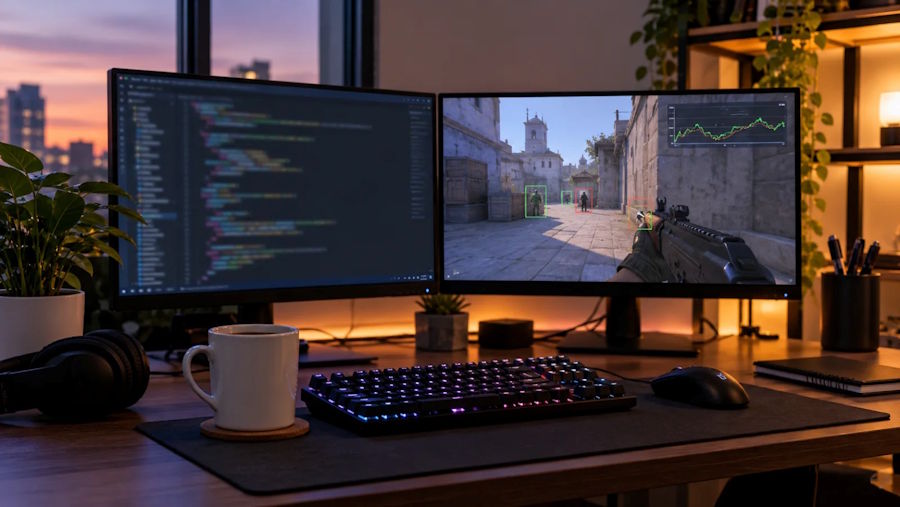
Interface elements give detectors a consistent target to look for.
Where it gets hard
Three problems come up again and again.
- Occlusion. Smoke grenades, flashbangs and ability effects can cover the interface for exactly the seconds that matter. A detector that depends on seeing the kill feed has to tolerate gaps.
- Different views of the same game. A replay, a spectator camera and the player's own screen show the interface differently, or not at all. A model trained on one view can quietly fail on another.
- Precision against recall. Tune the detector to catch everything and users drown in mediocre clips. Tune it to be strict and it misses the moment they actually wanted. Most good tools sit closer to recall and rely on a fast human review step, because deleting five weak clips takes seconds while finding a missed one means scrubbing again.
Then there is cutting. A clip needs lead-in so the viewer understands the setup and a short tail after the payoff. Getting those boundaries right matters as much as finding the moment.
Several products now take this post-match approach. One example is FragCut AI, a browser-based clipper that works on uploaded recordings or Twitch VODs, puts extra tuning into shooter titles and exports vertical clips for short-form platforms. It does not record live, so it is meant to sit alongside a recorder rather than replace one.
Evaluating a tool as a developer would
It is also worth asking how a tool handles long inputs. A two-hour VOD at high resolution is a large file, so some services downsample before analysis and others process the source directly. That choice affects both speed and how small an on-screen detail the detector can still see.
If you are choosing one, test it the way you would test any classifier. Run it on your own footage, from the game you actually play, and count what it caught and what it missed. Check whether it handles the views you record. Look at how quickly you can review and discard its suggestions, because that review loop is where most of your time goes. Then check the boring parts: input formats, export resolution and aspect ratio, and what the free plan really allows.
Software proposes, people decide
Automatic clipping is a good example of applied machine learning doing something genuinely useful: shrinking hours of footage into a shortlist a person can review in minutes. It does not replace taste. The software can tell you where something happened. Whether it is the clip worth posting is still a human call, and the best tools are designed around making that call fast.

