

Picking the right tool from a crowded field of video captioning APIs isn't purely a technical decision; it's a workflow one. The APIs below cover the full range: developer-first infrastructure, browser-based creation tools, and no-code automation platforms. This list covers what each does well, where it fits, and what to watch for before you commit.
1. ZapCap
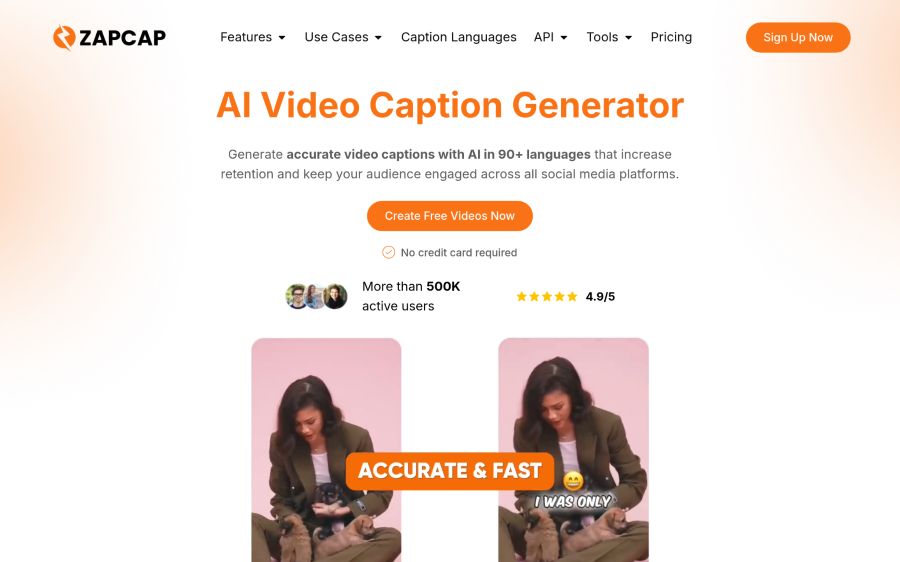
ZapCap's automated video captioning API handles transcription, caption rendering, and subtitle overlays in a single call, covering 90+ languages and returning animated, burned-in captions styled for TikTok, Reels, and Shorts. Endpoints include SRT-to-burned-in conversion, transparent alpha overlays in MOV ProRes 4444 or WebM VP9, green-screen subtitle layers, and webhook-based delivery. Pricing starts at $0.10 per source-minute rendered - listed as a starting rate, with multipliers for render mode and output format - making it a cost-modelable option for teams pricing per video.
Where it fits: Development teams building social-video tools, ecommerce localization pipelines, or agency platforms that need captioning output without constructing transcription infrastructure in-house. The browser-side app serves creators and small agencies directly; more than 500,000 active users generate captions through it, which signals that the underlying accuracy and styling hold up at volume.
2. Veed
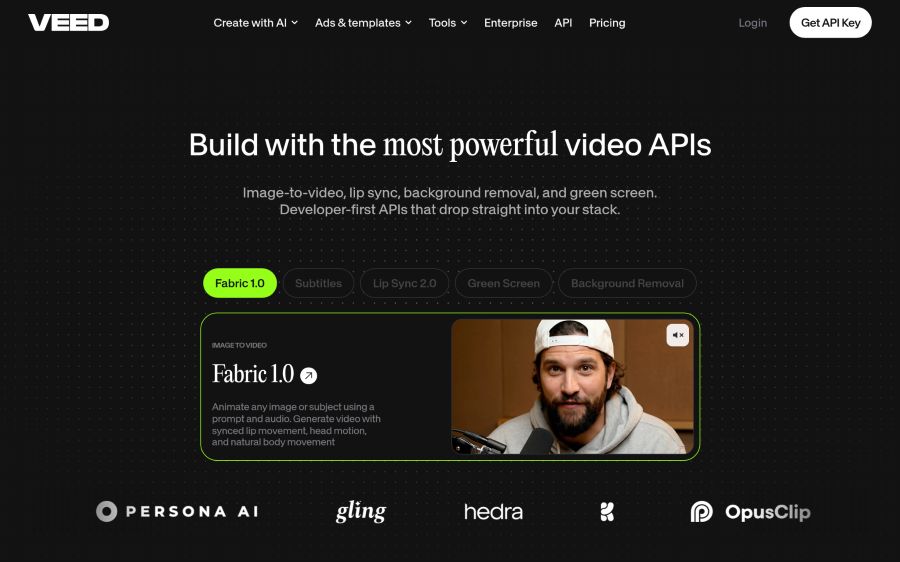
Veed started as a browser-based timeline editor and has since built a dedicated Subtitles API that runs transcription, styling, and caption rendering as one workflow. It's distributed through fal.ai, and you'll need a fal.ai account rather than a Veed account to use it, worth knowing before you wire it into a production system.
Where it fits: Teams already on the fal.ai inference platform that want subtitle output without routing through a separate provider. The API covers transcription, style configuration, and final rendering in a single call. And Veed's $57M ARR and Sequoia backing suggest the underlying platform isn't going anywhere soon.
Worth checking: Because the Subtitles API runs through fal.ai rather than Veed's own authentication layer, your dependency chain includes both companies. Pricing runs $0.10 to $0.40 per minute depending on resolution, so high-resolution output at volume adds up fast.
3. Creatomate
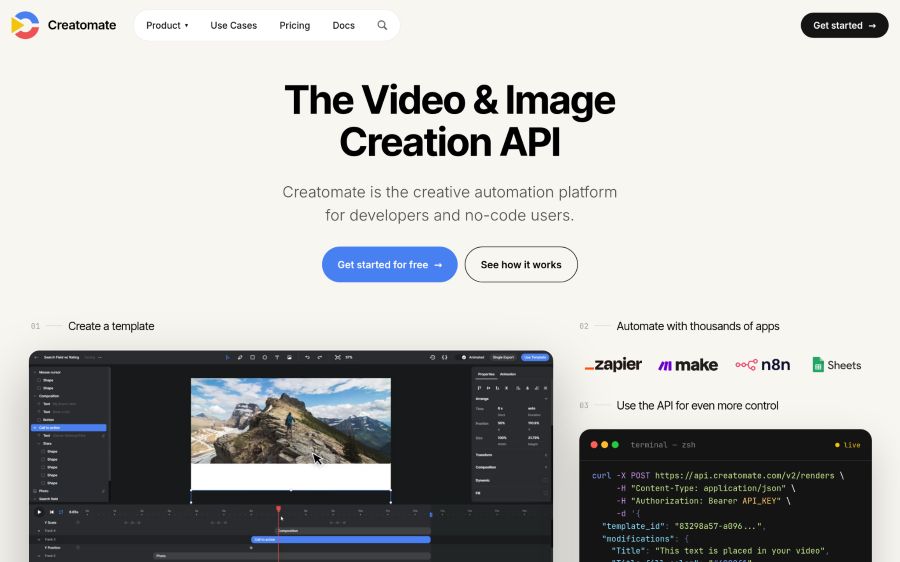
Creatomate is a video generation API built by a two-person team in the Netherlands. Its REST API and JavaScript Preview SDK let developers build reusable templates that render automatically from data inputs. The focus is social media automation, e-commerce product videos, and advertising personalization, not captioning as a standalone service.
Where it fits: Developers who need programmatic video generation - with captions as one element among scenes, voiceovers, and animations - rather than a pure subtitle API. No-code users can connect Creatomate to Zapier or Make to automate across 5,000+ apps without writing a single API call. Plans range from $41 to $249 per month, billed on a credit system with a free 50-credit trial that requires no credit card.
Worth checking: Creatomate's strength is template-driven automation, not raw captioning accuracy at scale. Teams whose main need is subtitle generation on existing footage may find the template-first model more infrastructure than the job actually requires.
4. Shotstack
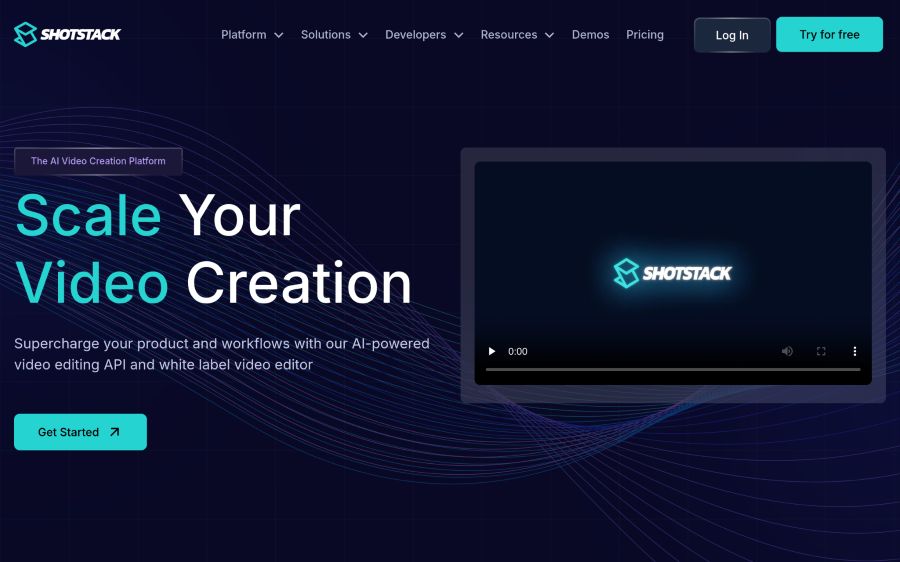
Shotstack is a video editing API founded in 2019 and headquartered in Sydney, Australia. It runs on JSON-based workflows that let developers define timelines, merge fields, and rendering parameters without maintaining their own video servers. Spotify and IKEA appear among its documented customers; Spotify generates thousands of videos per day on the platform.
Where it fits: Developers building at scale who need bulk video generation, automated social clips, real estate listings, or automotive walkaround videos. The white-label editor SDK lets product teams embed a branded video editor into their own app without building a rendering engine from scratch. The platform serves more than 20,000 businesses and developers across 119 countries.
Worth checking: Pay-as-you-go rendering starts at $0.40 per rendered minute, which is higher than several API competitors. The $39/month subscription drops that to $0.20 per minute, but volume-sensitive workloads should model total cost carefully. Shotstack is bootstrapped at $770K revenue, so enterprise buyers may want to confirm service terms before committing.
5. fal
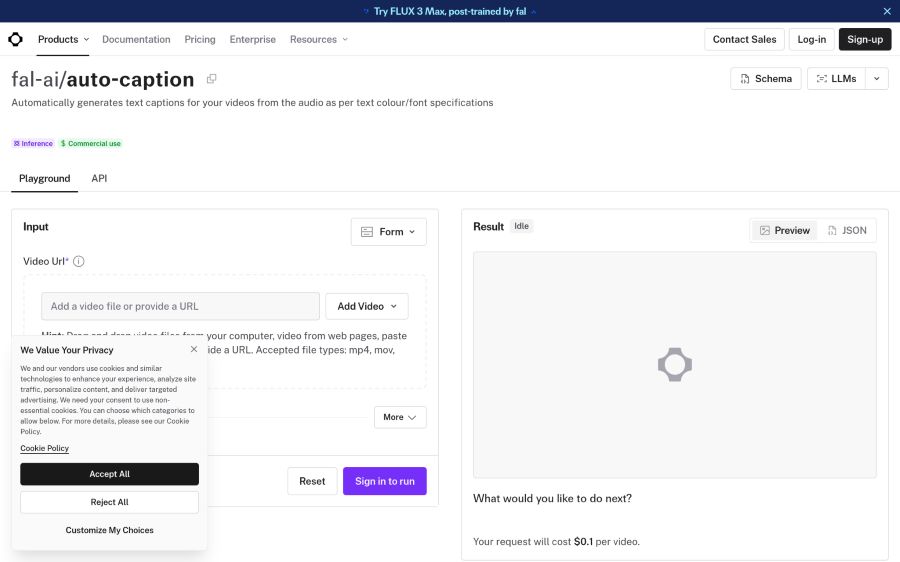
fal is a San Francisco-based generative AI inference platform co-founded in 2021 by Burkay Gur and Gorkem Yurtseven. It hosts 200+ models across image, video, and audio categories, exposing them as APIs through its own inference engine. The Auto-Captioner model generates text captions from video audio with configurable text color and font parameters.
Where it fits: Developers who'd rather access a broad model catalog through one API key than juggle multiple vendor relationships. fal's inference engine claims up to 10x faster inference than standard deployments, and the platform serves more than 1 million developers plus enterprise customers including Adobe, Canva, and Shopify. The prepaid credit model means you pay only for successful outputs, not for server errors or queue time.
Worth checking: fal is infrastructure, not a finished captioning product. Building a production caption workflow on it means assembling model selection, parameter tuning, and output handling yourself. So it's the right fit for teams comfortable doing that work; it's not a plug-and-play subtitle API.
6. Bannerbear
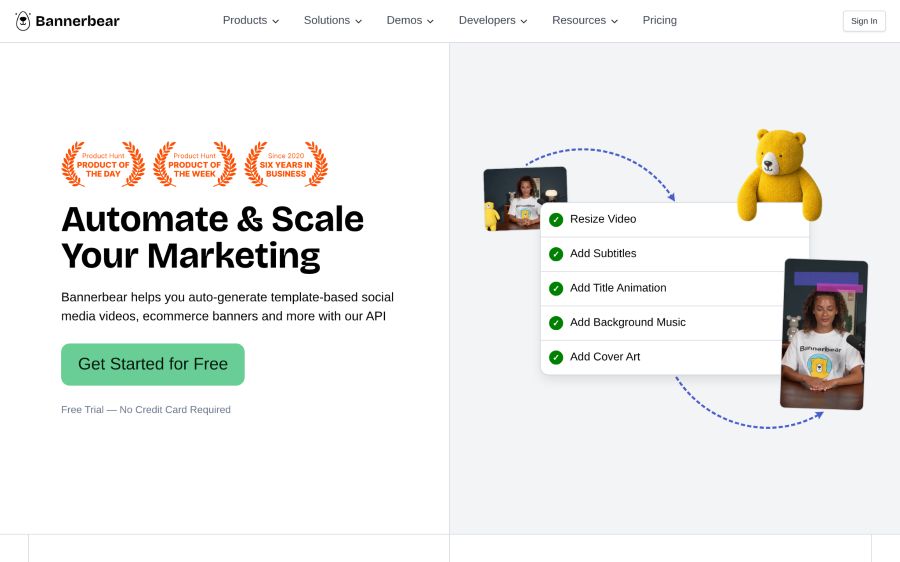
Bannerbear is an API and automation platform founded in 2020 and based in Singapore. It auto-generates social media visuals and banners from templates, connects natively to Airtable and Zapier, and holds official Zapier Partner status. Its focus is marketing asset automation rather than video transcription.
Where it fits: Marketing teams and developers automating repetitive visual content production - promotional clips, social cards, e-commerce banners - where the caption or text overlay is a designed element in a template rather than a speech-to-text output. Paid plans start at $49/month for 1,000 API credits and go to $299/month for 50,000+ credits. The free trial requires no credit card.
Worth checking: Bannerbear doesn't offer speech-to-text transcription. Teams looking for accurate auto-captions from spoken audio will need to pair it with a separate transcription service, which adds steps and cost to the pipeline.
7. Json2video
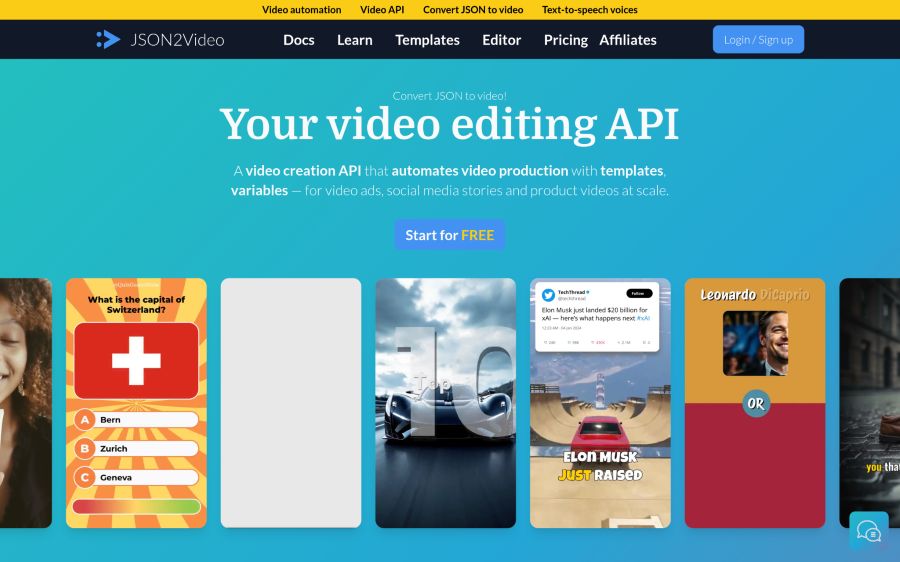
Json2video is a video automation API founded in 2022 and based in Barcelona, Spain. It composes scenes, generates voiceovers, adds captions, and renders them in one pipeline using real HTML5+CSS elements and a built-in animation library. It integrates with IFTTT, Make, and Zapier.
Where it fits: Content teams automating video production for real estate, e-commerce, news publishing, and used-car listings, use cases where the video structure is predictable and batch rendering matters more than speech-to-text accuracy. The platform claims 70,000+ creators and businesses, 10 million+ videos created, and a less than 2-minute average render time. Plans start at $49.95/month with a free tier offering 600 credits to get started.
Worth checking: Like Creatomate and Bannerbear, Json2video is a composition and automation tool. Captioning is part of a broader video-assembly pipeline here, not a standalone transcription service. Teams whose main need is accurate subtitle generation from audio should think carefully about whether the broader toolset is worth that overhead.
Automated captioning APIs speed up video workflows
The 7 best video captioning APIs for automated subtitles and transcriptions don't all solve the same problem. Some - ZapCap, Veed, and fal - center on transcription accuracy and subtitle rendering. Others, like Creatomate, Shotstack, Json2video, and Bannerbear, treat captions as one element inside a broader video generation or asset automation pipeline.
That distinction matters before you write a line of code. A platform built around template-driven rendering gives you scheduling, scene composition, and merge-field personalization. But it won't replace a dedicated captioning layer if your bottleneck is transcription accuracy across multiple languages or animated subtitle styles for short-form video.
Speed and accuracy matter most
Three factors separate useful captioning APIs from ones that create more work than they save.
- Accuracy is the starting point. A transcription that needs heavy manual correction costs more in editor time than it saves in automation. Self-reported accuracy figures vary - ZapCap states 99%, while Veed's own comparison data puts its accuracy at 92% - so running a sample against your own audio before you commit is genuinely worth doing.
- Language support matters for teams distributing to international audiences. Right-to-left rendering for Arabic and Hebrew, or script-aware support for CJK languages, isn't a given; confirm it against your actual target markets before signing anything.
- Pricing model is the third factor, and honestly, this is where people get caught off guard. Per-minute billing, credit systems, and subscription tiers all behave differently at volume. A $0.10-per-minute starting rate sounds cheap until multipliers for resolution and render mode are applied. Model total monthly cost against realistic video volume before signing up.
Bottom Line
The right captioning API depends on what your pipeline actually needs. For speech-to-text transcription with animated subtitle output built for social video, purpose-built captioning APIs are the more direct path. For teams already building out video generation, template automation platforms fold captions in naturally alongside other production steps. The trick is running a small test against your own footage before committing to any single provider, accuracy figures are self-reported, and the only number that matters is how the output holds up on your actual audio.

