

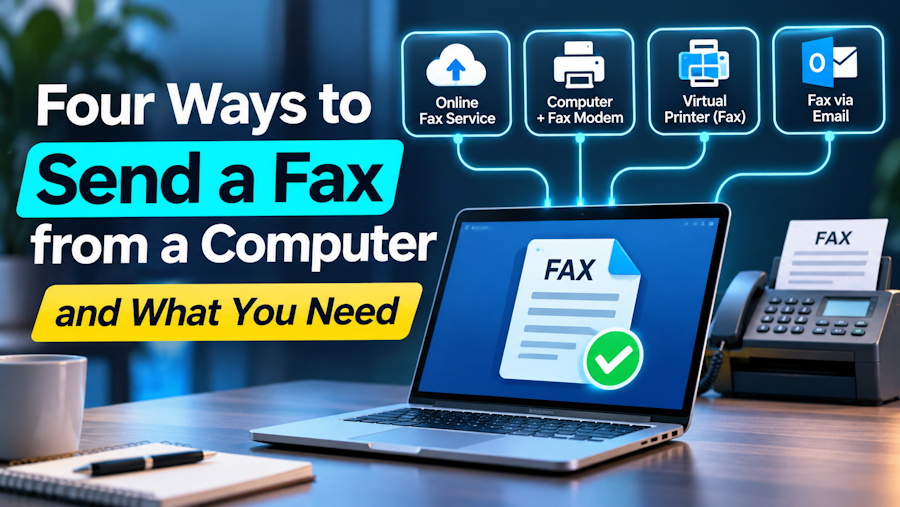
Why a computer needs help to fax
A fax is a telephone call. Two machines connect over a phone line, agree on a speed, and pass page images one at a time. A laptop on a home network has no phone line to make that call with.
So every route below does the same job in a different place. Something has to turn your file into page images and dial the number. The four routes differ in what that something is.
Route 1: upload the file in a browser
The simplest route is a web page. You upload a PDF, type the fax number and send. A service on the other side converts the file and places the call. It works the same on Windows, on a Mac and on Linux, because nothing is installed.
Fax for Agents has a guide that walks through each way to fax from your computer, with the preparation steps for every route.
This is the route for a person with one document. Some services sell it as a single payment and others as a monthly plan, so check which one you are signing up for.
Route 2: send it from your mail client
Some services accept a fax as an email. You register your sending address, attach the PDF, and address the message to the fax number at the provider's domain.
The attachment becomes the fax. Each provider has its own rule for what happens to the subject line and the message body, and some print them as a cover page. Read that rule before you write instructions in the message.
One caution applies. The Sent folder in your mail client proves that an email left. It does not prove that a fax arrived. Wait for the provider's result message.
Route 3: fax software and a modem
Windows still ships a program called Windows Fax and Scan. It can send a fax from the desktop, but only through a fax modem connected to an analog telephone line.
That is the catch for most people. Laptops stopped including modems years ago, and many homes and offices no longer have an analog line. A USB fax modem solves the first problem and not the second. A phone service that runs over the internet does not always carry a fax signal cleanly.
If the line and the modem are already there, this route costs nothing beyond the call. If they are not, it is the most work of the four.
Route 4: call an API from a script
When the fax has to come from software, a person uploading files does not scale. This is where a fax API fits. Your code sends the document and the destination number in an HTTP request, and the provider reports the outcome back.
Three design points matter more here than in any manual route.
The first is idempotency. A network timeout must not send the same document twice. Send a unique key with each request, so a retry returns the first job and does not create a second one.
The second is status. A fax can be queued, in progress, delivered or failed, and it can stay unresolved for a while. Treat the result as an event that arrives later, by webhook or by polling, and store it.
The third is evidence. The useful record is what the telephone carrier reported, with a time and a page count. Keep it next to the document you sent.
Prepare the file the same way for every route
Whatever route you pick, the file decides how the fax looks.
Start with a PDF. Convert word processor and spreadsheet files first, because many services do not take them.
Flatten filled form fields, so the values are part of the page. Reopen the saved file and check that they are still there.
Design for black and white. A fax page is a monochrome image at roughly 200 dots per inch across. Light gray text and colored highlights can vanish. If meaning depends on color, add a text label.
Keep text large and margins generous. Check each page at a readable size before you send.
Which route to choose
Pick the browser route for a single document that a person has in hand. Pick email when you already send attachments all day and want faxing to live in the same place. Pick the modem route only if the line and the hardware exist. Pick an API when the fax belongs inside a workflow and nobody should have to click.
In every case, the job is not finished at Send. It is finished when you hold a result that says the receiving machine confirmed the pages. Even then, the result says a machine took them, and it does not say a person read them. When a deadline rides on it, call the recipient.

