

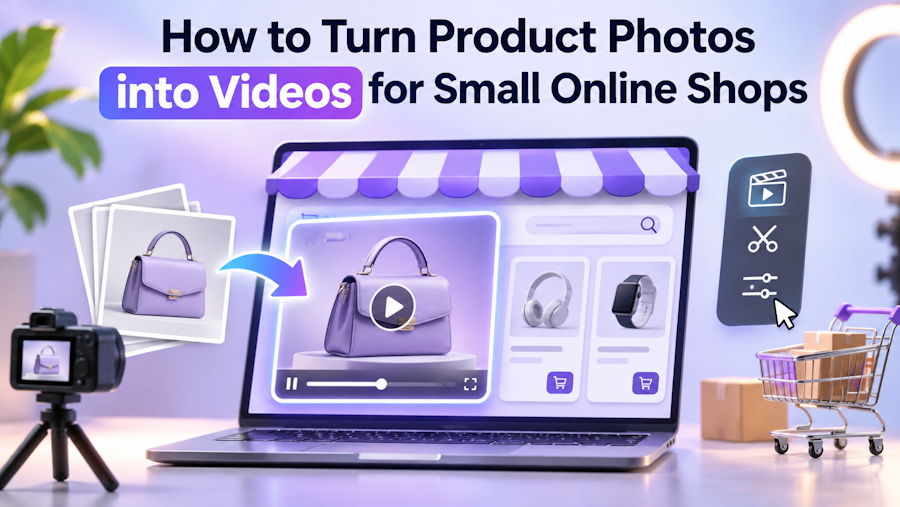
Earlier this year, my cousin asked me to look at why her online shop wasn't getting traction on social media. She sells handmade bags and accessories, mostly through Instagram, WhatsApp Business, and TikTok. The products are genuinely good. Her photos are decent. But every competitor in her feed was posting short videos, and she was posting still images that people scrolled straight past.
She didn't have a camera, lighting, or time to film. She had a mid-range phone, about 60 product photos, and a shop to run.
We ended up using Flow AI Video, a text to video generator that also animates existing photos, and within an afternoon she had a week's worth of short product clips. Here's exactly what we did, because this is a problem a lot of small online sellers have right now.
1. Work With the Photos You Already Have
The first instinct was to start filming. That would have stalled the whole project — she simply didn't have the hours. Instead, we went through her existing product photos and picked the ten clearest ones: good lighting, plain background, product fully in frame.
Takeaway: Before buying gear or blocking off filming days, check what your existing photos can do. Clean product shots are already half a video.
2. Animate Product Photos Into Short Clips
For each chosen photo, we used the image-to-video mode to add simple movement: a slow camera push-in on a bag's stitching, a gentle rotation, light shifting across leather. The steps were simple enough that she now does it herself:
- Upload a clean product photo.
- Write a short prompt describing the movement, such as "slow zoom toward the stitching, soft natural light."
- Choose vertical format for TikTok, Reels, and WhatsApp Status.
- Generate a few versions and keep the one that looks most natural.
Choosing the vertical format at the start mattered. Cropping a widescreen clip down to vertical later usually cuts off part of the product.
3. Use Text Prompts for Lifestyle Scenes
Product close-ups show quality, but buyers also want to imagine using the item. For a few posts, we wrote short text prompts describing a scene — a bag on a café table in morning light, a market street at golden hour — and generated short lifestyle clips to use as openers before cutting to the real product photos.
When we wanted the same person carrying different bags across several lifestyle clips, the consistent character guide helped us keep her face and outfit the same from scene to scene, so the series looked like one campaign instead of random clips.
We kept these clearly as mood-setting scenes and always followed them with the genuine product, so customers never mistook a generated scene for the actual item they'd receive.
4. Keep It Honest
This part matters for any small business. A generated clip should never make a product look different from what the customer will actually receive — different colour, different material, extra features. We only used animation that kept the real photo's details intact, and rejected any variation that changed the product itself.
Trust is the whole business for a small online seller. One customer who feels misled costs more than a slower-growing feed.
5. Build a Simple Weekly Routine
Now she spends about an hour every Sunday generating clips for the week ahead: three animated product shots, one or two lifestyle openers, and one real video of her packing an order on her phone. That last one stays real on purpose — customers like seeing the person behind the shop.
What to Watch Out For
Free generations typically come with lower resolution and a watermark, and clips are short. For a small shop testing whether video helps at all, that's fine. Once videos start driving sales, it's worth deciding whether higher-quality output is worth paying for.
The Bottom Line
You don't need a camera crew to start posting product videos — your existing product photos are a good place to begin.
If your shop is still posting only still images, pick your five clearest product photos today, animate them into short vertical clips, and post one a day this week to see how your audience responds.

