

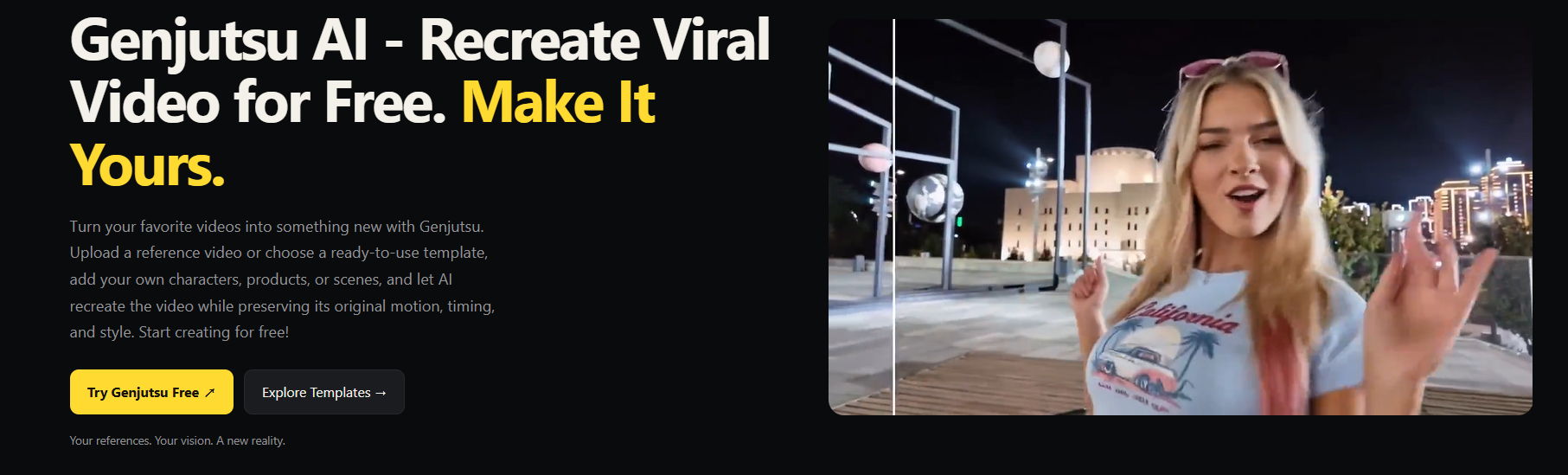
A reference-based video workflow separates an idea into understandable inputs: footage that shows the action, images that describe the new subject, and a prompt that explains the requested change. An AI video recreation tool lets creators explore this combination without describing an entire performance from scratch. The practical challenge is making those inputs agree. A clear source action, consistent subject images, and a focused replacement request give you a draft you can evaluate against a specific creative goal.
Define the Transformation Before Preparing Files
Write what should change and what the scene should communicate. For example: replace the performer with an original robot to turn an ordinary celebration into a joke about completing a tiny task.
This sentence connects the visual change to a purpose. It also keeps the request focused when you start choosing references.
Avoid assuming that more simultaneous changes will produce a better concept. If the central idea depends on a robot performing a familiar gesture, begin there before changing the location, camera behavior, and several props at the same time.
Reference-based recreation uses an existing sequence as the foundation for a new visual subject.
How to Prepare the Inputs
Step 1: Choose Footage That Explains the Action
Look for a readable sequence with a visible performer and a clear central event. Identify the gesture, pause, or reveal that makes the format recognizable.
Watch how the camera frames that moment. A close view may explain an expression while hiding footwork. A wide view may communicate movement while making small features difficult to inspect.
Choose according to what the adaptation needs to preserve. Use footage you have permission to adapt and keep the source associated with the project for later review.
Step 2: Select Images That Explain the Replacement
Use consistent references showing the same subject design. For a robot, that might mean a square face, orange body panels, and a distinctive antenna.
Make the defining features visible. Do not mix unrelated character variants or rely on a dramatic image that hides the details needed for recognition.
Save an approved set before generating. This creates a stable comparison when you review the result and helps distinguish uncertain inputs from a problem introduced during the transformation.
Step 3: Write a Focused Replacement Prompt
In the custom-reference workflow offered by genjutsu ai, upload the footage and images, then identify which performer should change. Describe the central action and the replacement's recognizable features.
A possible prompt is: replace the main performer with the robot shown in the reference images, following the original celebration and camera framing. Keep the square face and orange panels recognizable.
This is an instruction to assess, not evidence that the requested result will be reproduced perfectly. The prompt should make your intention clear enough that you can judge what needs revision.
Step 4: Record the Inputs Before Comparing Drafts
Use understandable file names and keep the source, images, prompt, and proposed caption together. A note such as robot celebrates a typo fix captures the creative purpose better than a folder of anonymous outputs.
When reviewing another attempt, record what changed. If you replace the source, redesign the subject, and rewrite the setup simultaneously, it becomes harder to explain why one version is more useful.
A focused comparison changes one meaningful decision at a time where practical. This supports creative learning without implying that generation is deterministic.
Step 5: Inspect the Complete Output
Start at normal playback speed. Does the central action remain readable? Is the new subject recognizable? Does the caption match the performance?
Then inspect changes in pose, turns, and contact with props. Check distinctive features across the full sequence rather than relying on a strong opening frame.
Classify the issue before revising: unsuitable movement may need different footage, ambiguous appearance may need clearer images, and an unfocused transformation may need a simpler prompt. A weak joke may require a different situation altogether.
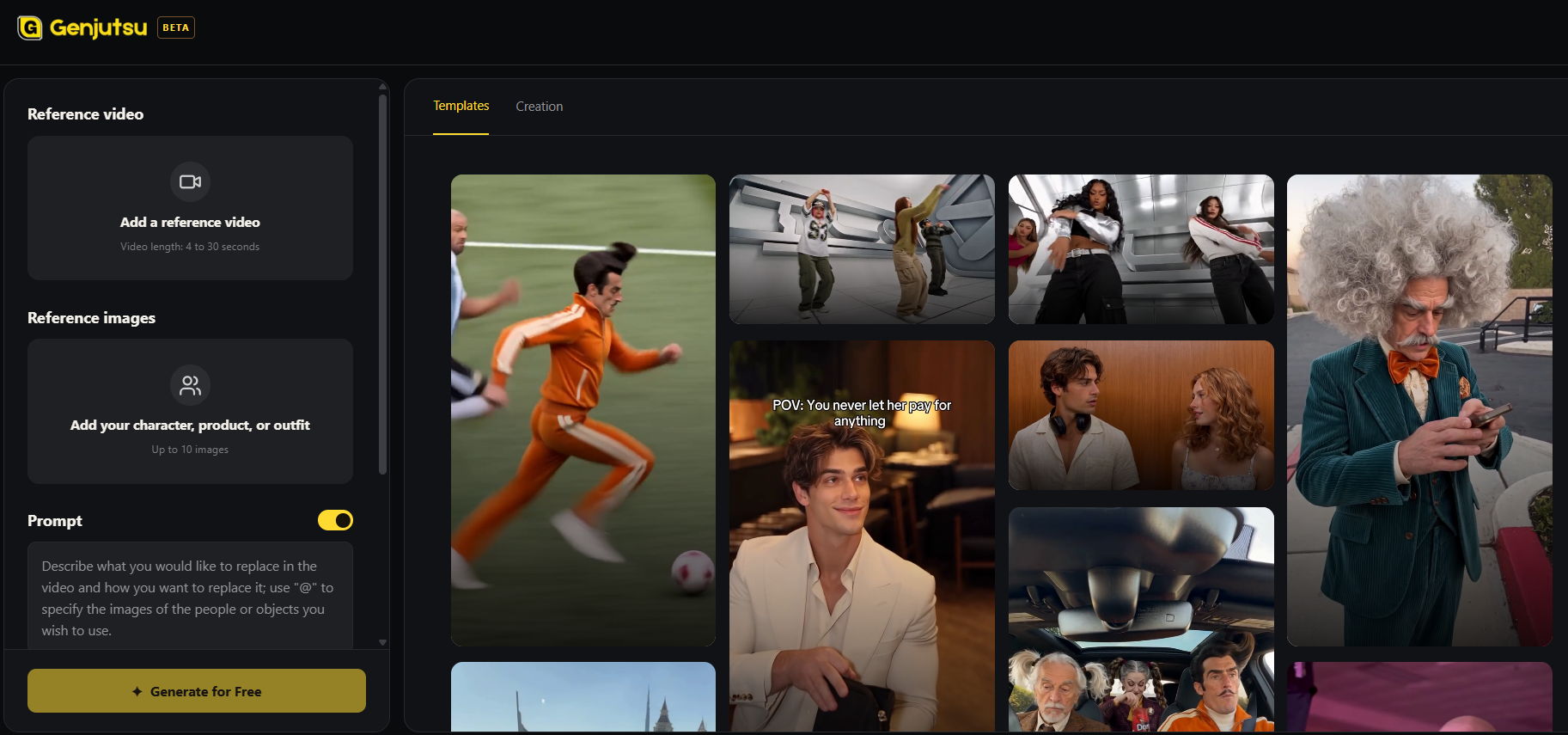
The workspace provides custom reference inputs alongside templates with built-in instructions.
Example Case: A Robot Celebrates Fixing One Typo
Imagine a fictional creator with an original robot character who treats small corrections as important achievements. They want to adapt a celebratory performance into a post about fixing a single typo. This is a hypothetical workflow, not a claim about a completed product test.
The creator selects footage with a clear celebration and prepares consistent robot references. The prompt requests the performer replacement while following the original action. The caption supplies the small achievement that makes the response exaggerated.
During review, the creator would check whether the main gesture reads clearly and whether the face, antenna, and body panels remain recognizable. If the turn confuses the robot's proportions, a more open movement may be a better reference.
If the appearance works but the celebration does not fit the joke, another performance could help. If the source action is suitable but the design changes, the images deserve attention. These corrections address different parts of the input combination.
Know When a Template Is the Better Starting Point
Write the acceptance criteria in ordinary language: the robot remains recognizable, the celebration is readable, and the caption explains the small achievement. These observations give the review a stable purpose across drafts. They do not prove technical performance, but they make it easier to decide whether another revision addresses a real creative problem.
If an available template already supplies the intended action, you can select it and upload replacement images without writing your own prompt. Use custom footage when a particular performance matters to the idea, and a template when its existing structure is already compatible.
An AI video recreation tool is most useful when the inputs describe one coherent transformation. Choose footage for the action, images for the subject, and a prompt for the requested change, then review the complete draft before deciding how to develop or publish the adaptation.

