

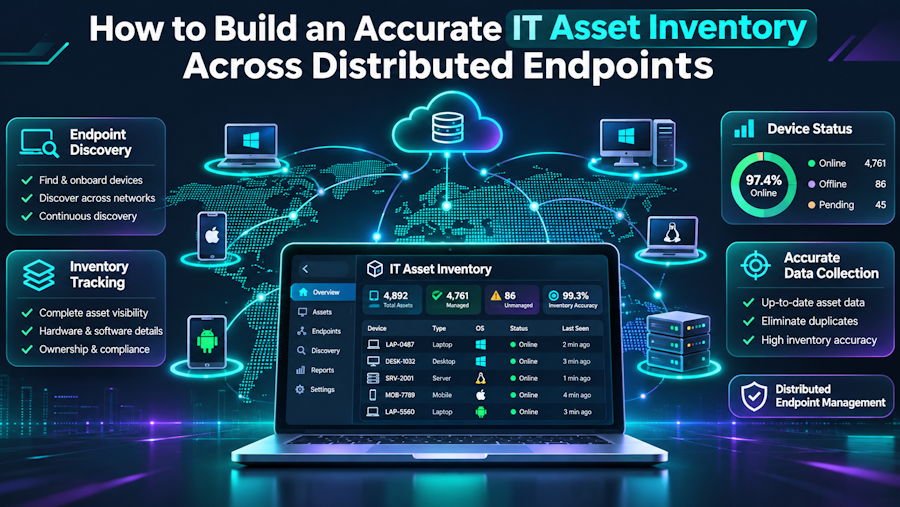
An IT asset inventory used to be a spreadsheet kept by whoever handled procurement. That approach breaks once laptops leave the office, contractors join on short contracts, and cloud workloads appear outside the purchasing process. Endpoints now sit in home offices, branch sites, data centers, and cloud tenants, and each one reports to a different tool. An inventory is only useful when it shows what exists right now, who holds it, and what runs on it.
This guide covers how to build that inventory across distributed endpoints: which data sources to combine, how to reconcile conflicting records, and how to keep the result current without constant manual audits.
Why Distributed Endpoints Break Traditional Inventories
Static inventories fail for three reasons. Remote laptops rarely touch the corporate network, so on-premises scans miss them. A single device often appears in four or five systems, such as the MDM, the identity provider, the security console, and the purchase record, each using a different naming format. Hardware also changes hands: a laptop gets reimaged, reassigned, or sent for repair, and nobody updates the sheet.
The cost shows up in both security and finance. The CIS Critical Security Controls list inventory and control of enterprise assets as Control 1, because a device nobody knows about cannot be patched or monitored. On the finance side, untracked hardware leads to duplicate purchases, missed warranty claims, and laptops that leave with departing employees.
Define the Scope and Required Fields First
Before collecting any data, decide what counts as an asset. Most teams include laptops, desktops, mobile devices, servers, virtual machines, network equipment, and installed software. Peripherals such as monitors and docking stations are worth tracking if they are expensive or frequently lost.
Next, fix the required fields for every record: serial number, model, operating system and version, assigned user, location, purchase date, warranty end date, and last-seen date. Then name a source of truth for each field. The identity provider usually owns the assigned user, procurement owns cost, and the endpoint agent owns installed software. Writing this down early prevents arguments later when two systems disagree.
Combine Multiple Discovery Methods for Full Coverage
No single discovery method sees every device. A complete inventory draws on several sources at once:
- Endpoint agents: lightweight software on Windows, macOS, and Linux machines that reports hardware specs, installed software, and check-in time from any network.
- MDM integrations: device records pulled from platforms such as Microsoft Intune, Jamf Pro, or Google Endpoint Management, including enrollment status and assigned user.
- Network scanning: agentless discovery over protocols such as SNMP, WMI, and SSH for printers, switches, servers, and other devices that cannot run an agent.
- Cloud APIs: virtual machines and instances listed directly from AWS, Azure, or Google Cloud accounts.
- Procurement and manual records: purchase orders, invoices, and barcode or QR code scans for assets that never connect to a network.
Each method covers the gaps of another. Agents miss printers, network scans miss laptops on home Wi-Fi, and MDM tools often skip Linux servers. Running them together is what closes the coverage gaps on distributed fleets.
Reconcile Records Using Hardware Identifiers
Pulling from several sources creates duplicates. The same laptop can appear three times under three slightly different names. Hostnames are a weak match key because they change during reimaging and repeat across sites. Hardware identifiers are far more stable.
| Identifier | Reliability | Common Pitfalls |
|---|---|---|
| Serial number | High | Placeholder values on some VMs and custom-built PCs |
| UDID or hardware UUID | High | Can be regenerated or duplicated when VMs are cloned |
| MAC address | Medium | Randomized on modern mobile OSes; changes with docks and adapters |
| Asset tag | High if enforced | Depends on consistent physical tagging |
| Hostname | Low | Renamed during reimaging; repeated across locations |
Set precedence rules alongside the match keys. If the MDM and the agent report different assigned users, decide in advance which one wins. Also flag records that appear in only one source. A laptop in the purchase records that no agent or MDM has ever reported is either in storage, lost, or never enrolled, and each case needs a different follow-up.
Automate Syncs and Lifecycle Updates
An inventory starts drifting the day it is built. Schedule regular syncs from every source and track a last-seen date on each record. A simple rule, such as reviewing any device not seen in 30 days, catches lost hardware and stale entries before they pile up.
Lifecycle events should update the inventory automatically. Onboarding assigns a device to the new hire, offboarding opens a task to recover it, and a repair ticket marks it as unavailable. Linking support tickets to asset records also means technicians see a device's specs and history without searching for them.
Dedicated IT asset management platforms handle much of this in one place. AssetSonar, for example, collects device data from its own agent, MDM integrations such as Intune, Jamf, and Kandji, and network discovery, then merges duplicate records by serial number, UDID, or custom rules. Its service desk runs on the same asset records, so a ticket raised for a laptop already shows that device's software and custody history.
AssetSonar also connects custody to lifecycle events. Devices can be checked out to employees automatically using MDM or identity provider data, and custody verification requests ask users to confirm the hardware they hold. During offboarding, workflow automations create recovery tasks so laptops are checked back in rather than lost. Discovery also flags unknown or unmanaged devices, giving IT a short review list instead of a full manual audit.
Audit the Inventory on a Fixed Schedule
Automation reduces manual work, but it does not remove the need for audits. A quarterly review should compare the inventory against purchase records and the active user list in the identity provider. Ask employees to confirm the devices assigned to them, review unknown devices found on the network, and check installed software against license entitlements.
Track a few metrics over time: the share of devices seen in the last 30 days, the number of records missing an owner, and the number of duplicates resolved. These numbers show whether the inventory is improving or slowly decaying.
Conclusion
An accurate inventory across distributed endpoints comes from process, not a one-time count. Define scope and required fields, combine agents, MDM, network scans, and cloud APIs, reconcile records on hardware identifiers, and automate updates around lifecycle events. Regular audits then confirm that the data still matches reality. Teams that follow these steps get an inventory they can rely on for patching, budgeting, and offboarding.
Frequently Asked Questions
How often should an IT asset inventory be updated?
Automated sources should sync at least daily. Manual reviews and user confirmations work well on a quarterly cycle, with an extra check after large hiring or offboarding waves.
Can you inventory devices that never connect to the corporate network?
Yes. Endpoint agents and MDM platforms report over the internet, so remote laptops and phones check in from any connection. Offline items such as monitors rely on procurement records and barcode scans.
What is the difference between an IT asset inventory and a CMDB?
An inventory lists assets and their attributes. A configuration management database (CMDB) also maps the relationships between them, such as which servers support which business services.

