

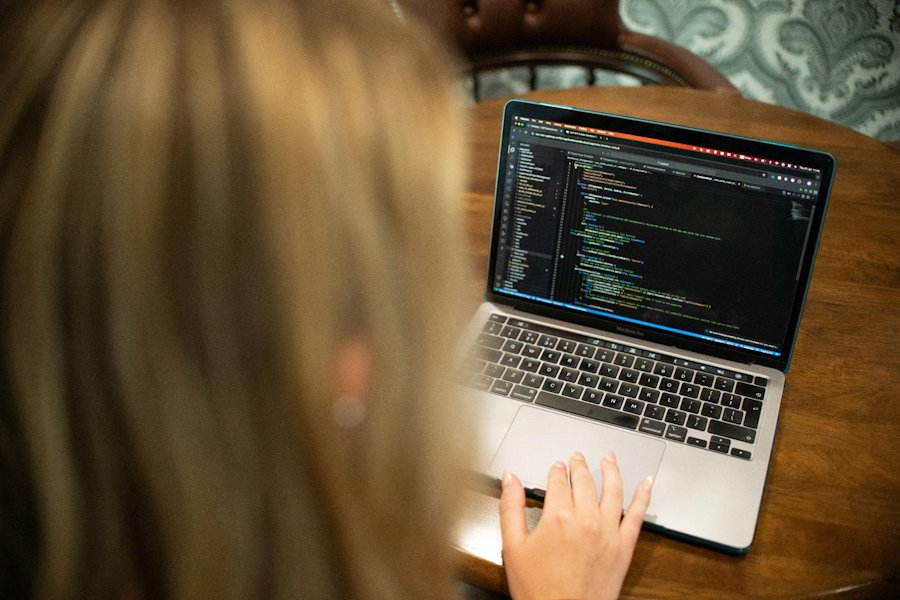
Coding assignments usually begin with confidence. The instructions seem doable, the first lines work, and the solution is near. Then a mistake comes up. The program might begin to produce strange results, or the entire task might suddenly seem impossible.
That moment is frustrating but also normal. Experienced developers spend a lot of time looking into issues rather than building new code. There is no immediate answer, but a calm and structured approach helps. This is the way forward.
Take a Short Break Before Editing
When code stops making sense, students often modify multiple lines of code at once. This reaction generally generates new errors and hides the underlying problem.
Walk for ten or fifteen minutes. A short break gets rid of frustration and gives the brain a little reset.
Once back, review the assignment again before even touching the code. A more lucid review may reveal a missed condition, input rule, or required output.
Rewrite the Assignment in Plain Language
Technical instructions might be intimidating if they contain unfamiliar jargon or several requirements. Break the task into a basic series of brief actions.
A program may need to read a file, count the occurrences of each word, and display the results in alphabetical order. It comes down to three smaller goals: load, count, and sort.
If the logic is obvious, then it is much easier to choose loops, functions, and data structures.
Find the Exact Point of Confusion
Saying “nothing works” does not give students a helpful starting point. The first task must be to find where understanding breaks down. A student should decide whether the issue comes from unclear instructions, weak logic, or code that behaves unexpectedly. When repeated attempts still leave the coursework unmanageable, having the task completed by a specialist may become one option. Students considering that route may encounter computer science assignment help while comparing professional options for completing complex programming coursework. The finished work should still be reviewed carefully against the original brief. Looking at its structure, methods, and testing process can reveal where earlier reasoning failed. The student should then run the code independently and explain each important decision before using it.
Is the assignment confusing? Is the program not working? Does it execute but provide the incorrect answer? Every scenario demands a different response.
Give the problem in one short statement. Investigating “My loop counts every item twice” is easier than investigating “the whole program is broken.”
Return to the Last Working Version
Sometimes students keep adding code until it is hard to follow what the project is doing. When that happens, revert to the previous working version.
Compare the current code with the working code. The cause is generally found in recent modifications.
Without an older copy, comment out new portions one at a time. Run the program after each change to find the block causing problems.
Test One Small Part at a Time
Large programs can mask slight errors. Break up the assignment into functions or small chunks, and test each chunk separately.
Let’s say we have a piece of software that accepts input, calculates an average, and prints a message. First, check the input. Then do the calculation with numbers you know. Finally, check the output.
Small tests lower uncertainty. Fewer lines and variables are involved, making error messages more helpful.
Read Error Messages Carefully
Error notices can be daunting, especially when they contain several lines of technical language. However, they usually tell you what went wrong and where it went wrong.
Start with the last line—this usually identifies the error. Then find the file and line number that belong to the student’s own code.
Do not simply copy and paste the message into a search engine. First, think about what the software was doing at that point. Context separates relevant recommendations from irrelevant solutions.
Inspect What the Program Is Doing
When code executes but returns the wrong answer, students need to look inside the code. An easy way is to insert temporary print statements.
Display values before and after major procedures. Check variables inside loops, function inputs, and return values. Often, an unexpected value indicates the wrong assumption.
With a debugger, you have more control. It can halt execution, step through lines, and display how values change. Learning to debug early saves time later.
Check Reliable Learning Resources
An online search may return thousands of answers, but many use different languages, libraries, or methodologies. Course materials should normally come first.
Read lecture notes, examples, documentation, and prior exercises.
Official documentation can be useful for verifying function behaviour, arguments, and return values. It takes longer to read, but it establishes good research habits.
AI tools can also explain mistakes or suggest test cases. Students should be encouraged to ask specific questions, not to ask for full solutions. Every line submitted must be understood and validated.
Ask for Help With a Specific Question
Programming requires asking for help. A simple query makes it easy for another person to swiftly see the real issue.
Prepare the relevant requirement, a brief code sample, the full error message, and a summary of past efforts. Do not send a whole project without an explanation.
This enables a classmate, tutor, teaching assistant, or teacher to answer more effectively. Specific questions also indicate when the student’s reasoning is already correct.
Make a Recovery Plan Before the Deadline
Confusion is more distressing when time is short. A recovery plan avoids knee-jerk decisions and haphazard modifications.
List what works, what is unclear, and which features are essential. Complete required functions before enhancing style or adding optional features.
Do not make too many troubleshooting attempts. If one approach does not work, try another strategy or seek help. Doing the same thing over and over again rarely solves anything.
Confusion Is Part of Learning to Code
Just because a coding assignment no longer makes sense, it does not mean the student is incapable. It usually signifies that the problem needs to be broken down and viewed in a different way.
Good programmers embrace confusion. They respond by testing assumptions, troubleshooting errors, and asking probing questions. Those practices turn dissatisfaction into consistent development.
Each hard task builds more than technical expertise. It teaches patience, logical thinking, and the confidence to approach unknown difficulties in future courses and occupations.

