


Presentations are a difficulty for remote teams. Need someone to evaluate a deck before call with Singapore from Toronto. The marketing lead in Berlin wants to make changes. The VP needs a PDF in the morning. This approach was never designed for traditional slide tools, therefore the expected outcome is version conflicts, design inconsistencies and hours spent on formatting instead of content.
AI presentation makers have revolutionised the game. The right tool gets you on auto-pilot with structure, layout and visual consistency. The problem is that the category has grown fast and different tools handle different difficulties.
What You Need To Consider Before Deciding
- Some questions worth answering before committing to anything:
- Do you need to produce a native PPT file? Or would a web presentation be sufficient?
- Are numerous people editing the same deck or is one person building it and others reviewing it?
- How much manual control do you want to have over each slide after it’s generated?
- Review is async or OK or real-time collaboration required?
The Best AI Presentation Generators
1. Slideonic.ai
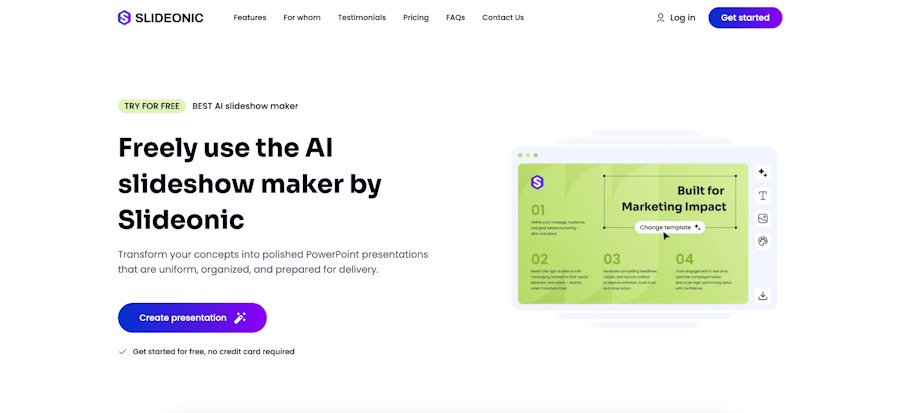
Converts a topic, outline or submitted document into a complete structured deck. The output is a PPT or PDF file, ready to drop into any current workflow.
|
Feature |
Details |
|
Input formats |
Text, outline, Word, PDF |
|
Output |
ppt, pdf |
|
Free tier |
1 deck/day, no card needed |
|
Paid plans |
From $2 (7-day trial), $14.99 a month, $9.99 per month annual |
This method is quite fast for distributed teams that want a clean deck without half the day’s formatting. Making slides with an AI presentation maker called Slideonic.ai cuts build time from hours to minutes, and the PPT and PDF exports ensure the file gets to whoever wants it. One practical benefit of the visual uniformity across created decks is that several people can present the same materials to different audiences.
2. Adobe Express
Adobe Express is Adobe's professional AI presentation maker that turns uploaded documents — PDFs, Word files, Excel spreadsheets — into polished, on-brand slide decks in minutes. Powered by Adobe Firefly, trained exclusively on licensed Adobe Stock content, every asset it produces is commercially safe — a meaningful advantage for remote teams creating client-facing materials.
Where it stands out for distributed teams is the combination of document ingestion, Brand Kit enforcement, and Creative Cloud integration. Teams can upload an existing file, generate a structured draft, and share it for real-time review and co-editing — all without leaving the Adobe ecosystem. Finished presentations export as PowerPoint or PDF for seamless handoff across time zones.
|
Feature |
Details |
|
Input formats |
PDF, Word, Excel, text prompt |
|
Output |
PPT, PDF |
|
Collaboration |
Real-time co-editing and commenting |
|
Pricing |
Free / $9.99/month |
3. Prezi
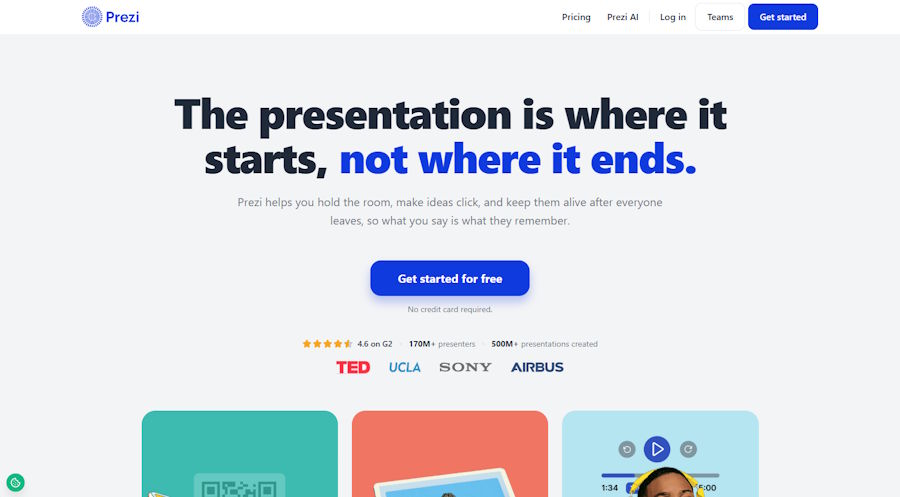
Prezi generates a full, designed deck from a single prompt in under 8 seconds, with images and slides building concurrently, and can also convert an existing PowerPoint, document, or PDF instead of starting from scratch. What sets it apart from a typical AI drafting tool is that the deck comes ready to present interactively: live polls, auto-generated quizzes, Q&A, and word clouds are built into the same flow, with no separate polling tool required. A shared link with viewer analytics and a narrated video export also make it useful for remote or asynchronous audiences, while branding controls help keep team content consistent. For remote teams that need speed and engagement beyond a static deck, Prezi is a flexible option.
4. Gamma
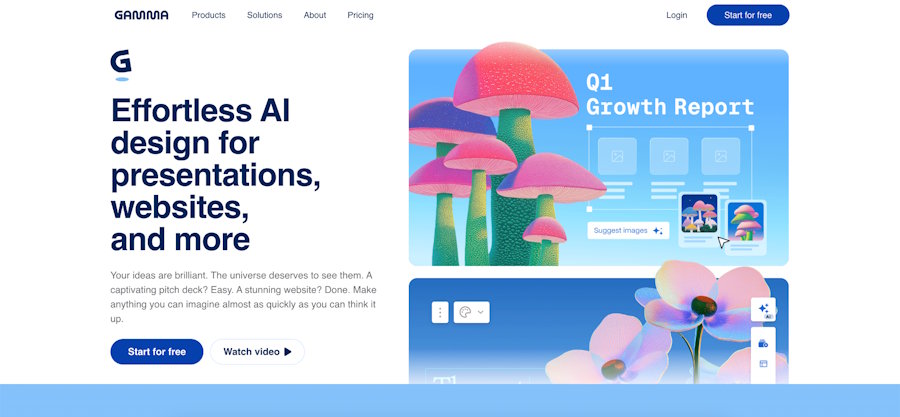
At the heart of Gamma is the premise that a link is a better deliverable than a file. Create from a prompt, share a URL, and teammates can see or comment without any software. The visual result is clean and modern.
What to watch: if the final requirement is a PowerPoint file, the export workflow is friction. Good choice if the presentation is on the web.
5. Decksy AI
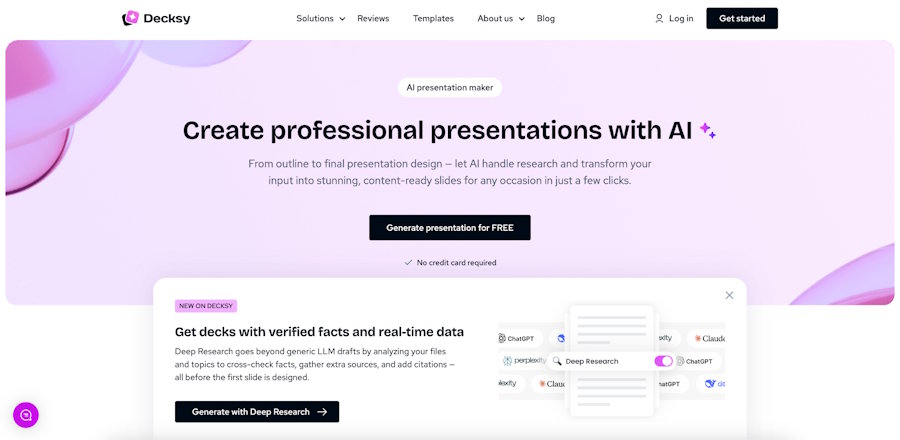
DecksyAI.com is a slide deck creator that turns your PDF, PPT, Excel, MD files, or a simple text prompt into a presentation. Clean, structured output with customizable templates and an easy editing interface – for corporate teams wanting to create excellent slides without the steep learning curve.
Web-based, converts to PPT and PDF. Team sharing and commenting are integrated. Free tier available; premium tiers from ~$12/month. One of the stronger points is the uniformity of visual output among team members – handy when multiple contributors are building slides under the same brand.
6. Plus AI
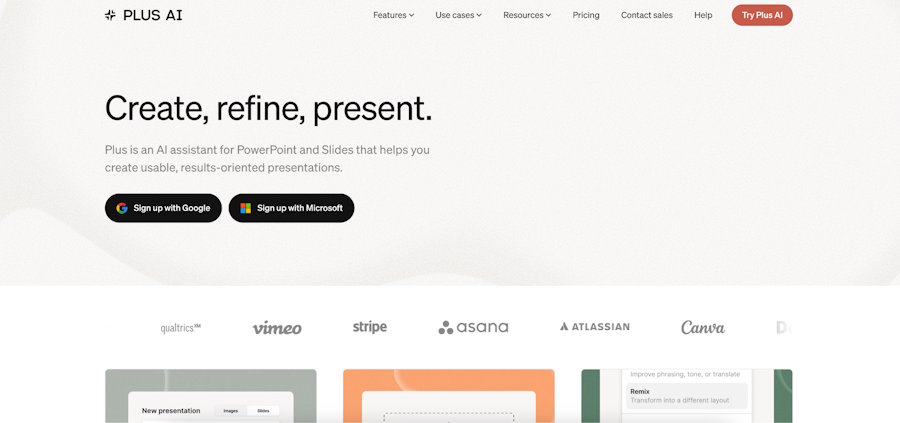
PowerPoint and Google Slides add-ons. Offers generating, modification suggestions and template application from within tools teams are already using. No platform change necessary.
|
Feature |
Detail |
|
Platform |
PowerPoint + Google Slides |
|
Collaboration |
Works in existing tools |
|
Pricing |
$10/month and above |
7. Microsoft Copilot
Works directly in PowerPoint with access to organisational context, SharePoint content, and other M365 data. Its main advantage is the depth of integration and you can learn to set it up and get the most out of workflows in Microsoft Copilot Courses. Away from the Microsoft stack, the rationale for Copilot over specialist solutions soon loses its potency.
Included with licenses for Microsoft 365 Copilot.
8. Tome
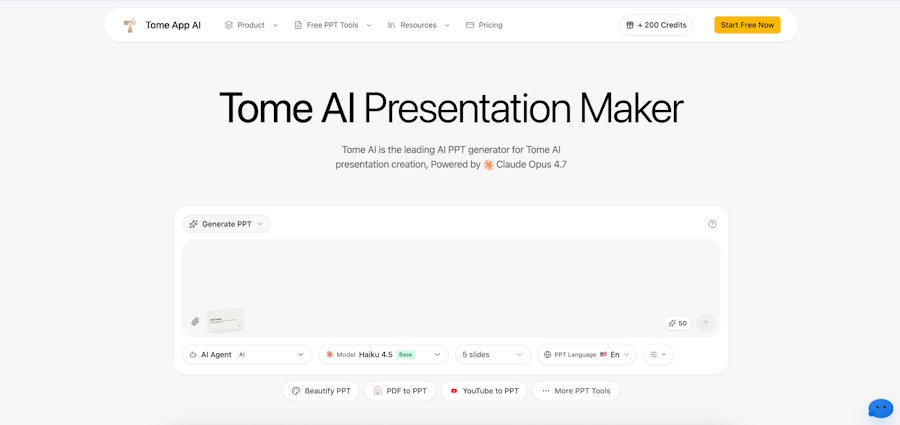
Product pitches, executive updates, storytelling in a narrative-driven approach. The output is interactive and web based. Not so good for old-style slide deck layouts, but very good for presentations where story is more important than file format. Loved by product & strategy teams.
9. Canva AI
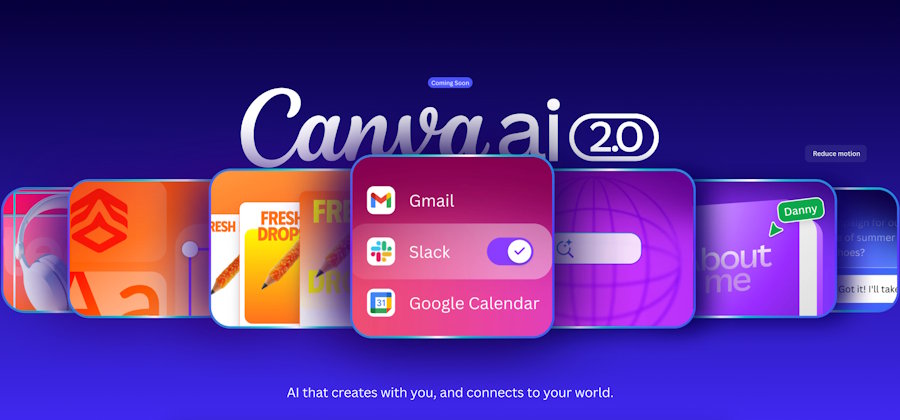
AI generation on one of the most popular visual design platforms. A huge template library, live collaboration and close integration with brand kits. Best for teams already using Canva for other graphic assets because the presentation workflow ties smoothly into the rest of their content development.
Free tier offered. From $10/month per user.
10. Edubrain
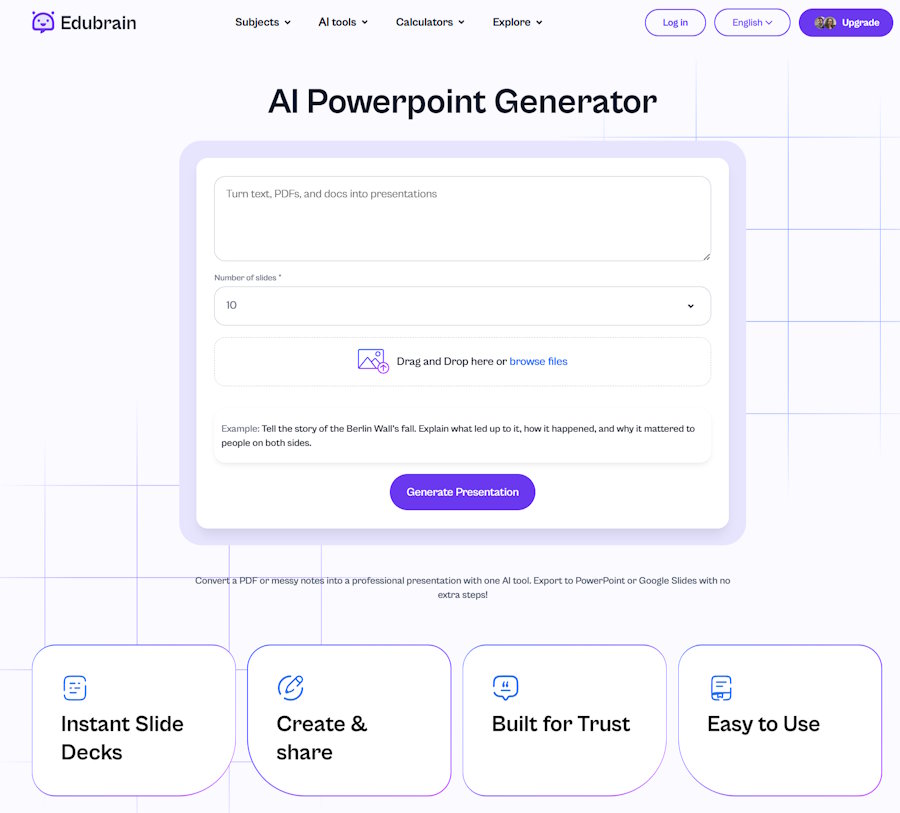
Edubrain’s AI PowerPoint maker turns prompts, notes, and uploaded documents into structured presentation decks in seconds. Designed with a strong focus on educational, training, and workshop content, it breaks complex topics into digestible visual slides while seamlessly integrating with study and interactive tools such as quizzes, summaries, and flashcards.
Ideal for remote teams, educators, and trainers who need quick outline-to-slide generation, especially when presentations double as structured training or onboarding materials.
11. SlidesAI
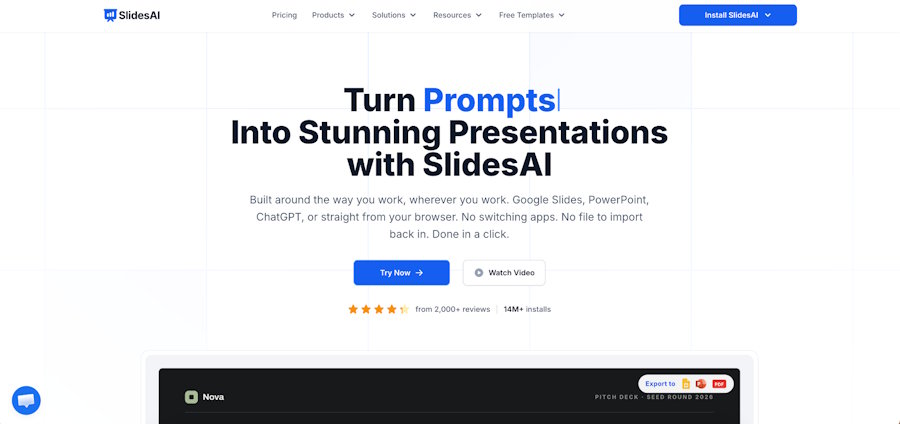
Turns text into presentations in Google Slides and PowerPoint. Low friction setup A lightweight solution for organisations that desire fast ai powered presentation maker capabilities without modifying their existing tools.
- Functions as a Google Workspace add-on
- Free tier; paid from $10/month
- No new platform to learn
12. Pitch
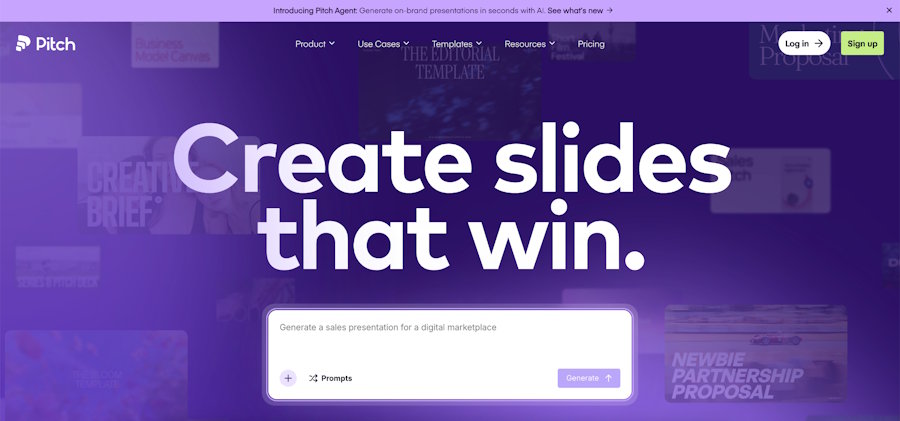
Pitch shines with real-time collaboration. Teams can collaborate on the same deck simultaneously, add comments and view version history. It has some of the best collaborative presentation software features in the category. It’s a natural fit for teams that work together.
The output in web can be exported to standard formats. Free plan available; corporate plan starting at $8/month per user.
Honorable mentions
Visme
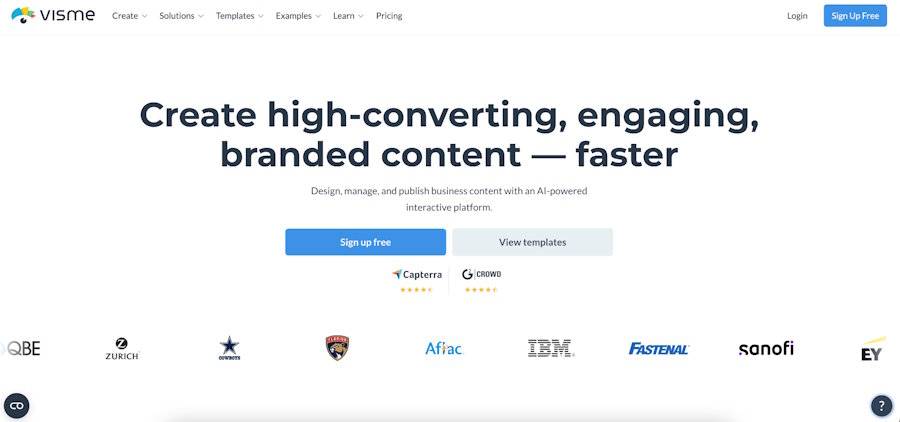
It is in between a presentation tool and a full visual content platform. Strong template library, AI generation support, export in several formats. For remote teams who produce both presentations and other visual assets – infographics, reports, social material – one platform minimises overhead and keeps visual language consistent.
Presentations.AI
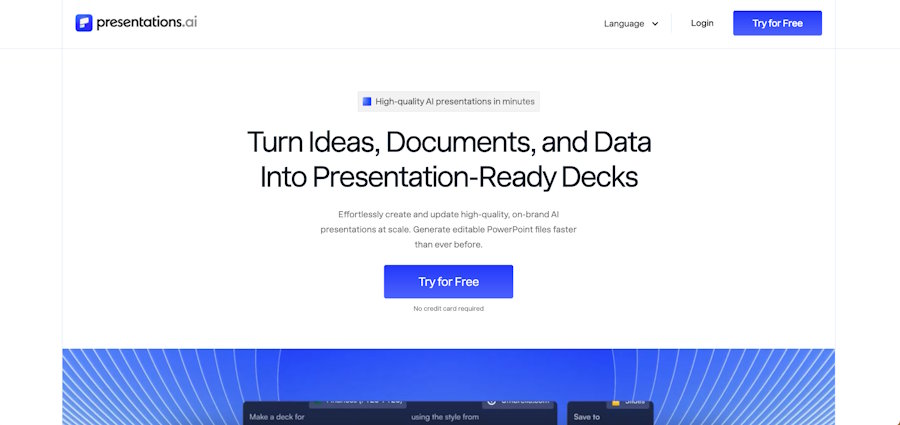
Creates comprehensive decks from prompts, focusing on formal corporate material such as reports, proposals and strategy documents. The output is biased towards professional visual styles. Speed & consistency is really useful for high volume customer facing teams.
Decktopus
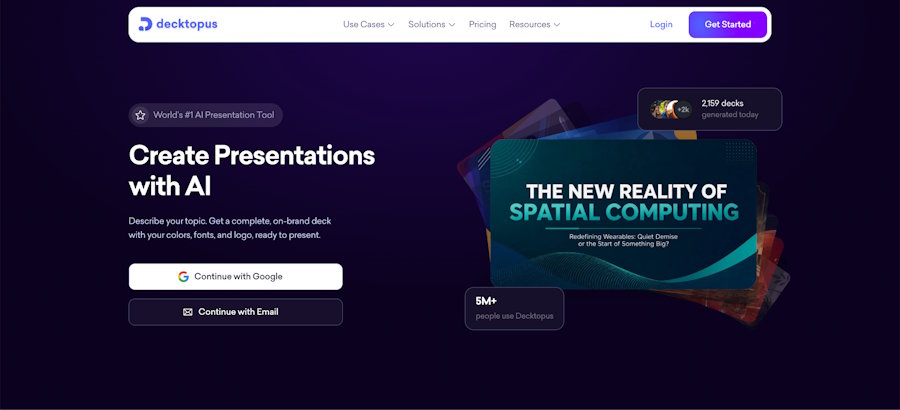
AI assistance for slide generation with form-based approach. Includes embedded quizzes and interactive elements which are useful for training content or educational presentations. Its ability to engage makes it different from ordinary online presentation makers.
A Comparison of the Best AI Presentation Makers
|
Tool |
Output |
Collaboration |
Starting Price |
|
Slideonic.ai |
PPT, PDF |
Async |
Free / $2 trial |
|
Adobe Express |
PPT, PDF |
Real-time |
Free / $9.99/month |
|
Prezi |
PPT, PDF |
Real-time |
Free / from $7/month |
|
Gamma |
Web |
Real-time |
Free / from $8 |
|
DecksyAI |
Web |
Real-time |
$2 for a 7-day trial |
|
Beautiful.ai |
PPT + PDF |
Team share |
Free / from $12/user |
|
Plus AI |
PPT + Slides |
Add-in |
From $10/month |
|
Microsoft Copilot |
PPT native |
M365 |
M365 license |
|
Tome |
Web |
Real-time |
Free / from $8 |
|
Canva AI |
Canva + export |
Real-time |
Free / from $10 |
|
Edubrain AI |
Web |
Real-time |
Free/ $3.99 a week |
|
SlidesAI |
Slides, PPT |
Add-on |
Free / from $10 |
|
Pitch |
Web + export |
Real-time |
Free / from $8 |
|
Presentations.AI |
Web + export |
Limited |
From $10 |
|
Decktopus |
Web + export |
Limited |
From $10 |
|
Visme |
Multiple |
Real-time |
From $13/user |
How to Choose
The biggest question is the output format. Web-only tools include a conversion step where the client expects a native PowerPoint file. It’s faster to share internally with web-native technologies.
In the presentation area, virtual team collaboration tools span real-time true co-editing to asynchronous review. Studies show async is a better fit for teams in different time zones – real-time features need all team members to be online at the same time, which is something distributed teams struggle with.
Most of the tools below offer free tiers, so parallel testing is a feasible option. Pick a real project and try it out with two or three of the instruments you have shortlisted before you purchase. What works for a five-person company might not be the best fit for a fifty-person team with brand governance needs in business presentation software.
Final Thoughts
The best AI presentation makers for remote teams take the friction out of some bottlenecks - whether that’s generating speed, design consistency, file format compatibility, or collaborative workflow. There is no one tool that is the answer here. How your team works and what the presentation should look like in the end depends on the decision.

