


Editing papers meant three readings of a draft and hoping you got it correctly. AI altered that, but not all AI document tools are created equal. Some rewrote the sentences. Some fact checking. Some do both. And paraphrasing and summarising and originality exams all at the same time.
Here are some of the top AI writing helpers 2026 that pass real-world application for essays, research papers, reports and professional publications.
1. Getsolved
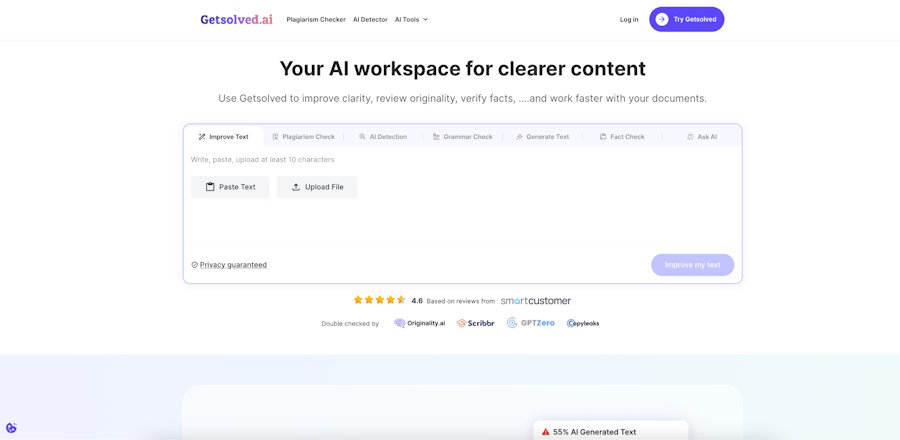
Most of the tools in this category pick one or two functions and then stop there. For students and researchers who have three or four different platforms to open up to get an editing pass done, that's a huge friction point. That's exactly where Getsolved pulls together four things in one place: AI paraphrasing, plagiarism detection, fact verification and summarisation. It's tough to find that combo anywhere else without stitching together a bunch of subscriptions.
The star is the fact checker. It cross-checks claims in your manuscript against trustworthy sources and flags what needs a second look – something general-purpose AI editors just don't deliver. Add in the plagiarism tool, and you're able to go from the rough draft to something ready to submit without ever leaving the platform.
And worth noting too, paraphrasing. It's not just a matter of rephrasing to avoid detection, especially for ESL learners, it's useful when the meaning is correct but the sentence just doesn't quite work in English. It's a different sort of usefulness than a grammar checker.
There is a free tier. Paid plans offer prolonged usage and batch processing. It has paraphrase, plagiarism check, fact check and summarisation and all of these are available for free.
2. Grammarly
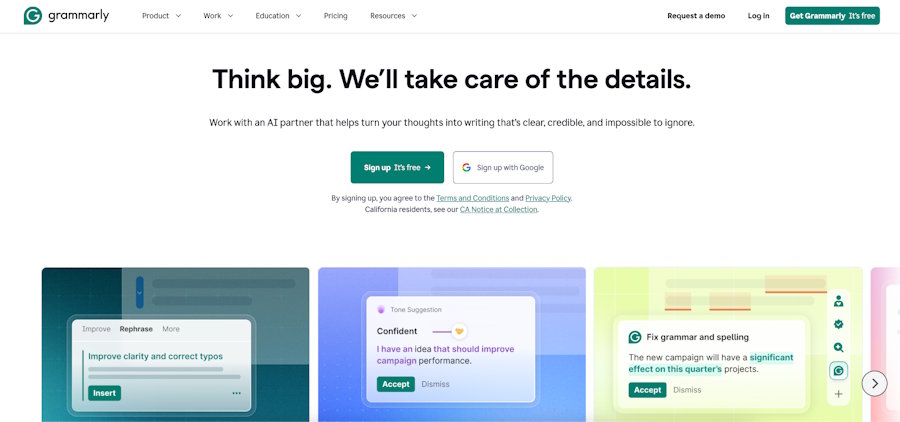
It's the most popular AI document review program in the category, and for good reason. Grammarly is integrated into Google Docs, Word, email clients, and the web – no switching tools. The current edition is so much more than grammar. Tone detection, complete phrase rewrites, style suggestions, and a plagiarism detector on the paid plan.
The free version checks grammar and spelling. The $12/mo Pro package (paid yearly) includes tone recognition, full-sentence rewrites, and the plagiarism detector. One caveat: the more you use Grammarly over time, the more it flattens writing into a broad register. That's fine for reporting, not so much for anything with a personal voice.
3. Quillbot
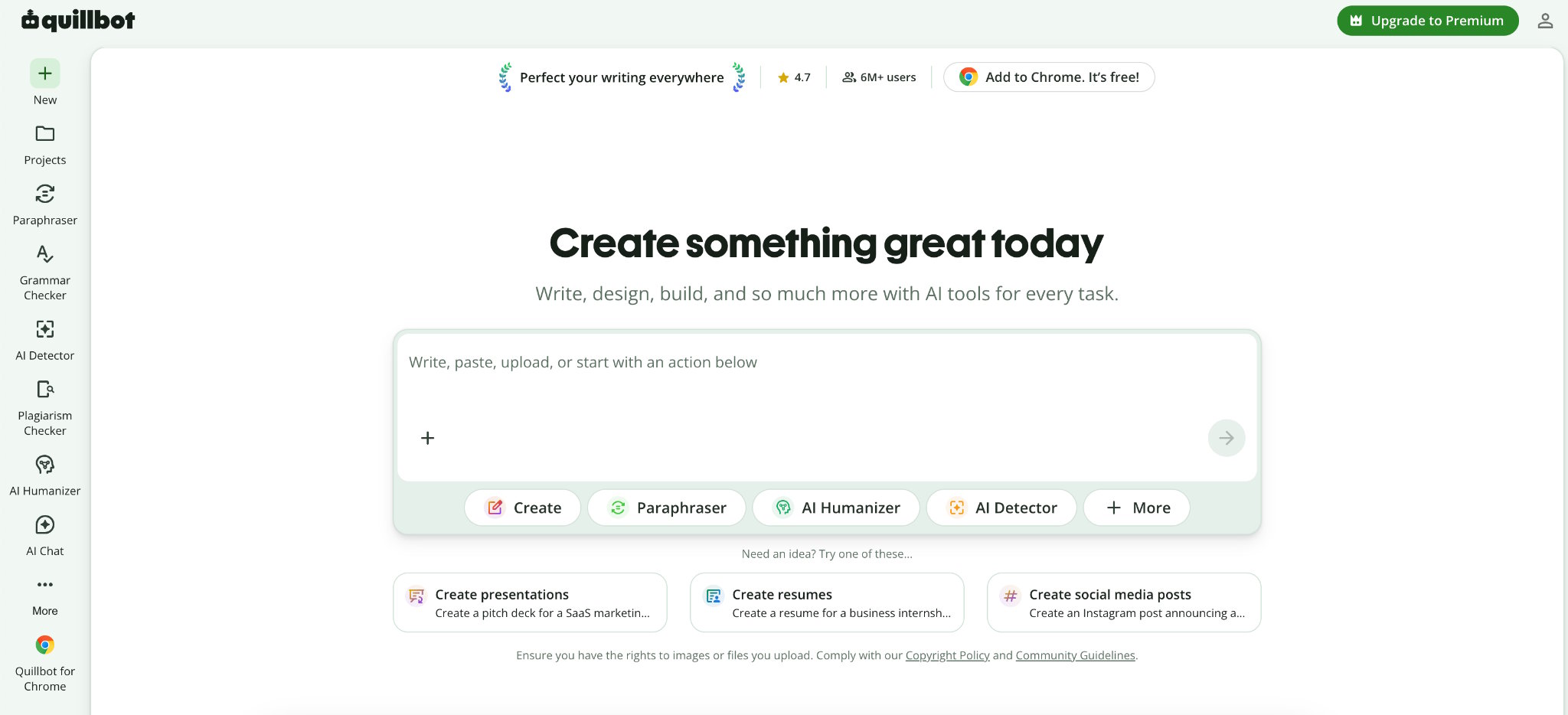
Most students' first experience with paraphrase tools. It's got multiple settings — Standard, Fluency, Formal, Creative, Expand, Shorten — so you have real control over how far out the output can go. The free plan offers rudimentary paraphrase and grammar checking which is sufficient for most everyday use. The premium version, which is $9.95/month billed annually, unlocks all modes and longer inputs, and adds plagiarism detection.
Point to note: no fact checking. This is still the most accurate in the class for pure paraphrase with style control.
4. Wordtune
Wordtune rewrites sentences, and it does them nicely. The most interesting tool is the Spices, which can propose supporting facts, counterarguments and examples that you can paste immediately into a manuscript, which is a different type of help to a typical grammar checker. Free plan offers 10 rewrites every day. Premium is $13.99/mo payable yearly. Working on Google Docs.
5. Copyleaks
Detection only, no writing help. Copyleaks checks papers against a massive database of academic journals and previously submitted work. The AI-generated text detector is one of the more accurate tools in the category, with detailed reporting and source identification. Pricing is per page or subscription at $10.99/mo. Going by the page is cheaper if you only need to do the occasional inspections before submitting.
6. Hemingway Editor
Hemingway shows you the problems - complex sentences, passive voice, unnecessary adverbs - and lets you change them. So that's a readability layer, not an AI editor. Good for one last go before submitting. Free web version available, desktop app is a one-time purchase of $19.99.
7. Writesonic
A tool mostly for content generation, with editing and paraphrasing as secondary capabilities. Some users prefer more natural prompt-based editing and Chatsonic enables you walk through document changes in a back-and-forth way, rather than single prompts. Free Plan - Limited Credits. Paid plans from $16/mo when invoiced annually.
8. ProWritingAid
Does more than most best AI tools for proofreading - finds overused terms, frequency of passive voice, fluctuation in sentence length and pacing patterns over a full manuscript. It is especially useful for academic writing and long form work where consistency over dozens of pages is important. Premium is $30/mo or $99/yr. Works with Word, Google Docs, and Scrivener.
9. Perplexity AI
Not a writing editor. A research layer that cites sources for every output – ask it a factual query and it provides an attributed answer. It's really handy for students checking claims while sketching without having to go to another search engine. The free plan is really functional. Pro: $20 per month for higher use limitations.
Quick Comparison
| Tool | Paraphrasing | Plagiarism | Fact-Check | Summariser | Free Plan |
|---|---|---|---|---|---|
| Getsolved | Yes | Yes | Yes | Yes | Yes |
| Grammarly | Partial | Pro only | No | No | Yes |
| QuillBot | Yes | Paid only | No | Yes | Yes |
| Wordtune | Yes | No | No | No | Yes |
| Copyleaks | No | Yes | No | No | Limited |
| Hemingway | No | No | No | No | Yes |
| Writesonic | Yes | No | No | Yes | Yes |
| ProWritingAid | No | No | No | No | Yes |
| Perplexity AI | No | No | Yes | Yes | Yes |
The Real Answer
There is no one tool that is good for everything. Getsolved and Copyleaks are the best for originality and verification – if you want to do paraphrasing, plagiarism and fact-checking all in one workflow, Getsolved is the winner. Grammarly is the ideal correction layer to sit on top of anything you're already doing. Quillbot is the most disciplined paraphraser.
Most individuals use two tools. One for corrections and clarity and one for originality or fact-checking. That combo takes a document from first draft to submission-ready without one platform needing to perform everything all at once. Choose the one that takes the longest to learn, not the most features.
[a] https://unsplash.com/photos/a-close-up-of-a-keyboard-with-a-blue-button-DEci5GH0r0k

