

If you work with websites, servers, email, or online security, you may need to check an IP address from time to time. You may want to know where an IP comes from. You may also want to see if an IP has a bad reputation. In other cases, you may want to check if a website or server responds.
This is where IP Checker (IPChecker.io) can help. This website offers three free IP-relevant tools that you can directly use in any web browser. But what can you really use IPChecker.io for? Let’s take a closer look.
What is IPChecker.io?

IPChecker.io popular as IP Checker, is a web-based network tool website. It helps users learn more about IP addresses and online hosts.
This is where IPChecker.io can help. This website offers three free IP-relevant tools:
- IP Checker (IP Geolocation)
- IP Reputation Score Checker
- Domain and IP Ping Tool
1. IP Checker and IP Geolocation
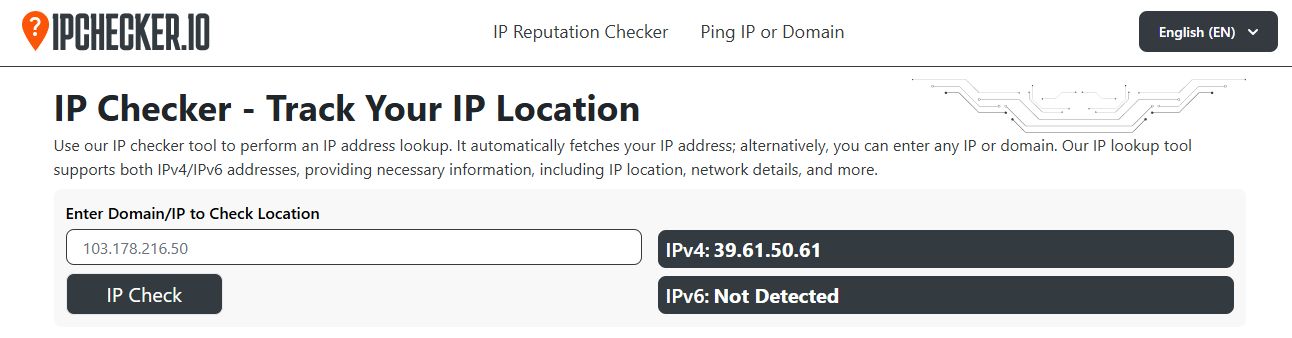
URL: https://ipchecker.io
The main tool on the IPChecker.io website is the IP Checker that helps you find the geolocation of public IP addresses.
The tool can show several types of data, i.e., IP data, network profile, and user system information. The tool also shows a map for the IP location. Also, it shows browser and browser fingerprints when you check your own or any other public IP.
However, there is one key point to remember. The IP checker tool does not give you someone's exact home address. IP geolocation can show a general area and provide a location up to the city level.
What Can You Use IP Geolocation For?
There are many simple use cases of this IP geolocation checker.
Check a VPN
You can use the tool to see if your VPN works. First, check your IP without the VPN. Then turn on the VPN and check again. If the IP changes, your VPN likely works as expected.
Check a proxy
The same idea works with a proxy. You can compare your normal IP with the IP shown when the proxy runs.
Check a website IP
You can enter a domain and see information about its IP. This can help you learn more about the server behind a website.
Check a suspicious IP
If you see an unknown IP in a login record or server log, you can check its general location and network details.
2. IP Reputation Score Checker
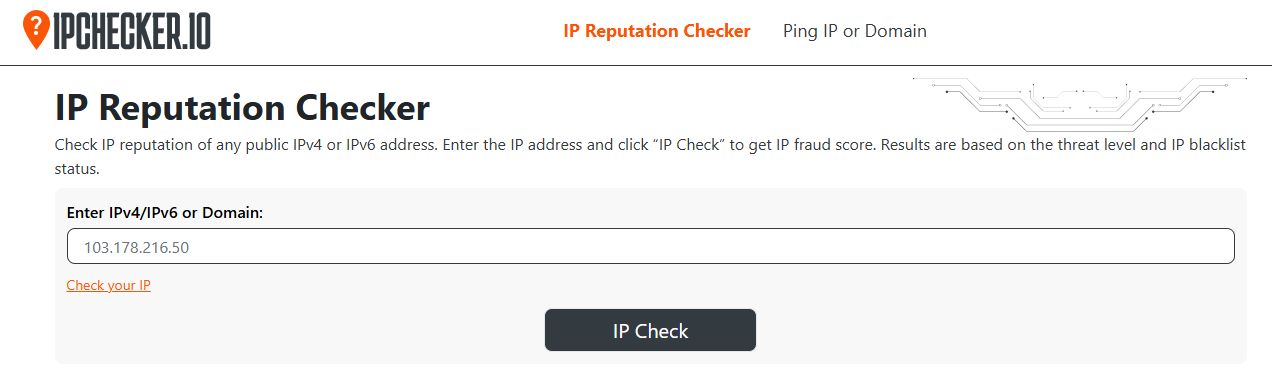
URL: https://ipchecker.io/ip-reputation-check
The second tool is the IP Reputation Checker. This tool looks at the reputation of a public IP address. It can check both IPv4 and IPv6 addresses.
An IP can gain a bad reputation for many reasons. For example, it may have links to spam, malware, phishing, or other unwanted activity.
IPChecker.io says its reputation tool checks the IP against 29 public blacklist services. It then uses the results to create a fraud or quality score.
What Does the Reputation Tool Show?
The tool can provide you with an IP fraud score along with a complete risk summary. By checking a public IP address, you can also see the associated threat level based on blacklist results and the number of blacklist detections.
How Does the Score Work?
IPChecker.io says its fraud score uses two main factors:
- Threat level: 75%
- Blacklist status: 25%
The tool then creates a score on a 100-point scale.
Still, do not treat one score as the final answer. A reputation score is a useful signal. It does not prove that an IP is safe or dangerous.
3. Domain and IP Ping Tool
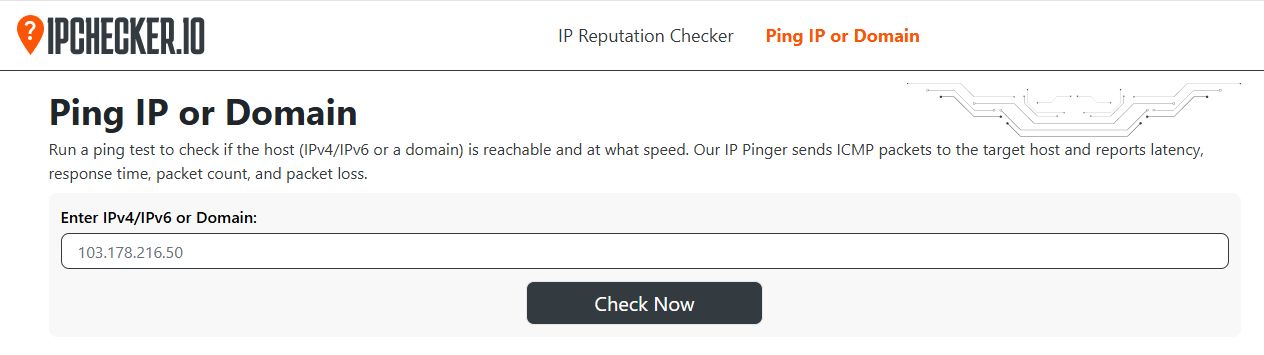
URL: https://ipchecker.io/ping-ip
The third tool is the Ping IP or Domain tool. Ping is a basic network test. It checks whether a device, server, or domain can respond to a network request.
For example, imagine your website suddenly stops loading. You can use a ping tool to test the domain or IP.
If the host responds, the server may still be reachable. If it does not respond, you may need to check the server, network, DNS, firewall, or hosting setup.
What Can You Use the Ping Tool For?
The ping tool can help with basic network checks.
- Check website reachability: You can test a domain to see if it responds.
- Check a server: If you know a server's IP, you can test it directly.
- Compare hosts: You can test different domains or IPs and compare their response behavior.
Things to know
A failed ping does not always mean a server is down. Some servers and firewalls block ping requests. So, use ping as a basic test, not as a complete uptime check.
Bottom Line
IP Checker (IPChecker.io) is a handy set of simple web-based network tools. The main IP checker tool helps you find IP and location data. While the IP Reputation Checker helps you check IP score, threat level, and blacklist signals. The website also offers a free domain and IP pinger to test basic network responses.
You can use the tools for VPN checks, server checks, security research, website troubleshooting, and basic network tests. It does not replace advanced security or network software. Still, it can save time when you need a quick check.

