

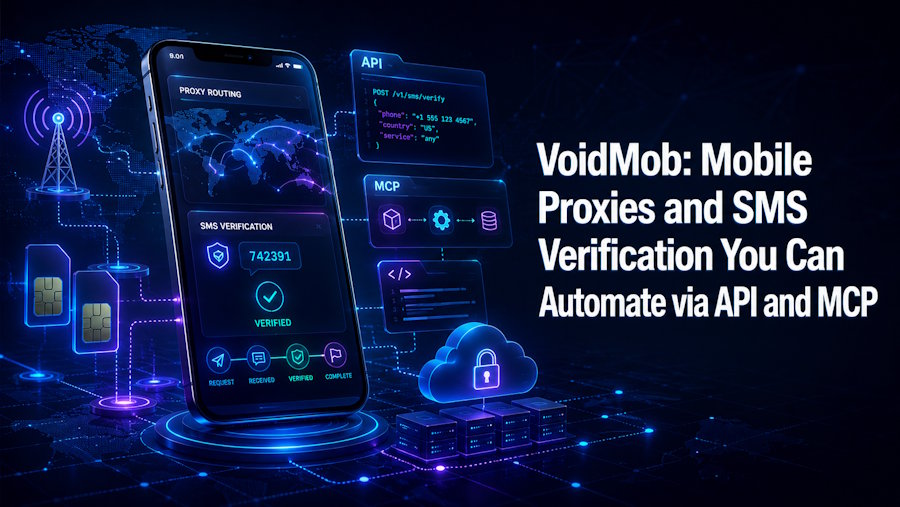
What is VoidMob?
VoidMob is a privacy and connectivity provider aimed at developers and automation workflows. It offers three things from one account:
- Mobile proxies on real 4G and 5G carrier networks, in shared (rotating) and dedicated forms.
- Non-VoIP SMS numbers for phone verification, the kind that actually pass carrier lookups.
- eSIM data plans for real mobile connectivity.
The mobile part is the interesting bit. Because mobile carriers put many real subscribers behind the same public IP through carrier-grade NAT (CGNAT), anti-bot systems cannot block those addresses without hitting genuine users. That makes a mobile proxy far harder to detect than a datacenter IP, which matters a lot if your scraper keeps getting served CAPTCHAs.
Everything is reachable through a REST API and, more usefully in 2026, through an MCP server, so you can wire it into scripts or AI agents.
Using a Mobile Proxy
Once you create a proxy in the dashboard, you get standard credentials (host, port, username, password) that work with any HTTP or SOCKS5 client. Here it is in Python with requests:
import requests

proxies = {
    "http": "http://USER:PASS@PROXY_HOST:PORT",
    "https": "http://USER:PASS@PROXY_HOST:PORT",
}

r = requests.get("https://api.ipify.org?format=json", proxies=proxies)
print(r.json())  # returns the mobile carrier IP, not yours
Nothing exotic, it behaves like any other proxy, which is the point. Dedicated proxies also support SOCKS5, VLESS over Xray, and OpenVPN, so you are not limited to plain HTTP if your workflow needs an encrypted tunnel.
Automating With the API
The REST API lives at https://dashboard.voidmob.com/api/v1 and uses bearer-token auth with a key in the vmk_live_... format. It is JSON in, JSON out, so provisioning a proxy, renting a number, or reading an incoming verification code is a normal HTTP request:
curl https://dashboard.voidmob.com/api/v1/... \
  -H "Authorization: Bearer vmk_live_your_key" \
  -H "Content-Type: application/json"
That means the annoying manual steps, grabbing a number, waiting for the SMS, copying the code, can all be scripted end to end.
Automating With MCP
This is the part worth paying attention to if you build with AI agents. VoidMob ships an MCP server, so any MCP-compatible client can call proxies and numbers as native tools instead of you writing integration glue. Adding it takes one command:
claude mcp add voidmob -- npx -y @voidmob/mcp
For Cursor, Claude Desktop, or any other client, it is a small JSON block:
{
  "mcpServers": {
    "voidmob": {
      "command": "npx",
      "args": [
        "-y",
        "@voidmob/mcp"
      ],
      "env": {
        "VOIDMOB_API_KEY": "vmk_live_your_key"
      }
    }
  }
}
Once connected, an agent can rent a non-VoIP number, read the OTP, provision a mobile proxy, and release everything when it is done, all as tool calls. MCP is the open standard for connecting agents to tools, so this works with any compatible framework.
What Developers Actually Use It For
- Web scraping without blocks. Route requests through mobile IPs so anti-bot systems treat them as real users.
- Account automation and testing. Pair a clean mobile IP with a non-VoIP number so signups and verification actually go through.
- Ad and geo verification. Check how content or ads render from a real carrier IP in a specific region.
- AI agents. Give an autonomous agent the ability to fetch, verify, and rotate identity on its own through MCP.
Pricing and Getting Started
The shared mobile pool is pay-as-you-go with no monthly commitment, and dedicated mobile proxies are available when you need a stable, exclusive IP. Non-VoIP numbers are billed per verification or as long-term rentals. There is no KYC and crypto is accepted, so you can sign up, generate an API key, and have the MCP server running in a couple of minutes. The full endpoint list is in the documentation.
If your scrapers keep getting blocked or your test accounts keep failing verification, it is a tidy way to solve both problems with one API. Happy coding.

