


Running a business today isn’t about simply offering a great product or service — it’s about managing relationships. Every customer interaction, every inquiry, every follow-up can mean the difference between loyalty and a lost lead. That’s where Customer Relationship Management (CRM) systems step in. A CRM is more than just software; it’s the bridge between your business and your customers — one that keeps everything organized, personalized, and scalable.
Think about it: juggling multiple leads, tracking deals, managing conversations across email, social media, and chat — it’s overwhelming without structure. A CRM helps you centralize all that activity so your team can focus on what really matters: building relationships and closing sales. It’s the heart of your sales and marketing workflow, connecting communication, automation, analytics, and customer care into one cohesive system.
For small and medium businesses, choosing the right CRM can feel like trying to pick a business partner — it needs to be reliable, intuitive, and grow with you. The right CRM simplifies tasks, automates routine work, helps teams collaborate, and ensures no lead ever slips through the cracks. Whether you’re a startup founder or a growing company leader, investing in the right CRM means investing in better organization, smoother customer journeys, and more revenue opportunities. If you run an ecommerce business, you may also find value in exploring CRMs built specifically for online stores and agencies — check out this guide to the ecommerce CRM software.
Below, we’ll take a close look at five strong contenders in the CRM world — SendPulse, RD Station, CRMOne, Pepper Cloud, and NetHunt — each offering their own take on customer management. We’ll explore what makes each platform stand out.
SendPulse
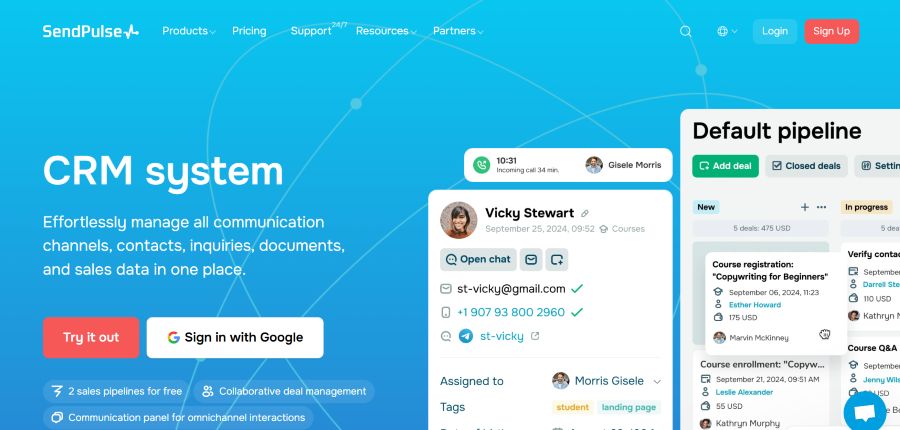
SendPulse: Best for teams already running email or chat marketing who want CRM built into the same platform, rather than bolted on.
SendPulse is the kind of CRM that doesn’t just organize your data — it organizes your day. It’s built for teams who want an all-in-one workspace where communication, sales, and marketing flow together naturally. The layout is simple, the learning curve is gentle, and everything connects — from emails and chatbots to pipelines and analytics — making it ideal for small and mid-sized teams that want efficiency without complexity.
SendPulse helps you store and manage contacts with detailed profiles, tags, and notes so you always know who you’re talking to and what matters to them. Multiple sales pipelines can be customized to match your real process, giving you a clear view of every deal’s status. Tasks and activities are built right in, so assigning follow-ups or tracking progress feels seamless rather than like extra work. Plus, all your communication — email, messenger, chatbots — sits together in one record, keeping your customer interactions consistent across channels.
Automation in SendPulse is powerful but approachable. You can create workflows that trigger actions when a customer signs up, opens an email, or changes deal stage — saving time while maintaining personal touch. Real-time analytics and forecasting give you visibility into sales trends, helping you predict revenue and track performance without exporting spreadsheets. And behind it all is strong security: two-factor authentication, role-based permissions, GDPR compliance, and daily backups to keep your data safe.
Pricing and Free Plan
SendPulse offers a free plan for their CRM that includes the account owner and up to four teammates — ideal for small teams testing the waters. The free version lets you have 2 sales pipelines, up to 2 boards, 5 flows, 1 event and 50 elements in Automation 360. Paid plans start at $18/month billed monthly (or $14.40/month if you pay annually) and unlock 1 user, 2 sales pipelines, 8 flows, 5 events, and 50 elements in Automation 360, 2 boards, 3 GB storage, 1 email inbox, and 8 saved segments.
RD Station
RD Station: Best for inbound-marketing teams that need tight lead-to-deal handoff between marketing and sales.
RD Station is built for businesses that see marketing as the start of every sales conversation. It connects campaigns, contacts, and deals into one logical flow, making it especially appealing to teams that rely on inbound marketing to generate leads. Instead of simply managing customers, RD Station helps you guide them — from the first website visit to the final sale — with a strong emphasis on data-driven decisions and marketing performance.
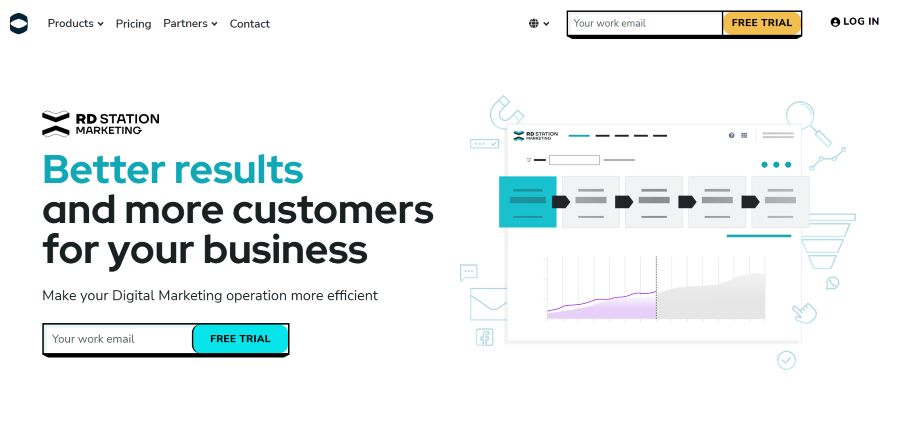
The CRM offers complete contact and lead management. You can capture leads from forms, chat, or integrated campaigns, enrich profiles with detailed attributes, and track every interaction across channels. Its visual pipeline view gives you clarity on where each opportunity stands and helps prioritize high-value leads. Team collaboration feels natural — marketing and sales both see the same data, ensuring smoother handoffs and more accurate follow-ups.
Automation is where RD Station shows its real power. You can design workflows that respond automatically to customer behavior: when someone downloads an e-book or opens a campaign email, RD Station can trigger a follow-up message, update their lead score, or move them to a new stage in the funnel. The platform also includes conversion tracking, customizable reports, and campaign analytics that reveal which efforts drive results. Built-in GDPR tools, data encryption, and role-based permissions add confidence that your data is always secure and compliant.
Pricing and Free Plan
RD Station offers a limited 10-day free trial that allows new users to explore the CRM’s marketing automation and reporting capabilities before committing. The cheapest paid plan typically starts at $16/month for 1,000 active contacts and includes essential tools like email automation, lead segmentation, analytics, and campaign tracking.
CRMOne
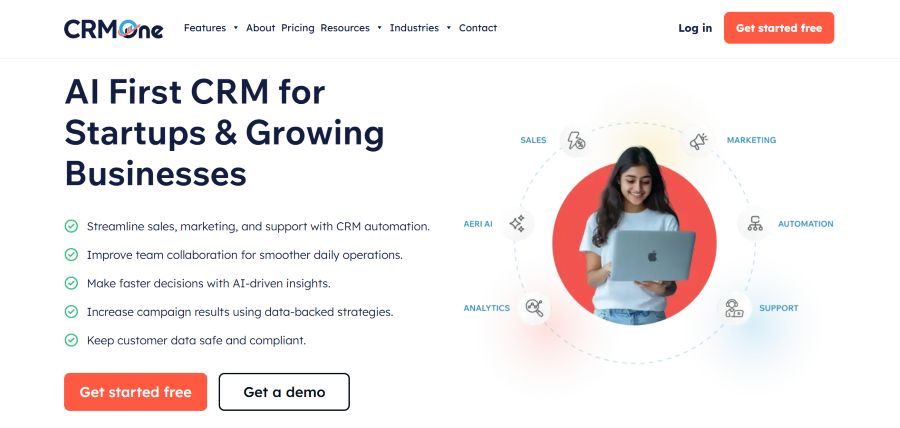
CRMOne: Best for very small teams or solo founders who want pipeline basics without a learning curve.
CRMOne is designed for businesses that want a straightforward, effective CRM without layers of complexity. It focuses on the fundamentals — managing contacts, tracking deals, and keeping sales moving — in a clean, accessible interface that feels built for action. For small and mid-sized teams that need clarity more than customization, CRMOne brings structure and visibility without overwhelming features you’ll never use.
At its heart, CRMOne offers a solid contact and lead management system. You can easily import your existing data, build contact profiles, and use tags or filters to organize leads. The deal pipelines are visual and customizable, showing at a glance how many opportunities sit at each stage and which ones need follow-up. Assigning tasks and logging activities directly from a contact record keeps everything transparent, while reminders and notifications help teams stay on top of deals and deadlines.
CRMOne’s advanced functionality centers around automation and analytics. You can set up workflow triggers to assign leads, move deals, or send reminders automatically based on specific actions or timelines. The reporting dashboard provides simple yet clear insights into conversion rates, deal velocity, and overall sales performance. It’s not overloaded with unnecessary metrics — just the essentials you actually use to make informed decisions. On the data-protection side, CRMOne maintains reliable backup routines, user permissions, and security measures that meet standard business compliance requirements.
Pricing and Free Plan
CRMOne offers a 14-day free trial that allows users to explore its primary sales and contact management tools. The free period includes core pipeline features and basic reporting but limits the number of users and active deals. The entry-level paid plan comes at $18/month per user for core CRM with deal pipeline, tasks & appointment scheduler, 1 workflow, and 5,000 actions monthly.
Pepper Cloud
Pepper Cloud: Best for WhatsApp-heavy SMB sales teams, especially in retail or services where messaging is the primary sales channel.
Pepper Cloud stands out as a CRM built around people rather than processes. Its focus is on strengthening customer relationships through clarity, collaboration, and insight. For teams that value intuitive design and quick adaptability, Pepper Cloud delivers a system that feels approachable yet powerful, making it an appealing option for small and medium-sized businesses looking to manage growth without complexity.
The platform’s contact management is well-structured, allowing you to consolidate customer details, segment them into target groups, and maintain complete communication histories. Sales pipelines are flexible and easy to configure, letting you visualize deals in progress and understand which ones are moving forward or need attention. Tasks, reminders, and activity logs help your team stay coordinated, while built-in notifications keep sales reps focused on their next step instead of juggling spreadsheets or scattered notes.
Where Pepper Cloud really finds its strength is in its smart features. It combines automation, analytics, and integration in a way that feels seamless rather than forced. You can automate routine follow-ups, trigger actions based on lead behavior, and generate reports that show patterns in your sales performance. The system also provides a snapshot of your team’s activity, helping managers track progress and balance workloads. Security and compliance are treated seriously too — with permission controls, encryption, and daily data backups that protect your business information around the clock.
Pricing and Free Plan
Pepper Cloud uses custom pricing based on team size — contact their sales team for a quote. There is no publicly listed free plan.
NetHunt
NetHunt: Best for Gmail/Google Workspace teams who want CRM without leaving their inbox.
NetHunt is a smart choice for teams that live inside Gmail or Google Workspace. Instead of making you switch between tools, it brings your CRM straight into your inbox — turning emails into leads, deals, and customer profiles instantly. For business owners or sales teams who spend much of their day communicating via email, NetHunt feels less like a separate platform and more like a natural extension of how they already work.
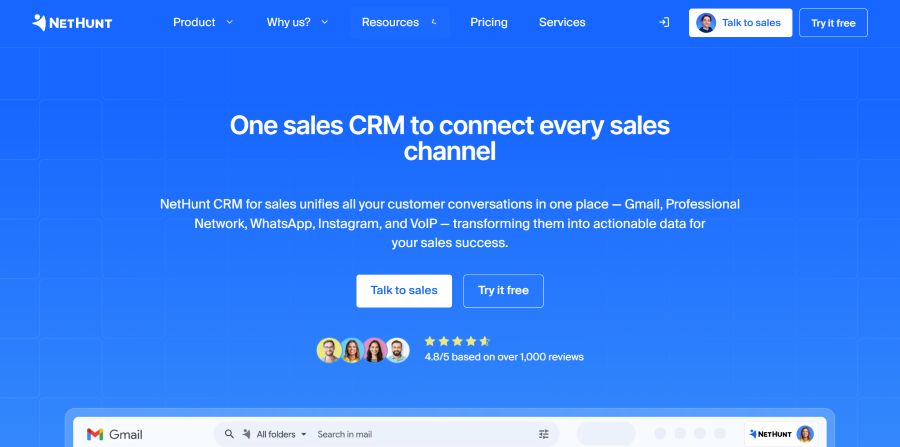
Core features in NetHunt revolve around contact management, deal pipelines, and seamless email integration. You can link every incoming or outgoing message to a contact or deal, view communication history right beside your inbox, and update deal stages without leaving your email tab. Pipelines are customizable and visually clear, allowing you to monitor progress and prioritize tasks. Built-in reminders, tasks, and team collaboration tools make it easier to stay organized and ensure follow-ups never slip through the cracks.
Beyond the basics, NetHunt delivers powerful automation and analytics tools. Automated workflows let you trigger emails, update records, or assign tasks based on customer behavior or deal changes. The analytics dashboard gives a clear overview of sales performance, conversion rates, and productivity trends, helping you make informed decisions quickly. The platform’s Google Workspace integration extends to Calendar, Drive, and Meet, making data sharing and scheduling frictionless. Data security is strong too, with two-factor authentication, access permissions, and compliance with data protection standards. Many growing teams also look for a reliable CRM app to access contacts, deals and task updates while working away from their desktop computers.
Pricing and Free Plan
NetHunt offers a 14-day free trial, giving full access to its main features so users can explore everything from automation to pipeline setup before committing. The entry-level paid plan starts at $24/user/month and includes access to advanced pipelines, automations, and integrations.
Final Thoughts
Each of these five CRMs offers something valuable, depending on your business priorities. RD Station excels in marketing automation and lead nurturing, CRMOne focuses on straightforward sales management, Pepper Cloud emphasizes teamwork and usability, and NetHunt fits perfectly for Gmail-based workflows. They all bring something distinct from deep marketing insight to practical simplicity.
Here’s a quick side-by-side comparison to help you decide:
| CRM | Best For | Free Plan | Starting Price | Standout Feature |
|---|---|---|---|---|
| SendPulse | All-in-one marketing + sales teams | Yes (up to 5 users) | $18/month | Email, chatbot, CRM in one platform |
| RD Station | Inbound marketing-driven businesses | No (free trial) | ~$16/month | Deep marketing automation + analytics |
| CRMOne | Startups needing a simple sales CRM | Yes (14-day trial) | $18/user/month | Clean pipeline management |
| Pepper Cloud | WhatsApp-heavy SMB sales teams | No (custom pricing) | Contact sales | Native WhatsApp + messaging integrations |
| NetHunt | Gmail/Google Workspace users | No (14-day trial) | $24/user/month | CRM built directly inside Gmail |
But when you need a balance of communication, automation, and ease of use, SendPulse stands out as the most complete choice. It unites sales, marketing, and customer communication into one seamless system, so you can manage relationships, automate processes, and scale without friction. With its free plan, approachable pricing, and thoughtful design, SendPulse makes advanced CRM tools accessible to any growing business — simple to start with and powerful enough to grow into.
Whichever CRM fits your workflow, the most important step is simply getting started. Most of the tools above offer free plans or free trials — so you can test before you commit. Ready to see what a great CRM can do for your business? Start your free trial with SendPulse today, or explore the others above to find your perfect fit.
If your business is managing customer conversations through Telegram, you might want to look and compare the Telegram CRM platforms to see which one fits their sales and support workflow.

