

At 8:47 on a Monday morning, a sales manager opened the forecast and saw three different versions of the same opportunity. One rep had the prospect's last reply in LinkedIn. Another had copied an old email thread into a spreadsheet. The manager's HubSpot record showed a company name, a stage and almost no explanation of what should happen next.
The team did not have a lead shortage. It had a context shortage.
That distinction is becoming more expensive as buying committees get larger and sales cycles stretch across more channels. A contact can be discovered on LinkedIn, enriched in a prospecting tool, discussed in a team chat and finally handed to a CRM. If the handoff keeps only the name and email, the most valuable part—the reason this person mattered now—disappears.
One HubSpot customer story shows the upside of fixing that handoff. ARC consolidated sales and marketing on the HubSpot CRM Platform and reported that its team responded to leads 94% faster. The important change was not a prettier contact table. The teams could see the same customer information, and HubSpot APIs helped resolve integration problems that had previously separated the workflow.
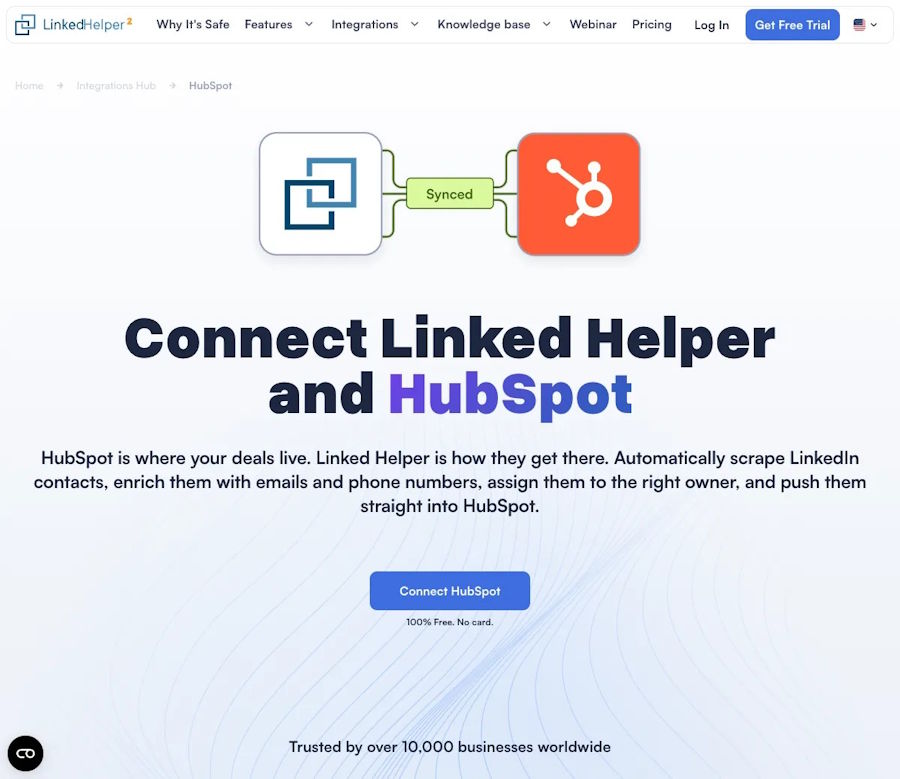
A useful integration keeps lead context visible when it reaches the team CRM.
That is the right standard for comparing a HubSpot integration: does it preserve the decision-making context a human needs, or does it merely create another record?
The hidden cost of “we will update the CRM later”
HubSpot has estimated that sales reps spend roughly a quarter of their workweek on manual CRM data entry. Salesforce research has made a similar point from another angle: sellers consistently rank a single customer view and cross-team collaboration among the capabilities that matter most to the sales process.
The cost is not limited to minutes. A delayed update can change the meaning of a lead. A reply that sounded interested yesterday may be a polite no today. A company that looked like a fit before a product launch may be irrelevant after its priorities change. When the CRM receives a stripped-down record two days later, the next rep sees a person without a story.
Start with the smallest context that lets a teammate make a good next decision. In a LinkedIn-to-HubSpot workflow, that usually includes the profile URL, role, company, the campaign or list that created the lead, the message thread or a concise activity summary, and a clear next action. The goal is not to dump every available data point into the CRM. It is to make the handoff understandable without opening five other tabs.
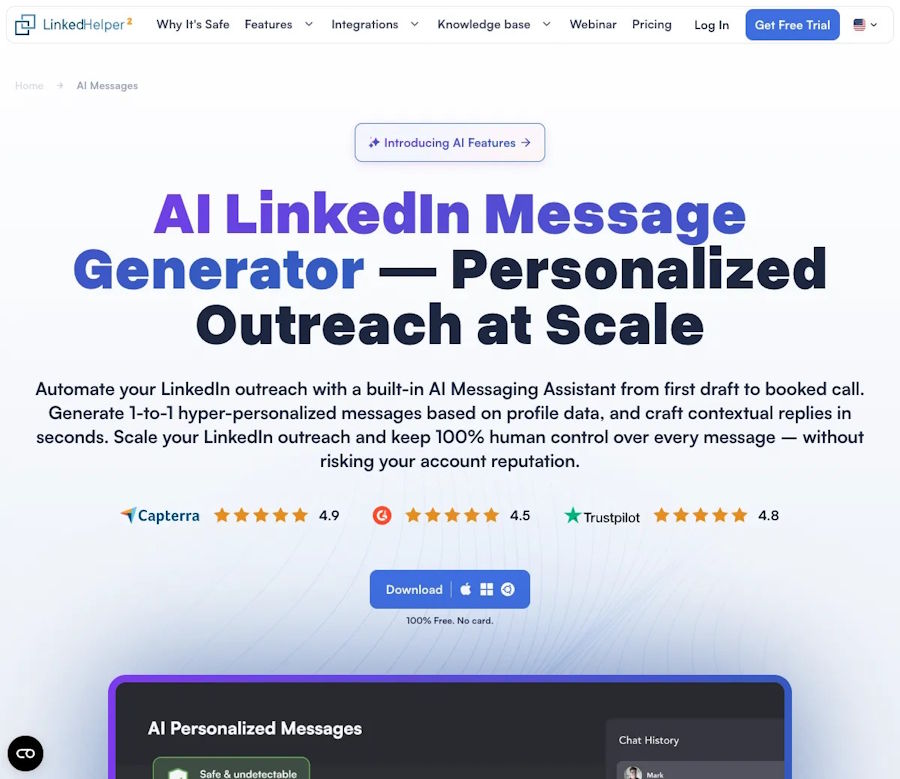
AI message generation should support human review before CRM synchronization.
What a high-value integration should carry
Before buying or connecting a tool, test one real workflow and ask:
- Identity: Can the system reliably match a LinkedIn profile to the correct contact and company, or does it create duplicates when a surname changes?
- Context: Does the record retain why the person was selected and what was said, rather than only the date of export?
- Ownership: Is the right rep assigned automatically, with a visible rule that a manager can change?
- Stop rules: Does a reply, opt-out or closed deal stop the next automated action everywhere?
- Auditability: Can a manager see what entered HubSpot, when it entered and which workflow created it?
The list is deliberately practical. A spectacular dashboard is not useful if nobody can explain where a contact came from or why a follow-up was sent.
The duplicate problem is a trust problem
Most teams discover duplicate contacts during a forecast meeting, when the cleanup is already political. One record has the current title, another has the useful note, and a third has the latest email. The CRM now contains three partial truths.
Good integrations treat deduplication as a workflow decision, not a one-time import setting. Define the matching keys before the first sync. Decide whether a new role creates a new contact, how company domains are normalized, and which system wins when two values disagree. Then send exceptions to a human queue instead of silently overwriting data.
The same principle applies to enrichment. If a tool cannot explain whether a phone number came from a verified source, a user edit or an automated guess, the field should not quietly become the basis for a high-stakes outreach sequence.
Automation should make the next step clearer
The strongest CRM connections do not try to automate every decision. They remove repetitive transfer work and leave judgment visible. A prospecting tool can move a qualified lead into HubSpot, assign an owner and attach the relevant conversation. A human can then decide whether the next step is a useful resource, a short question or no outreach at all.
That division matters because more activity is not the same as more progress. A recent HubSpot sales report says only a small minority of sales professionals report using no AI at all, while many say AI helps extract insights from conversations and improve personalization. The lesson is not “let the workflow run unattended.” It is “use automation where it improves the information a human sees.”
For a small team, a safe rollout can fit on one page: choose one source workflow and one HubSpot pipeline; sync a small test group, including known duplicates and opt-outs; check ownership, context, timestamps and stop rules by hand; compare response time and qualified next steps—not just the number of records created; expand only after the team can explain an exception without opening the source tool.
That last test is surprisingly powerful. If the workflow cannot explain itself, it will eventually become another spreadsheet—only harder to repair.
A useful way to compare integration tools
When teams compare LinkedIn automation products, they often start with the number of actions: search, connect, message, export and sync. A better comparison starts with the moment after a lead enters HubSpot. Can a rep understand the context in under a minute? Can a manager trace the source? Can the team stop automation when a real conversation begins?
Those questions turn an integration from a checkbox into an operating safeguard. The value is not that a contact moved from one screen to another. The value is that the next person can continue the conversation without guessing.
For teams evaluating HubSpot integration, that is the standard worth using: preserve the context, make ownership explicit, stop when a human reply arrives, and measure whether the handoff produces a better next action.
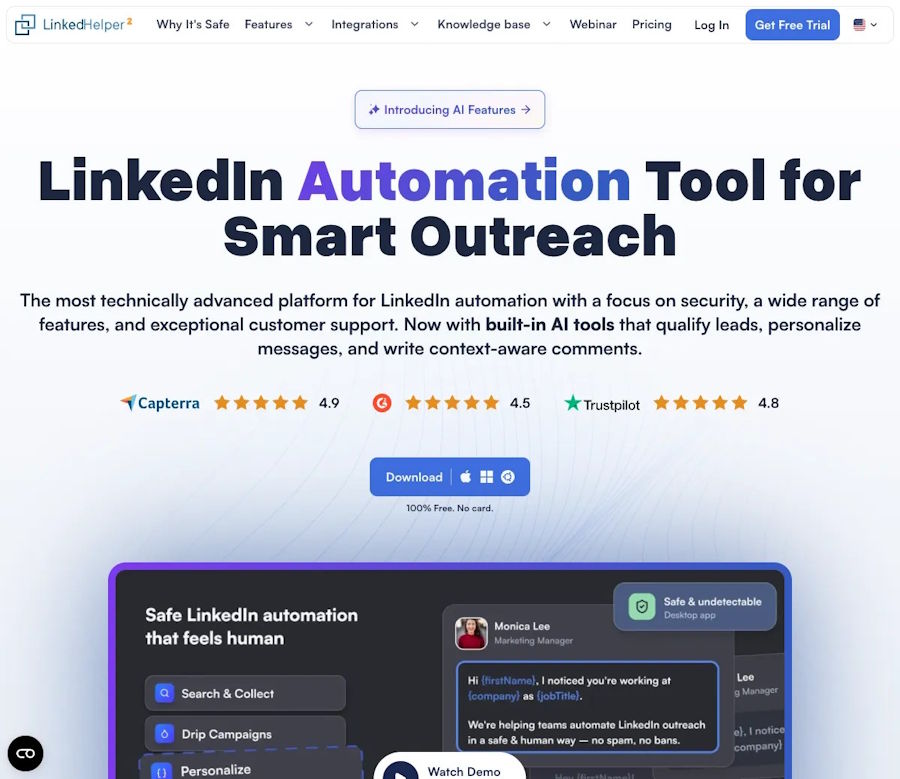
The workflow starts with a clear audience and a responsible automation setup.
A good integration is not the one that creates the most records. It is the one that leaves the team with the clearest next decision.

