

Build a developer feed that stays useful
The For You feed learns from what you watch, like, search for and skip. Give it clear signals from the start:
- Search for specific terms rather than broad ones. Use language and tool names such as "Python debugging," "React hooks," "Docker tips" or "system design interview" together with community tags like #devtok and #softwareengineering.
- Watch the videos you find useful to the end, and skip quickly past the ones you don't.
- Press and hold a video and select "Not interested" for motivational filler, "day in my life" clips with no technical content, and engagement bait.
- Check the Following feed regularly, so creators you picked yourself don't get buried under recommendations.
How to spot developer creators worth following
Developers who share their own experience are often the most valuable part of tech TikTok. Before you follow someone, look for these signs of substance:
- They show real code, terminal output or architecture diagrams instead of only talking to the camera.
- They explain trade-offs, such as why they chose one database or deployment approach over another.
- They mention versions and context, because advice for one framework release may not apply to the next.
- They talk openly about mistakes, outages and failed projects, not only wins.
- Their older videos keep a consistent level of quality, which suggests real experience rather than trend-chasing.
Treat TikTok as a news signal, then verify
Developer creators often react to releases, security advisories and tooling changes within hours. That speed is helpful, but a 60-second clip can leave out important details. Treat each video as a pointer. Check the posting date, then confirm the details in the official changelog, release notes or documentation before you change anything in a project.
Save useful clips with a TikTok Downloader
Developer videos can disappear. Creators delete old posts, accounts get suspended, and some users switch to private. Saving a clip as soon as you find it keeps it in your personal reference library. It also lets you watch tutorials offline during a commute or when mobile data is limited.
With SSSTik, you can download TikTok video content in three steps:
- Open the video in the TikTok app or website, tap Share, and select Copy link.
- Paste the link into the input field on SSSTik.
- Select the download option to save the file, as an MP4 where the source provides one.
SSSTik is free and works in desktop, mobile and tablet browsers. It gives you a direct link to the video file that TikTok makes available without a TikTok watermark, rather than editing a watermark out of the video. HD quality depends on what the source offers. Downloads only work for videos that are still publicly available.
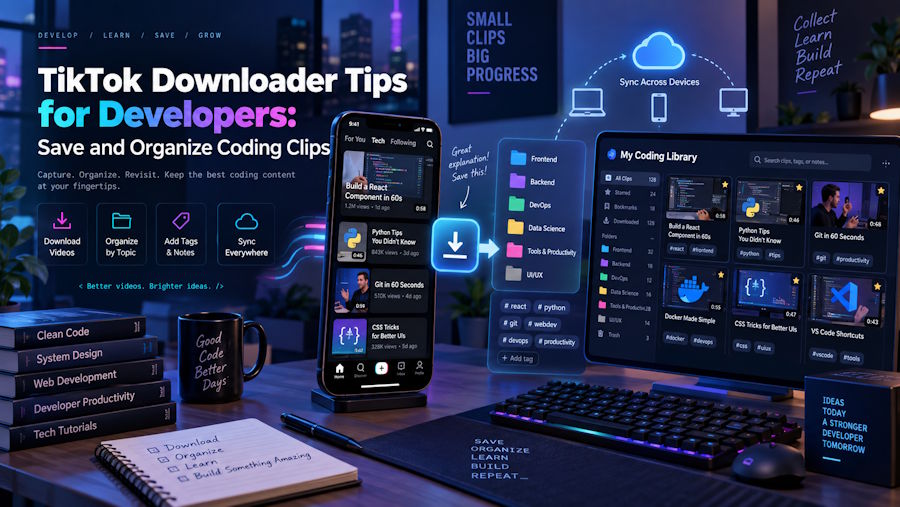
Organize saved clips into a learning library
A folder of random files quickly becomes useless. A simple system keeps saved clips searchable:
- Create folders by topic, such as "Git," "CSS layout," "Kubernetes" or "Interview prep."
- Rename each file with the topic, the creator's handle and the date, for example git-rebase-tips_creatorname_2026-09.mp4.
- Keep a short note next to each clip with the command or concept it covers and a link to the matching official documentation.
- Review the library every few months and delete clips that newer releases have made outdated.
Respect the creators you learn from
Keep downloaded videos for personal study and offline viewing. Do not re-upload them or present them as your own. If a clip helped you, follow the creator, leave a comment or share the original post. That support helps experienced developers keep publishing useful advice.

