

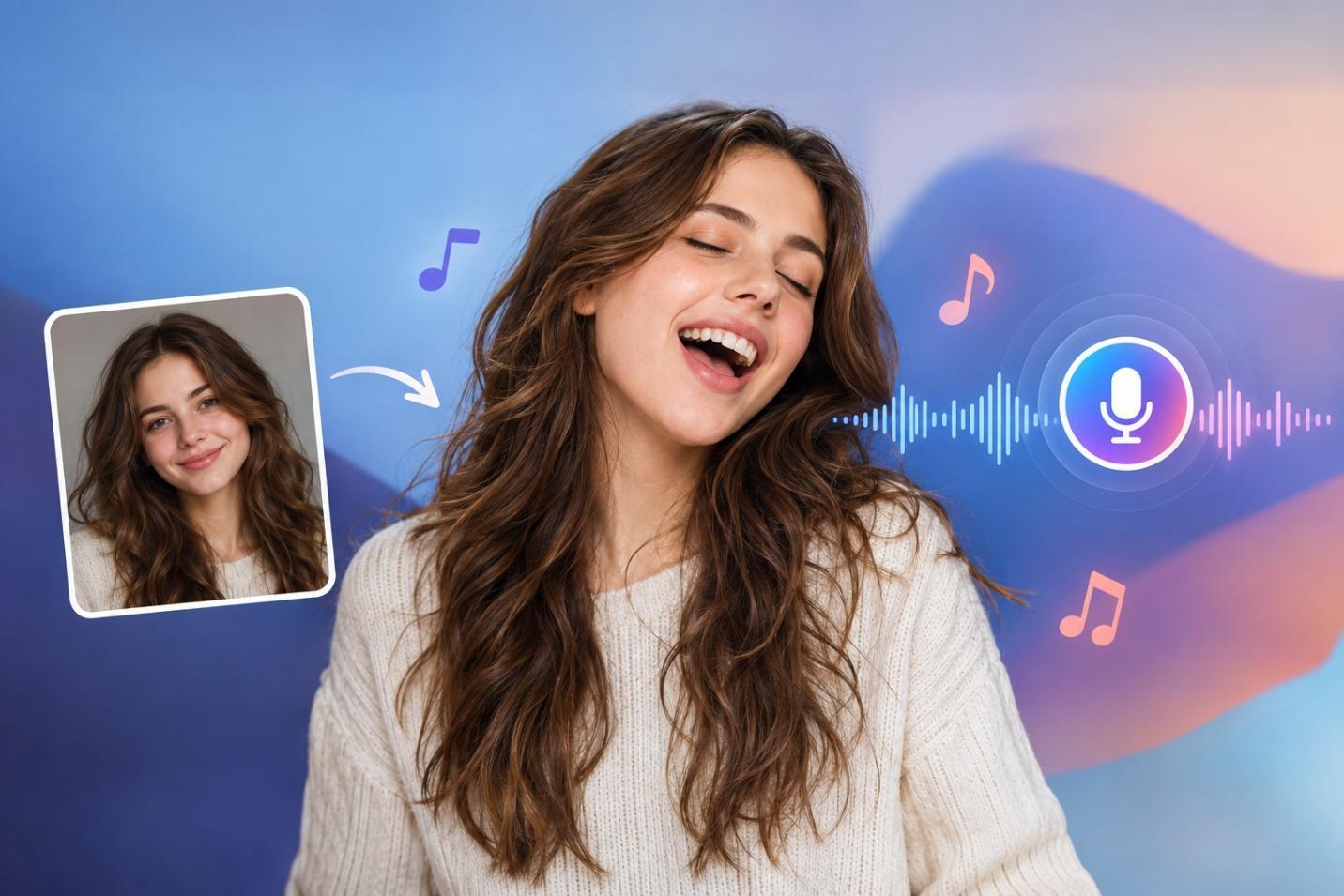
How to Make a Photo Sing Online Free With AI
Want to make a photo sing online for free? Explore easy tools that animate photos with songs, lip-sync, and voice effects for fun videos in just minutes.
A single portrait and audio track can turn a still image into a singing performance, with facial and mouth movements following the vocals. These videos work well for social clips, music projects, and creative character content. Singing requires more precise lip sync than regular speech, especially during fast lyrics and longer notes. That makes finding a tool that can make a photo sing more challenging than choosing a standard talking photo generator.
Part 1. Best Apps to Make Photos Sing With AI
The best tool depends on the kind of result you want. Some apps focus on a realistic singing face, while others are better for quick clips or longer videos. The 5 options below cover those different needs, making it easier to compare their strengths before choosing one:
1. MagicLight AI
Best For: Creating singing characters for longer music videos with consistent visuals.
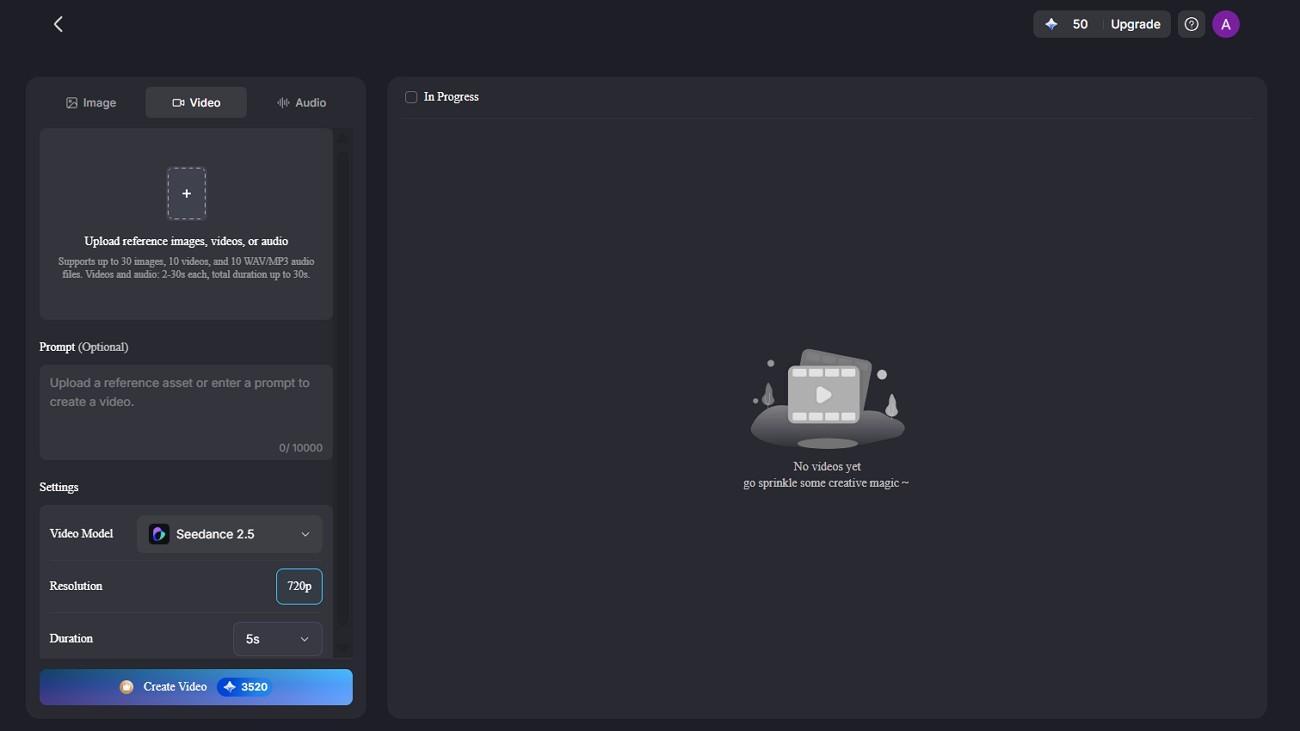
MagicLight AI supports image-to-video creation with 20 AI models, including Kling 3.0 and Seedance 2.5. You can upload a character image, describe the intended movement in a prompt of up to 1,500 characters, and generate 720p video output.
That makes it useful when a singing photo needs to become more than a short facial animation. The character can continue across scenes, while the longer prompt gives you room to describe movement, setting, mood, and changes throughout the video.
Key Features
- Start with 15 prebuilt songs when you want a ready-made track for the singing photo.
- Turn a photo into a reusable singing character with prompts of up to 1,000 characters.
- Add lyrics or dialogue using 16 subtitle styles to support the singing performance clearly.
- Apply 52 visual styles to shape how the singing character looks throughout the finished video.
2. Hedra
Best For: Close-up singing videos built from a single portrait and audio track.
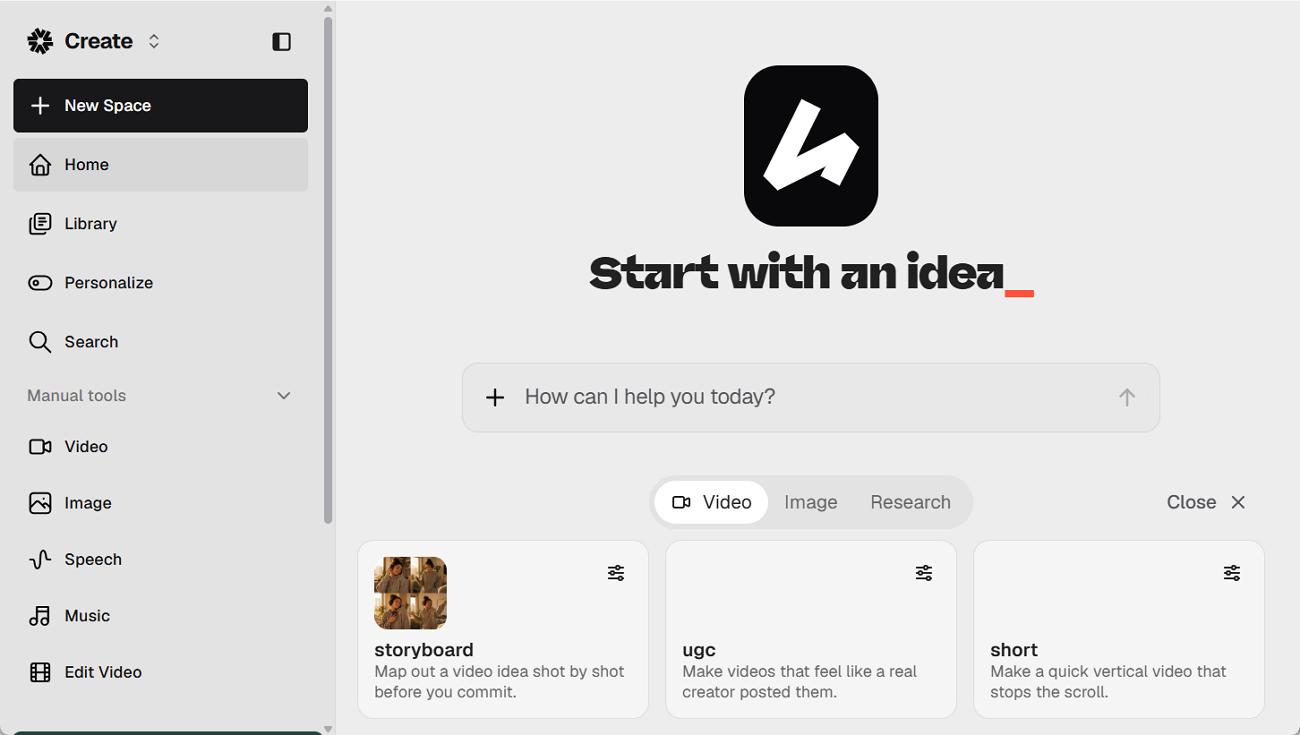
Hedra is a strong option when the goal is a focused singing performance rather than a full music video. To make a photo sing, you upload a portrait and pair it with an audio track. Character 3 then matches the mouth and facial movement to the sound, while supporting both realistic portraits and illustrated characters.
Key Features
- Supports stylized characters and illustrated faces, not only realistic human portraits.
- Generates video in several aspect ratios, including square, vertical, and widescreen formats.
- Offers 540p, 720p, and 1080p output, with supported videos reaching up to 10 minutes.
3. HeyGen
Best For: Reusing the same singing avatar across regular videos and music content.
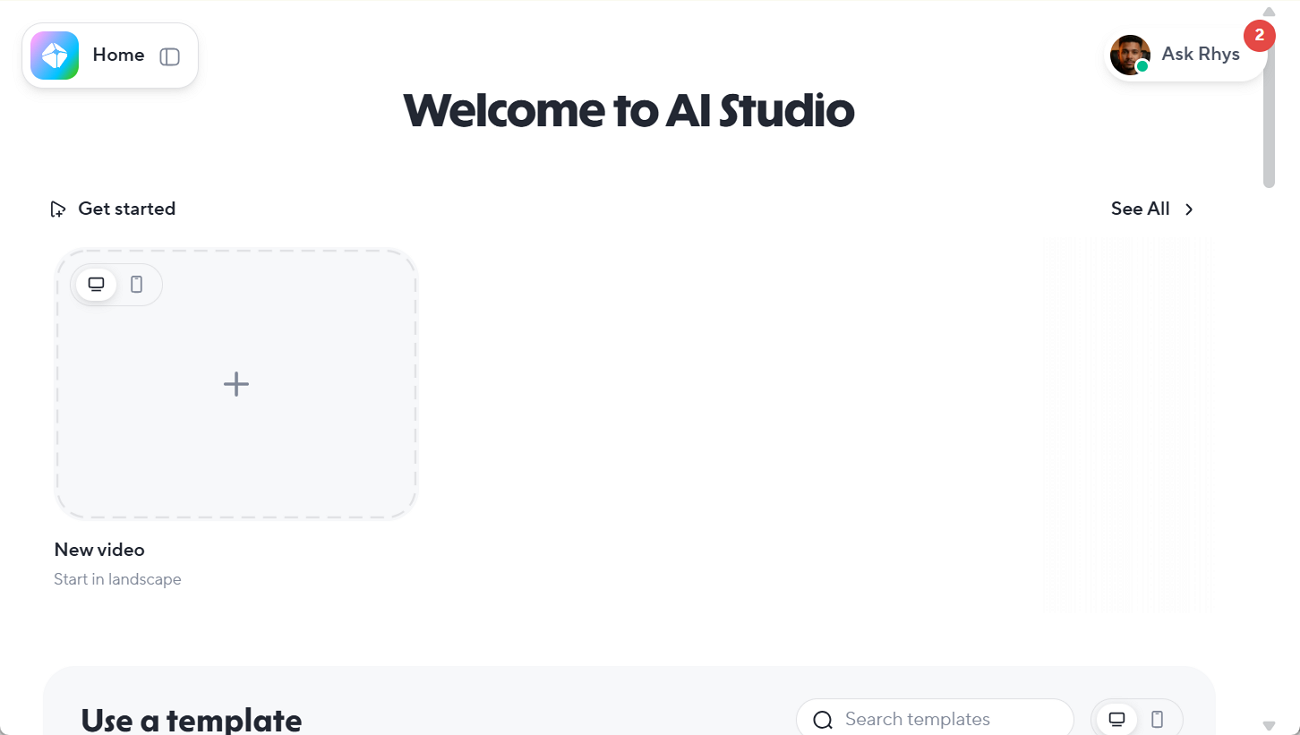
For creators who want an AI singing photo generator with reusable avatars, HeyGen offers a stronger setup than a basic one-off animation tool. Avatar IV can animate a single photo from uploaded audio, including songs, while matching mouth movement and facial expressions to the voice. HeyGen also supports custom photo avatars, video avatars, and voice cloning on paid plans.
Key Features
- Translate videos into more than 175 languages and dialects for wider audience reach.
- Voice cloning is available on paid plans for creators who want a consistent speaking voice.
- Pro users can export videos in 4K when higher-resolution output is needed.
4. CapCut
Best For: Fast singing-photo clips made for TikTok, Reels, and short posts.
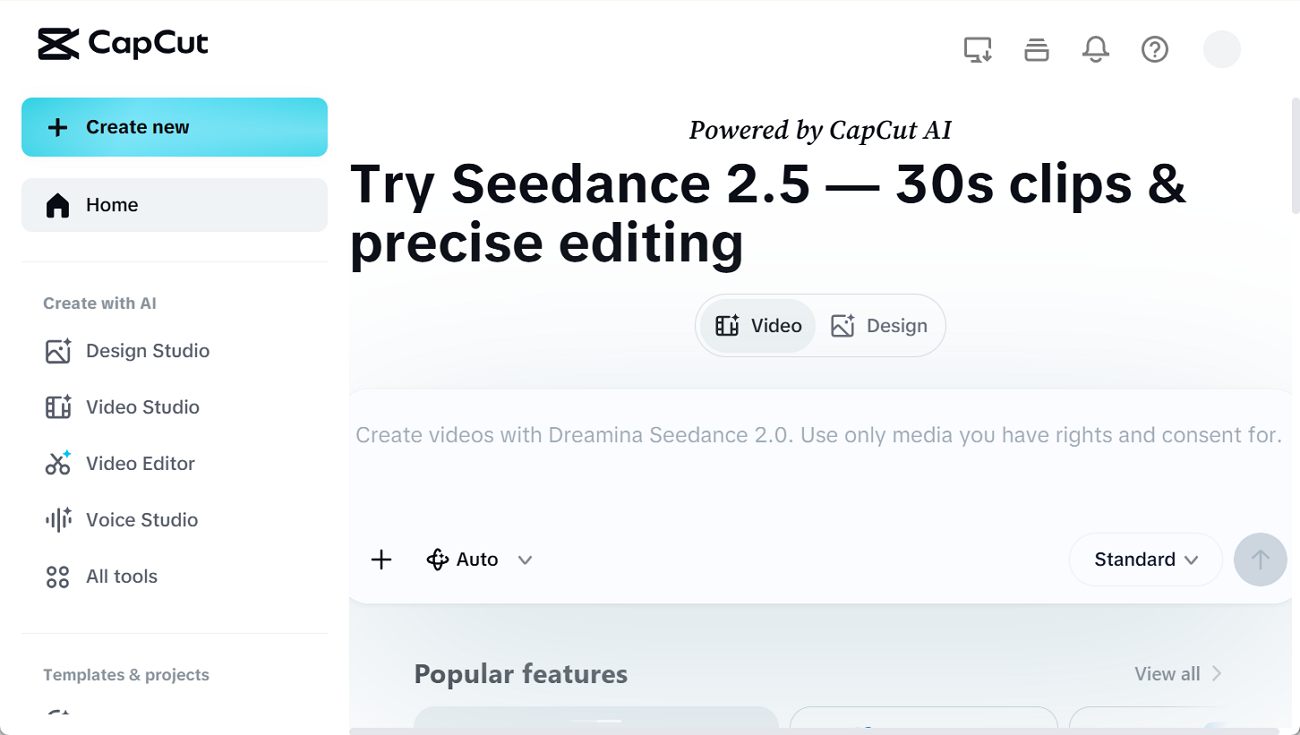
CapCut works well when you want a make photos sing app that also handles the final edit. Its AI Dialogue Scene tool can animate front-facing photos of people, pets, babies, or cartoon characters. The finished clip then opens in CapCut’s editor, where you can add captions, effects, and other changes before posting.
Key Features
- Choose voice styles such as Opera or Pop Lullaby for different singing results.
- Animate several people in one group photo within the same short clip.
- Add captions, effects, and final edits without moving the video to another app.
5. Vidnoz
Best For: Trying a singing-photo idea before moving to a paid workflow.
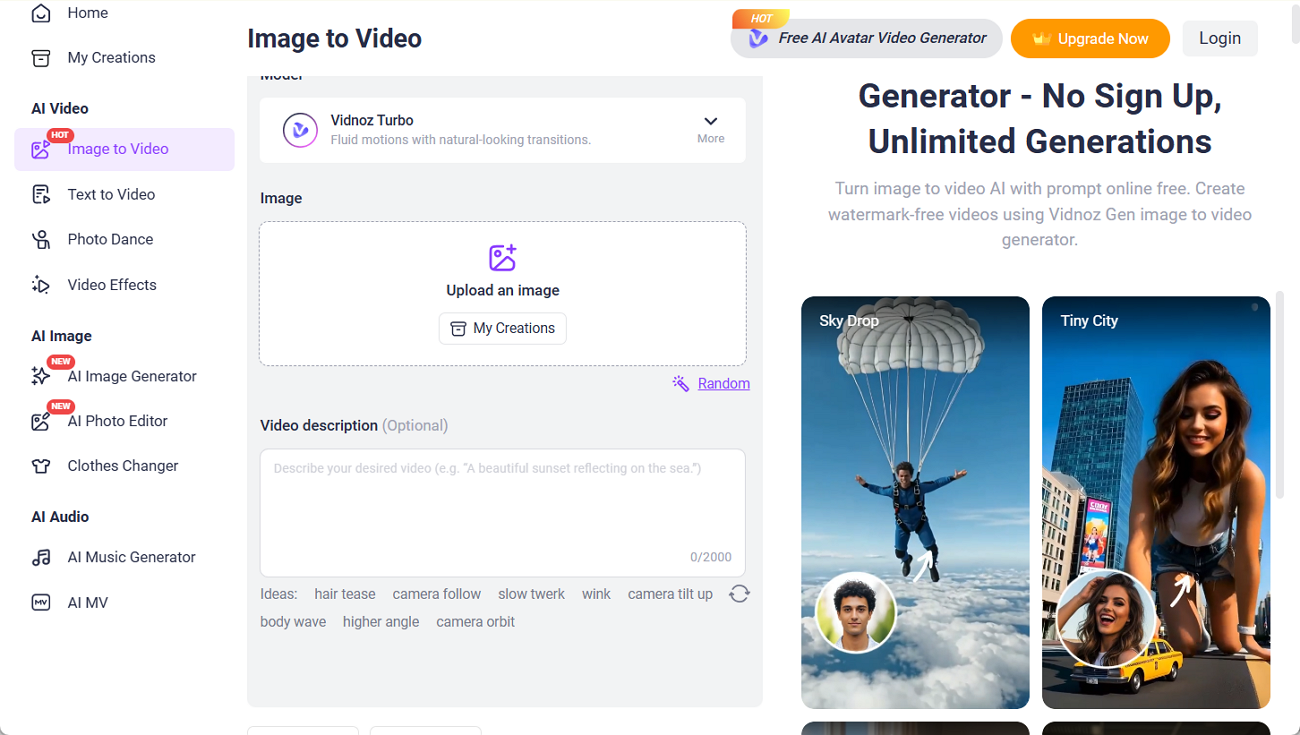
A browser-based setup makes Vidnoz useful when you want to make a photo sing free before paying for a more advanced tool. You can upload a song, add a clear front-facing photo, and generate a short singing clip without setting up a full video project first.
Key Features
- Upload your own music in MP3, WAV, M4A, OGG, or FLAC format.
- Use a custom singer photo instead of choosing one of the available preset characters.
- Create vertical or widescreen music videos for different social and video platforms.
Part 2. How to Make a Photo Sing Online With AI
To make a photo sing online, start with a clear image and suitable audio. Both have a direct effect on how natural the movement looks. The steps below take you through the process, from preparing the photo and sound to reviewing the finished video before export:
Step 1. Open the Toolbox workspace and upload a clear, front-facing photo. Use an image where the mouth and facial features are easy to see, since those details affect the final movement.
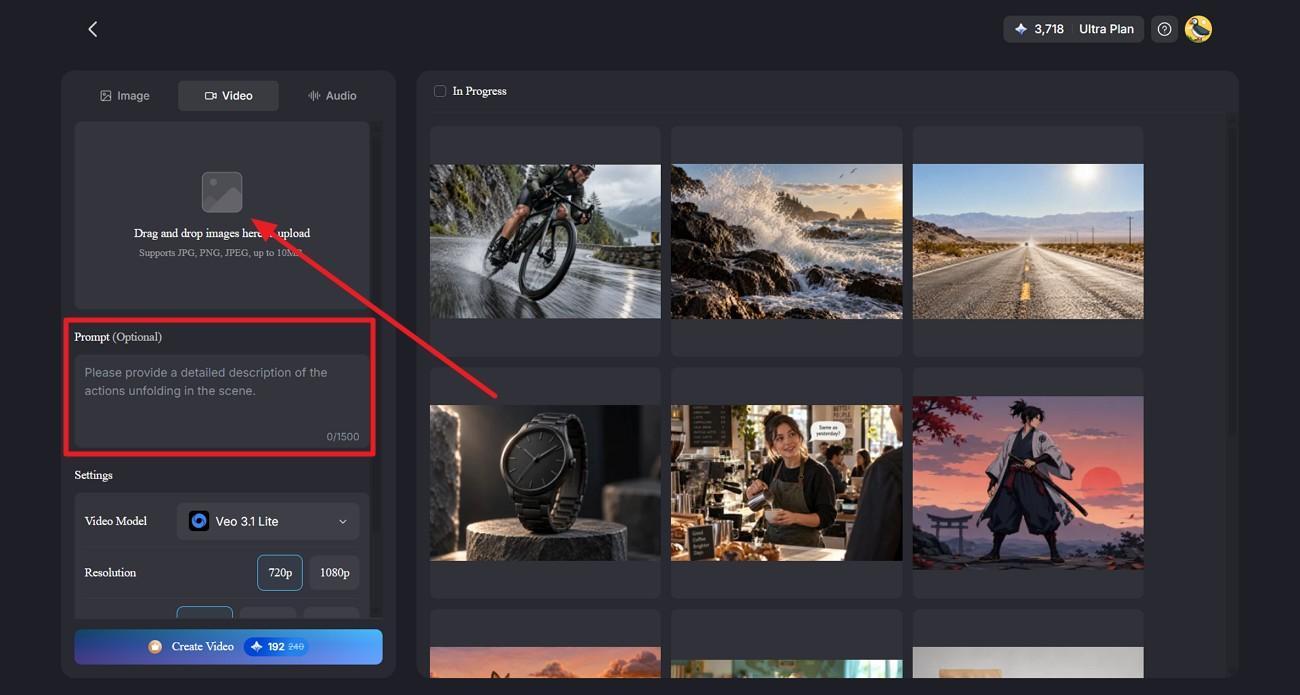
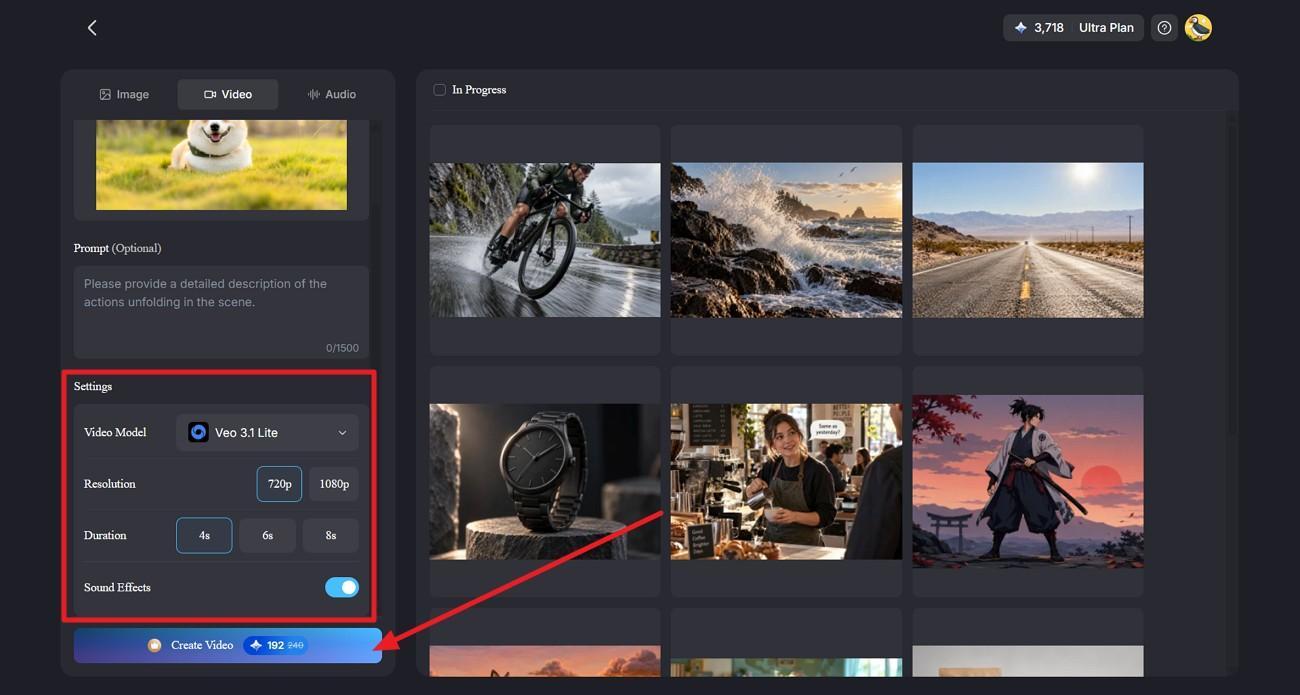
Step 2. Write a prompt describing the singing action you want. In MagicLight AI, image-to-video prompts can be up to 1,500 characters. Choose a video model, set the resolution and duration, adjust any available sound options, and start generation.
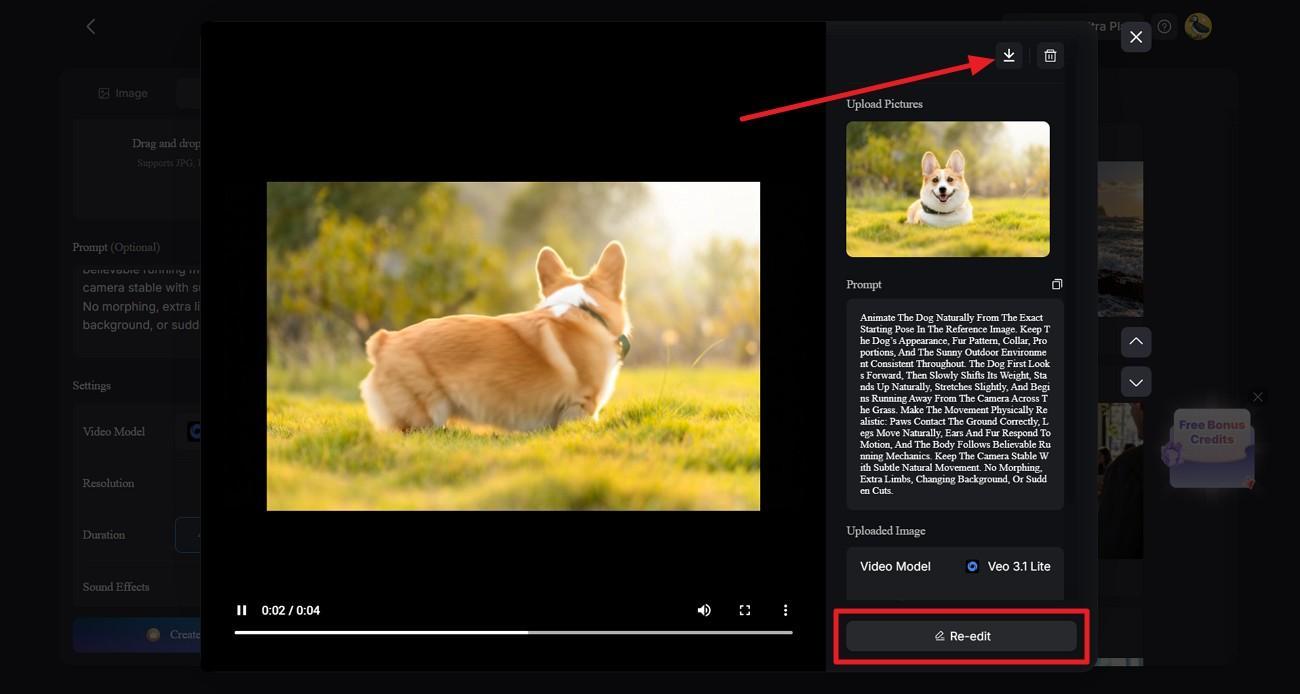
Step 3. Open the generated clip and watch the face, mouth movement, and overall consistency. If anything looks wrong, return to the prompt or settings and generate another version. Once the result looks right, export the finished video.
Part 3. Creative Ways to Use AI Singing Photos
Once the rights are clear, the next question is what to create with an app that makes photos sing songs. The best format depends on the audience, the platform, and the length of the clip. The four ideas below show where singing photos fit best and how each one can be used.
- Social Media Clips: Short singing videos work well on TikTok, Reels, and other platforms built around brief content.
- Character-Based Videos: Illustrated characters and stylized portraits can sing too, provided the face remains clear enough to animate.
- Personal Celebration Messages: Singing photos can be used for birthdays, anniversaries, and private greetings when the person shown has agreed.
- Music Video Scenes: A singing portrait can become one part of a larger music video, combined with other shots across the song.
For longer videos, changing between several scenes usually works better than keeping one face on screen throughout the entire track.
Conclusion
Choose the tool that matches the video style you want to create. CapCut and Vidnoz suit quick social clips, while Hedra and HeyGen offer more control over character performances. Before you make a photo sing, confirm consent and music usage rights. For longer videos with recurring characters across multiple scenes, MagicLight AI offers a practical option for building more consistent visual stories.
FAQs About Making Photos Sing Online for Free
1. Can I make a photo sing online for free?
Yes, and CapCut and Vidnoz both offer free routes to make a photo sing online for free. Free tiers usually add watermarks or limit export options, so check the terms before publishing the result publicly.
2. What app makes photos sing songs?
CapCut is the most accessible app that makes photos sing songs through its AI Dialogue Scene tool. Hedra produces more convincing performances for anyone needing a close-up rather than a quick social clip.
3. What is the best AI singing photo generator?
Hedra leads as an AI singing photo generator for one expressive performance, since audio drives facial behavior as well as mouth timing. HeyGen produces the most polished realistic output, while MagicLight AI suits a singing character inside a longer video.
4. Can I make any photo sing with AI?
You can make any photo sing where the mouth and jaw are clearly visible, including pets and cartoons. Using a real person's photo requires their consent, and the song needs to be cleared if the video will be shared publicly.

