

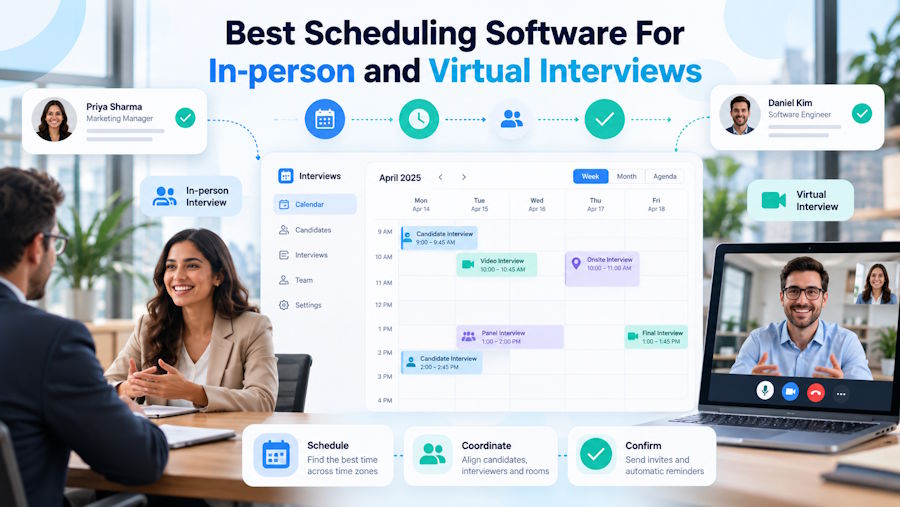
Do you want to make sure your interviews run seamlessly?
Then modern scheduling software is a great option for your case. Regardless of whether you are having an in-person or a virtual interview, these platforms help to save time, simplify the scheduling process, and prevent double-booking.
This is not only good for avoiding misconceptions but will also provide the best possible experience for your candidates and increase their trust in your company.
Are you already interested? Then continue reading this guide, since it will introduce the top scheduling software along with the advantages they offer for you and your users.
TL;DR
- GoodTime: GoodTime provides advanced synchronization and AI integration that helps to make scheduling easy and effortless.
- Koalendar: Free forever plan with unlimited bookings, calendar sync, and time zone detection. Good for solo entrepreneurs and small teams.
- Setmore: Free plan, team collaboration, strong for global interviews with 1-click Zoom and Google Meet links.
- Calendly: Free plan, best-known for AI-assisted scheduling, note-taking, and automated follow-ups.
How to Choose the Top Scheduling Software for Interviews?
Before moving to the tools, let’s first understand which aspects we need to consider while choosing the top platform.
- Choose a tool that helps to conduct automatic rescheduling, sending multi-channel reminders, and system integration.
- Make sure the software offers synchronization so you can use all the platforms you want and access them from a single place.
- It is essential that the platform offers flexible scheduling, whether it is group or 1-on-1.
- It will be beneficial if the platform offers automation and you do not need to manually edit every single task.
- Regarding time zones and different regions, it would be good if the software offers automatic conversion to make it comfortable for all users.
Now, bearing in mind these points, let’s move forward and get acquainted with the software and discover what it offers.
At-a-Glance Chart
| Platform | AI Capabilities | Ease of Use | Free Tier Available |
|---|---|---|---|
| GoodTime | Automate and orchestrate the entire enterprise hiring and interview process | Easy-to-use platform, good for daily operations | There is no free tier |
| Koalendar | No AI features. Automation covers calendar sync, time zone detection, and reminders. | Automatic sync, quick setup, and a beginner-friendly tool | Yes, free forever plan: unlimited bookings and event types, sync with 2 calendars (Google, Outlook, iCloud), time zone detection, Google Meet, and 30+ languages. |
| Setmore | Book appointments, generate smart insights, and automate | Quick setup, customer-friendly | Yes, there is a free plan providing email reminders, unlimited appointments, email confirmations, and team collaboration tools |
| Calendly | Automate scheduling, meeting documentation, and post-meeting follow-ups | Simple scheduling, easy to use | Yes, provides one event type, one calendar connection, browser extension, and customizable booking page |
Top 4 Scheduling Software For In-person and Virtual Interviews Reviewed
GoodTime
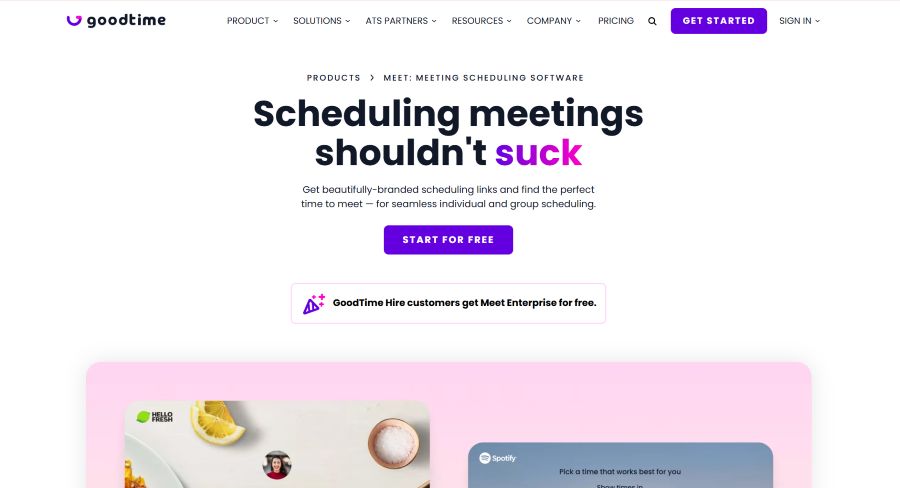
GoodTime is an AI-powered interview scheduling software that is designed to automate and optimize the interview process for both in-person and virtual interviews.
Key Highlights
- Intelligent Orchestration: The AI agent that GoodTime has helps to orchestrate every step of coordination, making the hiring process quick and seamless.
- Efficient Scheduling: The platform offers enterprise-level interview scheduling, helping to handle interview selection, messaging, reminders, rescheduling and more.
- Enhance Hiring Experience: Whether you want to optimize self-scheduling, rescheduling, and keeping everyone informed, everything is possible in the platform.
- Insights: You can easily access your performance and have AI-driven recommendations to improve in your area.
- AI Agent: Coro, which is GoodTime’s AI agent, helps to cut time and get rid of repetitive work.
Pricing
There is no exact pricing info available. GoodTime’s pricing is based on the number of candidates and the features you need to access. You can enter all the information and request personalized pricing on their website.
Best For
GoodTime is good for large enterprise talent acquisition teams and corporate recruiters and helps them manage high-volume interview scheduling.
Koalendar
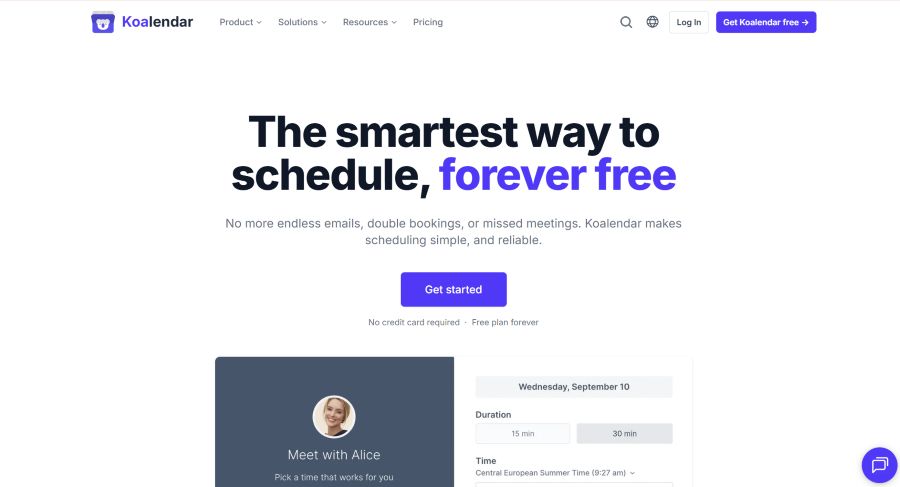
Koalendar is an online scheduling and booking software that can help users to book meetings and interviews for free on a single platform.
The platform helps users to skip endless emails and missed meetings, as well as avoid double bookings. The platform is built to be simple to use, even if you have never used scheduling software before.
Key Highlights
- Quick Setup: You can easily set up your booking page and share it with anyone you want.
- Booking: Anyone can easily book a meeting, and there is one shareable link that works everywhere. You can set the meeting duration and conduct group bookings.
- Auto-Sync: Koalendar’s interview scheduling app allows you to add automatic synchronization and check real-time availability.
- Connect: You can easily connect Google, Outlook, and iCloud and use all the info you need from a single space.
- Reminders: Set reminders for you and your clients to ensure the smoothness of the meeting. The tool automatically adjusts the time zones.
- Custom Forms: You can collect your information from the meetings and create custom forms with the questions for your customers.
- Team Scheduling: Have meetings with your team and manage your teammates from a single place.
- Payment: Accept payments right when the clients book, add custom pricing, and send automatic receipts.
Pricing
Koalendar offers the following pricing options:
- Free Forever: Get access to unlimited bookings, event types, scheduling links, sync with Google/Outlook/iCloud calendars, time zone detection, video conferencing, 30+ languages, and embedded booking pages in your website.
- Pro Plan: $9 per seat per month (billed annually) - custom email and SMS reminders, follow-up emails, approval for bookings, complete customization, redirecting invitees to your site and removing Koalendar branding.
Best For
Koalendar is best for solo entrepreneurs, small service businesses, and teams that are looking for automated scheduling, easy setup, and calendar syncing. It has a free forever plan with unlimited bookings and calendar sync, so you can start without a budget. Paid plans add team scheduling, payments, and custom forms.
Setmore
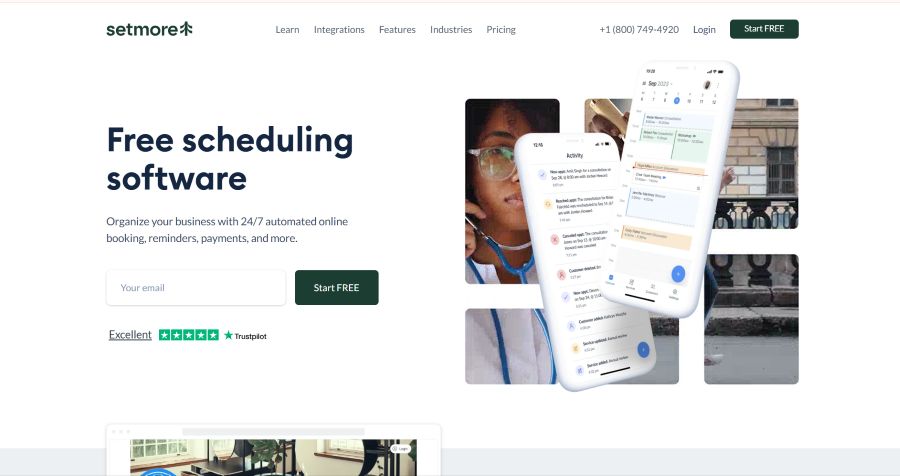
Setmore is another online scheduling software helping users to manage in-person and virtual interviews with a custom booking page and automatic reminders.
Key Highlights
- Set Global Interviews: You can reach clients from all over the world by providing them with 1-click Zoom or Google Meet links.
- Reminders: The platform sends automated reminders to each of your customers to avoid no-shows.
- Save Time: You can share your online Booking Page, and new appointments will be added to your calendar.
- Payment in Advance: You can easily accept client payments online.
- Support: All customers get 24/7 advanced support through phone, chat, or email.
- Linking: You can maximize your calendar by linking to Facebook, Instagram, and your Booking Page.
Pricing
- Free: $0 /per month/ per user - unlimited appointments, the ability to send email reminders and confirmations, a branded booking page, and a mobile app.
- Pro: $5 /per user/per month - unlimited appointments, SMS reminders, recurring appointments, block customers, team collaboration tools, priority support.
Best For
Setmore is a good platform for small-to-midsize businesses, solo recruiters, and teams that are looking for a straightforward planning and scheduling platform.
Calendly
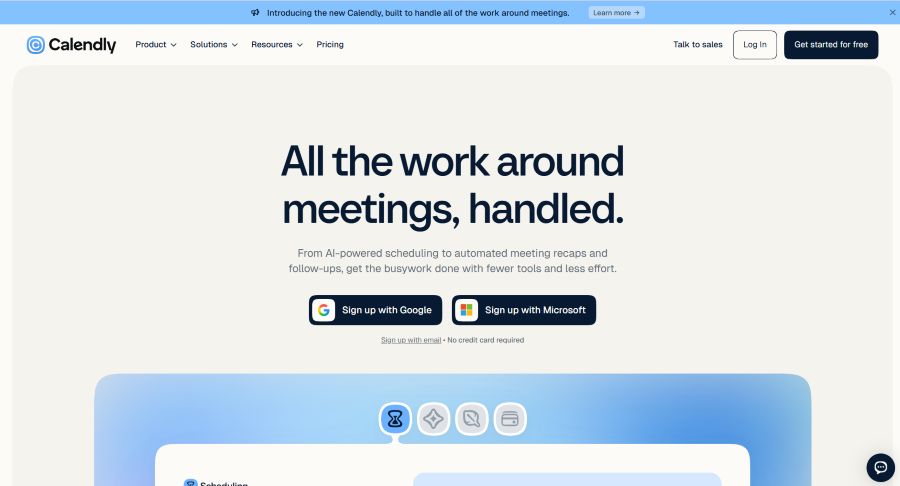
Calendly is a good interview scheduling platform providing automated meeting recaps and follow-ups, helping you handle every booking without spending much time.
Key Highlights
- Scheduling: You have complete control over the calendar and can easily customize it to find the time that best fits to connect.
- Assistant: Calendly offers AI assistance that can help to coordinate scheduling without switching tools.
- Notetaker: You can take notes during the interviews, keep up with all the information, and provide follow-ups to the attendees.
- Payments: You can charge upfront and send invoices that can make the payment process seamless.
- Full Control: You can connect the calendars and control the times you want to meet.
Pricing
- Free: scheduling, one event type, one calendar connection, one-on-one scheduling.
- Standard: $10/seat/month - scheduling, unlimited event types, connect to multiple calendars, automation and reminders.
- Teams: $16/seat/month - team scheduling, centrally manages event types, sends meetings to Salesforce.
- Enterprise: Starts at $15K - connects Microsoft Dynamics, domain control, data deletion, onboarding, account support.
Best For
Calendly is good for recruiters, hiring managers, candidates, teams, and solo users who want fast scheduling and interviews.
The Bottomline
As a result, there is diverse scheduling software that can make interview booking easy and without much effort.
While using these tools, you can synchronize your calendar and conduct your booking easily. What’s even better, these tools send automatic reminders to your attendees and make sure they attend the meeting, as well as take detailed notes so you can send personalized follow-up messages to them.
Choose the scheduling software that provides every aspect you are looking for and take your interviews to a new level.

