

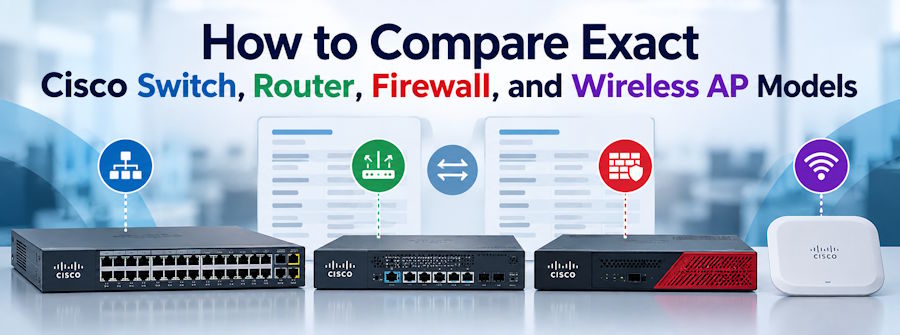
The Layer23-Switch Cisco comparison tool was built for a common problem: two part numbers that look almost identical on a quote can behave very differently once they are racked. A C9300-48P and a C9300-48U come from the same family, yet the first delivers 30W PoE+ per port while the second supports 60W UPOE. A side by side view of exact models catches details like that before they become costly returns.
Why Do Exact Model Numbers Matter So Much?
Cisco builds product families, then splits them into dozens of product IDs (PIDs). A single suffix can change the uplink module, PoE budget, license tier, or power supply. Brochure level comparisons flatten those differences.
That is how teams end up with a switch that cannot power its newest access points, or a firewall sized on a throughput figure it only reaches with inspection turned off. Comparing at the PID level is the reliable way to match hardware to a real bill of materials.
How Does the Comparison Process Work?
- Pick one category: switches, routers, firewalls, or wireless access points.
- Choose two to four exact PIDs from that category.
- Review the results, swap positions, or add another model.
- Turn on the "differences only" view to hide the specs the models share.
Keeping each comparison inside one category keeps the rows meaningful.
Which Specifications Appear for Each Device Type?
The tool currently covers more than 450 Cisco models, and the fields change with the category you select.
| Category | Key Specs Compared |
|---|---|
| Switches | Ports, uplinks, forwarding performance, PoE, stacking, licenses, power |
| Routers | WAN interfaces, routed performance, encryption, expansion, software, memory |
| Firewalls | Software mode, inspected throughput, sessions, interfaces, VPN, high availability |
| Wireless APs | Radios, MIMO, antennas, wired uplinks, PoE, controllers, regulatory domains |
Every model in the results links through to its product page, where pricing, datasheets, and stock status sit in one place.
What Should Buyers Check First?
Start with the constraint that would force a replacement later. When you open the Layer23-Switch Cisco comparison tool for access switches, that usually means PoE budget and uplink speed. For routers, look closely at encryption performance, since VPN traffic often runs well below the headline routed number.
For firewalls, compare inspected throughput rather than raw firewall throughput, because threat inspection is what production traffic actually passes through. For access points, confirm the wired uplink matches the switch port that will feed it.
Fields marked "Not listed" are unconfirmed values, so raise them as questions before ordering.
Frequently Asked Questions
How many models can I compare at once?
You can compare two to four exact product IDs from a single category in each comparison.
What does the "differences only" view do?
It hides every specification the selected models have in common, leaving only the rows where they differ.
Can I get help reading the results?
Yes. Layer23-Switch offers a free consultation with CCIE certified engineers who can review your shortlist against your network requirements.
Final Thoughts
Choosing network hardware by family name leaves too much to chance, while comparing exact PIDs exposes the PoE, throughput, and licensing gaps that matter in production. The Layer23-Switch Cisco comparison tool turns that research into a few clicks across switches, routers, firewalls, and access points. Build your shortlist today, then contact the Layer23-Switch team for a free engineer review and a quote on the models that fit your network.

