

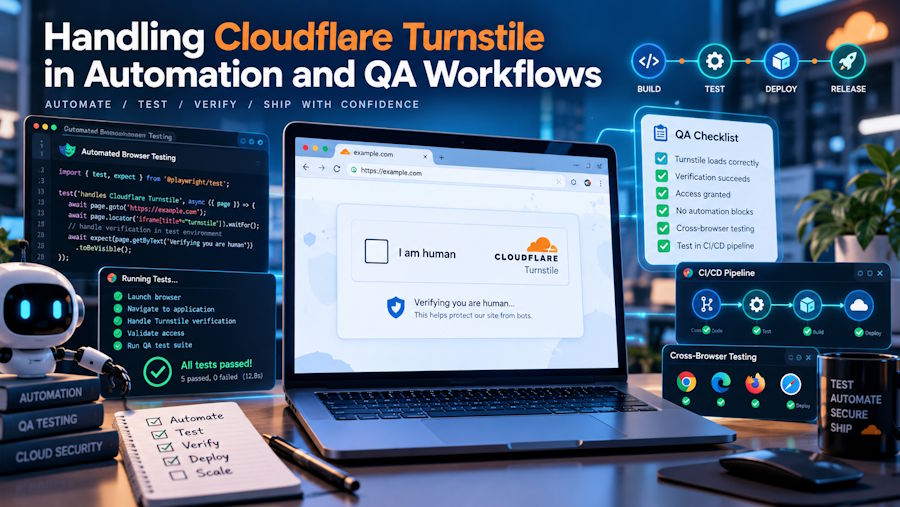
Anyone who maintains an end-to-end test suite has seen it happen: a pipeline that passed yesterday stalls on a verification widget nobody planned for. Human verification layers protect forms and pages from abuse, but they also sit directly in the path of legitimate automation. Handling them well is less about clever tricks and more about understanding how they work and designing tests around that behavior.
Cloudflare Turnstile is a challenge system that confirms a visitor is human without asking them to solve puzzles. When a page loads the widget, it runs lightweight checks in the background, such as proof-of-work tasks, probes of browser APIs, and signals about how the environment behaves. Most real visitors see nothing more than a brief checkbox or spinner. If the checks pass, the widget generates a token and stores it in a hidden form field named cf-turnstile-response. The backend then sends that token, together with its secret key, to Cloudflare's siteverify endpoint to confirm it is genuine. Each token can be used once and expires after 300 seconds.
Google's reCAPTCHA v3 takes a different route. It never shows a challenge. Instead, it observes interactions across the page and returns a score between 0.0 and 1.0, where higher values suggest human behavior. The site owner decides what each score means: allow the request, add friction, or flag it for review.
Both systems share one property that matters here. Headless browsers and scripted sessions tend to look different from real users, so automated runs often receive lower reCAPTCHA scores or trigger interactive Turnstile challenges. That is why QA pipelines break on them.
How do QA teams handle Turnstile in their own test environments?
The most reliable approach is to use Cloudflare's official test keys in every non-production environment. Cloudflare publishes dummy sitekeys that always pass, always fail, or always force an interactive challenge, along with matching secret keys that make siteverify return a predictable result. Loading them through environment variables keeps the switch out of application logic:
Switching Keys by Environment
Testing the Failure Paths
This setup also makes negative testing practical. One test can point at the "always fails" sitekey and confirm the application shows a clear error message rather than a blank page. Another can use the secret key that simulates an already spent token, which checks that the backend rejects replayed submissions. These are the cases manual QA tends to miss.
Supporting Patterns in Mature Pipelines
Mature pipelines usually add a few more patterns:
- Mocking siteverify at the service layer. Unit and integration tests stub the verification call, so they test business logic instead of Cloudflare's network.
- Staging allowlists. Teams running staging behind Cloudflare often create WAF skip rules for their CI runner IP ranges, keeping the widget active for everyone else.
- Testing token expiry. Because tokens last five minutes, a slow form fill can submit an expired token. A test that waits past that window catches bugs in how the frontend refreshes the widget.
Adapting the Approach for reCAPTCHA v3
reCAPTCHA v3 needs a slightly different strategy because its score depends on behavior, not a fixed key. Most teams register a separate key for test domains and lower the score threshold there, or disable the score check behind a feature flag that exists only in non-production builds.
What about automation that runs against production or third-party sites?
When automation targets a site you do not fully control, the first step is confirming the work is permitted. Many organizations publish APIs, data feeds, or open datasets for exactly this purpose, and using them avoids the challenge layer altogether. Where no API exists, collecting publicly available data should still follow the site's terms of service, its robots.txt rules, and sensible request rates.
Synthetic Monitoring in Production
Production monitoring is a related case. Synthetic checks that confirm a public contact form still works cannot use test keys, because production must run real ones. Some teams in this position use a recognition service such as CapMonster Cloud, which accepts the sitekey and page URL through an API and returns a token that the test script inserts into the cf-turnstile-response field before submitting the form.
Limits Worth Planning For
This approach has limits worth planning for. Cloudflare may evaluate whether the token was produced in a context consistent with the request, so mismatched IP addresses or user agents can cause verification to fail. Challenge difficulty also varies by site configuration, which means results from one target do not predict results on another. Treat any external token as one step in a monitored flow, with retries, timeouts, and alerts when verification fails repeatedly.
Key Takeaway
Handling Turnstile well comes down to separating environments. Test keys and mocks cover almost everything inside your own stack, while external automation needs a clear legal basis and realistic expectations about how challenge systems respond. Building those distinctions into the pipeline early saves hours of debugging flaky tests later.

