

Starting a business is challenging enough without spending weeks trying to design the perfect logo. Good thing, AI logo generators have made it easier than ever for beginners and small business owners to create professional-looking logos without hiring a designer or learning complex software.
The challenge is choosing the right one. Some tools generate distinctive, brand-ready logos with powerful customization features, while others produce results that require far more editing.
To help you decide, we tested five of the best AI logo generators in 2026 using the same evaluation criteria, scoring each platform on the features that matter most to new businesses, including design quality, ease of use, customization, value, and branding capabilities.
How We Scored Each Generator
Every tool in this list was evaluated across the same 5 criteria, each weighted based on how much it affects the real experience of a beginner building a logo for the first time.
| Criterion | Weight |
| Ease of Use | 25% |
| Logo Library & Design Quality | 20% |
| AI Design Tools | 20% |
| Branding Ecosystem & Extra Tools | 20% |
| Pricing and Value | 15% |
Each generator received a score from 1 to 10 in every category. The weighted scores were added up to produce a final score out of 10.
The Full Scores at a Glance
| Builder | Ease of Use | Library & Quality | AI Tools | Branding Ecosystem | Pricing | Final Score |
| Design.com | 10 | 10 | 10 | 10 | 10 | 10.0 |
| BrandCrowd | 10 | 10 | 9 | 10 | 10 | 9.8 |
| Canva | 10 | 9 | 8 | 9 | 8 | 8.8 |
| Adobe Express | 9 | 8 | 8 | 8 | 7 | 8.0 |
| Wix Logo Maker (Wixel) | 9 | 8 | 7 | 8 | 8 | 8.0 |
Top 5 AI Logo Generators for Beginners & Small Businesses
1. Design.com
Final score: 10/10
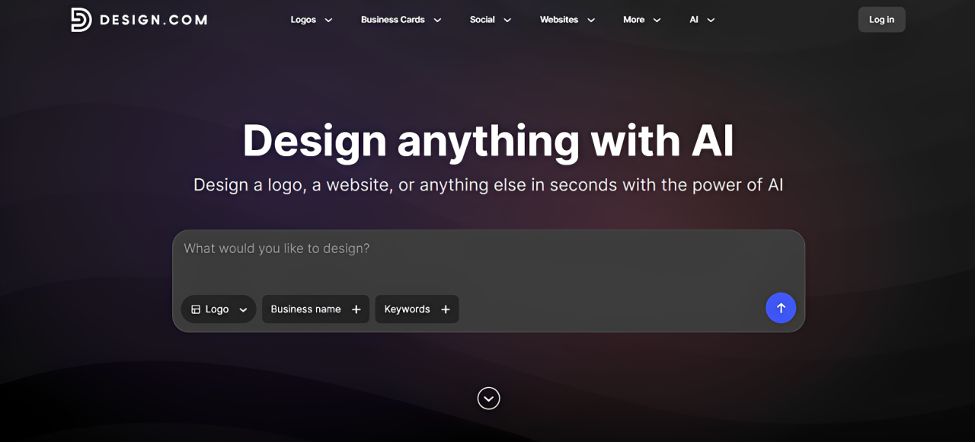
Design.com is the clear leader in this category, and it is not close. It is the only platform in this comparison to score a perfect 10 in every single category we tested. Where most logo makers give you a handful of AI tweaks and call it a day, Design.com’s AI logo generator built an entire ecosystem around the logo, and the result is a genuinely complete branding experience for beginners.
What makes Design.com stand out
- The world's largest library of logos, with over 500,000 logo templates and more than 1 million total design templates to pull from
- A full suite of AI design tools that goes far beyond the logo itself: AI logo generator, AI website builder, AI business cards, AI flyers, AI posters, AI presentations, AI business name generator, and an AI background remover
- Advanced AI logo editing that lets you edit your logo's icon or text using a simple chat interface
- Over 750 fonts, including more than 525 that are exclusive to the platform, plus over 62,000 custom vector shapes
- Access to over 50 design tools for creating business cards, social media posts, flyers, posters, and more with a premium plan
- A custom-trained AI model that ensures every edit stays copyright safe, so beginners never have to worry about accidentally infringing on someone else's design
- Every logo is designed by professional designers and is exclusive to Design.com, meaning your logo will not show up on a competitor's site down the street.
Who it is best for
- First-time business owners who need a logo and a full online brand identity, not just an image file
- Small businesses that want their logo, website, and marketing materials to match without extra work
- Anyone who wants professional, exclusive design quality without hiring a designer
- Beginners who want to make edits by simply describing what they want changed
Sample use case
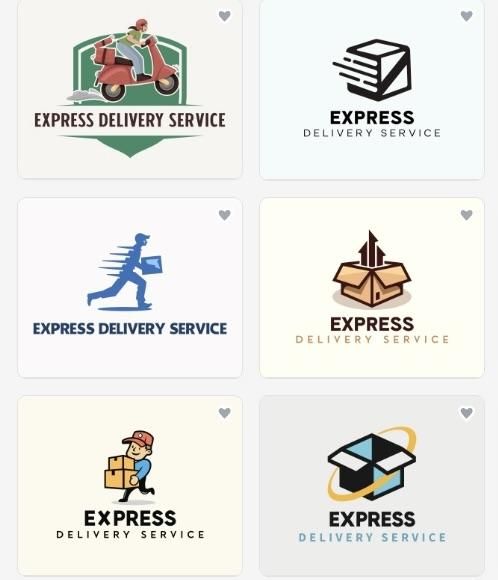
To see how Design.com performs in practice, we used it to build a logo for a fictional business: Express Delivery Service. Starting from just the business name and a short description, the AI generated a set of logo options built around motion and speed.
Pricing
| Plan | Price | What You Get |
| Free | $0/month | AI logo generation, browse and edit unlimited designs, access to free website builder, link in bio, and digital business card maker |
| Paid | $3/month (billed annually) or $9/month (billed monthly) | Logo downloads, expanded design tools |
2. BrandCrowd
Final score: 9.8/10
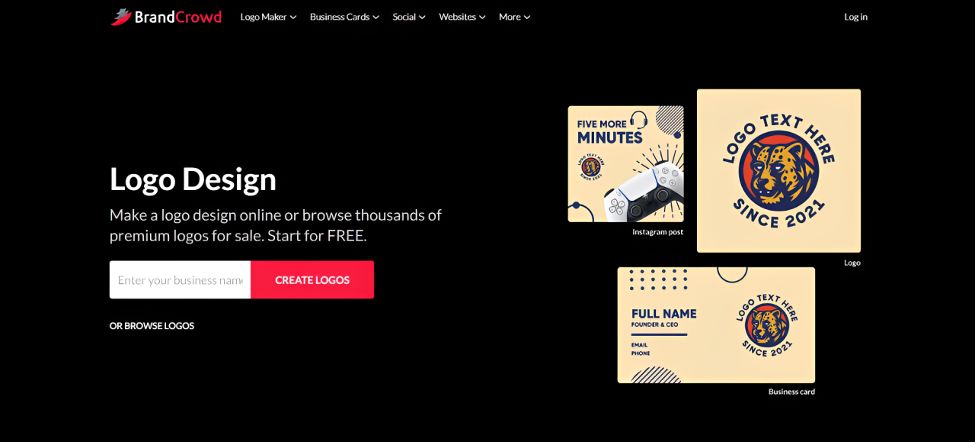
BrandCrowd earns a strong second place and is, in many ways, built on the same foundation as our top pick. Its AI logo design maker is a genuinely excellent option for beginners who want a professional logo backed by a real design ecosystem, not just a single generated image.
What makes BrandCrowd stand out
- A massive library of over 400,000 logo templates and more than 1 million total design templates
- AI tools that cover the essentials well: AI logo generator, AI business name generator, and an AI background remover
- Advanced AI logo editing that supports icon and text edits through a simple chat interface, with a custom-trained AI that keeps every edit copyright safe
- Designs created by professional designers, with logos that are exclusive to BrandCrowd, so you are not sharing your logo with another business using the same platform
- Over 750 fonts, including 525+ exclusive fonts, and more than 62,000 custom vector shapes
- Extended licenses available for businesses that want exclusive use of a template.
Like Design.com, BrandCrowd does not stop at the logo. Downloading a free logo unlocks a free website builder, a free link in bio creator, and a free digital business card maker, all of which can be published at no cost. From there, over 50 additional design tools are available for business cards, social posts, flyers, and more.
File format support matches the top of the list too, with vector, raster, animated, icon only, and transparent background options available for every logo.
Who it is best for
- Beginners who want a professional logo with real design ecosystem support behind it
- Small businesses that want their branding to carry automatically across social, print, and web templates
- Anyone who wants an exclusive, professionally designed logo without a big budget.
Sample use case
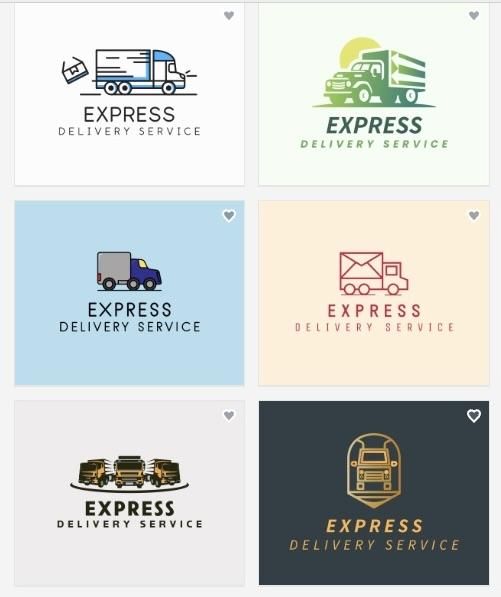
We ran the same Express Delivery Service through BrandCrowd's generator. The platform produced a strong set of icon-forward logos, several built around arrow and route motifs that suited the delivery theme well.
Pricing
| Plan | Price | What You Get |
| Free | $0/month | AI logo generation, browse and edit unlimited designs, access to free website builder and digital business card maker |
| Paid | $3/month (billed annually) or $9/month (billed monthly) | Logo downloads, expanded design tools |
3. Canva
Final Score: 8.8/10
Canva is a household name for a reason. Its logo maker sits inside one of the world's most widely used design platforms, making it a familiar starting point for beginners and small businesses. Rather than focusing only on logo creation, Canva combines its AI logo maker with a broader suite of design tools for marketing, presentations, social media, and print.
What makes Canva stand out
- Beginner-friendly drag-and-drop logo editor
- Large library of professionally designed logo templates
- AI-assisted logo generation with editable results
- Brand Kit for keeping colors and fonts consistent
- Easy exports to social media, presentations, and print designs
The trade-off is that Canva's logo maker was built as part of a general design platform rather than a dedicated logo creation tool. AI logo generation is more limited, and because many icons and templates come from Canva's shared design library, creating a more distinctive logo often requires additional customization.
Who it is best for
- Existing Canva users who want to create a logo without leaving the platform
- Small businesses already using Canva for marketing and social media designs
Sample use case
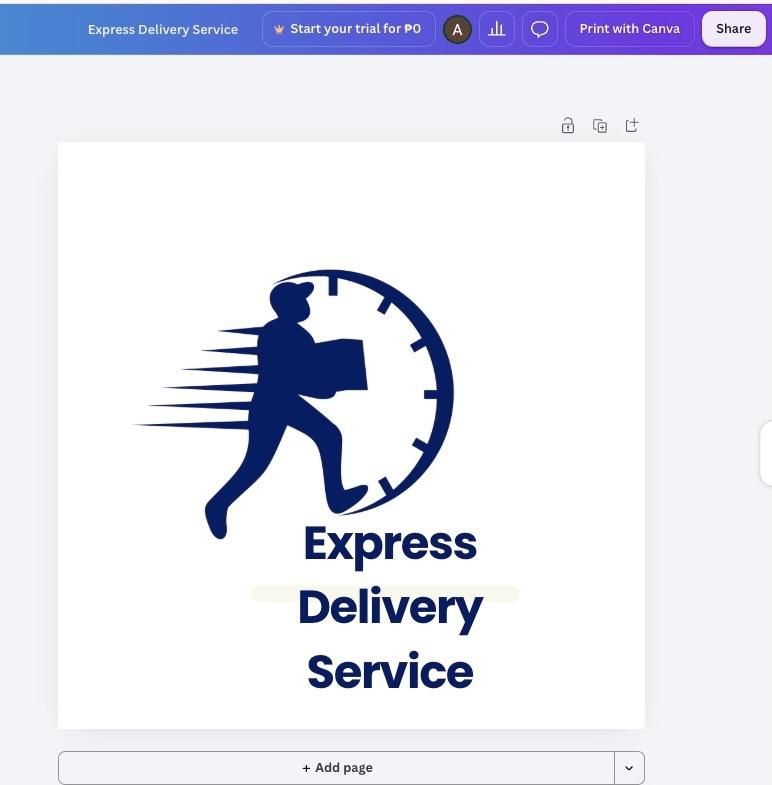
Using the same concept, Canva generated several clean logo concepts featuring truck and package icons from its template library. The editor made it easy to adjust fonts, colors, and layouts, although matching branding across multiple designs required more manual work.
Pricing
| Plan | Price | What You Get |
| Free | $0/month | Basic AI logo maker, editable logo templates, drag-and-drop editor, standard downloads, and access to Canva's free design tools |
| Canva Pro | From $15/month | Premium logo templates and elements, Brand Kit, AI-powered design tools, premium fonts, background remover, and expanded export options |
4. Adobe Express
Final Score: 8/10
Adobe Express brings the credibility of the Adobe name to logo design, making it a natural option for users who may eventually move to Photoshop, Illustrator, or other Adobe Creative Cloud apps. Its logo maker is part of a broader design platform that combines templates, AI tools, and straightforward editing.
What makes Adobe Express stand out
- Clean and beginner-friendly editing interface
- AI-assisted logo creation with customizable templates
- Integration with Adobe Creative Cloud apps
- Large library of fonts, icons, and design assets
- Brand Kit tools for maintaining consistent branding
The trade-off is that Adobe Express relies more on editing templates than generating logos through AI. Creating a polished logo typically involves more manual adjustments, and its branding ecosystem is not as comprehensive as platforms designed specifically for logo creation.
Who it is best for
- Businesses already using Adobe Creative Cloud
- Users planning to grow into more advanced Adobe design tools
Sample use case
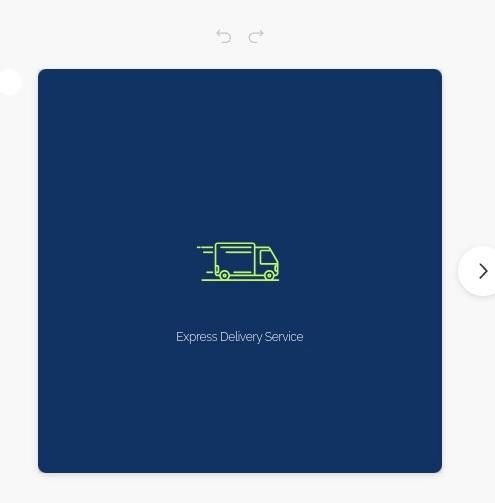
Adobe Express required selecting a starting template before customizing fonts, icons, colors, and layouts manually. The final logo looked clean and professional, but reaching that result took more editing than the higher-ranked AI logo generators.
Pricing
| Plan | Price | What You Get |
| Free | $0/month | Basic logo creation, editable templates, Adobe Fonts, and standard design tools |
| Premium | From $9.99/month | Premium templates and assets, Brand Kit, AI-powered editing tools, Adobe Stock content, and advanced export options |
5. Wix Logo Maker (Wixel)
Final Score: 8/10
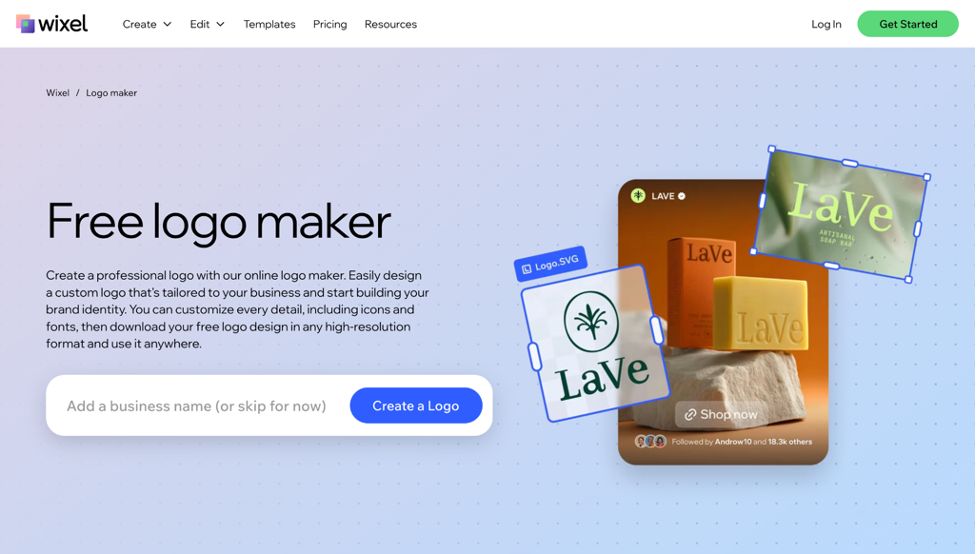
Wix Logo Maker is designed to work alongside the Wix website builder, making it a convenient option for users planning to create both a logo and a website on the same platform. Its guided questionnaire helps beginners generate a logo quickly without requiring any design experience.
What makes Wix Logo Maker stand out
- AI-guided logo generation through a simple questionnaire
- Direct integration with the Wix website builder
- Beginner-friendly editing interface
- Logo customization with fonts, colors, and layouts
- Brand assets available alongside Wix website tools
The trade-off is that Wix Logo Maker offers fewer customization options than dedicated AI logo generators. The template selection and AI editing tools are more limited, making it better suited as a companion to a Wix website than a complete branding platform.
Who it is best for
- Business owners planning to build their website with Wix
- Beginners who want a simple logo creation process
Sample use case
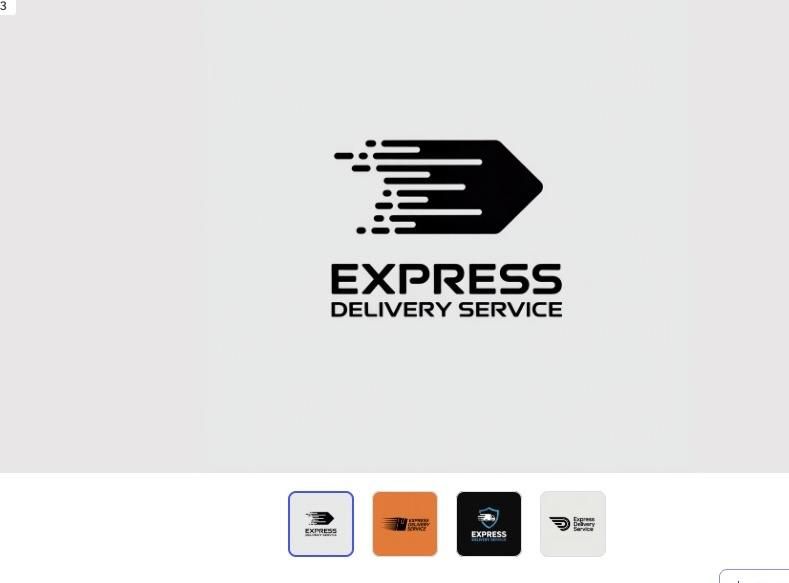
Wix Logo Maker generated a clean logo after completing its guided questionnaire. The editor allowed basic changes to fonts, colors, and layouts, but icon customization was more limited.
Pricing
| Plan | Price | What You Get |
| Logo Download | From $20 (one-time) | High-resolution logo files with commercial usage rights |
| Logo + Website Plans | Website plans sold separately | Logo files plus integration with the Wix website builder and additional business tools |
Which AI Logo Generator Is Right for Your Business?
After scoring five AI logo generators across five evaluation criteria, one platform stood clearly above the rest. Design.com earned a perfect 10.0, making it the only tool in this comparison to receive a perfect score in every category. Its extensive library of professionally designed logo templates, complete AI branding ecosystem, and chat-based logo editing helped set it apart. BrandCrowd followed closely with a 9.0, thanks to its large exclusive logo library and tools that make it easy to extend branding across multiple marketing assets.
Whichever platform you choose, the best AI logo generator is the one that fits your workflow, budget, and branding needs. A well-designed logo is only the beginning, so look for a tool that makes it easy to refine your design and apply it consistently across your website, business cards, social media, and other marketing materials as your business grows.

