

Ever had a change order or schedule update slip through the cracks on a build?
A construction job has a lot of moving parts. Estimates, subcontractors, invoices and client questions all need attention at the same time, and one missed detail can cost you days or margin.
Construction management software brings that work into one place. Instead of juggling spreadsheets, texts and paper logs, your office and field teams work from the same up-to-date project record.
Below, we review five platforms builders and contractors use to run their jobs: Buildern, Procore, Buildertrend, Houzz Pro and Buildxact.
For each one, you'll find a short overview, its key features, who it's best for and how pricing works.
TL;DR
- Buildern: Good fit if you're a custom home builder or general contractor who wants estimating, scheduling and financials in one platform with free field and sub users.
- Procore: Good fit if you run larger projects and want one system shared by owners, general contractors and specialty contractors.
- Buildertrend: Good fit if you're a growing residential builder who wants one system from first lead to final payment.
- Houzz Pro: Good fit if you're a designer or a design-led remodeler, since it leans toward design projects.
- Buildxact: Good fit if estimating and quoting are the core of your residential business.
5 Construction Management Platforms to Consider
| Main Focus | Pricing | Key Features | |
|---|---|---|---|
| Buildern | Custom home builders and general contractors | From $225/month (billed annually) |
|
| Procore | Owners, general and specialty contractors | Annual fee based on construction volume |
|
| Buildertrend | Residential builders and remodelers | Custom quote |
|
| Houzz Pro | Remodelers, builders and design pros | Starts at $99/month (Design) |
|
| Buildxact | Residential builders and trades | Free plan, paid plans from $199/month |
|
1. Buildern
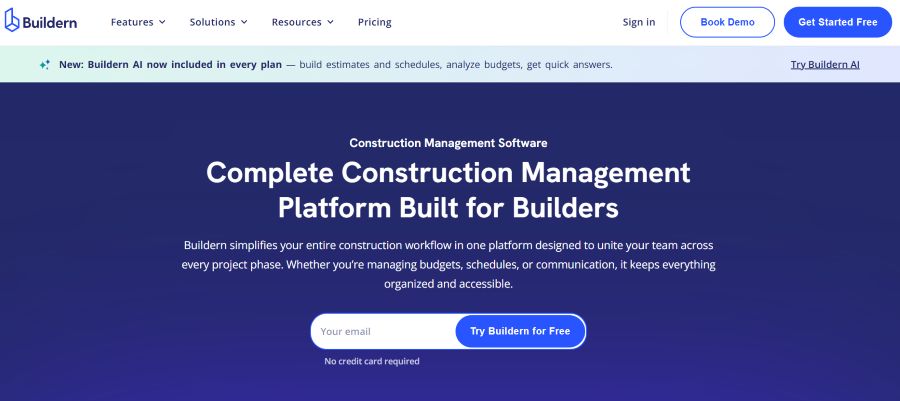
Buildern is a construction management platform built especially for custom home builders and general contractors, and it also fits remodelers and commercial contractors.
It covers preconstruction, project management, financials and client communication in one connected system, with Buildern AI included in every plan to help build estimates and schedules, though each plan comes with a small number of AI credits.
Key features:
- Estimating with cost catalogs, prebuilt assemblies, digital takeoff and branded proposals
- Bid requests that let you compare subcontractor bids side by side
- Gantt schedules with dependencies, change orders, daily logs and timesheets
- Client portal plus a subs and vendors portal for tasks, RFIs and file uploads
- Budgets by cost code, purchase orders, client invoices and two-way sync with QuickBooks and Xero
- Mobile apps for iOS and Android
Pricing:
- Starter costs $225 per month, billed annually, for 2 office users, with extra users at $81 per month each.
- Professional costs $360 per month, billed annually, for 4 users, with extra users at $90 per month each.
- Enterprise, for 30+ seats, has custom pricing.
Starter includes 5 Buildern AI credits, and Professional and Enterprise include 10. Field workers, subcontractors, vendors and clients are free, and there's a 7-day free trial with no credit card.
Best for: Custom home builders and general contractors running several jobs at once who want estimates, schedules and client updates in one place.
2. Procore
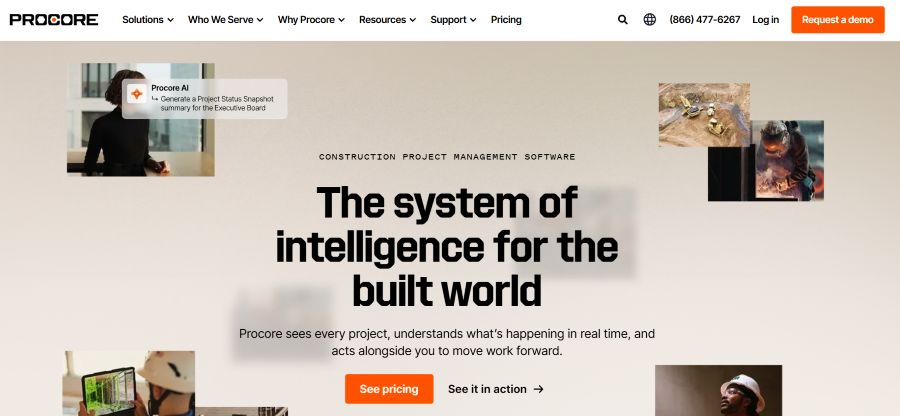
Procore is a construction project management platform for owners, general contractors and specialty contractors.
Procore says it connects every project phase, from bid through closeout, on one platform, and it adds Procore AI to project data such as drawings, specs and jobsite captures.
Key features:
- Project execution tools for quality and safety checks in the field
- Cost management with budget tracking to flag overages early
- Resource management for crews, equipment and materials, plus field hours turned into payroll and labor reports
- Prebuilt AI agents that draft RFIs, review submittals and build daily logs from site photos or voice notes, with your team approving each action
- Drone, camera and robot captures linked to drawings and specs in one searchable record
Pricing: Procore charges an upfront annual fee for each product, based on your Annual Construction Volume, which is the total dollar value of your construction work. Every contract includes unlimited users, unlimited data storage and 24/7 live support (the Field Productivity product is priced by headcount instead), and you get a custom quote from the sales team.
Best for: General contractors, specialty contractors and owners running larger or more complex projects with many stakeholders.
3. Buildertrend
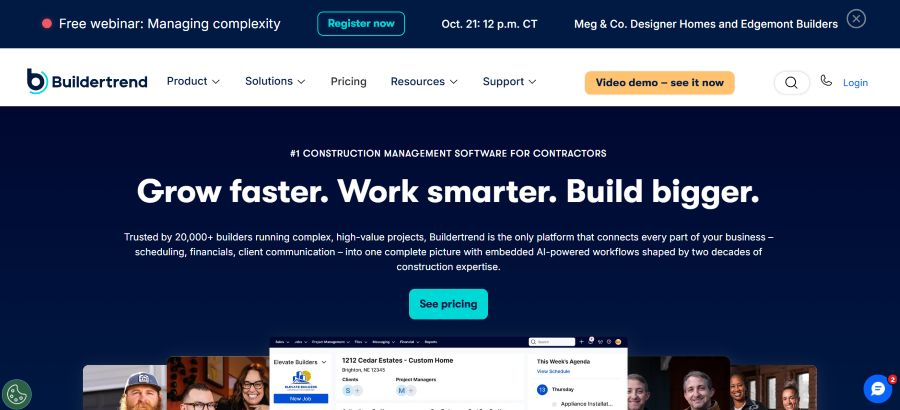
Buildertrend is a cloud-based construction management platform for home builders, remodelers and specialty contractors.
Buildertrend says more than 20,000 builders use it, and it links scheduling, financials and client communication with AI-powered workflows.
Key features:
- Lead management, and proposals to move a sale from inquiry to signed contract
- Schedules, daily logs, change orders, selections, warranties and punch lists
- Job costing, budgets, bills, purchase orders, estimates, takeoff and invoices
- Forecasting, WIP reporting and AI-powered bill capture
- Client portal with AI-generated client updates and online payments
- Integrations with QuickBooks or Xero
Pricing: Buildertrend gives each company a custom quote after a few questions and a call with its team. Every subscription includes unlimited users, the core set of tools, daily virtual trainings and a 24/7 Help Center.
Best for: Established home builders and remodelers who run several jobs a year, or large multi-phase builds, and want sales, jobs and money in one system.
4. Houzz Pro
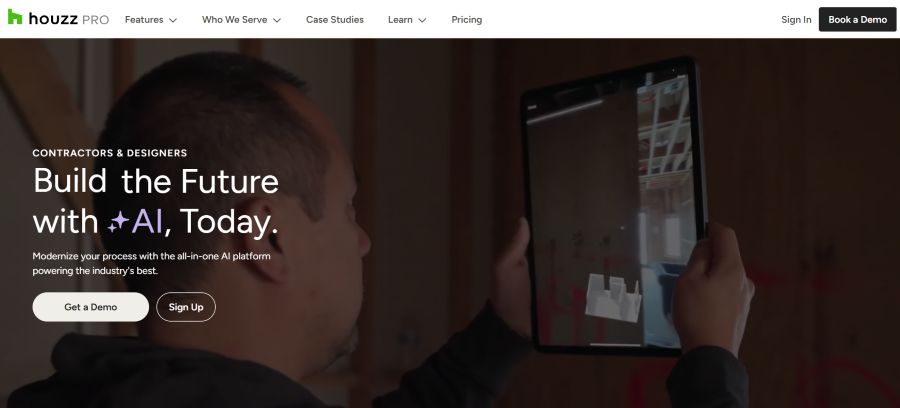
Houzz Pro is an all-in-one platform for home builders, remodelers and interior designers, and it uses Houzz AI to help draft estimates, schedules and daily logs.
Key features:
- Estimates with templates, cost codes, assemblies, cost catalogs and AI-drafted line items
- Takeoff tools that turn plan measurements into estimate line items
- Gantt, calendar and list schedules with task dependencies, which can be built straight from an approved estimate
- A Budget tool that tracks estimated, revised and actual costs, along with change orders, purchase orders and financial reports
- A client dashboard for messages, files, selections, approvals, e-signatures and online payments, plus a subcontractor dashboard that needs no login
- 3D floor plans, QuickBooks Online sync and iOS and Android apps
Pricing: The starting package, Design, costs $99 per month and Pro costs $199 per month, each with 1 user and $50 per month for every extra user. Tools like takeoffs, budgets, schedules and daily logs need Pro or higher, while Teams starts at $399 per month with unlimited users.
Design and Pro come with a 30-day free trial, after which an annual plan begins unless you cancel.
Best for: Designers and design-focused remodeling teams.
5. Buildxact
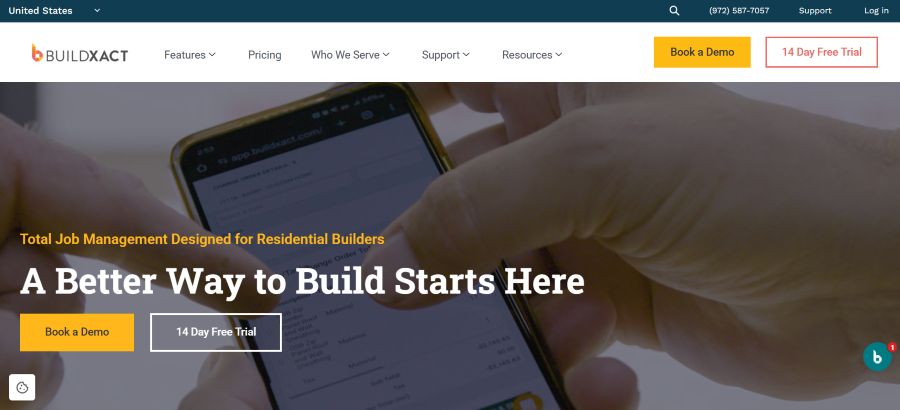
Buildxact is a job management platform designed for residential builders, general contractors and trades.
Buildxact claims its AI-powered takeoffs and estimating help builders create fast, accurate bids, and it adds scheduling and job tracking on higher plans.
Key features:
- Digital takeoffs and estimating with Blu, an AI assistant that helps build and check estimates (the full Blu toolset comes with the Master plan or as add-ons)
- Customizable quote letters and digital signatures
- Purchase orders on every paid plan
- Schedules, selections, change orders, timesheets, invoicing, accounting integrations and a client portal on the Pro and Master plans
- The Buildxact Onsite app for work in the field, from the Pro plan up
Pricing:
- Foundation at $199/month
- Pro at $399/month
- Master at $599/month
Every paid plan includes unlimited users, and there's a 14-day free trial.
Best for: Residential builders and remodelers who spend a lot of time on estimates and want to send quotes faster.
How to Choose the Right Platform
- Size of your projects: A tool built for large commercial jobs with many outside parties works differently from one built around home building and remodeling. Pick the one that matches the work you actually do.
- Where your time goes: If most of your hours go into estimates, look closely at takeoff and estimating tools. If coordination is the issue, focus on scheduling, daily logs and portals.
- How pricing scales: Some platforms charge per office user, some include unlimited users, and some price by construction volume. Map this to your team size before you compare costs.
- Accounting fit: Check that the platform syncs with the accounting tool you already use, such as QuickBooks or Xero.
- Setup and support: Ask about onboarding, data migration and training so your team can start using the platform quickly.
Conclusion
The right construction management platform keeps your office, field team, subs and clients working from the same information.
That means fewer missed details, cleaner budgets and jobs that finish closer to plan.
Start with your biggest pain point, whether it's estimating, scheduling or job costing, and shortlist platforms that handle it well.
Book demos or start trials, run a real job through each one, and pick the platform your team will actually use every day.

