


A still image can introduce an idea, but sometimes it needs a few seconds of movement. Imagine a small gallery announcing an exhibition of imaginary glass sculptures. The organiser has a picture of one sculpture and wants a short opening clip for a social post. There is no need for a complicated film. A gentle camera move that reveals the object may be enough.
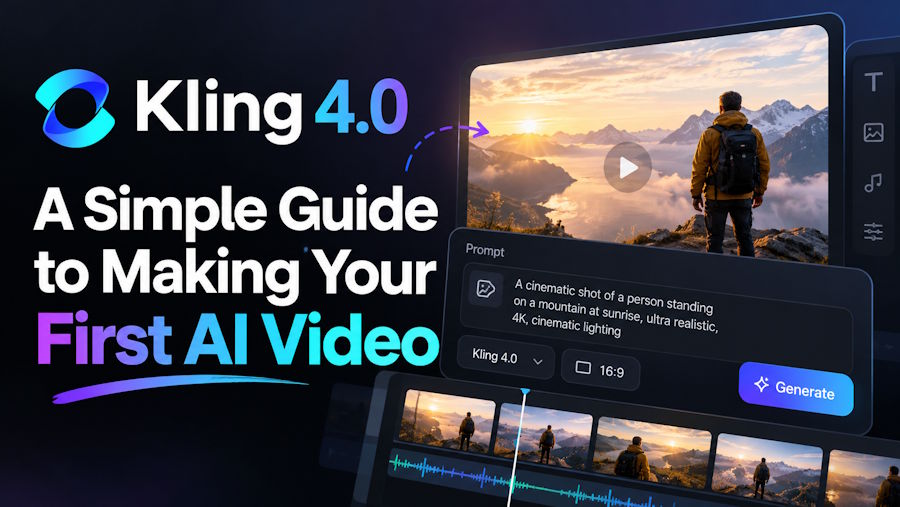
Kling 4.0 offers a way to make that kind of short video from a description or suitable visual material. Its current workspace has Text to Video, Reference, and Keyframes routes. For a first attempt, the useful question is not which control looks most advanced. It is what the viewer should notice in the finished clip.
Start with one clear scene
For the gallery post, the idea could be as simple as a camera moving slowly toward a glass sculpture in a quiet room. The sculpture remains the subject. Light and background give it a setting, but they do not need their own story. That is a much clearer request than asking for several rooms, a crowd, changing weather, captions, and a dramatic reveal in the same short clip.
Write one sentence describing the action before opening the generator. “The camera slowly approaches a glass sculpture in a softly lit gallery” gives you something specific to check. Did the camera move as intended? Did the sculpture remain visible? If the answer is no, the next attempt has an obvious place to improve.
The same approach works outside this example. A teacher might want a simple visual introduction to a lesson. A designer might want to show a concept in motion. Someone planning an event might test how a static illustration feels as an opening shot. In each case, one short scene is easier to judge than a full video assembled in a single prompt.
Choose the simplest starting point
If you only have an idea, begin with Text to Video. Describe the subject, the setting, and one movement in plain language. For the gallery, a starting prompt might read: A single abstract glass sculpture stands in a quiet fictional gallery. Warm light falls across it. The camera moves slowly closer in one continuous shot. Keep the sculpture visible and avoid cuts or extra objects.
This is an example to try, not a result we have tested. It leaves room for the model to interpret the scene while giving the movement a clear direction. If the first clip is too busy, remove details instead of adding more. If it feels still, make the camera action more explicit.
When you already have an approved image, a visual reference may be a better starting point. A drawing of the sculpture can establish the intended shape and colour more directly than words alone. The instruction can then focus on what changes over time: a slow camera move, a little change in light, or another restrained action. The result still needs review; supplying an image does not guarantee that every small feature will stay identical.
What a reference video adds
Sometimes the hard part is not the look of the scene but the feel of the movement. You may have a short clip with a camera move you like, even though its subject is wrong for the new project. In the gallery example, imagine a simple clip of the camera gliding past a plain ceramic vase. You want a similarly calm pace for the fictional sculpture, not the vase itself.
The Kling 4.0 AI Video Generator lets you use an eligible video clip to guide movement and images to guide the scene’s appearance. For the gallery example, a reference clip could help express the calm camera pace that “slowly move past” may not describe clearly enough. Use material you are allowed to submit, and check the current upload options before choosing a file.
A reference is guidance, not a command to reproduce the source clip exactly. Watch the new video from beginning to end. Does the camera travel at a useful pace? Does the subject remain recognisable? If the new scene looks too much like the source or takes a turn you did not intend, revise the request or choose a simpler reference.
Keep the first review practical
It is easy to judge an AI video by its most attractive frame. That can hide problems that appear a second later. Play the entire clip at its normal speed. Look for changes in the main object, sudden jumps in the camera move, and details that appear or disappear. A smooth-looking still is not enough if the movement is confusing.
For the gallery clip, the organiser should also ask whether the scene suits the announcement. A striking but chaotic camera move may draw attention away from the exhibition. A quieter result might work better behind a real title added later in an editor. The generator supplies a visual draft; it does not need to create every piece of the final post.
If the video will carry factual information, put exact dates, venue details, prices, and final captions into an editing tool where they can be checked. Do not ask a generated scene to invent readable event information. That keeps the creative image and the factual message separate.
Check the current duration, format, and credit settings in the workspace before generating more versions. A short test can tell you whether the basic idea works. If it does, try a second version with one deliberate change, such as a slower camera move. Changing several things at once makes it harder to know why the result improved or worsened.
A useful first video does not need to do everything
Kling 4.0 gives newcomers more than one way to start, but that does not mean the first project needs every mode. Text is enough when the scene exists only as an idea. A suitable image helps when appearance matters. A video reference may help when a particular movement is difficult to describe. Keyframes offer another route for projects that need more control over selected moments, but they can wait until the simple version has a clear purpose.
For the gallery, success would be a short clip that introduces the sculpture, leaves room for the exhibition title, and feels calm enough to match the event. If the first attempt does that, it has done its job. If it does not, the next step is to make the request clearer, not necessarily longer. That is a useful way to learn any new video tool: begin with one scene, watch the whole result, and build only when the basic idea holds together.

