

An AI-generated song can give you a melody, rhythm, and arrangement to work with, but downloading the track as audio does not mean you can edit every note. If you want to change the melody, try a different instrument, or bring the idea into a digital audio workstation, you may need a MIDI version.
That is possible through audio-to-MIDI conversion. The process involves analyzing the audio and estimating which notes are being played. It can be useful for developing an idea, although the resulting MIDI usually needs some cleanup.
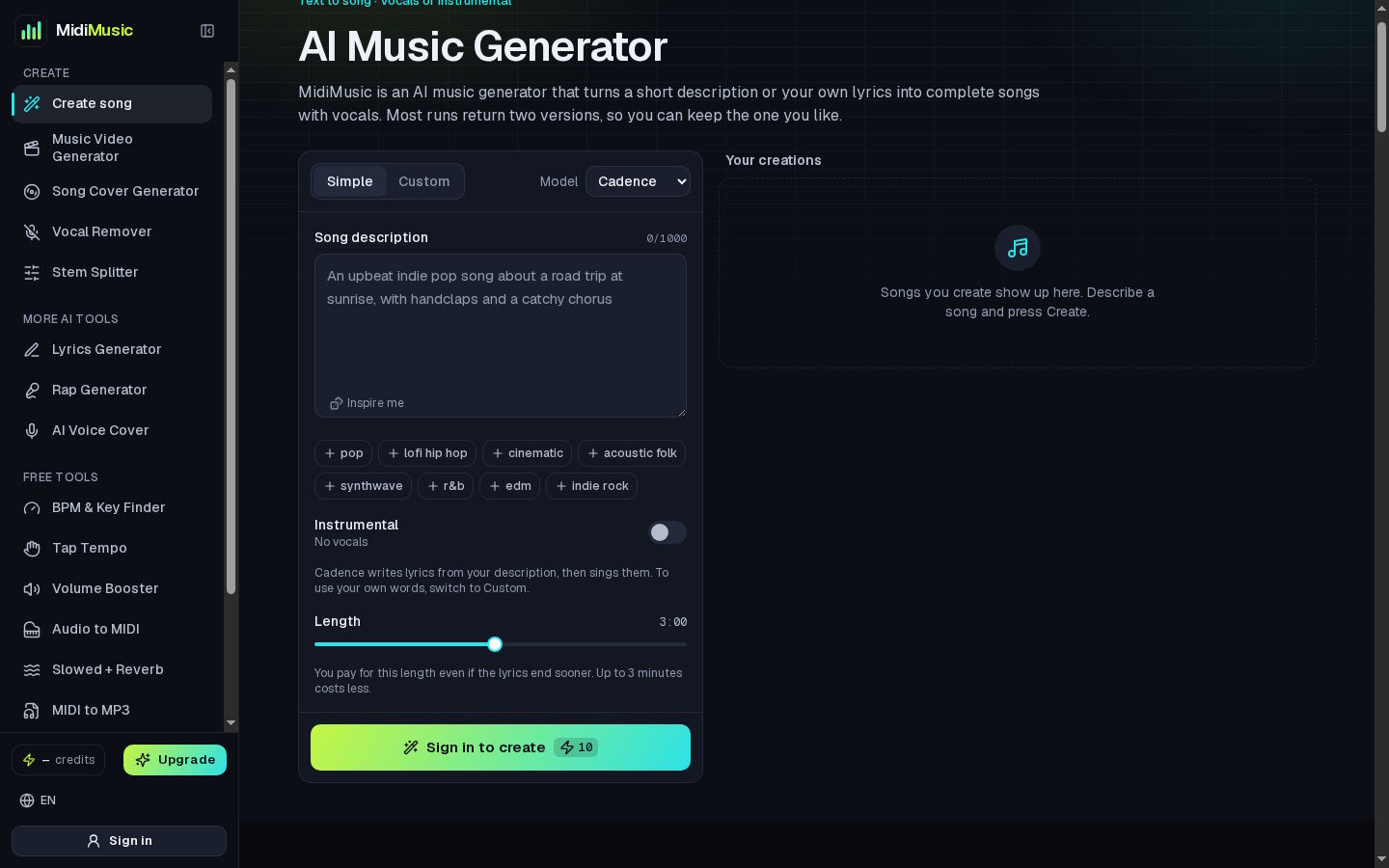
The workflow can begin with MidiMusic AI, a platform that generates songs from text descriptions or lyrics and offers an audio-to-MIDI converter. I’ll walk through how those two steps fit together, from choosing a useful section of audio to checking the converted notes in a DAW.
Can You Convert an AI-Generated Song Into MIDI?
Yes. You can take an AI-generated audio file and use an audio-to-MIDI converter to estimate its notes and timing. You can then open the MIDI file in a digital audio workstation, commonly called a DAW, and edit the notes.
The conversion is an interpretation of the recording, not a recovery of the original project. An audio file contains a recording of sounds, while MIDI stores musical instructions such as note pitches, timing, and duration. MIDI does not contain the original singer’s voice or the exact sound of the instruments.
This means that a converted melody may sound different when you open it in a DAW. The notes will play through whichever virtual instrument you choose.
|
File type |
What it contains |
Best used for |
|
Audio |
A recording of the sound |
Listening, sharing, and adding music to a video |
|
MIDI |
Musical note and timing information |
Editing melodies and trying different virtual instruments |
What You Need for This Workflow
You do not need a professional studio to get started. A practical setup includes:
- An AI-generated song or another audio file you have the right to use
- An audio-to-MIDI converter
- A DAW or another application that can open MIDI files
- Headphones or speakers for comparing the converted notes with the original audio
If the song contains several instruments and vocals at the same time, an audio separation tool may also help. Extracting a single part can make it easier to focus on the melody or instrument you want to convert.
The most useful question to ask before converting is: Which part of the song do I actually want to edit? A MIDI file containing one clear melody is often more manageable than a file based on an entire arrangement.
Generate a Song With a Clear Musical Direction
If you are starting from scratch, describe the type of song you want to create. A useful prompt gives the generator more than a genre. It can also include the mood, instruments, vocal style, and purpose of the track.
For example:
A relaxed indie-pop instrumental with a simple piano melody, soft drums, and a warm evening mood.
That prompt does not guarantee a particular result, but it gives the generator a clearer direction than “make a song.” If you already have lyrics, you can use them as the starting point and add a description of the sound you want.
For a conversion workflow, listen for a section where the musical idea is easy to hear. A simple piano line, bass part, or lead melody may be easier to work with than a dense chorus where several instruments overlap.
You do not have to convert the entire song. A short section that contains an interesting idea can be enough to start a new arrangement.
Choose the Part You Want to Convert
A finished song might contain vocals, drums, bass, chords, and decorative sounds. Converting everything at once can make it harder for software to distinguish individual notes.
Think about the part you want to keep:
- Main melody: Useful if you want to change the lead instrument or rewrite part of the tune.
- Bass line: Helpful when you want to build a new rhythm section around the same idea.
- Chord progression: A possible starting point for a new arrangement, although complex chords may require more correction.
- Vocal melody: Useful for studying or reworking the tune, but the MIDI will not preserve the voice itself.
If the original recording is busy, consider separating the relevant instrument or vocal from the rest of the mix before converting it. Separation tools can leave traces of other sounds, so listen to the extracted part before using it as your conversion source.
Convert the Audio to MIDI
Once you have chosen your audio, upload it to an audio-to-MIDI converter and run the conversion. After processing, download the MIDI file.
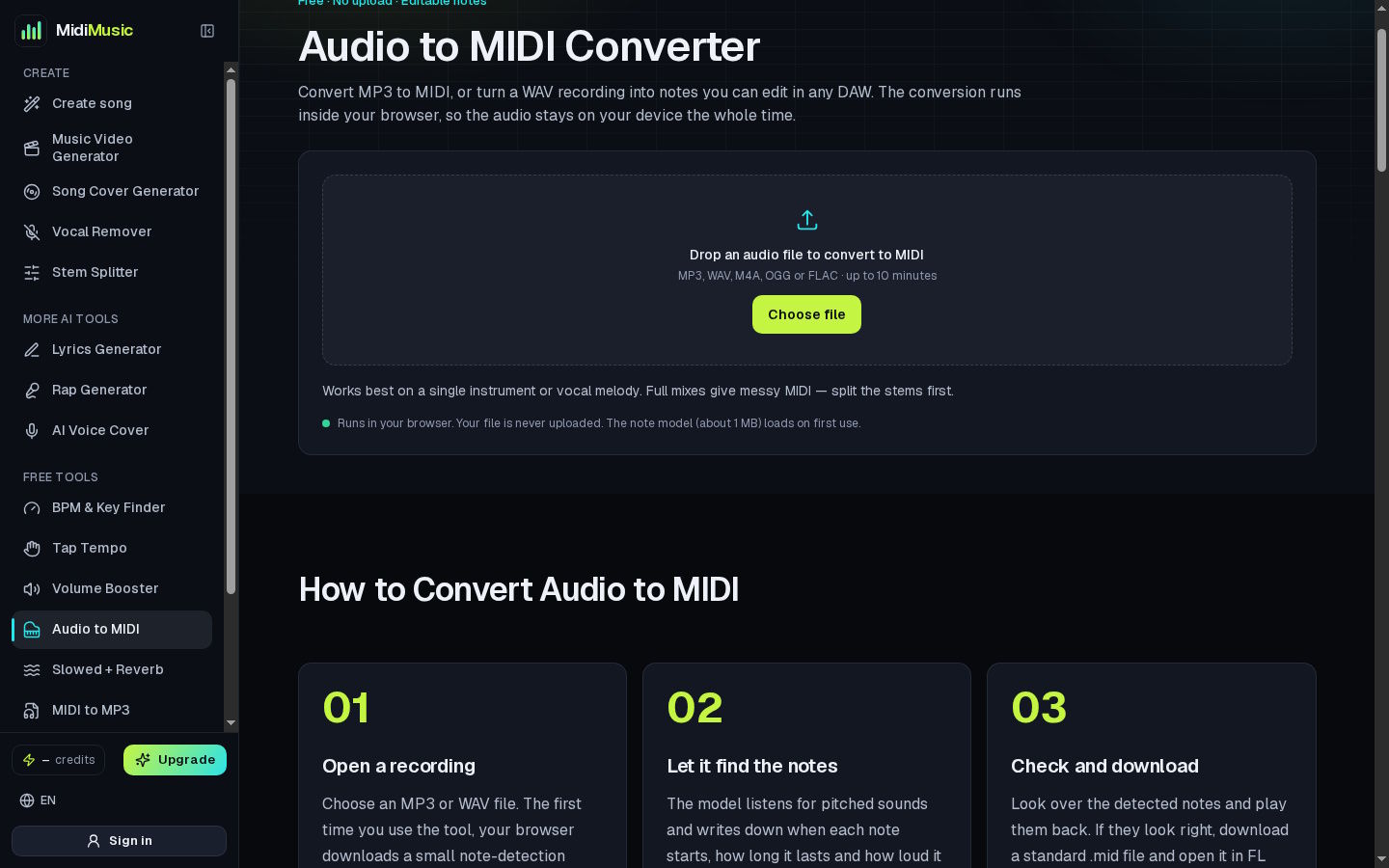
The converter estimates note events from the sound it receives. Depending on the recording, it may identify some notes incorrectly, miss quiet notes, or create extra ones. These issues can be especially noticeable when notes overlap, instruments have a lot of reverb, or a vocal performance slides between pitches.
Treat the output as a draft. It can save you from entering every note manually, but it may not be ready to use without editing.
A useful approach is to keep the original audio nearby. After opening the MIDI, you can compare it with the recording and correct the parts that sound off.
Open and Edit the MIDI in a DAW
Import the downloaded MIDI file into your DAW and assign it to a virtual instrument. A piano sound is often a convenient starting point because it makes note timing and pitch relatively easy to hear.
Play the MIDI alongside the original audio. Pay attention to:
- Notes that are missing or added
- Notes that start too early or too late
- Notes that last longer than they should
- Pitches that do not match the melody
- Sections where overlapping sounds created confusing results
You can move notes, change their lengths, delete unwanted ones, or add missing notes in the DAW’s MIDI editor. Once the basic melody sounds right, try a different instrument or adjust the arrangement.
This is where MIDI becomes useful: the same sequence of notes can be played by a piano, synthesizer, string sound, or another instrument without recording the melody again.
Common Audio-to-MIDI Problems
|
Problem |
Why it may happen |
What to try |
|
Too many notes appear |
The converter may interpret background sounds as notes |
Use a cleaner or separated audio track, then remove extra notes |
|
Notes are missing |
Quiet sounds or overlapping instruments may be difficult to detect |
Compare with the original audio and add notes manually |
|
The timing feels wrong |
The recording may contain loose timing or complex rhythms |
Adjust note positions in the DAW |
|
The MIDI sounds unlike the original |
MIDI does not contain the original instrument sounds |
Choose a suitable virtual instrument and edit its settings |
|
The vocal melody sounds uneven |
Singing can include pitch slides and expressive timing |
Simplify or edit the note sequence by hand |
A conversion does not need to be perfect to be useful. If it captures the outline of a melody you want to develop, that may be enough.
What Can You Do With the MIDI Afterward?
Once the notes are in your DAW, you can use them as material for further creative work. You might change the tempo, rewrite part of the melody, layer it with another instrument, or use it as a reference while recording your own performance.
You can also compare the converted notes with what you hear in the original track. That can be useful when studying an idea, though the MIDI should not be treated as an exact transcription without checking it.
Before publishing or distributing the result, review the usage terms that applied when the song was generated. If you uploaded someone else’s recording or lyrics at any stage, make sure you have the necessary permission for your intended use.
Frequently Asked Questions
Is an AI-generated song automatically a MIDI file?
No. A song generator can produce an audio recording, while MIDI stores musical note information. If the tool does not provide MIDI directly, you may need a separate audio-to-MIDI conversion step.
Will the MIDI file contain the original vocals?
No. MIDI can represent an estimated vocal melody as notes, but it does not contain the singer’s recorded voice.
Do I need a DAW to listen to MIDI?
You need an application or device that can play MIDI through an instrument sound. A DAW is useful when you want to edit the notes, but it is not the only way to play a MIDI file.
Can I convert a full song instead of a single instrument?
You can try, but a full mix can be harder to interpret because several sounds overlap. Working with a clearer section or a separated track may produce a more manageable result.
Will audio-to-MIDI conversion produce a perfect transcription?
Not necessarily. The result depends on the recording and the converter. Listen back and check the notes before using them in a finished arrangement.

