

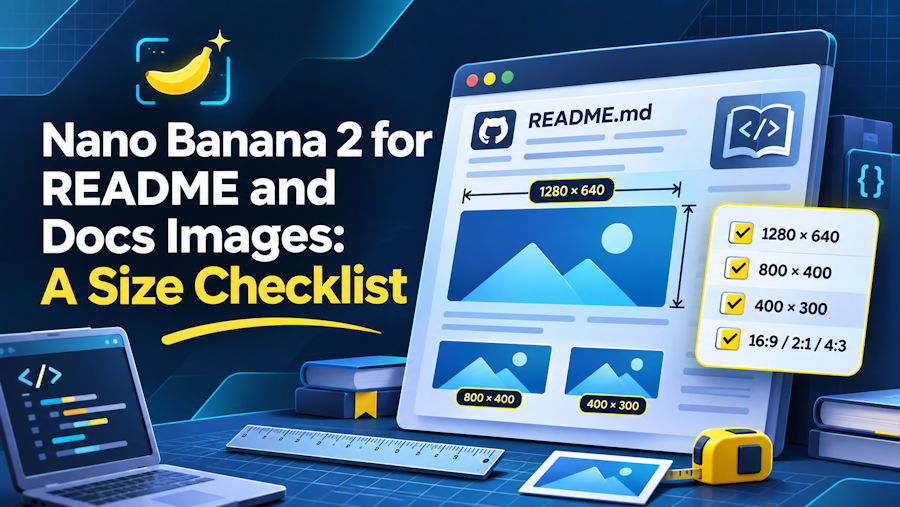
A GitHub social card, a README banner, and an empty-state spot look like one graphic task until export time. The social card requires a 2:1 rectangle under 1 MB. A README banner may stretch four times its height. An empty-state graphic must stay crisp at thumbnail width on dark mode. Nano Banana 2 can generate all three cleanly once slot dimensions and a style file are locked upfront.
Which repository visuals should you generate instead of scripting?
Generate decorative visuals such as social previews, docs headers, onboarding art, and empty states. Avoid generating anything readers inspect as technical truth. Product screenshots, benchmark plots, and architecture diagrams belong to live captures, real datasets, or diagram code that maintainers can diff in a pull request.
The practical dividing line is whether a visual mistake misleads a developer. A quirky paper plane on an empty inbox screen hurts nobody, whereas an AI-drawn dashboard showing a button that does not exist quickly turns into a bug report.
For interactive browser work, BananaNano hosts Nano Banana 2 (Google's Gemini 3.1 Flash Image model) alongside the original Nano Banana and Nano Banana Pro. BananaNano is an independent online studio unconnected to Google, suited to occasional repository illustrations rather than automated CI pipelines. Build-time assets generated from repo metadata require an API workflow instead.
Avoid in-image text too. In BananaNano's published background-swap test, Nano Banana 2 preserved a mug and its logo cleanly yet rendered garbled characters on the espresso machine behind it. Keep labels in Markdown or HTML, where teams can search, localize, and review diffs.
What pixel size and crop does each docs slot need?
Start from the layout slot, generate at the nearest native ratio, and run one scripted crop. Nano Banana 2 exposes fourteen fixed ratios plus Auto, none of which is 2:1, so GitHub social previews always need a crop. Native dimensions below follow Google's Gemini 3.1 Flash Image specification.
| Repository slot | Target spec | Native generation setting | Post-processing step |
|---|---|---|---|
| GitHub social preview | 1280 × 640, under 1 MB | 16:9 at 1K (1376 × 768) | Crop to 1376 × 688, scale down |
| README banner | Wide header strip | 4:1 at 1K (2048 × 512) | Compress, keep subject centered |
| Docs section header | 16:9 content width | 16:9 at 2K (2752 × 1536) | Export at 2× display width |
| Empty-state spot | Square icon/spot | 1:1 at 1K (1024 × 1024) | Scale down, verify both themes |
GitHub recommends 1280 × 640 PNG, JPG, or GIF previews under 1 MB. Notice 1K covers three rows; requesting 4K for a 240-pixel spot only bloats repository clones. Export photo-heavy previews as JPG to stay comfortably below 1 MB, reserve PNG for sharp line work, and script the crop once so every release card keeps uniform margins.
Browser workspace, Gemini API, or an illustrator: which fits your repo?
Pick the workflow by update frequency and whether your project needs editable vector masters. A browser workspace fits a small batch of quarterly docs graphics, an API suits programmatic changelog cards, and an illustrator remains the right investment for a permanent mascot or project logo.
- Browser workspace (BananaNano): Costs 4, 6, or 8 credits per Nano Banana 2 render at 1K, 2K, or 4K. Sign-up grants 10 credits (two 1K drafts); free downloads include a watermark in the corner, while any active paid plan exports clean files.
- Gemini API: Right for scripted generation, with one caveat: Google's docs now call Nano Banana 2 the previous generation and recommend Nano Banana 2.1 for new projects. Check model IDs before writing a client.
- Google Gemini app: Offers Nano Banana 2 free with a visible watermark.
- Illustrator: Slower to commission, yet delivers clean SVG source files you own outright.
How do you keep ten docs illustrations in one visual style?
Commit a short style file to git and paste it verbatim above every prompt. Consistency comes from fixed visual rules plus approved reference inputs (Nano Banana 2 supports up to 14 reference images), never from vague instructions like "match the last icon."
A working docs/art-style.md takes five concise rules:
- Stroke weight and corners, e.g. "2 px rounded outlines, flat fills."
- Four named hex colors plus one background specification.
- One locked perspective: front-on, isometric, or three-quarter.
- Minimum empty margin on every edge as a percentage.
- A strict exclusion list: text, logos, human hands, and mock UI.
Each individual prompt then stays short: prepend the style block, add one subject and one mood, such as "A closed mailbox on a small hill, calm, nothing else in the frame." Generate your two most different subjects first. Once a mailbox and a server rack look like siblings, the remaining eight spots are routine. Keep rejected files out of main, but log failed prompts inside docs/art-style.md so contributors skip dead ends.
What should fail pull-request review before merge?
Review generated art like any repository asset against a written pull request checklist. Most flaws appear immediately when a maintainer opens the file at actual display width on light and dark themes, then reloads the page with images disabled.
- The subject turns indistinct at rendered width.
- A bright box surrounds the graphic on dark mode; inspect the alpha channel rather than assuming PNG transparency.
- A purely decorative drawing carries descriptive alt text; W3C WAI's decision tree calls for an empty alt attribute there.
- Colors, stroke weight, or margins drift from docs/art-style.md.
- File weight exceeds the repo byte budget.
- Stray lettering, badges, or fake UI controls crept in.
What provenance should the commit record before your first PR?
Record enough metadata beside the images to reproduce or extend the series six months later: model name, prompt, reference filenames, ratio, resolution, date, and download plan. A short sources.md beside the assets ensures a future dark-mode variant never depends on one maintainer's browser history.
Log model provenance for compliance too. Google confirms every image from these Gemini models carries an invisible SynthID watermark that reviewers cannot spot visually, so noting generated assets in the commit message keeps repository rules transparent. Open your first pull request with just two files: docs/art-style.md and one empty-state drawing built from it. Settling style rules over a single asset is far cheaper than debating ten finished graphics.

