

Editing photos usually requires software and a good device. Not everyone can afford a subscription and meet the device specifications. Today, you can edit your photos using useful tools like those in Adobe Photoshop directly in your browser.
PhotoStar is one such tool that is almost a completely free alternative to Adobe Photoshop. But is PhotoStar good enough for photo editing, and can it replace Photoshop for simple tasks? To find the answer, read our complete review that covers features, uses, and limits of PhotoStar.io.
PhotoStar - Free Photoshop Alternative
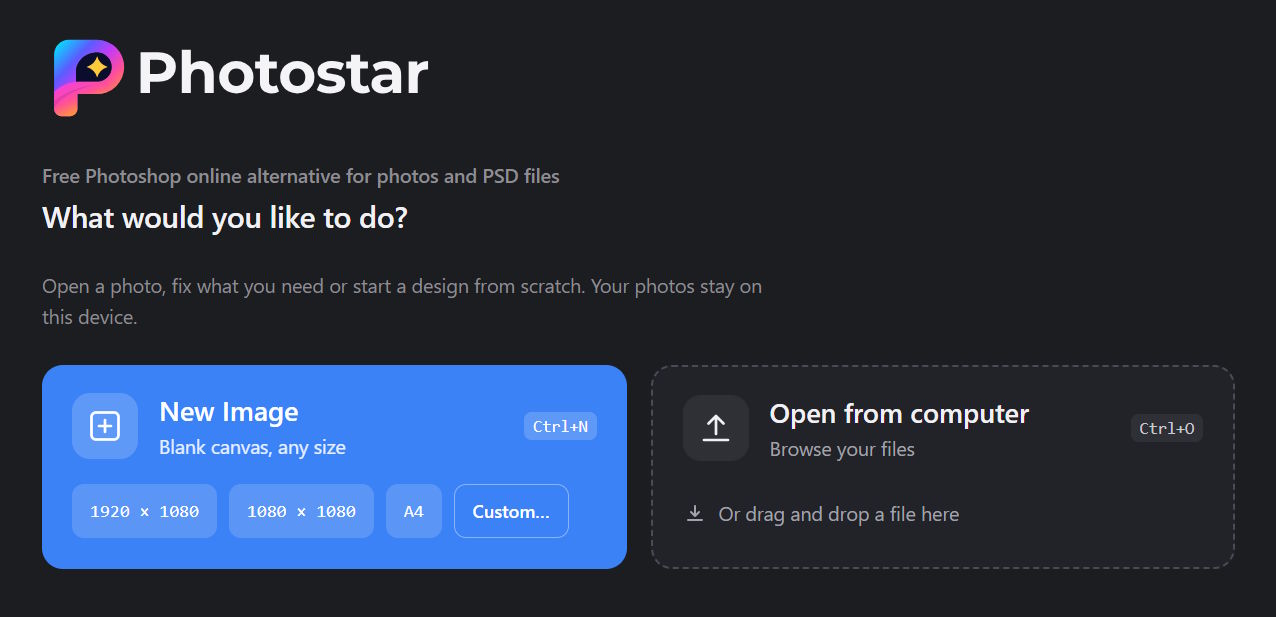
PhotoStar is a free online photo editor and is an alternative to Adobe Photoshop. You can open and use the tool in any modern browser like Chrome, Firefox, and Edge. You can edit photos inside this online photo editor without creating an account or paying a monthly fee.
You can find both basic and advanced editing tools on PhotoStar.
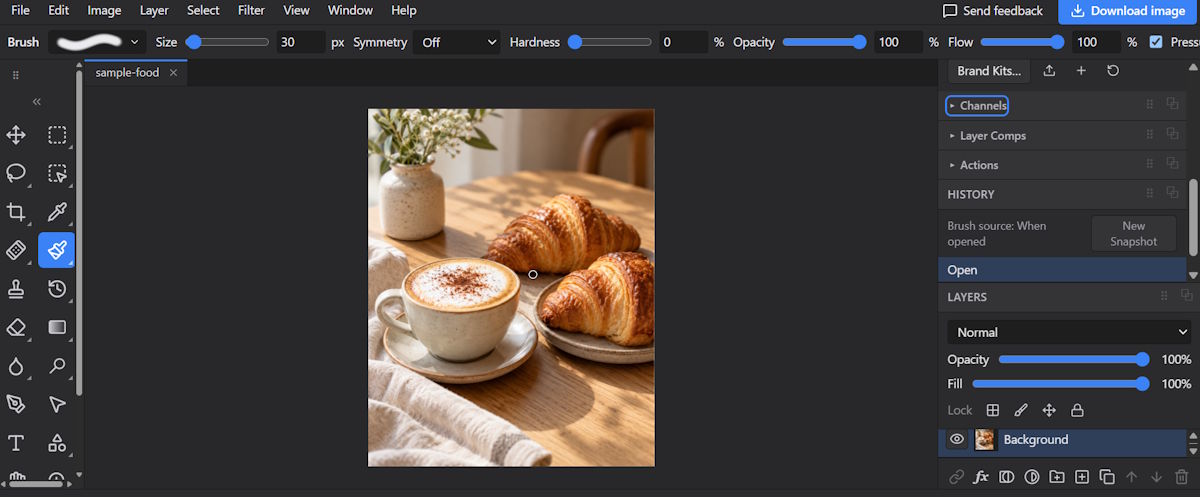
You can use the tools in PhotoStar for all photo editing tasks. Common tasks it is used for include:
- Image cropping
- Background removal
- PSD layers working
PhotoStar Features: What Can You Do With It?
From basic to advanced editing tasks, PhotoStar offers various features. The following are some of the most useful features on the platform.
Basic Photo Editing
PhotoStar offers all the basic tools you need for daily photo edits. You can crop and resize images. You can also rotate them or change their brightness and colours.
It also has tools for levels and curves. These help you make more changes to the look of your photos.
Background and Object Removal
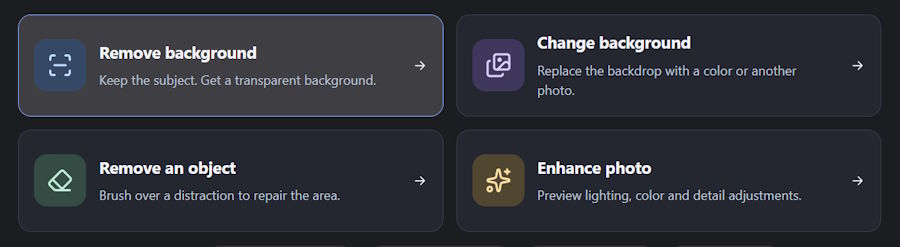
Need to remove a photo background? PhotoStar has an automatic tool for this task. It can separate the main subject from the background and make it transparent.
You can also use its Erase and Restore tools to fix parts that the AI may miss.
PhotoStar can also help remove unwanted objects. You can use the Remove tool to erase things like wires or signs. It also offers a Spot Healing Brush and Clone Stamp for small fixes.
Layers and Advanced Editing
PhotoStar supports layers, groups, and masks. These tools help you edit parts of an image without changing the whole photo.
For example, you can add text on a new layer and keep the main photo on another. You can also hide or show layers as needed.
This gives you more control over your edits. However, beginners may need some time to learn how these tools work.
PSD and Other File Support
PhotoStar can open and edit supported PSD files. You can view their layers and work with text and other elements.
It also supports many other file types. These include PNG, JPEG, WebP, TIFF, HEIC, SVG, and some RAW formats.
However, it does not support every Photoshop feature. Some fonts and effects may look different when you open a PSD file.
AI Editing Tools
PhotoStar also has several AI tools. You can use them to remove backgrounds and select subjects. It also offers AI upscaling and object removal.
Some AI tools work on your device. Others use cloud processing. For example, Generative Fill needs an internet connection to work.
This is an important point if you care about photo privacy.
Why is PhotoStar the Best Photoshop Alternative?
PhotoStar runs in your web browser. You do not need to install anything to get started. Besides that, the tool is fully free to use with no limits. You can use it for light and heavy photo editing tasks without registration.
Another thing that makes PhotoStar the best Photoshop alternative is the ease of use and security. Its layout may look familiar to people who have used Photoshop or similar editors, making it easy to use. Plus, the tool does not store your photos on any of its servers. All the editing happens inside your browser. So, upload, edit, and download your photos. Nothing is stored or shared.
Is PhotoStar Worth Trying? Final Verdict
PhotoStar is worth trying if you need a free online photo editor. It offers useful tools for basic edits and more advanced tasks. You can also open PSD files and use AI tools without paying for a subscription. So, if you are looking for a Photoshop alternative, you can get your task completed with PhotoStar.

