

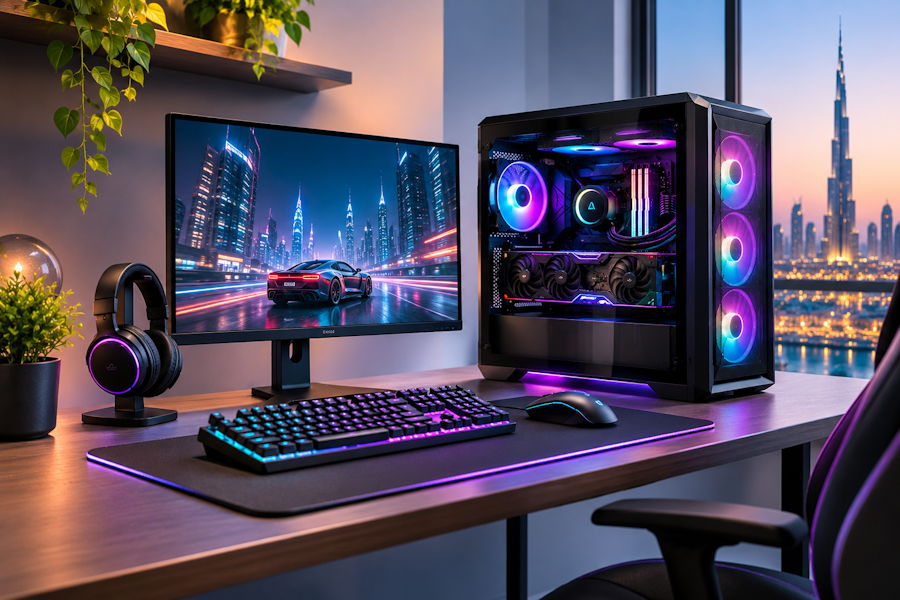
Building a gaming PC gets expensive quickly when every component is chosen separately. A slightly faster processor looks tempting, then a higher-tier graphics card appears, followed by faster memory, a larger SSD, and a cooling setup that was never part of the original budget.
A better custom build starts with the games you play, the monitor you use, and the amount you actually want to spend. Once those things are clear, choosing the hardware becomes much easier.
Start With the Experience You Want
Before comparing processors or graphics cards, decide what the PC needs to deliver.
A system built mainly for competitive games at 1080p has different requirements from one designed around 1440p or 4K gaming. Refresh rate matters too. Someone using a 240Hz display may care more about consistently high frame rates, while another player may prefer stronger visual quality at a higher resolution.
Having a clear target helps prevent unnecessary spending.
Keep the CPU and GPU Balanced
For most gaming builds, the graphics card deserves a large part of the budget because it directly affects gaming performance. That does not mean the processor can be ignored.
The CPU needs enough performance to support the graphics card and the games you play. Spending heavily on a flagship processor while using a much weaker GPU often does not give the best gaming value.
When comparing parts through a PC builder, it makes sense to select the processor and graphics card first, then choose the motherboard, RAM, storage, and cooling around them.
This keeps the most important performance decisions at the centre of the build.
Do Not Chase Every Specification
More cores, higher RAM speeds, and faster SSD benchmarks all sound useful, but bigger numbers do not always translate into a noticeably better gaming experience.
With RAM, capacity usually matters more than extreme speeds. Having enough memory for the game, Windows, and background applications is more useful than paying heavily for a small frequency increase.
Storage works the same way. A good NVMe SSD is ideal for a modern PC, but enough capacity is often more valuable than chasing the fastest benchmark available.
Choose the Motherboard for What You Need
A motherboard should support the processor, memory, and storage you have selected. Beyond that, look at practical features.
The right gaming CPU should support the graphics card without taking an unnecessary share of the budget.
Check the number of M.2 slots, USB ports, networking options, and expansion slots. If Wi-Fi is required, make sure the board includes it or supports an easy upgrade.
There is little benefit in paying extra for motherboard features you are unlikely to use.
Cooling Should Match the Hardware
A custom gaming PC does not automatically need a large liquid cooler.
Many gaming processors can run comfortably with a good air cooler. Higher-power CPUs may benefit from stronger cooling, but the cooler should be selected according to the processor rather than appearance alone.
Case airflow matters just as much. Cool air needs a clear path into the case and hot air needs somewhere to leave.
Do Not Cheap Out on the Power Supply
The power supply is not an exciting component, but it supports everything else inside the PC.
Choose a reliable unit with enough capacity for the current graphics card and processor. A little headroom can also make future upgrades easier.
Buying an unnecessarily large PSU is not useful, but choosing the cheapest unit that barely meets the requirement can become a problem later.
Leave Room for Realistic Upgrades
Instead of trying to make the PC “future-proof,” focus on practical flexibility.
Extra M.2 slots, enough case clearance for a larger graphics card, and a capable power supply can make later upgrades easier without increasing the budget too much.
You do not need to pay today for performance you may never use.
Final Thoughts
A good custom gaming PC is not the one with the longest specification list. It is the one where every component makes sense together.
Set the gaming resolution and performance target first. Balance the CPU and GPU, choose enough RAM and storage, and make sure the cooling and power supply fit the hardware.
That approach keeps the budget under control while still giving you a system that performs well for the way you actually use it.
Primary Keyword: pc builder
Secondary Keywords: pc builder uae, pc build uae, custom gaming pc
Target URL: https://www.anigma.com/products/build-from-scratch
Anchor: PC builder

