
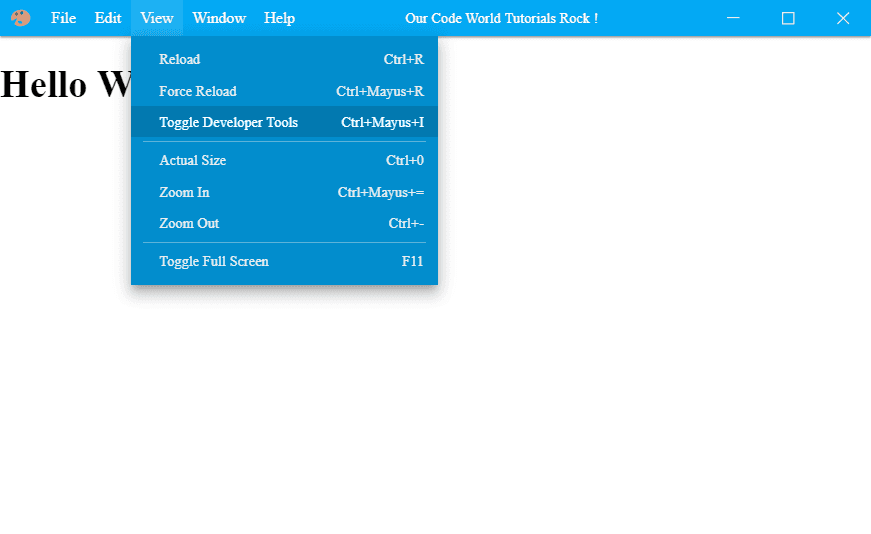
How to create a custom titlebar (inspired on Visual Studio Code title bar) in Electron Framework
Learn how to create a custom title bar (like the one implemented in Visual Studio Code) in your Electron Framework application.

2026 © Copyright Corvix All Rights Reserved
Electron is an awesome framework to create hybrid app por desktop (Mac , Windows and Linux)
Learn how to create a custom title bar (like the one implemented in Visual Studio Code) in your Electron Framework application.

Learn how to create a traditional MSI installer of Windows for your electron framework application.
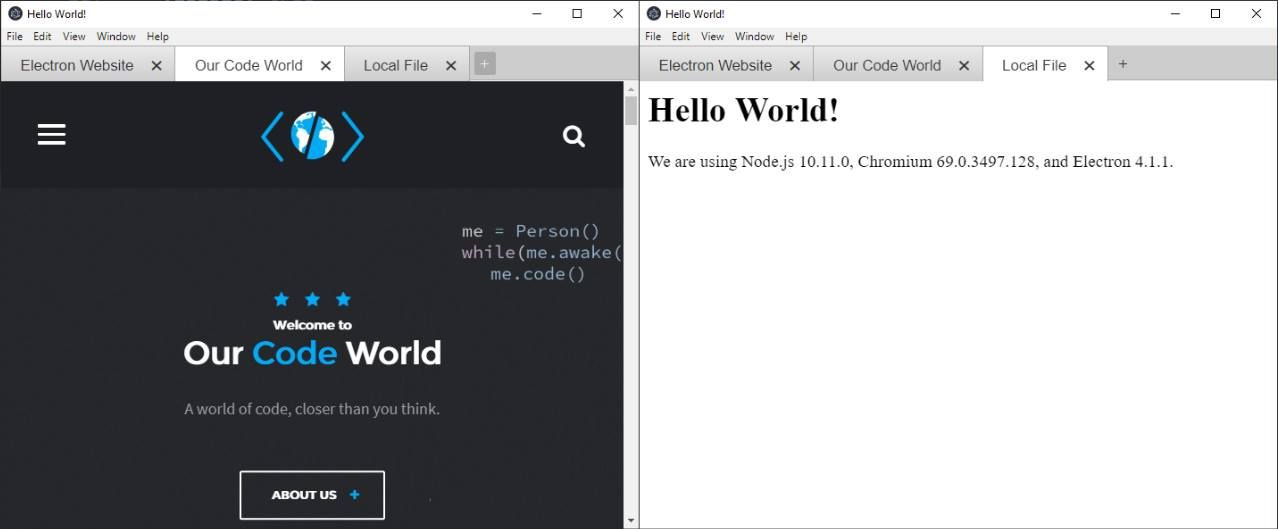
Learn how to implement browser tabs in your electron framework application using the electron-tabs module.
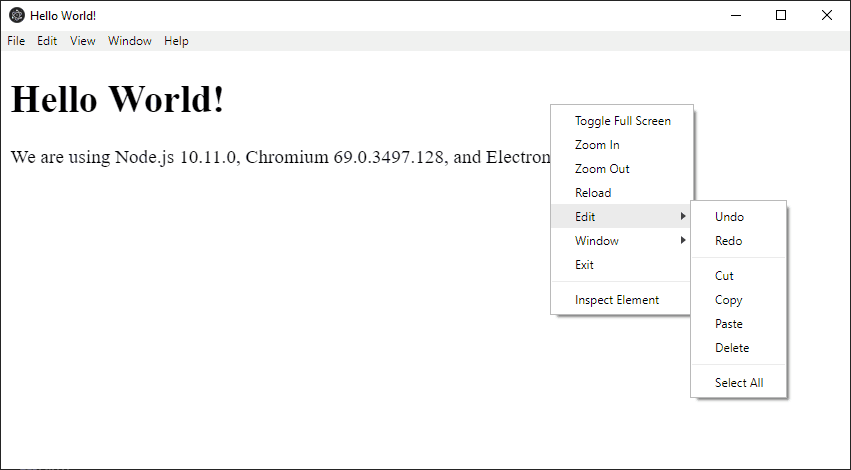
Learn how to implement and customize a native context menu in Electron Framework.
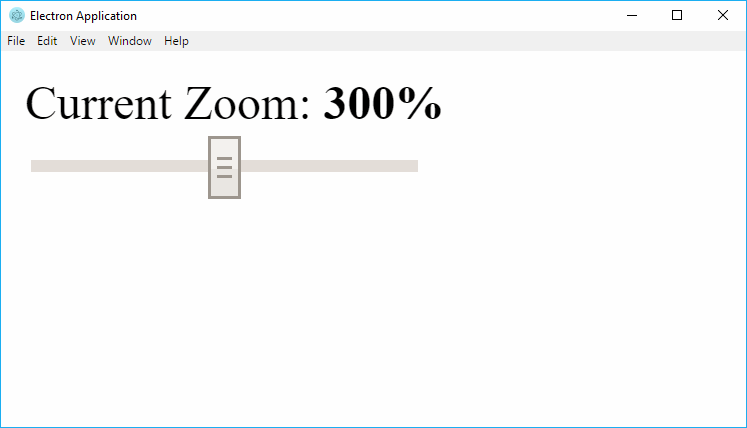
Learn how to change the zoom level of a window in Electron Framework.
Learn how to disable the suspension mode of the OS within your Electron Application.
Learn how to share information and communicate between windows in Electron.
Learn how to execute a function of the main process inside the view (renderer process) within Electron.
Learn how to check with JavaScript if your code is being executed inside Electron or the browser.

Learn how to reload your electron project automatically when you make a change without rebuild electron.


