


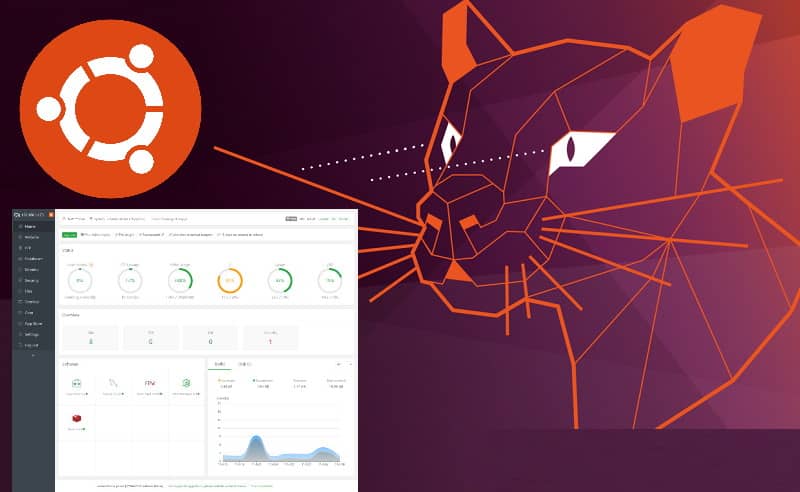
Aapanel is a very powerful and useful alternative of a web server control panel such as Plesk, cPanel and Webmin. It was developed by the team at bt.cn. It supports more than 100 server management functions such as a single click installation of a LAMP environment, monitoring, FTP access with ProFTPD. It offers a very simple and friendly interactive experience and can be installed within minutes if you have access to your server via SSH. Unlike the terminal, this mature software features a file manager and GUI for most of the essentials features of Linux services.
In this short article, I will explain to you how to install Aapanel in your Ubuntu 20.04 server within minutes.
Installation
The installation process is quite simple. The only thing you need to do is to download the installation script from the aapanel official website using wget or curl:
wget http://www.aapanel.com/script/install-ubuntu_6.0_en.shOnce the script has been downloaded, you can simply run it with the following command:
sudo bash install-ubuntu_6.0_en.shThe installation will automatically start and will ask for confirmation:
+----------------------------------------------------------------------
| aaPanel 6.x FOR CentOS/Ubuntu/Debian
+----------------------------------------------------------------------
| Copyright © 2015-2099 BT-SOFT(http://www.aapanel.com) All rights reserved.
+----------------------------------------------------------------------
| The WebPanel URL will be http://SERVER_IP:7800 when installed.
+----------------------------------------------------------------------

Do you want to install aaPanel to the /www directory now?(y/n): y
This process will take a awhile as it will install a lot of stuff that is needed to run aapanel without problems, such as Python among others system required extensions. Once the installation finishes, you will obtain your credentials to login as well as the generate admin URL:
==================================================================
Congratulations! Installed successfully!
==================================================================
aaPanel Internet Address: https://your-server-ip:7800/14xx2719
aaPanel Internal Address: https://your-server-ip:7800/145xxx19
username: xxxxxxxxx
password: xxxxxxxx
Warning:
If you cannot access the panel,
release the following port (7800|888|80|443|20|21) in the security group
==================================================================
Time consumed: 2 Minute!
How to uninstall aapanel
If after the installation, you decide that aapanel is not for you, don't worry! the desinstallation is so straightforward as the installation, just stop the service, delete it and remove the files of the panel with the following command:
service bt stop && chkconfig --del bt && rm -f /etc/init.d/bt && rm -rf /www/server/panelHappy coding ❤️!

